Why this matters
Book tracker vs reading tracker: the small distinction worth knowing
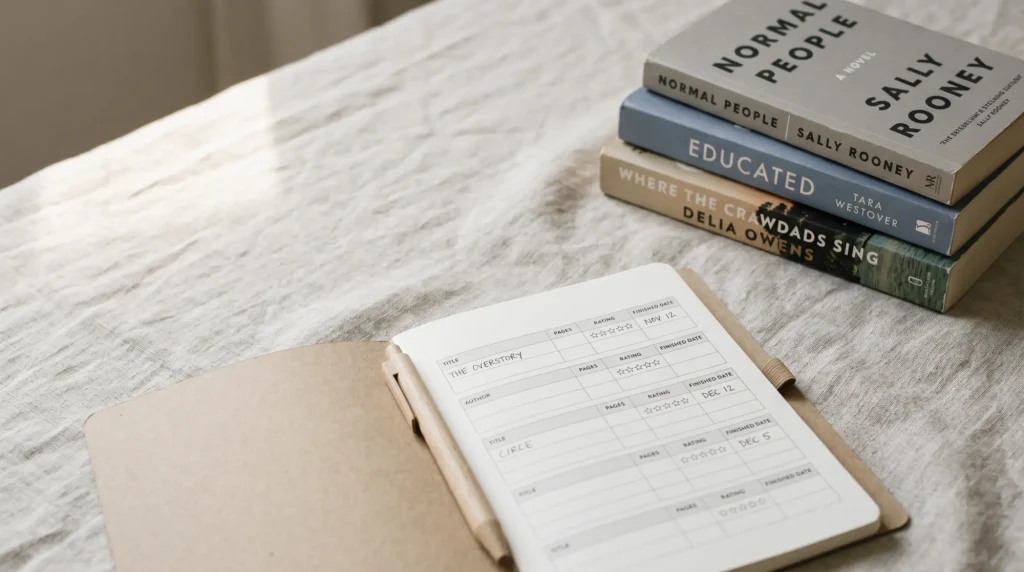
“Book tracker spreadsheet” and “reading tracker spreadsheet” are mostly synonyms; the SERP for both shows the same set of files. But there is one subtle difference in how the makers frame them. A book tracker treats each row as a record of a book (the object): title, author, format, source, where it lives on your shelf, lent-to status. A reading tracker treats each row as a record of the act of reading (the verb): started, finished, rating, notes. The first leans toward inventory; the second leans toward journal. If you have 600 books on a wall of shelves and want to know what you own, you want a book tracker. If you want to know what you finished this year, you want a reading tracker. For most readers, the answer is both, and a single sheet with seven columns covers both jobs.
The longer version of this discussion lives in our reading tracker spreadsheet pillar, which compares the same field of free Google Sheets in more depth. This piece is the book-tracker entry: leaner, with picks sorted for the “I want to track the books I own and have read” use case, not just the reading history.
The free sheet
The free Templacity book tracker spreadsheet (copy it)
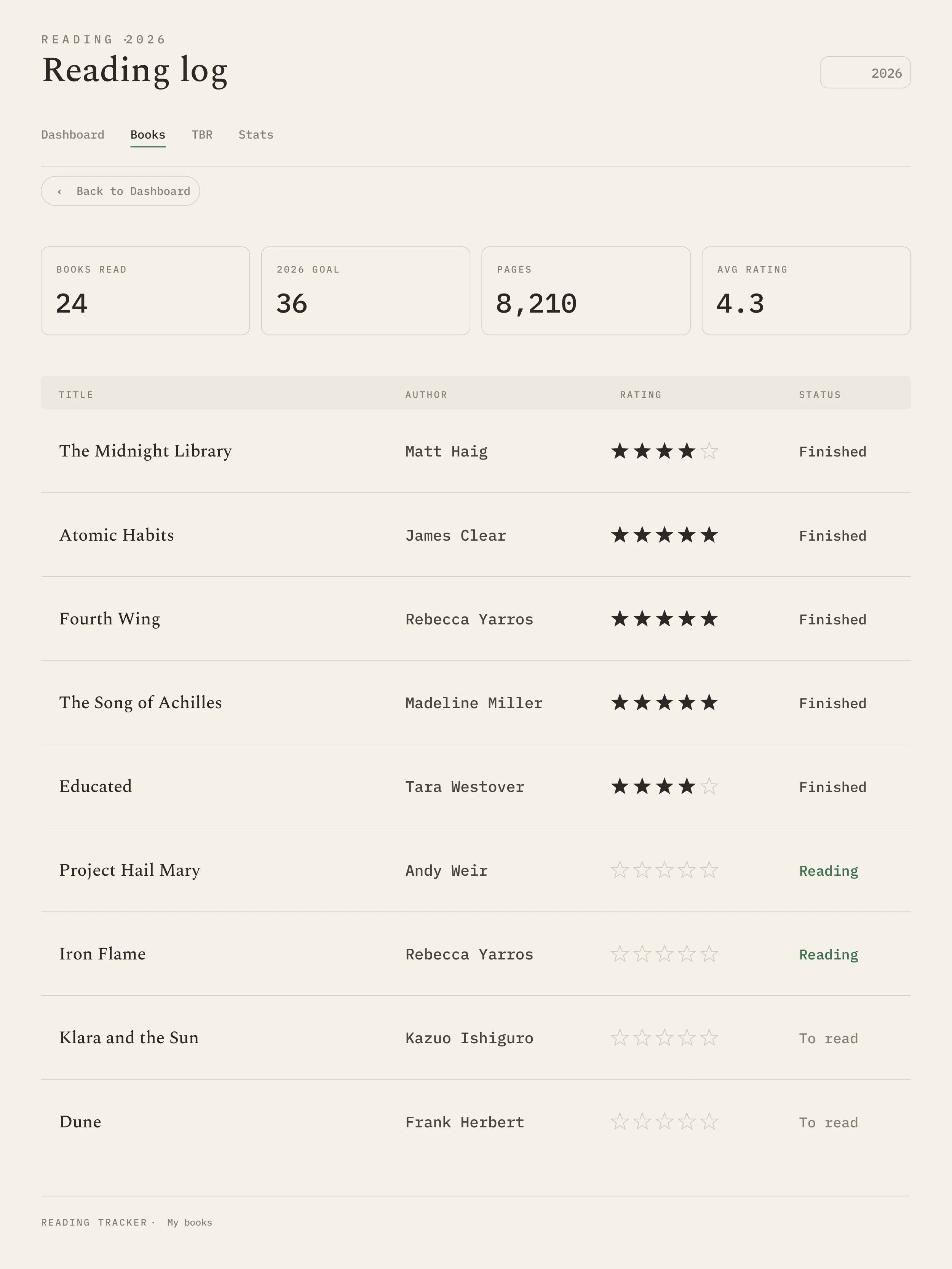
If you came here for a book tracking spreadsheet or a book spreadsheet template to copy, not a comparison, here it is. Copy the Templacity book tracker to your own Google Drive and start adding rows. It logs title, author, genre, format, status, start and finish dates, pages, a 1 to 5 rating with an auto star column, where the book came from, and notes, plus a dashboard tab with a yearly goal, a progress bar, and at-a-glance stats. A separate To Read tab holds the books you own or want but have not started, with a priority and where you heard about each one, so the TBR pile and the reading log live in one file. There is no year-tagged file to re-copy every January, the single thing that splits most free trackers’ history, Elaine Howlin’s included.
What happens on 1 January 2027. Nothing you have to do. The dashboard’s “Showing year” cell reads the year from today’s date, so the goal bar, books finished, pages read and the month-by-month chart all start counting 2027 on their own. Your 2026 rows stay in the same My Books tab, and the all-time totals keep adding them in. To look back at last year, type 2026 into the Showing year cell; to change your target, edit the reading goal cell beside it (it starts at 24). Year-tagged trackers work the other way: Elaine Howlin’s 2027 files are new copies titled “2027 Reading and Books Tracker”, with each earlier year kept as a separate archived file, so a multi-year view means opening several files.
The paid Templacity Reading Tracker is not this file in a nicer palette. It adds an Underlined page for every book, a whole page for the lines you marked, linked from the log by title; a DNF tab that records what you stopped and why; and a year-in-pages view that fills itself from the log. Three designs, same fields underneath. The free copy above stays free either way.
The picks
Five book tracker spreadsheets worth copying for 2027
Each of these is free and Google-Sheets-first. We rated them on three things relevant to book tracking specifically: whether the template handles “owned but not yet read”, whether it handles a multi-year history, and whether the dashboard view works on a phone (because half of book-shelf cataloguing happens standing in front of the shelf with your phone).
| Tracker | Owned shelf | Multi-year | Phone view | Fields |
|---|---|---|---|---|
| Templacity Free Book Tracker | Yes, “status” column plus a To Read tab | Yes, single workbook | Phone-friendly | 12 |
| SpreadsheetPoint Book Tracker | Partial, via filter | Yes, year tab | Workable | 7 |
| Elaine Howlin 2027 | No, reading-focused | No, a new file each year | Cramped | Three versions |
| InfoInspired Book Log | No | Yes | Phone-friendly | 5 |
| Free Excel Book Inventory (Microsoft template) | Yes | Yes | Excel mobile is rough | 9 |
If you want a book tracker that doubles as a shelf inventory, the Templacity free copy and the Microsoft Excel template are the two we’d recommend. Our free copy includes a “status” column (To Read, Reading, Finished, DNF) so you can filter your owned-but-unread shelf without splitting the workbook. The Excel template is older but still solid for Office users; the trade-off is the mobile experience, which is worse than Google Sheets across the board.
If you want the reading-focused option (dates, ratings, finished count) and don’t care about cataloguing what you own, Elaine Howlin and SpreadsheetPoint are both fine; the trade-off is Elaine’s new-file-every-year approach (her 2027 set comes in Basic, New and Improved, and a Bookopoly reading-challenge edition) vs SpreadsheetPoint’s drier visuals. InfoInspired is the simplest possible: five fields, no dashboard, holds across years. Pick by what you want the tracker to do; the answer is rarely “all of it”.
The missing column
The “source” column most book trackers miss
Most trackers leave the source column out (Elaine Howlin’s 2027 log is the exception, with a Source column); ours ships it as “Where from” on the reading log and “Where I heard about it” on the To Read tab, and it’s the field you’ll read most when picking what’s next. The use of the source column is to record who recommended the book, or where you saw it, at the time you added it. By June you’ll have forgotten which podcast guest mentioned the title, which Substack list it came from, or which sister put it in your hands. The five-second cost of writing “Tom, podcast Mar 24” is the difference between knowing how the book got onto your list and not.
Add the source column as a seventh field, between “notes” and the end. Keep it free-form text; don’t try to structure it. The point of the column is to be readable when you’re scanning the list, not to be queryable. The dashboards can ignore it. When you’re picking what to read next, you’ll filter by priority and then read the source column to decide. After six months of tracking, the source column quietly becomes the most useful field in the sheet.
Reader-type fit
Which book tracker fits which reader
The five trackers split cleanly by reader type, which is more useful than ranking them. For the inventory-first reader (you have a wall of books, you want to know what you own), the Templacity free copy or the Microsoft Excel template are the two real options. For the analytical reader (you want charts on books per month, rating distribution, genre split), SpreadsheetPoint or our reading-tracker-spreadsheet pillar’s free copy. For the aesthetic-first reader (the tracker should look pretty in a Pinterest pin), Elaine Howlin. For the minimalist (you want a list of titles and dates and nothing else), InfoInspired.
If you’d rather skip a spreadsheet entirely and use an app, Goodreads (“Want to Read”, “Currently Reading”, and “Read” shelves cover the same shapes as a book tracker) and StoryGraph (cleaner UI, same shapes) are both free. The trade-off is the data lives in the app’s cloud; export is harder than in a Sheet. For most readers who already use one of those apps, doubling up with a spreadsheet is overhead. For readers who want both an app for the social layer and a spreadsheet for the data layer, two trackers can coexist with a monthly reconciliation. Goodreads, StoryGraph.
The source column quietly becomes the most useful field in the sheet. You’ll read it more often than the rating, more often than the notes.The missing column
Tablets
If you mostly read on a tablet
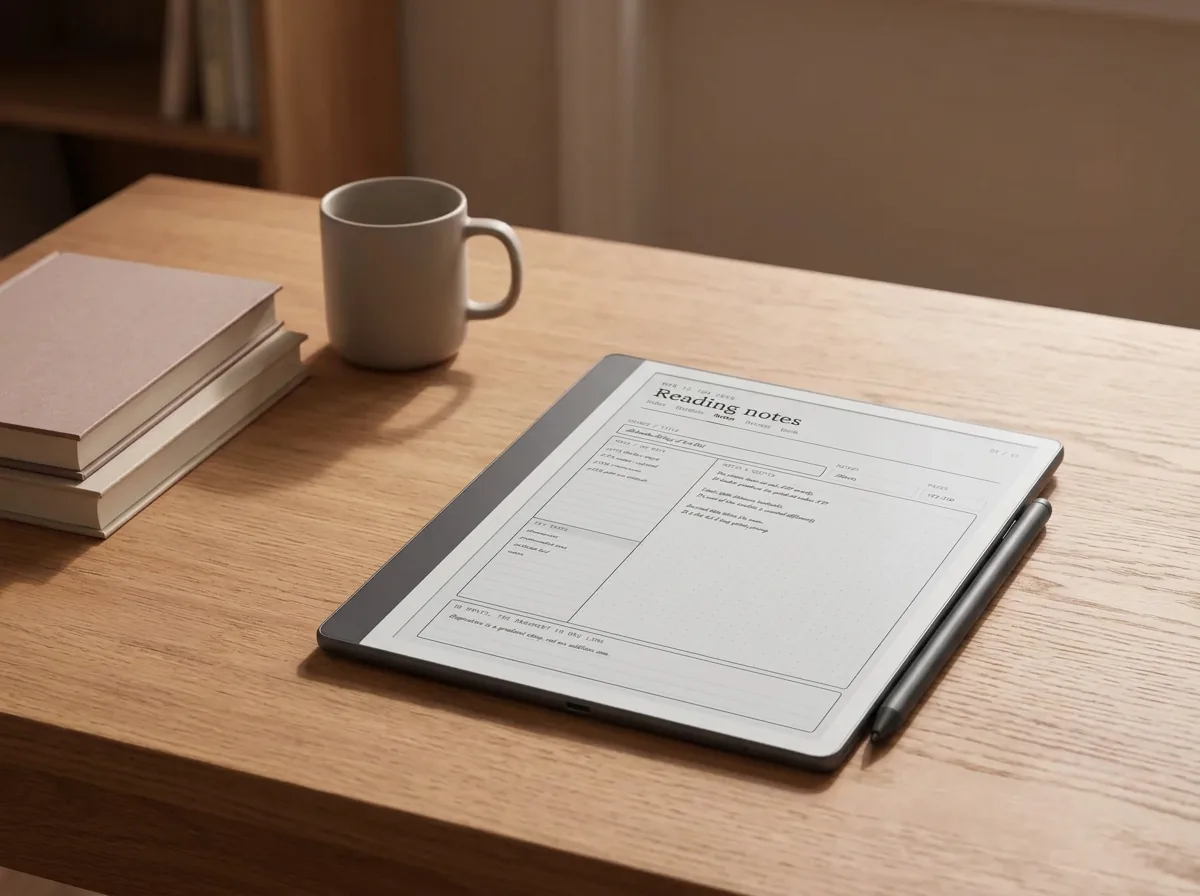
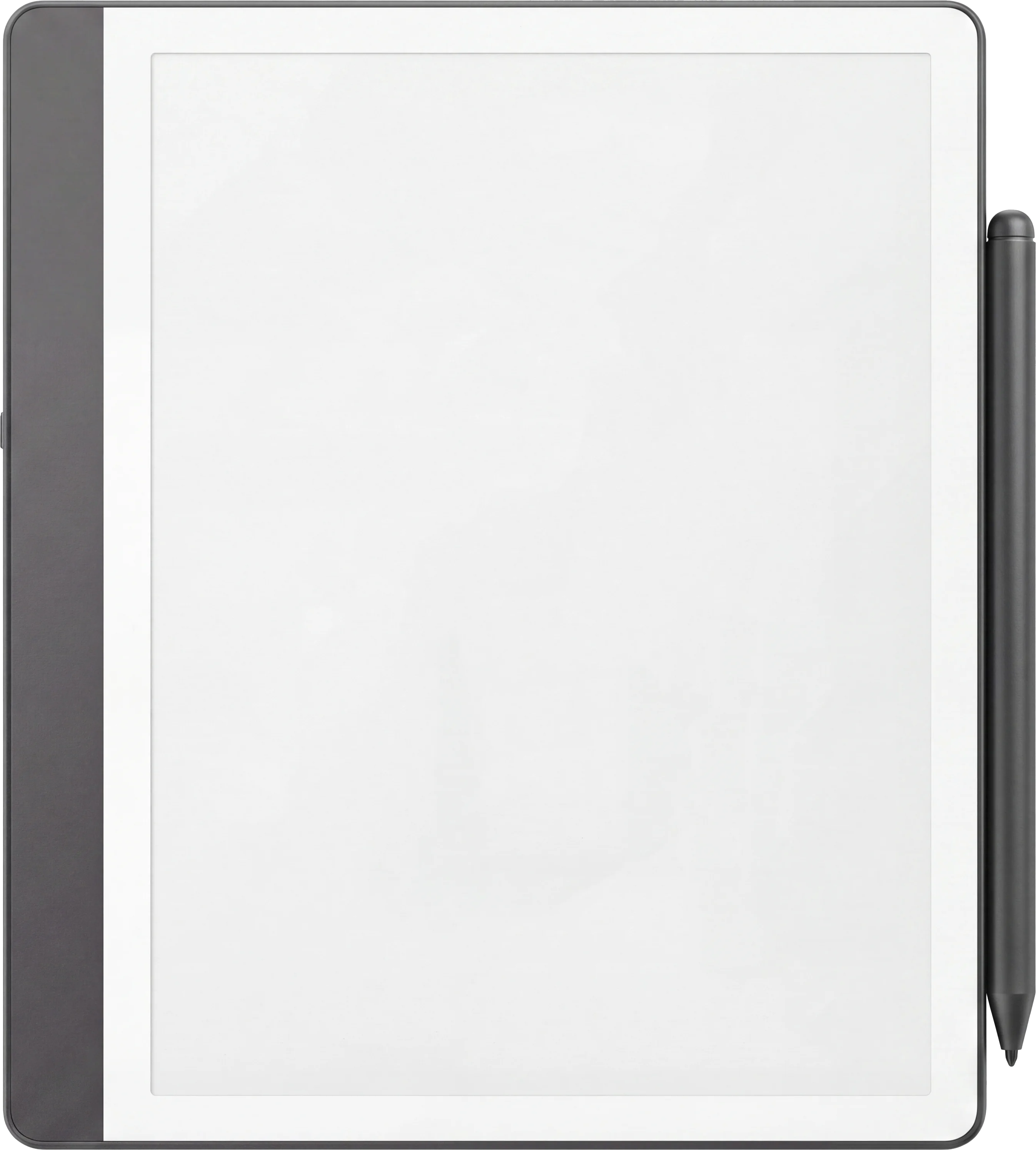
If most of your reading happens on a Kindle Scribe, reMarkable, or Boox tablet, a spreadsheet is the wrong format. The friction of switching to a phone or laptop to log a book you just finished on a tablet is what kills tracker habits. A digital-tablet reading tracker that lives on the same device solves this. Our best Kindle Scribe templates and best reMarkable templates pieces cover the catalogue for each device, including reading-tracker layouts.
FAQ
Common questions, answered briefly
What is a book tracker spreadsheet?
Is there a free book tracker spreadsheet?
How is a book tracker different from a reading tracker?
What columns should a book tracker have?
Can a book tracker spreadsheet work for ebooks and audiobooks?
Do I need a new book tracker for 2027?
Is there a free book tracker Excel template?
Where can I get a free book spreadsheet template?
If yours isn’t above, drop the question in the comments and we’ll add it.
People also ask