№ · Reading Tracker
A reading log that doesn’t ruin reading.
A page per book: the cover fetches itself, then a progress bar, a star rating and the quote you’d read out loud. Three designs to choose from; none of them turn books into a to-do list.
- i. Type a title and the cover arrives on its own
- ii. A favourite quote and a few lines of review, in your own words
- iii. Filter the shelf by genre, by progress, by rating
- iv. Permanent link in your account, no subscription
№ 01 · Why this exists
Most reading trackers turn books into a to-do list.
Pages-per-day, books-per-month, streaks. The thing those metrics measure isn’t reading, it’s compliance. And compliance with a goal you set on January 1st when you weren’t paying attention.
This is built for the other reader. The one who underlines, dog-ears, comes back to a book three years later for one paragraph. The fields are what you’d write down anyway: no goal you’re racing, no streak you’re protecting. Just the books you read, the covers going up on the shelf, and the lines that stayed.
№ 02 · What’s inside
What’s actually in it.
Same screens in every design; only the palette and the chrome differ.
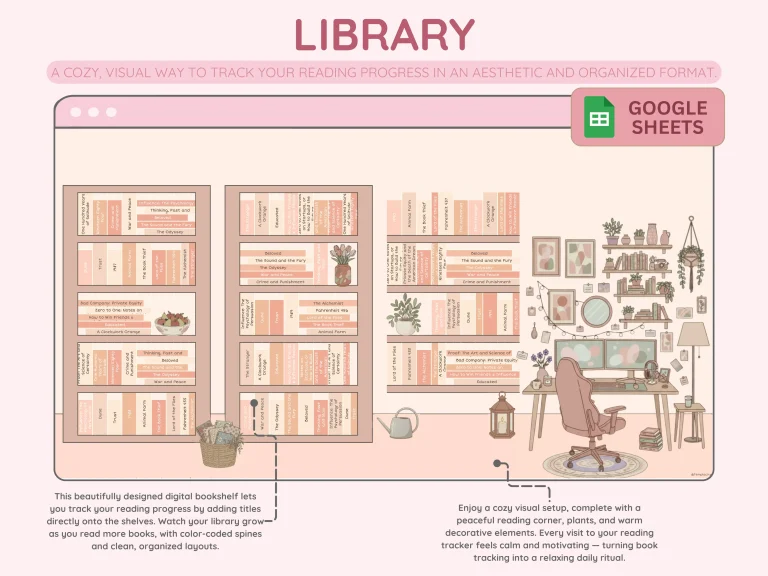
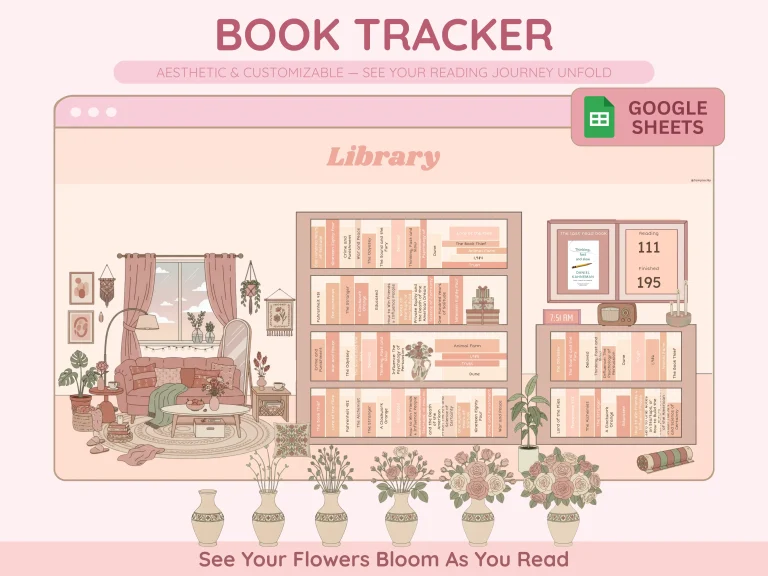
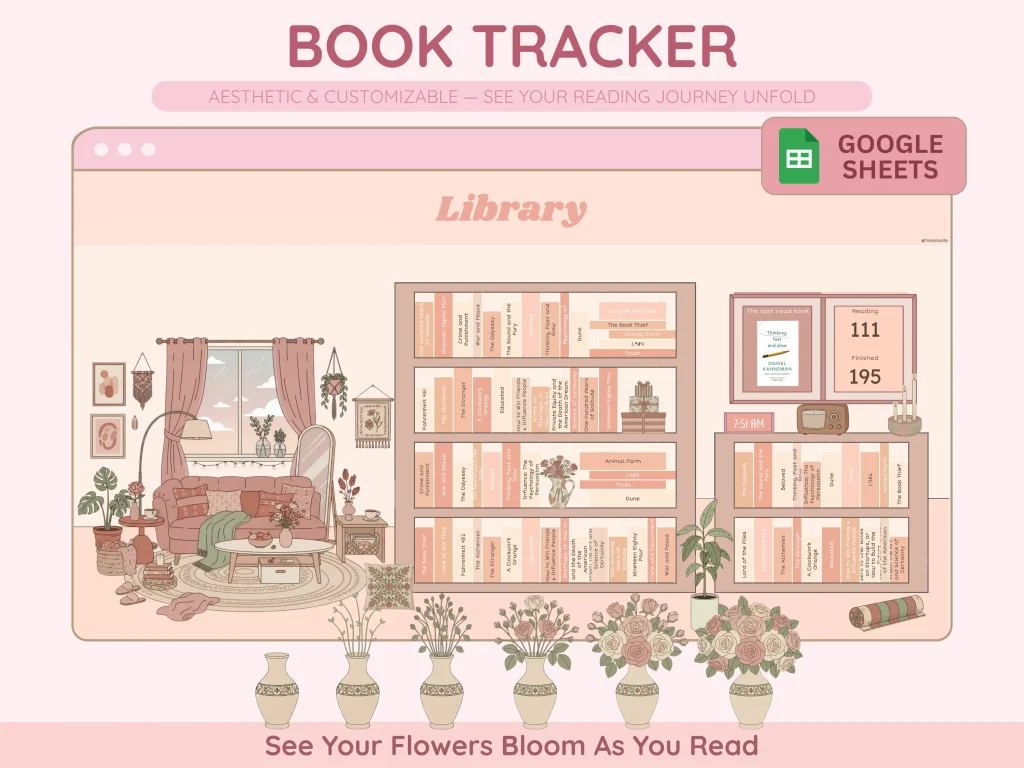
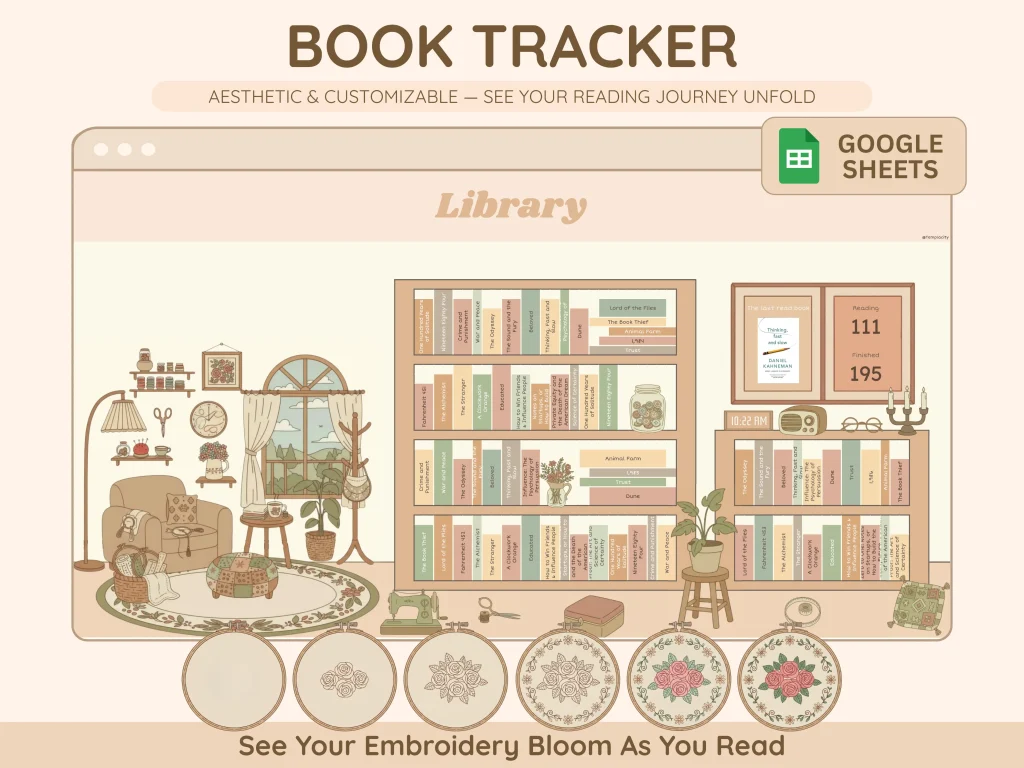
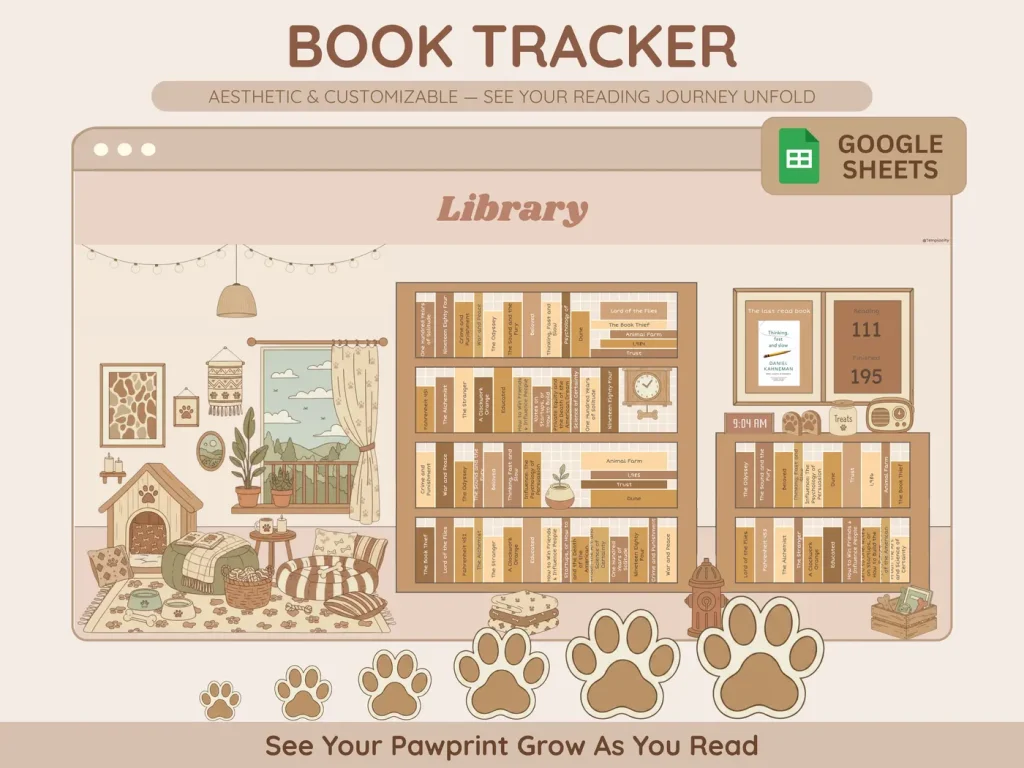
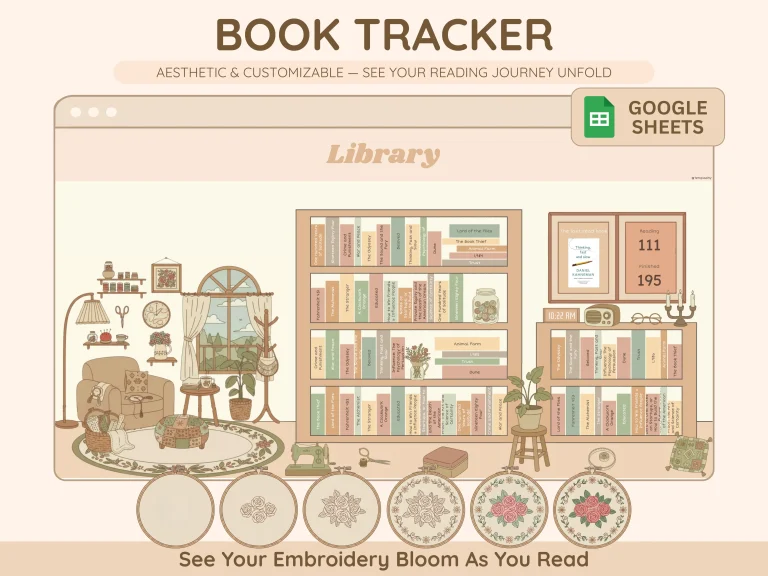
A drawn shelf. Spines go up as you add titles, colour-coded, beside a reading corner you'll want to open.
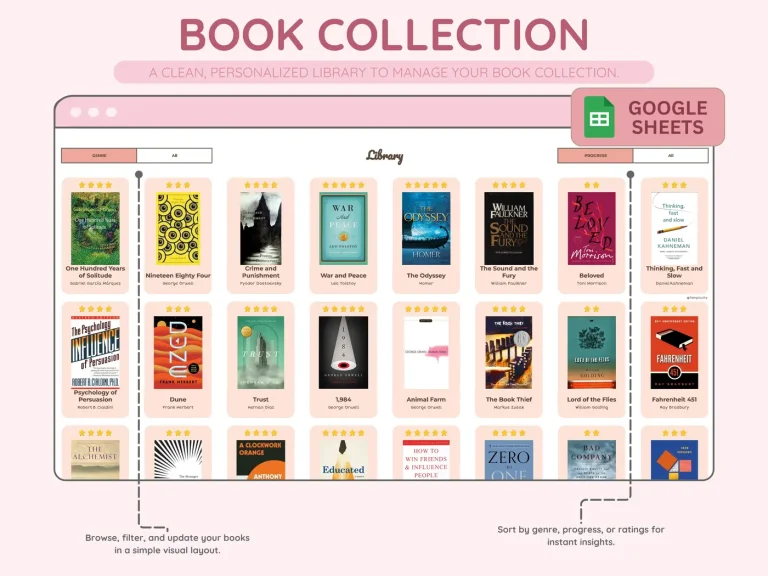
Every book as its own artwork. Filter the wall by genre, by progress, by rating.
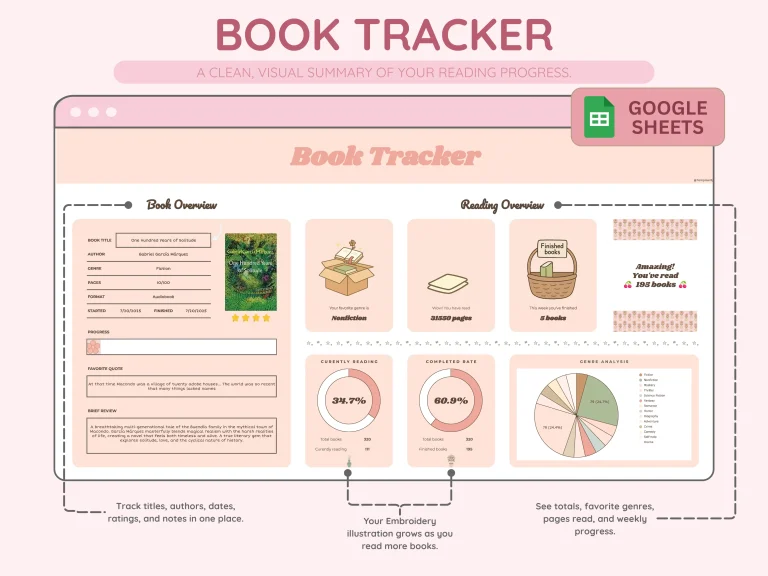
Cover, progress bar, star rating, the quote you'd read out loud, a few lines of review.
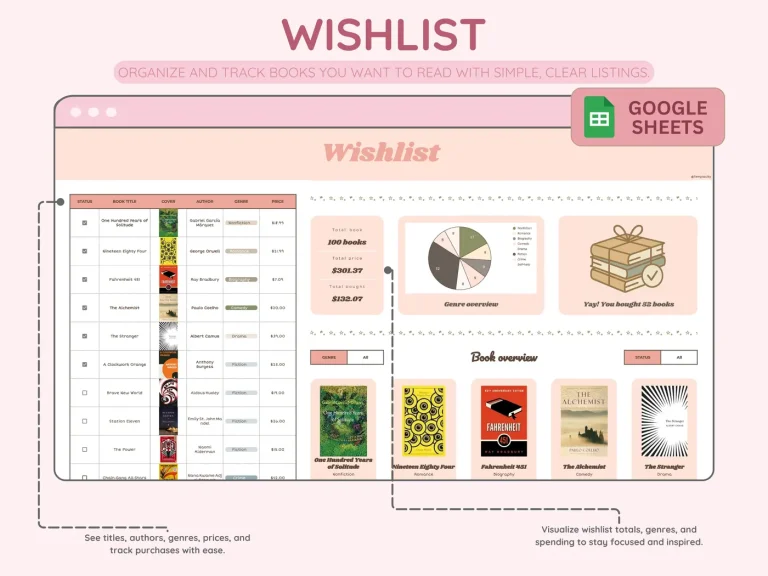
Titles, authors, genres and prices, a tick per book, and a running total of what it would cost.
The illustration is the progress bar. It grows as the books do, and nothing else asks you for a number.
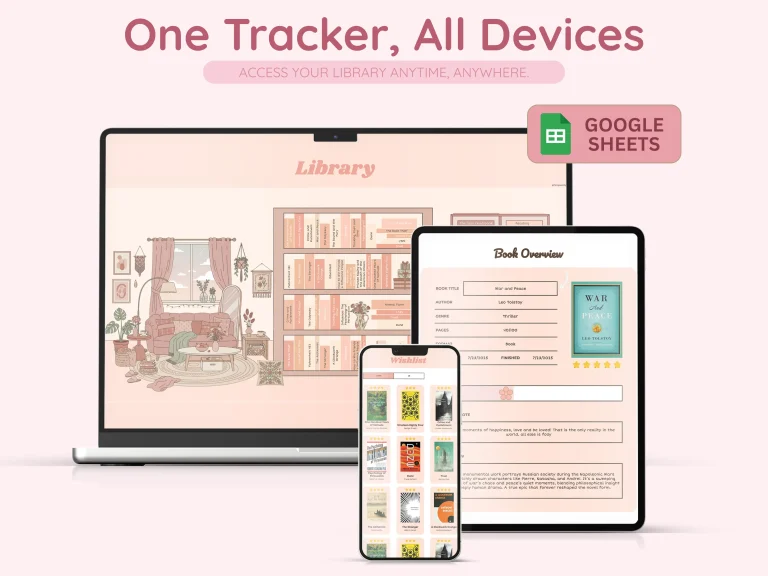
It is a Google Sheet, so the same library opens on the laptop, the tablet and the phone.
№ 03 · The screen you’ll live in
A page per book, and the numbers underneath it.
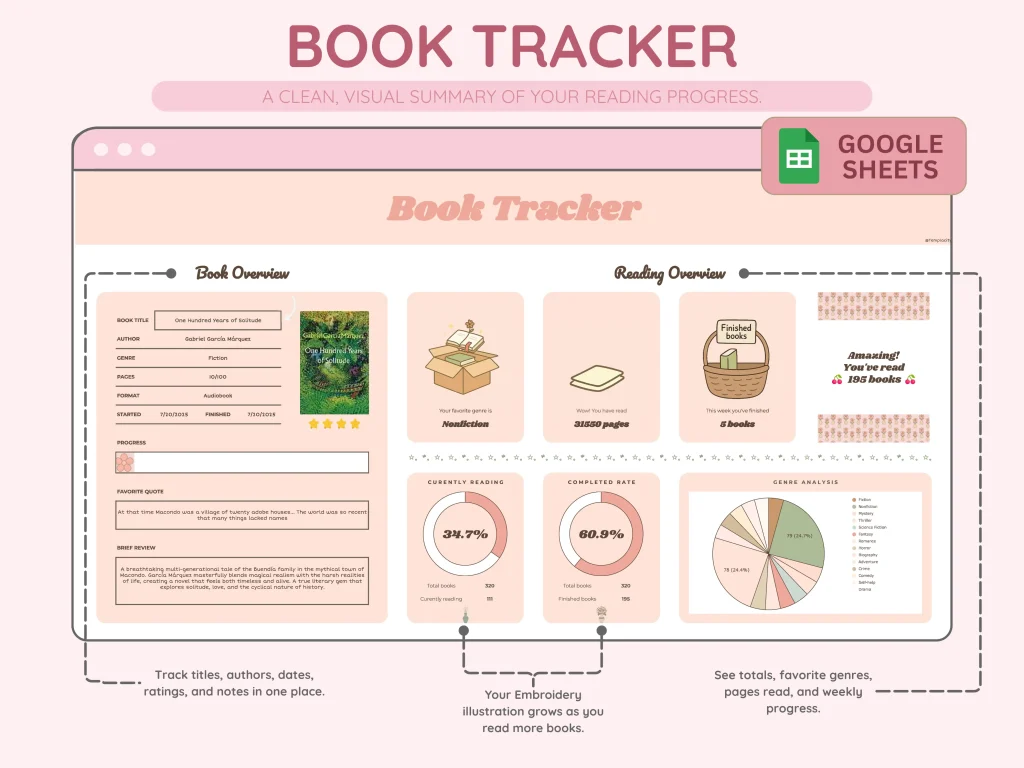
Most spreadsheets give you a 200-character notes field: fine for a star rating, useless for a real thought. This one gives you the page. Title, author, genre, pages, format, started and finished, a progress bar and a star rating, then the quote you’d read out loud and a few lines of review. Underneath it the reading overview does the counting for you.
- i. The cover fetches itself. Type the title, the artwork arrives.
- ii. A progress bar and a star rating on the same page as the review.
- iii. Favourite genre, total pages and books finished this week, counted for you.
- iv. A currently-reading dial, a completed-rate dial and a genre pie.
№ 04 · Choose your design
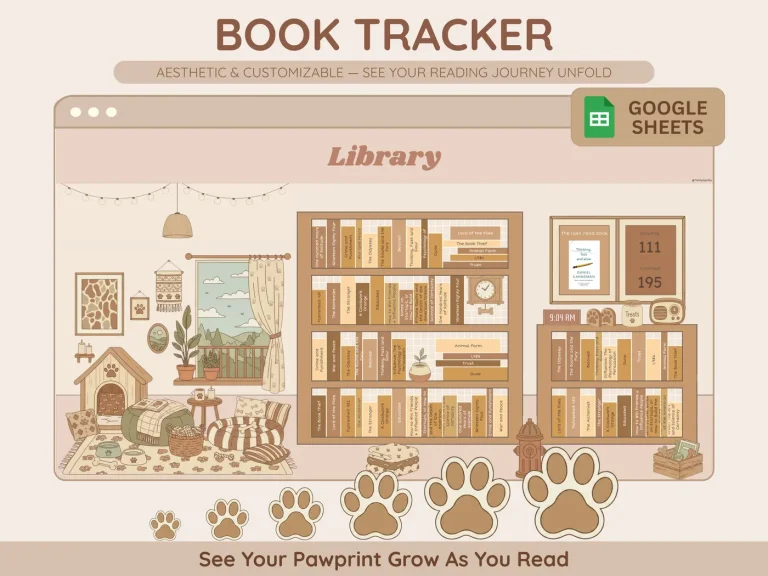
Three aesthetics. Same fields underneath.
Pick the one that matches the desk you’ll keep it on. The screens are identical across all three; the palette and the illustrations are what change.
№ 05 · How it lands in your sheet
Three steps, less than a minute.
i.
Download.
A PDF, instantly. The permanent link stays in your account.
ii.
Tap the link inside it.
Google Sheets opens and offers you your own copy. It lands in your Drive under your account, not ours.
iii.
Log your first book.
Type the title. The cover arrives, and the shelf, the totals and the charts fill themselves in.
We built this for readers who’d rather close an app than feed one. A shelf, a page per book, and one field that asks what the book left behind, so reading stays a thing you do and not a thing you report.
№ 99 · Questions
Things you’ll want to know.
Does it sync with Goodreads or StoryGraph?
No, by design. The fields here are for the reader, not the platform: there’s no profile to grow, no friend graph, no rating that gets averaged with strangers’.
Google Sheets only, or also Excel?
Google Sheets only. What you download is a PDF with the link inside it, and one tap makes your own copy in your Drive. There is no Excel edition, and we would rather say that than sell you a file that half works.
Do I need spreadsheet skills to use it?
No. The formulas are pre-built. You type a title, and the cover, the totals and the charts fill themselves in.
What if I don’t finish books?
Then it sits at whatever progress you left it. The bar stops where you stopped, nothing turns red, and there is no streak to break.
Can I switch designs later?
The three designs come together in the one purchase, so switching is opening the other link. Entries copy across in a minute; the screens are identical.
№ · Last word
Get the tracker.
$19 once. One file. Three designs. Reading log doesn’t have to feel like homework.
$19
Add to cart
№ · Reviews
Be the first to say something.
Nobody has written about this one yet. If it is on your device, yours is the first thing the next person reads.
Instant download.
Your file is in your account the moment you check out, yours to re-download any time. A receipt lands in your inbox, too.
One-time purchase.
No subscription, no annual renewal, no upgrade nags. Pay once and the file is yours.
Quiet, secure checkout.
Stripe. Apple Pay. No spam, no “partners,” no reselling your details. Receipt, file, done.


