What to look for
What to look for in a book tracker app
Before picking a book tracker app, it helps to know which job you actually want it to do, because the apps are built around different ones and most people only need one or two. The four that matter are logging (capturing what you read in a few taps), stats (charts of pace, genre, and totals), community (reviews, friends, and recommendations), and reflection (notes and journaling per book). Goodreads leans on community, The StoryGraph leans on stats, and the journaling apps lean on reflection; almost none do all four well. The second question is quieter but matters more over time: whose data is it? Most book tracker apps keep your reading history on their servers, tied to an account, and a few are owned by companies whose interests are not only yours. If that gives you pause, the honest answer is that you do not strictly need an app at all, which is where this guide ends.
Compared
The best book tracker apps, compared
Here is the short version before the detail. Each of these does one thing notably better than the others, so match the row to what you want rather than chasing the highest-rated name.
| App | Best for | Cost |
|---|---|---|
| Goodreads | The biggest community, reviews, and a default everyone already uses | Free |
| The StoryGraph | Stats, mood and pace tracking, and a non-Amazon home | Free, optional paid tier |
| Fable | Book clubs, curated lists, and a social feed | Free, optional paid plan |
| Bookly | Tracking reading time and sessions with a timer | Free, paid plan for full features |
| Hardcover | A newer, indie alternative with recommendations | Free, optional paid tier |
| A spreadsheet | Owning your data, no service to join, totals itself | Free or one-off |
Goodreads
Goodreads: the default, for better and worse
Goodreads is the book tracker app most people mean when they say the words, and its size is the whole pitch. Nearly every book is already in the database, your friends are probably on it, and the reviews run deep enough that you can usually find an honest take on anything. For logging what you read and seeing what others thought, it is hard to beat on coverage alone. The downsides are equally well known: it is owned by Amazon, the interface has aged, the stats are thin, and the recommendations rarely surprise you. If you want a default that everyone else uses and you do not mind the ecosystem it sits in, Goodreads is the safe pick. If either the data ownership or the dated feel bothers you, read on.
The StoryGraph
The StoryGraph: best for stats and mood
The StoryGraph is the app most often recommended as the Goodreads alternative, and for good reason. It is independent rather than Amazon-owned, and it is built around the data side of reading: detailed charts, mood and pace tags, page and genre breakdowns, and reading challenges that actually track. If you are the kind of reader who likes to see a year of reading turned into graphs, it does that better than anything else here, and it imports your Goodreads history so the switch is painless. The trade-offs are a smaller community than Goodreads and a learning curve to the tagging if you want the stats to be accurate. For most readers who want numbers and a home outside the Amazon ecosystem, it is the strongest book tracker app on this list.
There is no single best book tracker app; the right one depends on whether you want community, stats, or to simply own your reading data.On choosing one
The rest
Fable, Bookly, Hardcover, and the rest
Beyond the big two, a handful of apps suit narrower tastes. Fable leans social and curated, with book clubs and themed lists, and suits readers who want the conversation as much as the log. Bookly is built around a reading timer, tracking how long and how often you read rather than just what, which is a fit for people working on a reading habit and the minutes behind it. Hardcover is a newer, indie option that puts recommendations and a cleaner feed front and centre, and is worth a look if you want something fresher than Goodreads without StoryGraph’s stats focus. Older catalogues like LibraryThing still exist for the dedicated cataloguer who wants depth over polish. None of these will be the right first pick for most readers, but each is the right pick for someone, and they are all free to try before you commit.
The no-app route
The no-app alternative: a spreadsheet you own
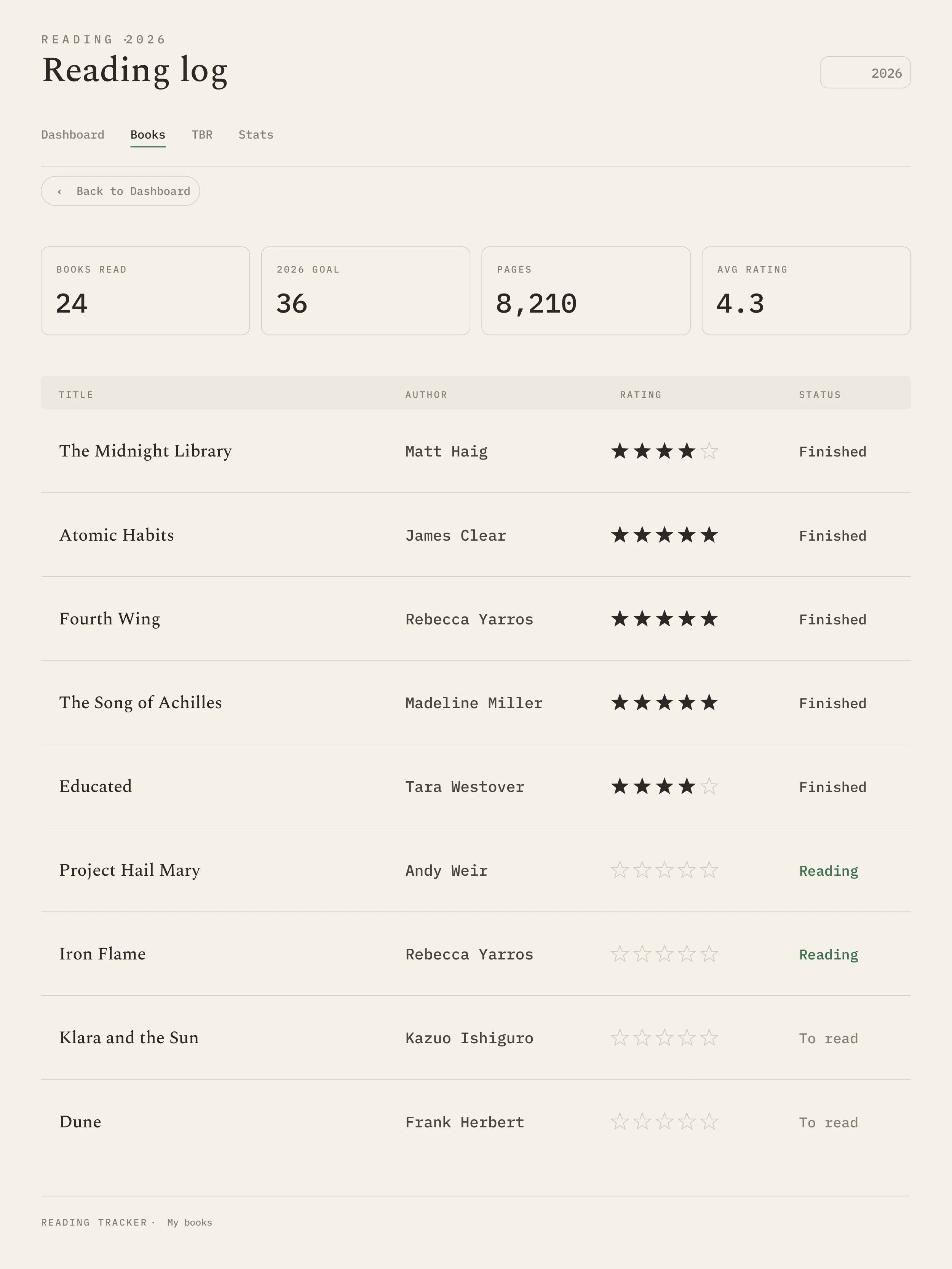
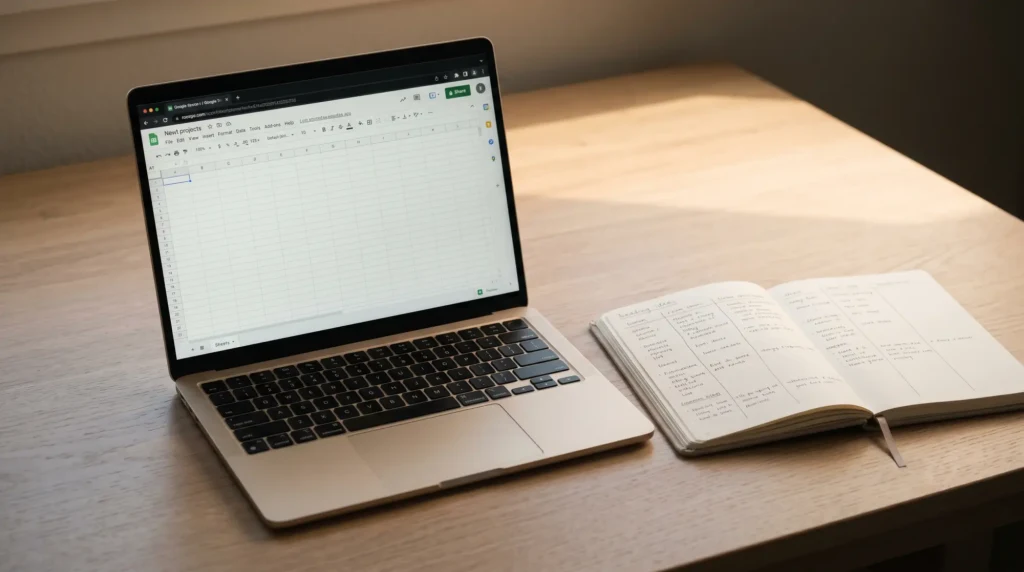
Not everyone wants a book tracker app at all, and that is a legitimate choice rather than a stubborn one. Every app on this list keeps your reading history on its servers, tied to an account, and several show you what you read to recommend what to buy. A spreadsheet flips that: it lives in your own drive, works offline, and totals itself with a couple of formulas. It will not give you a community or a polished feed, but for the core job, logging what you read and seeing your year add up, it does everything most people use an app for and nothing they do not. Our reading tracker spreadsheet guide walks through a free Google Sheets build, and the best reading tracker templates piece covers the prettier, ready-made versions if you would rather not build from scratch.
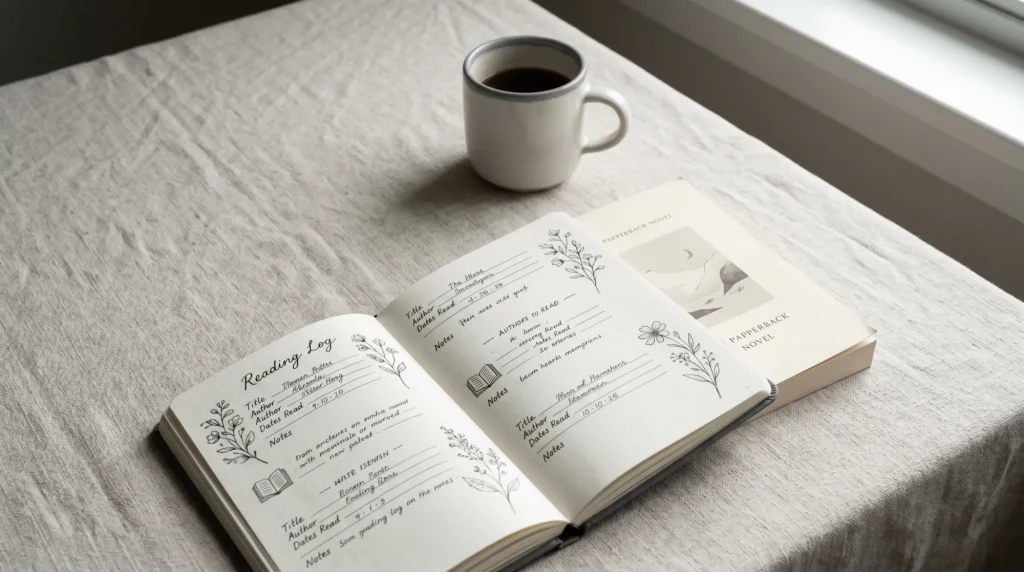
The spreadsheet route also pairs naturally with a journal for the reflection an app cannot really give you. If you want the writing side, notes and quotes and what a book meant, our reading journal guide is the companion to the data side; many readers keep a spreadsheet for the counts and a journal for the thoughts, and own both outright. For a polished version that does both, the Templacity reading tracker template ships with journal-mode pages and a few design options, with nothing to subscribe to.
Which to use
Which book tracker should you use
The honest answer is to pick by the one feature you would miss most. If you want the biggest community and do not mind Amazon, use Goodreads. If you want stats and an independent home, use The StoryGraph, which is the best all-round book tracker app for most readers in 2026. If you want a reading timer, Bookly; book clubs, Fable; something newer, Hardcover. And if what you really want is a record that is fast to keep, totals itself, and belongs to you alone, skip the apps and use a spreadsheet. Most readers are better served by one tool they keep than three they abandon, so choose the single job that matters and pick the one that does it best.
If we have missed a book tracker app you swear by, or you have moved off the apps to a spreadsheet and have thoughts on the trade, tell us in the comments. Reader experience of what actually survives a year is worth more than any feature list.
FAQ
Common questions, answered briefly
What is the best book tracker app?
What is the best free book tracker app?
Is The StoryGraph better than Goodreads?
Do I need an app to track my reading?
Which book tracker app has the best stats?
Are book tracker apps free?
If yours isn’t above, drop the question in the comments and we’ll add it.
People also ask