The rule
What Airbnb noise monitoring actually permits
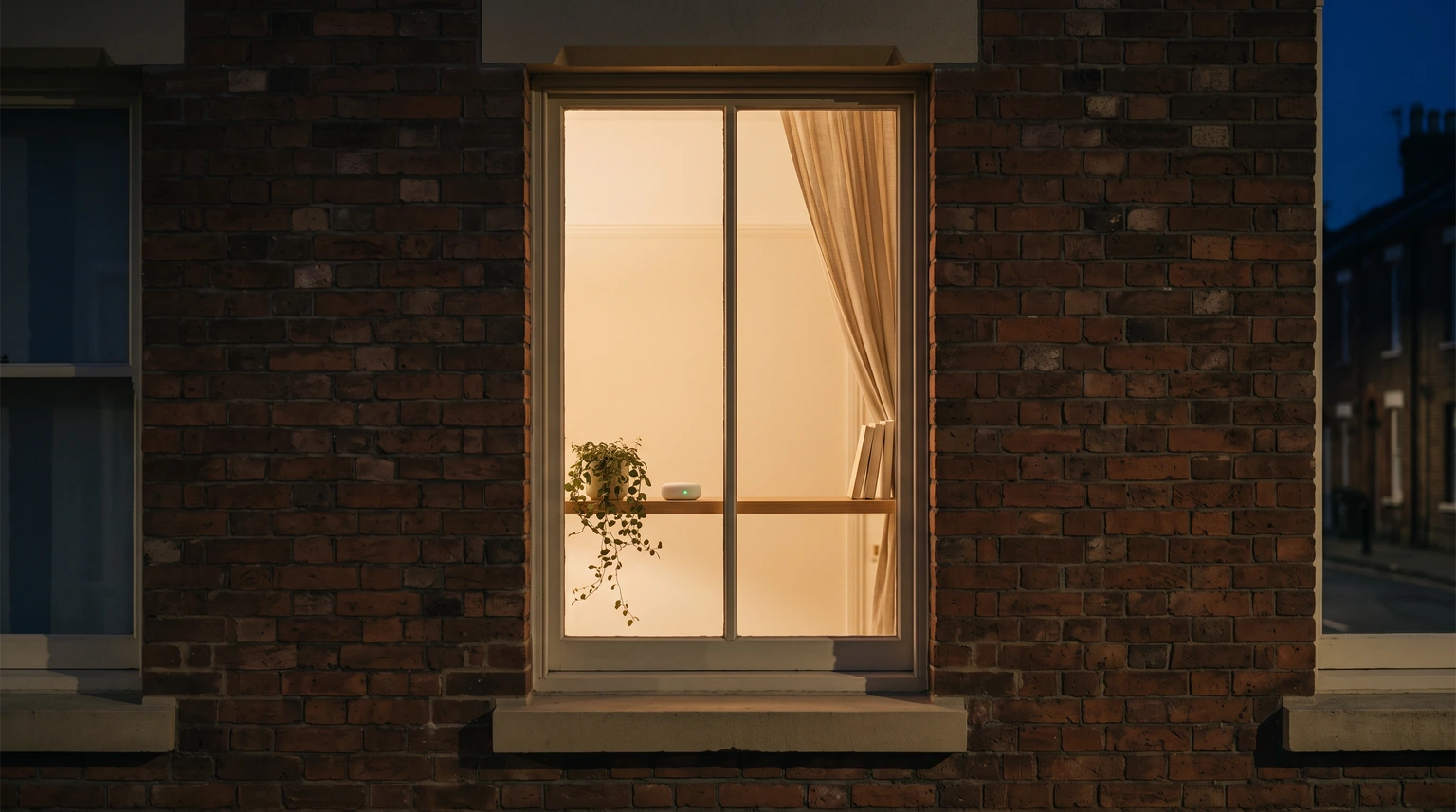
Airbnb’s policy on devices in homes, in force since 30 April 2024, draws one line through the whole category. No security camera or recording device may monitor any part of a home’s interior, even switched off, and a separate carve-out covers the one indoor device that does not record. Airbnb’s definition is worth taking word for word: “Noise decibel monitors are devices that assess sound levels and their duration but do not record audio.” Airbnb noise monitoring, in other words, is permitted precisely because it is not listening.
Three conditions sit in the same paragraph of the policy. Hosts may have a monitor in the home’s interior as long as they disclose its presence. It may not be in a bedroom, a bathroom or a sleeping area. And then the clause most hosts have never read: “Hosts are not required to disclose where their noise decibel monitors are located.” An exterior camera has to be disclosed by location, down to “I have a camera over my patio”. A monitor in the living room only has to be disclosed as existing.
What the policy does not contain is a number. There is no decibel threshold, no quiet-hours clause, no count of alerts before anything happens to a reservation. Airbnb regulates the device. The threshold is yours, and it lives in two places you control: the sensor’s settings and your house rules.
Three devices
Cameras, noise monitors and smart speakers, side by side
The policy handles three classes of device on three different footings, and most of the confusion on host forums comes from running them together. A baby monitor and a doorbell camera are recording devices. A speaker that answers to its name is a smart home device. A box that reports a decibel level is a noise decibel monitor. Same shelf, three rules.
| Camera or recording devicedoorbell, baby monitor | Noise decibel monitorsound level only | Smart home deviceAlexa, Nest | |
|---|---|---|---|
| Allowed indoors | No, even switched off | Yes | Yes |
| Allowed outside | Yes, not over a sauna or enclosed shower | Yes | Yes |
| Disclosure | Required, with location | Required, presence only | Encouraged, not required |
| Where it may not go | Anywhere inside | Bedrooms, bathrooms, sleeping areas | No restriction stated |
| Guest control | Not applicable | Not stated | Airbnb encourages an unplug option |
Read the disclosure row twice, because it is the one that gets misquoted. Exterior cameras need their location in the listing description. A monitor needs its existence declared and nothing more. The device pointing outward carries the stricter rule, and the device inside the home carries the lighter one, which is the opposite of what most hosts assume when they first hear that indoor monitoring is allowed at all.
One edge case has its own page. Airbnb publishes a separate policy for Japan that repeats the noise monitor rule word for word and adds one exemption for cameras: a listing operating under a Hotel Business License that the law requires to film its entryway may do so, provided the camera is disclosed, covers the entryway only and cannot record audio. Everything else, including the ban on monitors in sleeping areas, matches the global page.
Disclosure
How to disclose a noise monitor, and what to put in the rules
Disclosure on Airbnb is a checkbox rather than a paragraph, and the path Airbnb gives for it is short. The second half of the job, the sentence guests actually read, is yours to write.
Open the listing editor.
Click Listings, pick the listing, then Your space. The safety settings sit in the editor rather than in the description, which is why a monitor mentioned only in the description has not been disclosed in Airbnb’s terms.
Tick the box under Guest safety.
Click Guest safety, then Safety devices, and check “Noise decibel monitor present”. Airbnb asks you to describe each device and whether it will be switched on. The location line is the camera’s requirement, so a plain sentence does the job: a sensor measures sound level in the main living area and records nothing.
Say it again in the house rules.
The checkbox satisfies Airbnb. The rule is what changes behaviour, because a guest who knows a level exists moderates before any alert fires. One line under quiet hours is enough: a noise monitor is in use, and sustained loud noise after the stated hour will get a message from us.
Two words to keep out of that sentence. Do not call the device a camera, and do not say it records. “Recording” is the word that moves a device into the banned class in a reader’s mind, and a guest who believes they are being recorded indoors will raise it with Airbnb, whatever the box actually does. Our Airbnb house rules template guide carries the quiet-hours rule the monitor line belongs under, and the reasoning for keeping the whole list short.
The point
What a monitor is for: the message before the neighbour’s
Airbnb’s Community Disturbance Policy puts “excessive noise” at the top of its list of signs of a disturbance, and its enforcement runs from warnings through listing suspension to removal, with a listing that becomes “a chronic disturbance within a neighborhood” named as grounds for the last of those. The report that starts that ladder does not have to come from a guest. Airbnb runs a Neighborhood Support channel where anyone nearby can report a party or a noise complaint, including a request for a call while it is happening.
The neighbour has a direct line to Airbnb. The monitor is how you hear the problem before they use it.
So an alert is a prompt for a message, not evidence for a case. The sequence that works is dull and it works because it is dull. A first message within minutes, plain and specific: the sensor shows the living room has been above the level we set since eleven, could you bring it down. A second message if nothing changes, this time naming the house rule the guest accepted at booking. Airbnb Support only after that. Most events end at the first message, because the guest did not know anyone could tell. Our Airbnb message template guide has the tone for that first one, which is the one that decides whether the night ends there.
The neighbour has a direct line to Airbnb. The monitor is how you hear the problem before they use it, and a host who answers an alert in ten minutes is a host whose neighbours never need the line.
The cost
What Airbnb noise monitoring costs
Two services account for most of the market hosts actually meet, and both publish their prices. Minut’s Starter plan is $5 a month, billed as $60 a year, for a single property; Standard is $10 a month per home and Pro is $15, and the page is explicit that the sensor itself is a one-time cost separate from the plan. A Call Assist add-on, where Minut phones the guest when a noise event is detected, is $10 a month per rental unit. NoiseAware’s Starter plan is $15 a month, billed at $180 a year per property, for hosts with one to nine properties, with the indoor Wi-Fi sensor included and an outdoor sensor a further $99 one time. NoiseAware describes its device as monitoring “volume levels, not dialogue or specific sounds”. Both let you set your own thresholds and quiet hours, which, given that Airbnb sets neither, is the feature doing the real work.
The check before buying anything is the policy definition, not the plan name. A device qualifies for Airbnb noise monitoring if it assesses sound level and duration and does not record audio. Read the specification for the word “record” and for any feature that captures sound, because a box that does is a recording device under the policy however it is marketed, and indoors that puts a listing at risk of removal rather than a warning. Once it is installed, it is a per-property subscription like any other, and our Airbnb expense tracker guide covers where recurring hosting costs belong in the books.


Everything you hand a guest, matched and priced to move together.
The limits
What a noise monitor will not do
Airbnb noise monitoring will not replace a deposit, because for most hosts there is no deposit to replace; our guide to the Airbnb security deposit covers why the setting is not there to find. It will not document damage either. A log of decibel readings says a room was loud; a damage claim under AirCover for Hosts runs on photographs taken at turnover and a receipt, filed within 14 days, and no sensor produces either.
It will not stop a gathering that has already started. It tells you one has, which is a different and more useful thing, provided somebody is awake to read the alert. It will not tell you who is in the room, since it is measuring the room. And it does not excuse the guest-count rule, which is where most loud nights begin and which is still enforced by the booking, not the box.
Disclose the monitor with the checkbox, say so again under quiet hours, keep it out of the bedrooms, and answer the first alert yourself within minutes. Tell us in the comments whether you run one and what level you settled on, because Airbnb publishes no number and the hosts who have found one that works are the only source there is.
FAQ
Common questions, answered briefly
Are noise monitors allowed in an Airbnb?
Do I have to tell guests where the noise monitor is?
Can a noise monitor go in a bedroom?
Does Airbnb set a decibel limit for guests?
People also ask