Why this matters
What the iFLYTEK AINOTE 2 brings to the Kindle Scribe’s turf
The iFLYTEK AINOTE 2 vs Kindle Scribe matchup is interesting because, for once, the screens are nearly the same. Both are monochrome e-ink writing tablets at 300 ppi, both ship a Wacom pen that never needs charging, and both target people who want to write on glass that feels like paper. iFLYTEK introduced the AINOTE 2 at MWC26 in March 2026 and had it certified as the world’s thinnest e-ink tablet at 4.2 mm and 295 grams. It runs Android 14 with full Google Play and is built around AI: one-tap meeting recording with offline transcription in 16 languages, translation in 11, and handwriting conversion across 133. It lists at $649.
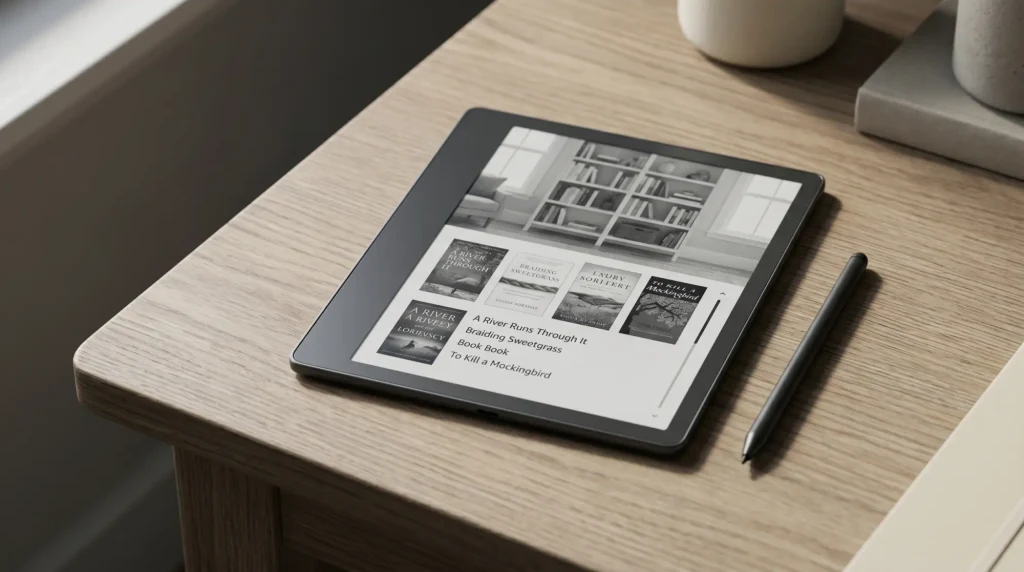
The Kindle Scribe is the opposite kind of device. The 2025 third generation runs Amazon’s closed Kindle system, starts at $499 with the pen, and reads the entire Kindle library natively, the one thing the AINOTE 2 cannot do as cleanly. It has its own AI now, but a reading-and-notes kind: summarise where you are in a book, ask questions about your own notes, convert handwriting to text. What it does not do is record audio or install third-party apps. So this is not really a spec race. It is a question of whether you want an open AI tablet that listens and transcribes, or a quiet reader that also writes and lives inside Amazon.
We have set the two against the axes that move a real decision and added a scorecard and verdict at the end. For the color-writer version of this question, our iFLYTEK AINOTE 2 vs reMarkable Paper Pro comparison covers the other side, and our Kindle Scribe review is the full take on the Scribe alone.
Side by side
Hardware, head to head
Three lines decide most of this. The AINOTE 2 is thinner and lighter, by a wide margin, and it runs a full Android system instead of a locked one. The Kindle Scribe is $149 cheaper at the 32 GB tier and $219 cheaper at its own entry, lasts far longer on a charge, and reads the Amazon library natively. The screens, the part most buyers fixate on, are effectively a wash: both are 300 ppi monochrome, both write on a no-charge Wacom pen.
The AI question
The AI split: audio transcription versus notebook AI
Both devices say “AI,” but they mean different things. The AINOTE 2 carries four microphones and turns a meeting, lecture, or interview into searchable text with one tap, processing the audio on the device so private conversations stay private. It transcribes in 16 languages, translates in real time across 11, and converts handwriting in 133. The Kindle Scribe has no microphones and records no audio at all. Its AI lives inside the notebook and the library: summarise a book to where you are, ask questions about your own handwritten notes, refine messy handwriting, convert notes to typed text.
So the AI comparison is really a use-case fork. If your day has meetings, lectures, fieldwork, or multilingual conversation in it, the AINOTE 2 does something the Kindle Scribe simply cannot, and that one capability is worth the whole price gap to the right person. If your AI need is “help me read and organise what I already wrote,” the Kindle Scribe covers it without an extra device in the room listening.
One tablet listens to the room and writes it down; the other only helps with what you already put on the page. That gap is the whole decision.From this comparison
Reading and apps
Reading library, apps, and the closed-versus-open question
This is the asymmetric axis, and it cuts both ways. The Kindle Scribe reads the entire Kindle library natively, syncs progress and notes across every Kindle device and the Kindle app, runs Audible, and accepts documents through Send to Kindle. If your reading life lives inside Amazon, nothing else here matters as much. The AINOTE 2 can install the Kindle app from Google Play and read your books that way, but it is a layer on top rather than the device’s native home, and the deep Amazon features (Whispersync depth, Audible pairing, the curated store) are not the same experience.
Flip it around, though, and the AINOTE 2’s openness is its own answer. It runs Kindle, Kobo, Libby, a browser, a notes app, email, whatever you want, because it is a full Android tablet. The Kindle Scribe runs none of those; its closed system is the reason its battery lasts a week and a half and the reason it never distracts you, but it is also a wall. The honest framing: the Kindle Scribe is the better reader and the calmer device; the AINOTE 2 is the more flexible computer.
| Axis | iFLYTEK AINOTE 2 | Kindle Scribe (2025) |
|---|---|---|
| Price | $649 (pen included) | From $499 (pen included) |
| Screen | 10.65″ mono, 300 ppi | 11″ mono, 300 ppi |
| Thickness / weight | 4.2 mm / 295 g | 5.4 mm / 400 g |
| Operating system | Android 14 + Google Play | Kindle (closed) |
| Audio transcription | Yes, offline, 16 languages | No |
| Native Kindle library | Via the Kindle app | Yes, native |
| Battery | Days | About 8 to 10 days |
| Third-party apps | Yes, any Android app | No |
Read the table by your own week. If the AINOTE 2 column keeps winning, you want capability and apps. If the Kindle Scribe column keeps winning, you want reading, battery, and a lower price. The iFLYTEK AINOTE 2 vs Kindle Scribe decision rarely lands in the middle.
Writing and value
Writing, battery, and the template ecosystem
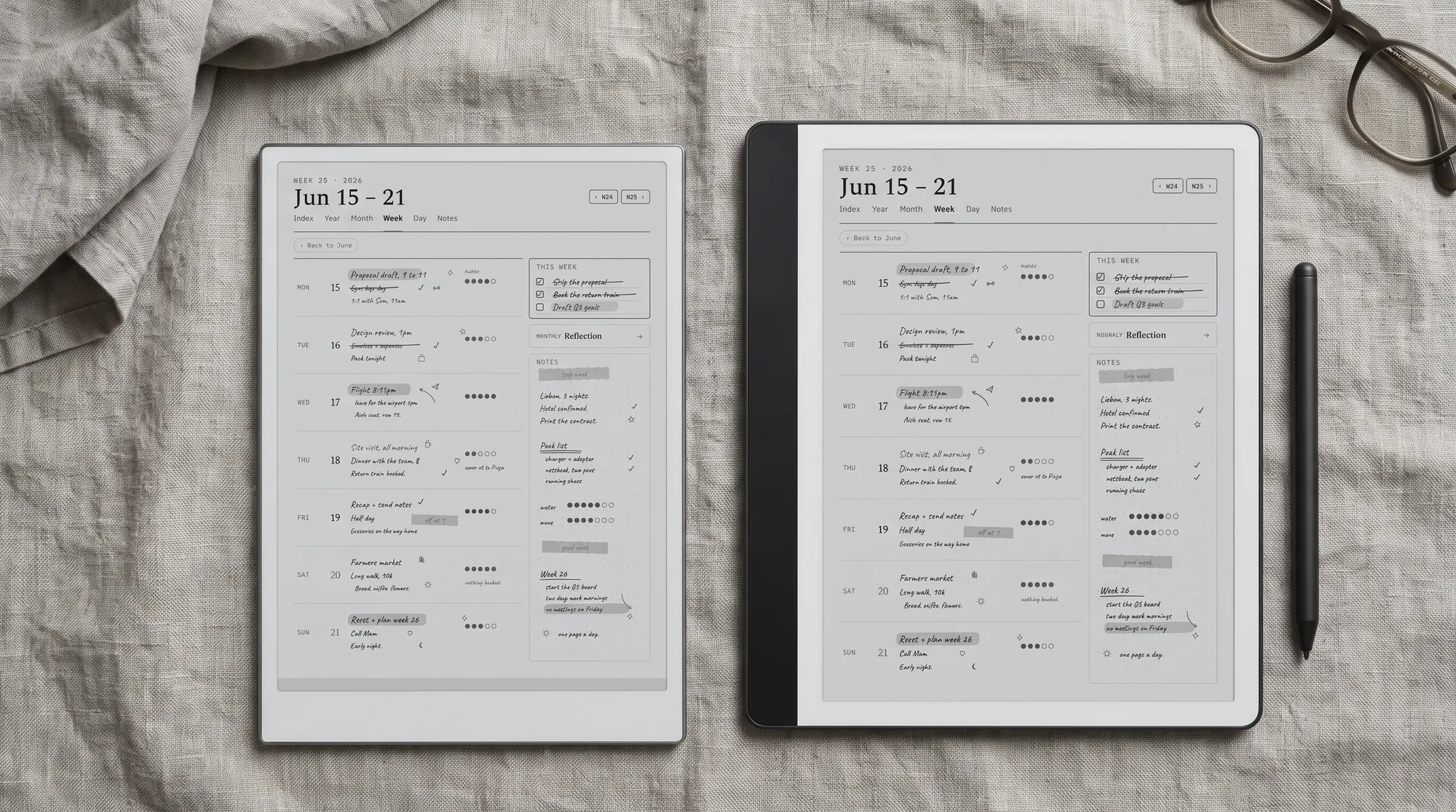
On the pen, these are close. Both use no-charge Wacom electromagnetic styluses, and independent hands-on coverage of the AINOTE 2 has praised its low latency, with one reviewer saying strokes “appear almost instantly.” The Kindle Scribe’s 2025 generation added a faster quad-core chip and 40 percent quicker writing and page turns, so it no longer trails on responsiveness the way older Scribes did. The AINOTE 2 is the more portable writer; the Kindle Scribe gives you a slightly larger 11-inch page and far longer battery between charges.
Profile and price (lower is thinner, lighter, cheaper)
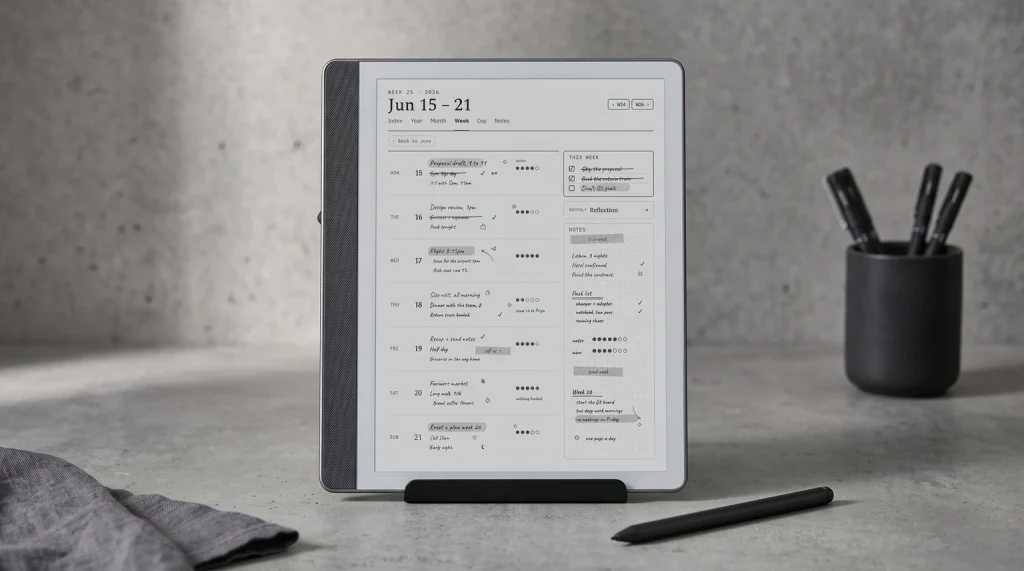
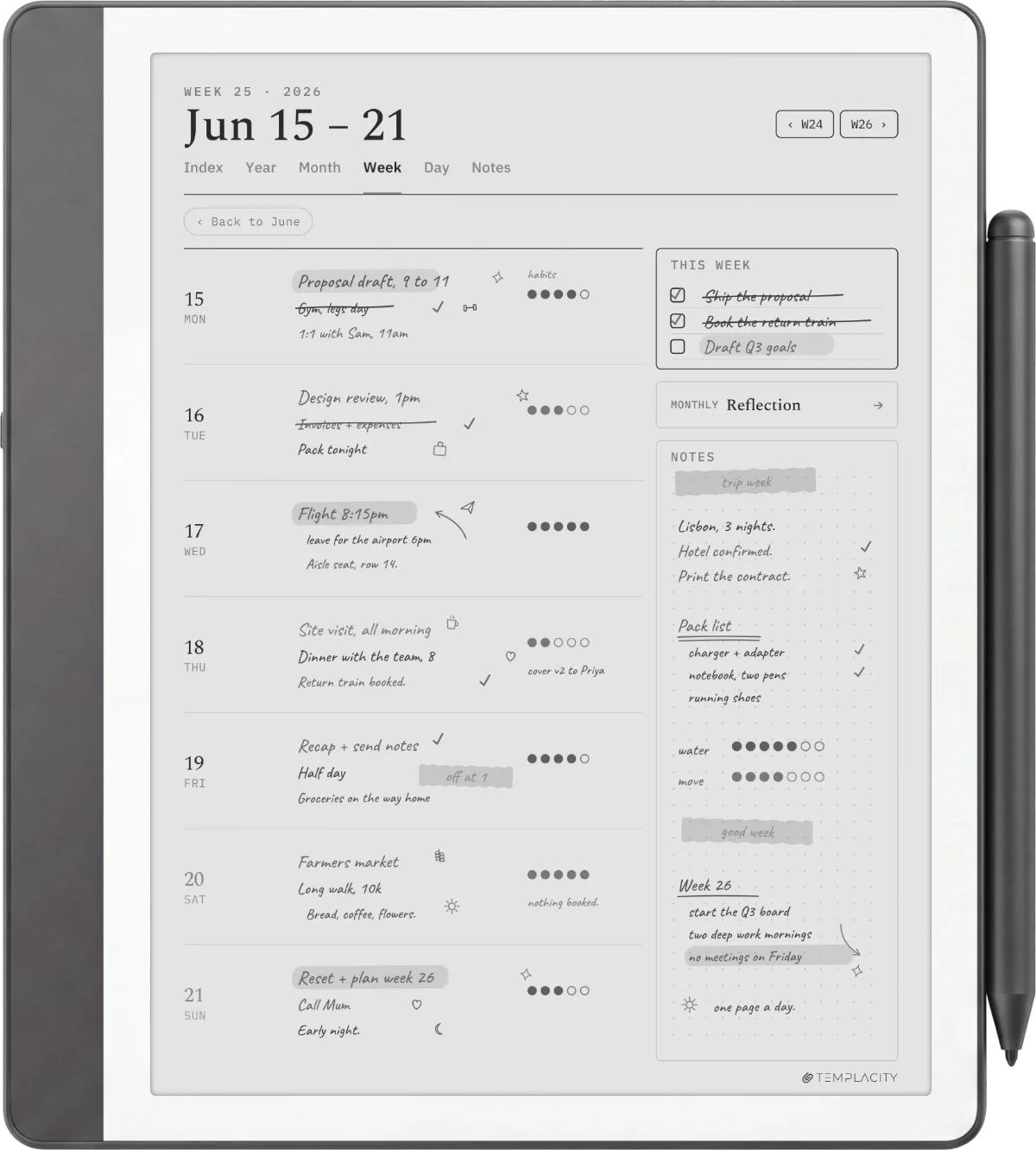
Where the Kindle Scribe pulls ahead for our readers is the settled workflow around it. Its template scene is deep, Send to Kindle imports a planner in two minutes, and the device has had three generations to mature. The AINOTE 2 is new: its built-in templates are fine and Google Play lets you add note apps, but the polish and the community library are not there yet because the device is only months old. For planner-led note-taking, that gap is the quiet deciding factor, and it is where our work sits.
If you are weighing the Scribe against the wider field rather than the AINOTE 2 alone, our Kindle Scribe alternatives roundup places it against Boox, Supernote, and reMarkable.
Scorecard
Templacity scorecard, both devices
iFLYTEK AINOTE 2, scored out of 10
Kindle Scribe, scored out of 10
The AINOTE 2 owns AI and app flexibility. The Kindle Scribe owns reading, battery, value, and edges writing. Read the pattern honestly: the AINOTE 2 wins the axis that matters most to meeting-heavy and multilingual users, and the Kindle Scribe wins the cluster of axes that matter most to readers and note-takers who want a calm, cheap, long-lasting device.
Verdict
The call on iFLYTEK AINOTE 2 vs Kindle Scribe
FAQ
Common questions, answered briefly
Is the iFLYTEK AINOTE 2 better than the Kindle Scribe?
How much does the iFLYTEK AINOTE 2 cost compared to the Kindle Scribe?
Can the Kindle Scribe record and transcribe meetings like the AINOTE 2?
Can the iFLYTEK AINOTE 2 read Kindle books?
Which has better battery life, the AINOTE 2 or the Kindle Scribe?
If yours isn’t above, drop the question in the comments and we’ll add it.
People also ask
Other questions, briefly answered
If you’ve handled the AINOTE 2 or you write on a Kindle Scribe every day, the comments are open. This is a brand-new device against a known one, so a real account from your own week is worth more than any spec sheet, and we update the post as the picture fills in.