Start here
The best reMarkable Paper Pro cases, and how to choose
A case is the first accessory most owners buy, and for good reason. The reMarkable Paper Pro is an 11.8-inch sheet of color e-ink that travels in bags and rides on desks, so a cover is the cheapest insurance you can give it. The good news is that choosing among reMarkable Paper Pro cases is simpler than the listings make it look. Once a case protects the screen, keeps the Marker attached, and leaves the side magnets clear, the rest is taste.
This guide walks the options in order: what a good case has to do, the official folios, the keyboard folio, the better third-party picks, and the minimal sleeves. We have kept it specific to the full-size Paper Pro, because the smaller Paper Pro Move takes different cases, and mixing the two up is the most common buying mistake we see.
What matters
What to look for in a Paper Pro case
Four things separate a case you will keep from one you return. First, the Marker hold. The Marker attaches magnetically to the side of the Paper Pro, and a good case either leaves that edge clear or adds its own strap or loop so the pen does not fall off in a bag. Second, the side magnets. The Paper Pro uses magnets along its edge for the Marker and for charging alignment, so a case should not bury them under a thick flap.
Third, the stand fold. The best folios fold backward into a stand, usually with a low angle for writing and a higher one for reading or watching the screen at a desk. Fourth, the weight trade. More protection means more bulk, and the Paper Pro is already a large device, so a heavy case can undo the thin-and-light feel that makes it pleasant to hold. Decide which of those you care about most, and the shortlist gets short fast.
Official folios
The official Book Folio
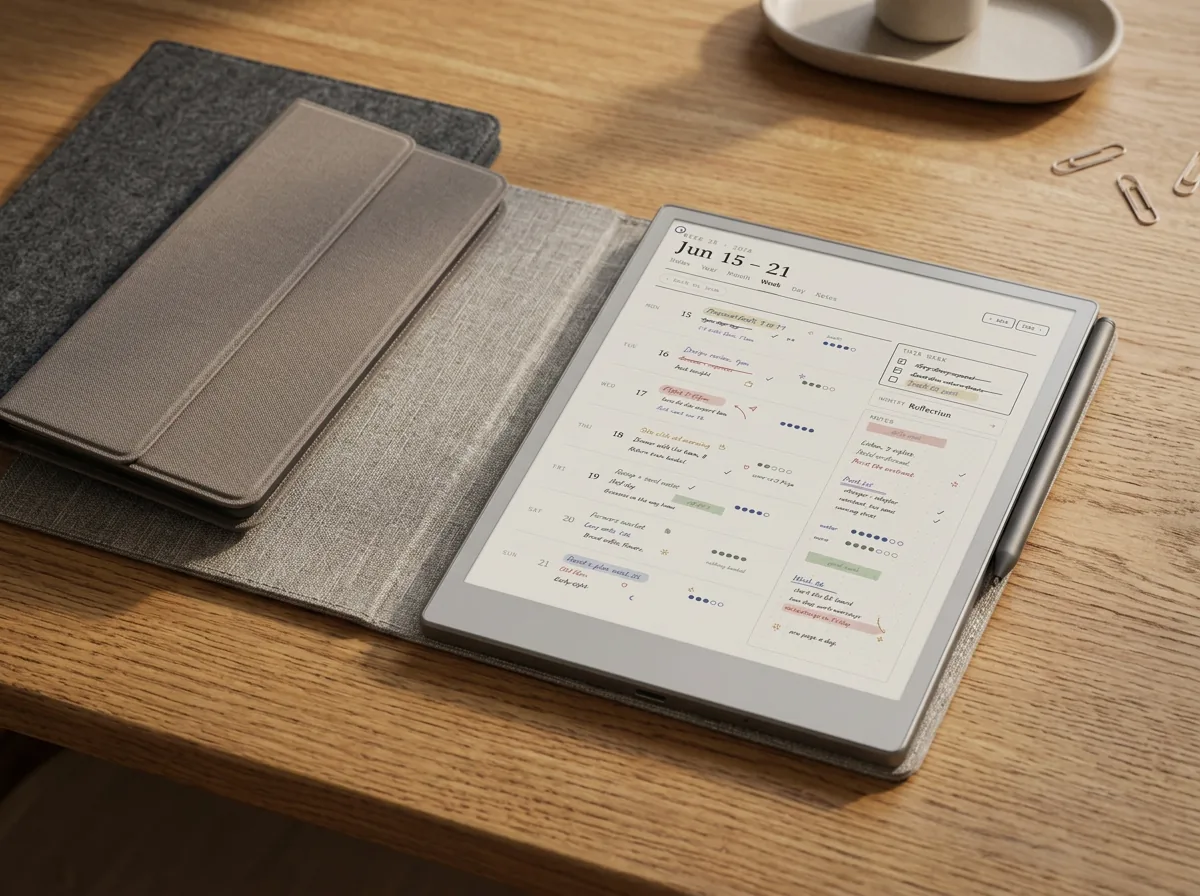
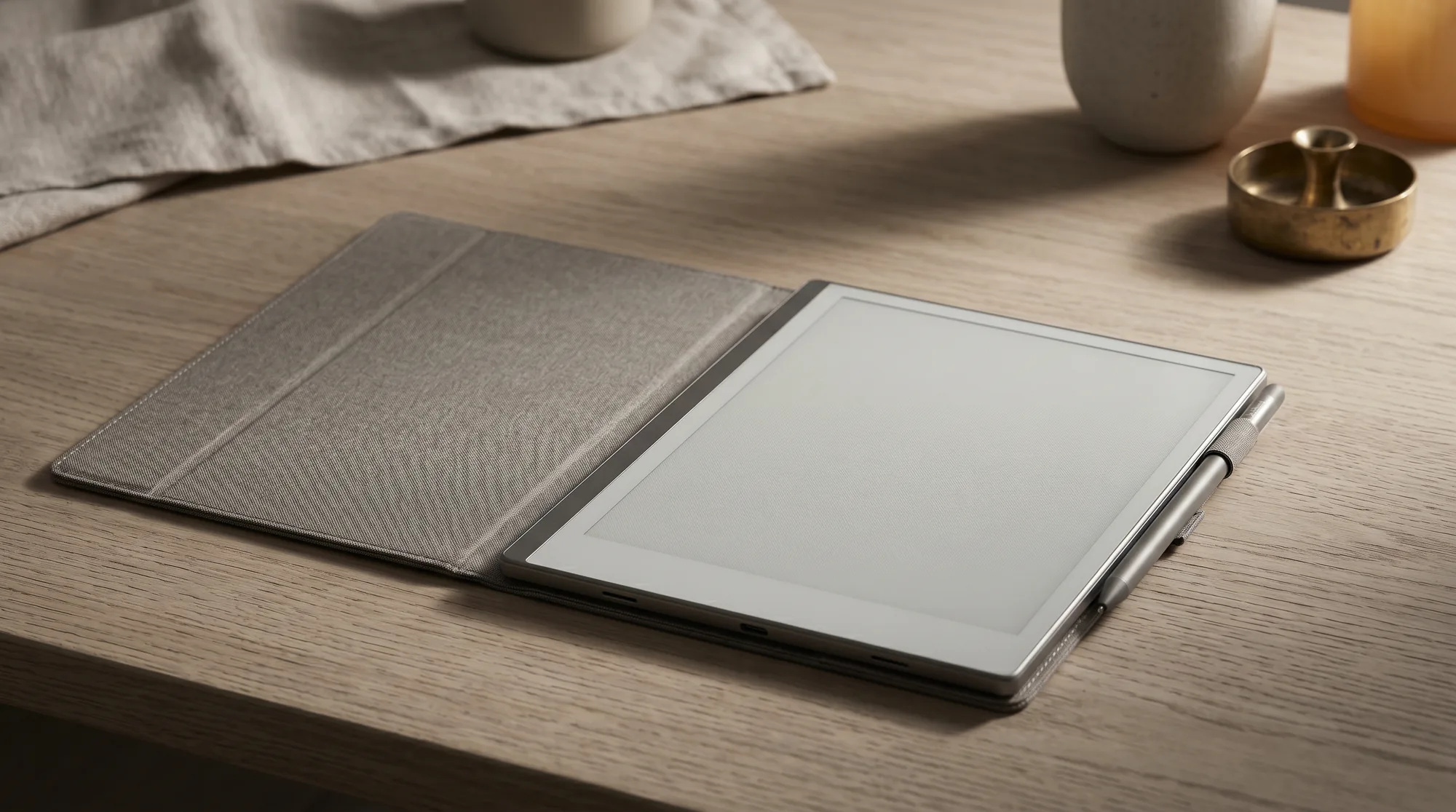
reMarkable’s own Book Folio is the default answer, and it is a good one. It attaches magnetically, comes in a few materials and finishes, and holds the Marker on the side so the pen travels with the device. Pricing runs roughly $79 to $129 depending on the material, which puts it at the higher end of the market, but the fit is exact and there is no guesswork about whether it will block a magnet or a button.
The folio also folds back to prop the Paper Pro at an angle, which is handy for reading or for writing at a slight tilt on a desk. If you want the lowest-risk purchase and do not mind paying for the brand, the Book Folio is the one to get and the one we would point a new owner toward by default. For the rest of the kit that pairs with it, our reMarkable Paper Pro accessories guide covers the Marker, tips, and charging.
The keyboard one
The Type Folio: a case with a keyboard
If you write long-form and not just by hand, reMarkable’s Type Folio is a cover and a keyboard in one. It protects the screen like any folio when closed, then opens into a typing setup with backlit keys and a built-in reading light. It is heavier and pricier than a plain folio, and it fits only the full-size Paper Pro, so it is a different kind of purchase: a case you buy for the keyboard, not the other way around.
For most people who mainly handwrite, a plain folio is the better and cheaper cover, and the Type Folio is overkill. For anyone drafting documents on the device, it doubles as the case, so you are not buying both. We break down the typing experience and who it suits in our full guide to the reMarkable Paper Pro keyboard.
Third-party
Third-party cases: when they make sense
Third-party cases are where the value and the variety live. You will find more colors and materials, slimmer profiles, and features the official folio skips, like an auto-sleep magnet that wakes the screen when you open the cover. Many cost a fair bit less than the Book Folio, which is the main reason to look beyond the brand.
The trade is fit and finish. A cheaper case can add bulk, hold the Marker less securely, or sit a hair loose around the edges, and quality varies between sellers. The honest filter is to read recent reviews for two things: does it keep the Marker attached, and does it leave the side magnets clear. If a third-party case nails those, it is a smart buy. If the reviews are quiet on either, the official folio is the safer money.
Minimal options
Sleeves, minimal covers, and the size trap
Not everyone wants a folio attached all day. If you mostly use the Paper Pro at a desk and only need protection in transit, a padded sleeve is a light, cheap answer: it guards the screen in a bag and comes off the moment you sit down. The downside is no stand and no always-on Marker hold, so the pen needs its own home.
Whichever route you take, mind the size trap. The full-size Paper Pro and the smaller Paper Pro Move are different devices with different dimensions, and a case cut for one will not fit the other. Listings sometimes lump them together, so check that the case names the full-size Paper Pro before you buy. It is the single most common return reason, and it is entirely avoidable.
| Case type | Best for | Watch-out |
|---|---|---|
| Official Book Folio | Lowest-risk fit, exact magnets and Marker hold | Costs more than third-party |
| Type Folio (keyboard) | People who type long-form on the device | Heavier and pricier; Paper Pro only |
| Third-party folio | Value, colors, auto-sleep features | Fit and Marker hold vary by seller |
| Padded sleeve | Desk users who only need transit protection | No stand, no built-in Marker hold |
A case that loses your pen or blocks the charge alignment is the wrong case, however nice the material.The one rule
That is the whole decision. Protect the screen, keep the Marker attached, leave the magnets clear, and match the case to the full-size Paper Pro rather than the Move. The official Book Folio is the safe default, a good third-party folio is the value pick, and a sleeve covers the minimalists. Tell us in the comments which case you landed on, and whether the Marker stayed put.
FAQ
Common questions, answered briefly
Do reMarkable 2 cases fit the Paper Pro?
Does the official Book Folio hold the Marker?
How much do reMarkable Paper Pro cases cost?
Do I need a case for the reMarkable Paper Pro?
Should I get a folio or the Type Folio keyboard?
If your question is not above, drop it in the comments and we will answer it.
People also ask
Other questions, briefly answered
Sources: reMarkable Paper Pro store, Android Police e-reader coverage.