What they are
What Kindle Scribe pen tips actually are
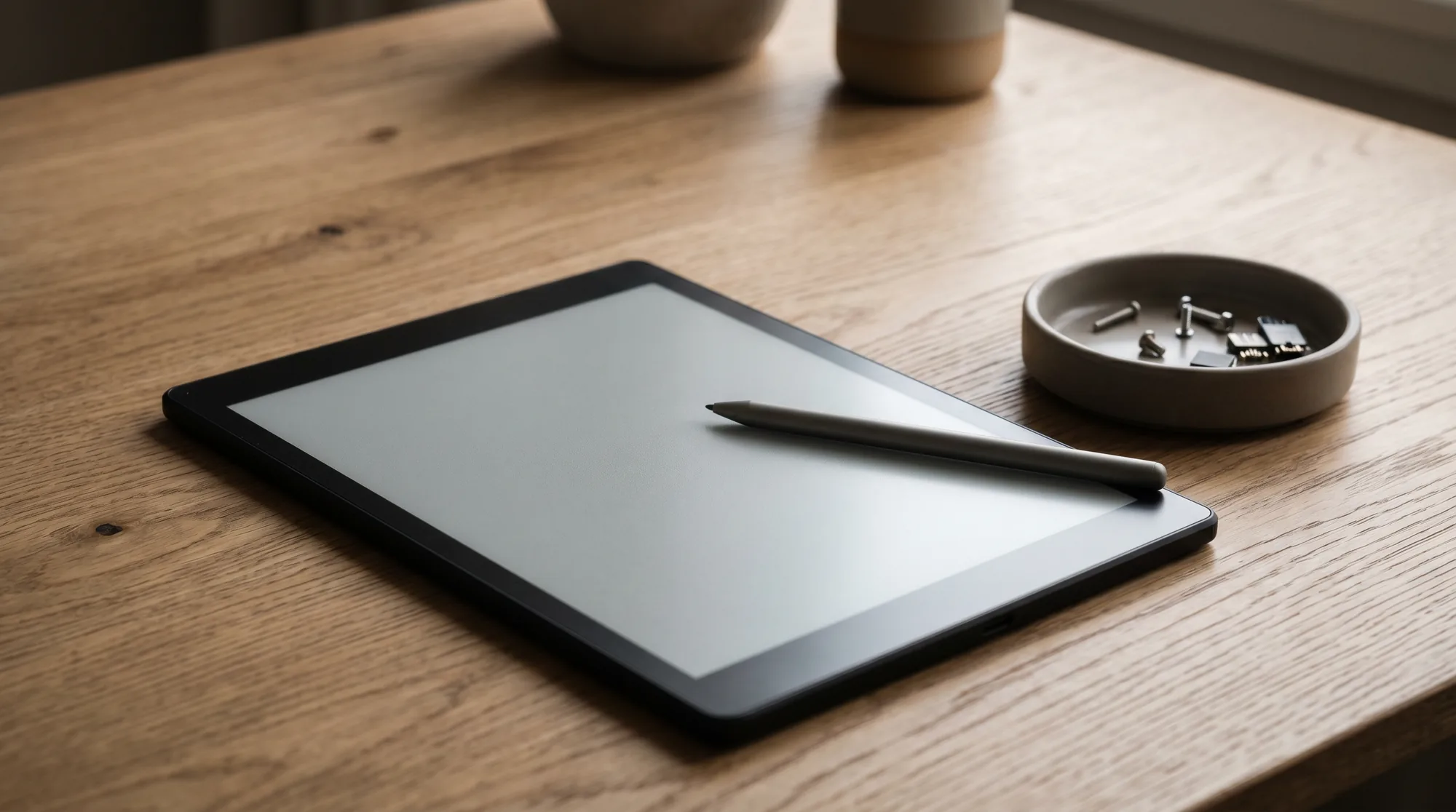
Kindle Scribe pen tips are the small, white plastic nibs at the writing end of the stylus. They are what touches the screen, and they are designed to be swapped out, because the textured glass that gives the Scribe its paper-like feel slowly sands the tip down over months of writing. Think of them like the lead in a mechanical pencil: the pen lasts for years, the tip is a consumable you replace now and then.
Every Kindle Scribe comes with the tips you need to start. In the box you get the pen, five replacement nibs, and a small ring-shaped tool that grips and pulls an old tip free. Both pens Amazon sells, the basic one and the upgraded pen with the eraser and shortcut button, use the exact same nibs, so you never have to match a tip to a specific pen model. Any genuine Kindle Scribe replacement tip fits any Kindle Scribe pen.
Wear and tear
Do Kindle Scribe pen tips wear out?
Yes, and that is normal. The same friction that makes writing on a Kindle Scribe feel like paper is what wears the tip down. How fast depends entirely on how you write. A light note-taker who jots a page a day might go close to a year on one nib; someone sketching or shading for hours will flatten a tip in a couple of months. There is no fixed lifespan, so the honest answer is to watch the tip, not the calendar.
Three signs tell you a Kindle Scribe pen tip is due for a change. The nib looks visibly shorter or flattened on one side when you compare it to a fresh one. The writing starts to feel scratchy or louder against the glass. Or the line quality drifts, with strokes catching or skipping where they used to glide. Any one of those is your cue. A worn tip will not damage the screen straight away, but a hard, sharp edge on a badly worn nib can, so it is worth staying ahead of it.
The swap
How to replace a Kindle Scribe pen tip
Swapping a tip is the easiest repair on the whole device, and you do not need any extra tools beyond the little ring that came in the box. The whole thing takes about ten seconds once you have done it once.
- Find the ring tool. It is the small plastic or metal ring that shipped with your spare nibs. It has a notch that grips the base of the tip.
- Grip the old tip. Slot the tool over the worn nib so it catches near the pen body, where the tip meets the barrel.
- Pull straight out. Hold the pen steady and draw the tool away in line with the pen. The old tip slides free with a gentle, even pull. Do not twist or yank at an angle.
- Press the new tip in. Take a fresh nib, line it up with the hole, and push it gently into the barrel until you feel and hear a small click. That click means it is seated.
- Test it. Write a few strokes on a blank page. A properly seated tip writes smoothly with no wobble and sits flush in the pen.
Buying spares
Where to buy replacement tips
Your first five tips are free, sitting in the box your Scribe arrived in, so check there before buying anything. When those run low, Amazon sells official Kindle Scribe pen replacement tips in small packs, and because the nib is the same across both pens, you only ever need the one product. Genuine tips match the original writing feel exactly, which is the main reason to stick with them.
Third-party nibs exist too, and some are sold as firmer or softer alternatives for a different drag on the screen. They are usually cheaper, but quality varies a lot between sellers, and a poorly made tip can feel scratchy or wear unevenly. If you try them, buy a small pack first and judge the feel before committing. For most people, the genuine tips are the safe call and last long enough that the price difference barely registers across a year of writing.
Make them last
How to make your Kindle Scribe pen tips last longer
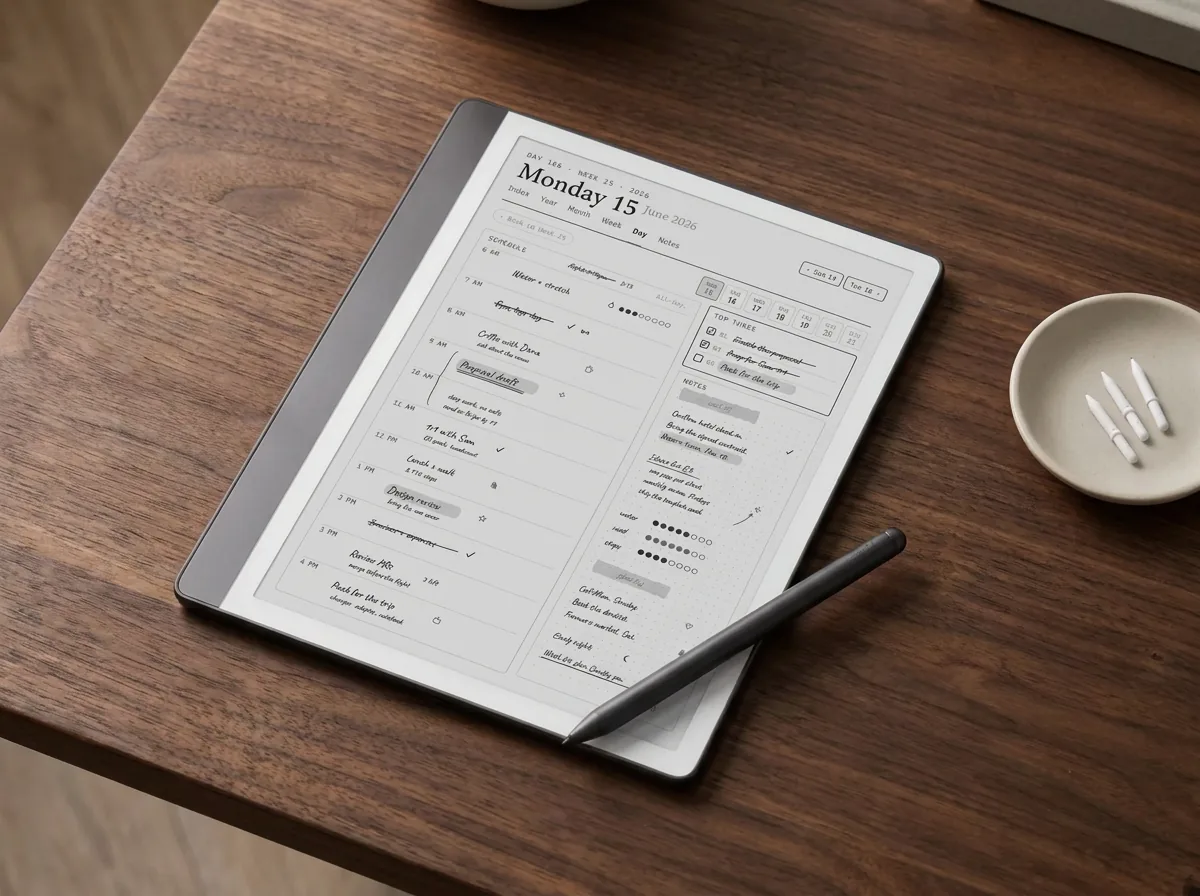
You cannot stop a tip wearing, but you can slow it down, and the habits are simple. Write with a light hand; the Scribe registers a feather touch, so pressing hard does nothing for your lines and a lot for your wear rate. Keep the pen at a natural angle rather than scraping it nearly flat against the glass, which grinds one side of the nib down fast.
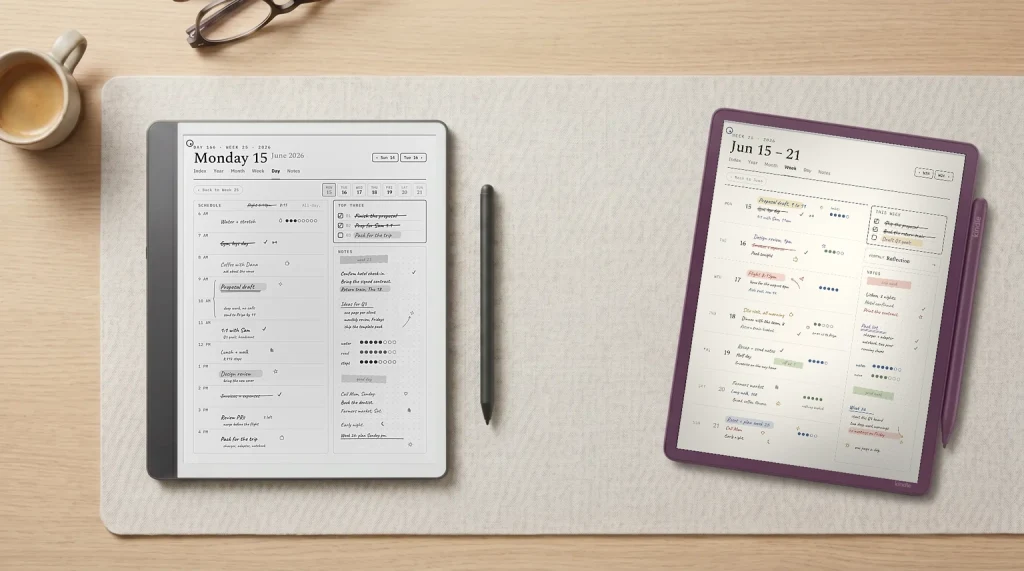
A clean screen helps more than people expect. Grit and dust trapped under the tip act like sandpaper, so a quick wipe with a dry microfiber cloth now and then saves the nib real wear. If you switch between heavy sketching and light note-taking, some owners keep one well-worn tip for rough work and a fresher one for fine writing, swapping in seconds with the ring tool. And once your pages outgrow the blank default screens, loading proper notebooks and planners gives that writing somewhere worth going, which is the cheapest upgrade the Scribe takes.
Replace the tip by feel, not by date: when writing turns scratchy or the nib looks flattened, swap it.The short version
That is the whole story on Kindle Scribe pen tips. They are cheap, easy to swap, and shared across both pens, so there is no reason to write on a worn nib. Keep a fresh pack on hand, change the tip the moment writing starts to feel off, and the pen will feel new again in seconds. If you want the pen to do more, our guide to using the Kindle Scribe for note taking and the wider Kindle Scribe accessories roundup pick up from here.
FAQ
Common questions, answered briefly
How many replacement tips come with the Kindle Scribe?
How long do Kindle Scribe pen tips last?
Are the basic and upgraded Kindle Scribe pen tips the same?
Can a worn pen tip damage the Kindle Scribe screen?
Do I need special tools to replace a Kindle Scribe pen tip?
If your question is not above, drop it in the comments and we will answer it.
People also ask
Other questions, briefly answered
Sources: Amazon Kindle Scribe product page, The eBook Reader on stylus tip wear.