The short answer
Is the Kindle Scribe good for note taking?
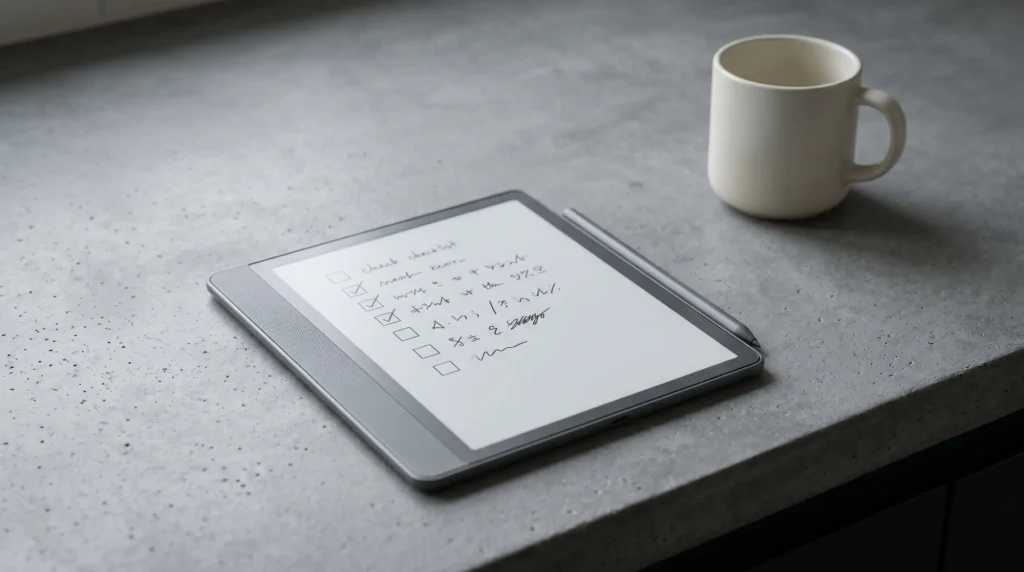
The Kindle Scribe for note taking is a genuinely good experience if your idea of notes is handwriting on paper, not building a tagged database. Writing feels close to pen on paper, the screen is large enough for real pages, and there is nothing pinging at you while you think. For students, meeting notes, and journaling, that calm is the whole appeal.
It is worth being clear about what it is not. The Scribe runs Amazon’s narrow software, so you will not find the tagging, handwriting search, or deep folder systems of a dedicated note app. If you are deciding on the device overall, our take on whether the Kindle Scribe is worth it covers the full picture; this guide is about the writing side specifically.
How it works
How note taking works on the Kindle Scribe
You write in notebooks, which you can organise into a handful of types and templates. The included pen needs no charging and attaches magnetically, and higher pen tiers add a shortcut button and a soft eraser. You can also write directly on top of PDFs and some books, which is where the large screen earns its place for students marking up readings.
Getting notes off the device is the part to plan around. You can email notebooks to yourself as files and send to a few connected services, but there is no live two-way sync with a third-party note app. Treat the Scribe as the place you write and lightly archive, not the hub of a cross-device system, and it behaves exactly as you want.
Strengths and limits
Where it shines and where it frustrates
| Shines for | Frustrates if you want |
|---|---|
| Handwritten meeting and lecture notes | Typed notes or a keyboard workflow |
| Marking up PDFs and textbooks | Tagging, search, and deep folders |
| Distraction-free journaling and planning | Live sync to apps like Notion or OneNote |
| Long battery and easy-on-the-eyes sessions | Color highlighting and rich media notes |
If the left column is your day, the Scribe is one of the nicest note devices made. If you need the right column, an Android e-ink tablet or a regular tablet will serve you better, and the device just is not the right tool for that job.
Best setup
The setup that makes Kindle Scribe notes worth keeping
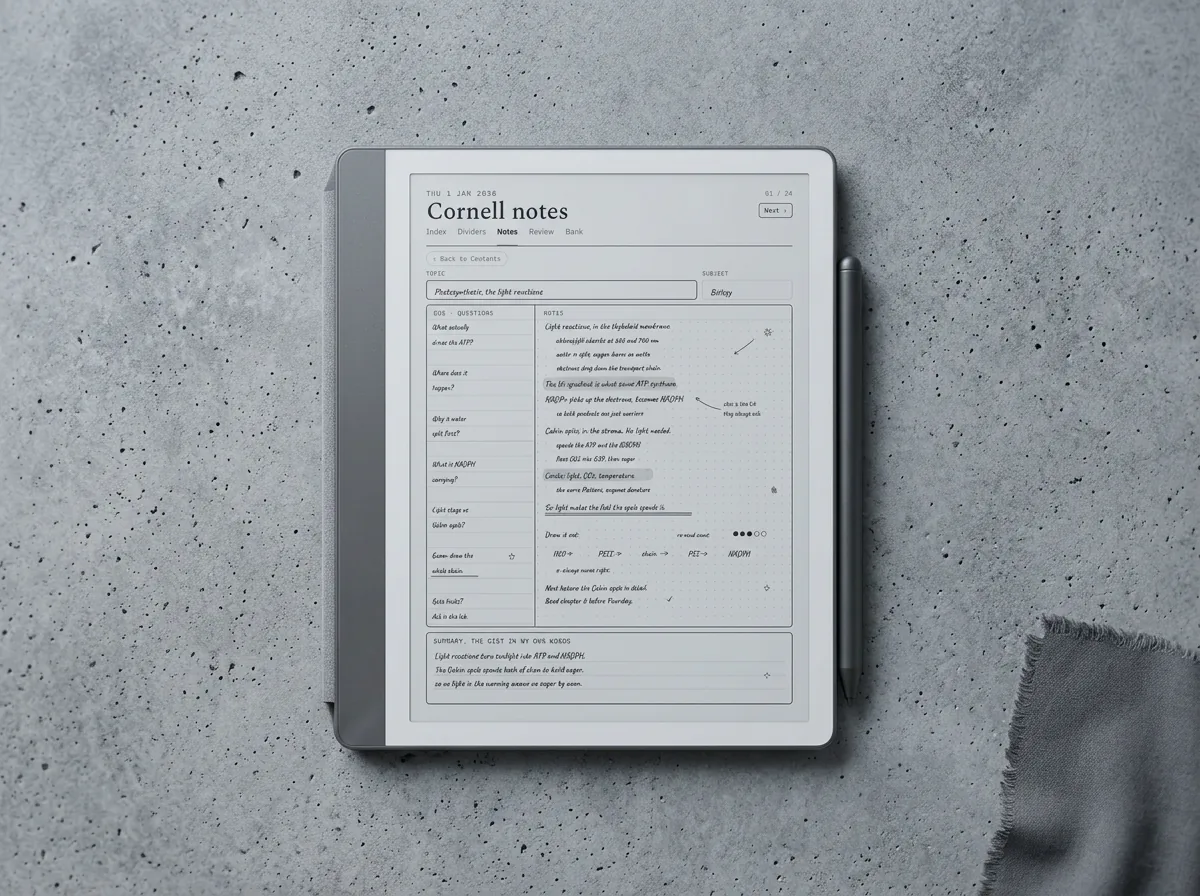
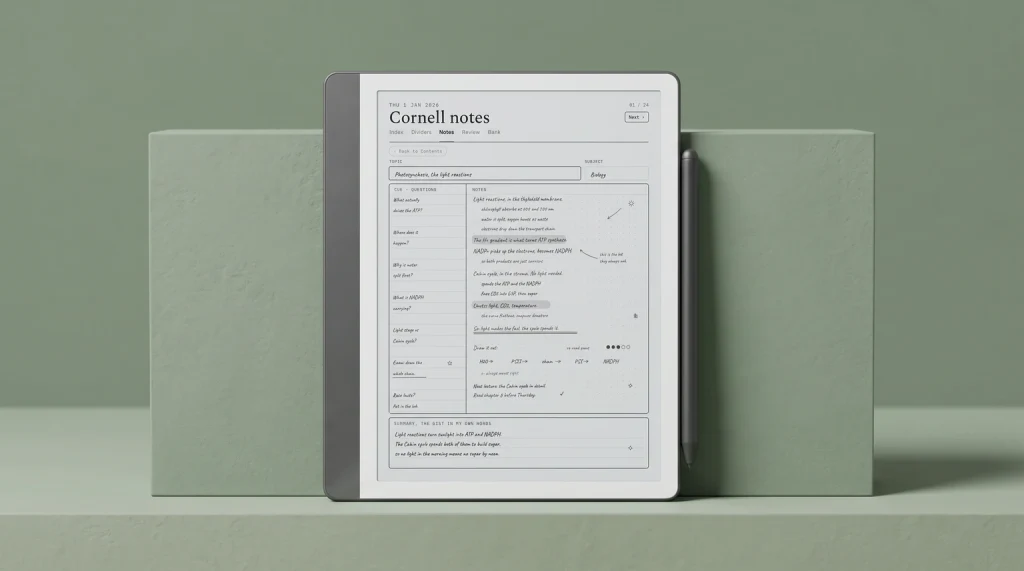
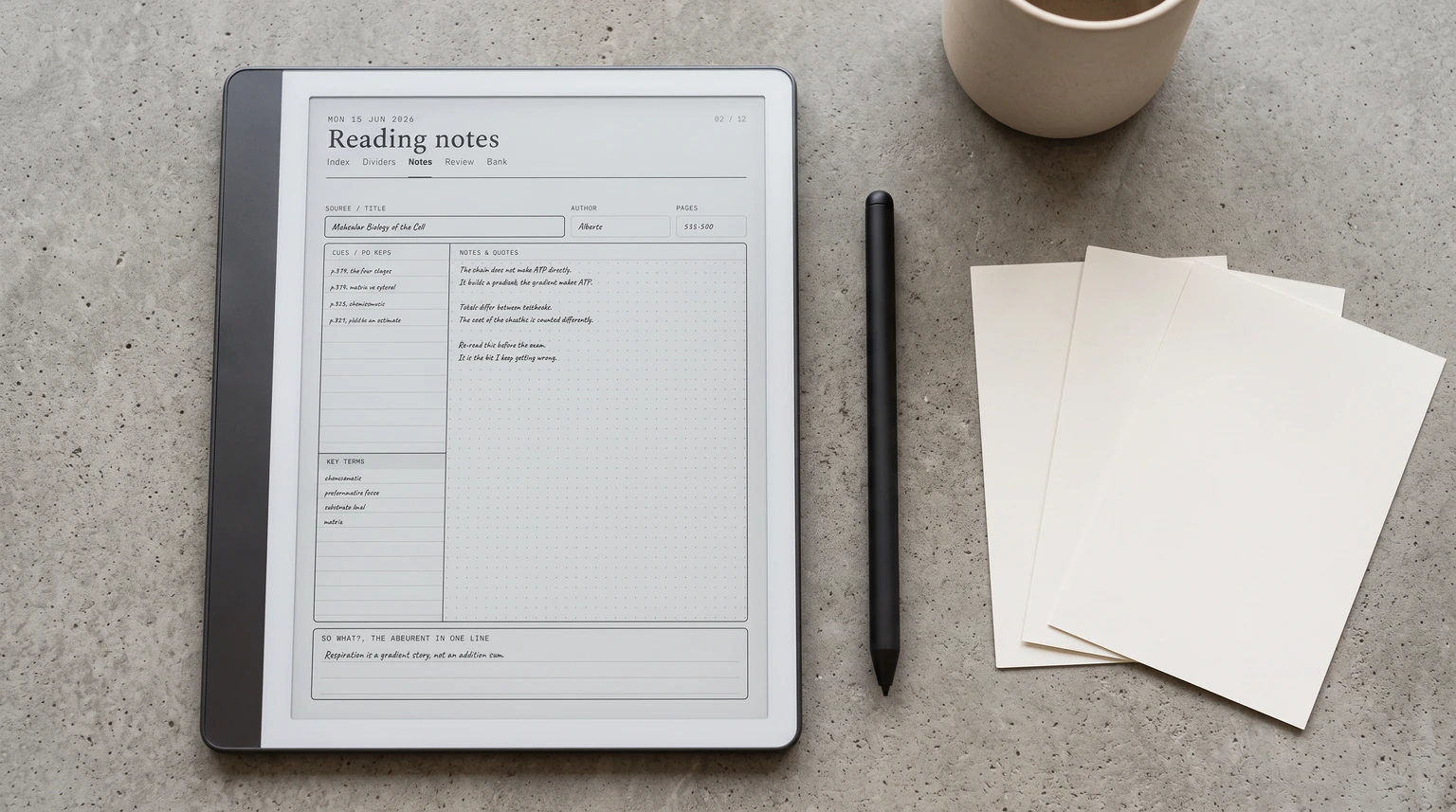
The default notebooks are sparse, which sells the writing short. The single biggest improvement is loading real templates: ruled and dotted pages for general notes, Cornell layouts for study, and dated planner pages so notes and plans live together. It turns the Scribe from a blank pad into a structured notebook, and it is the cheapest upgrade you can make. We show the method in making Kindle Scribe templates, and the templates roundup covers the strongest options.
Write linear notes, archive by export, and it is a joy; try to make it a tagged second brain, and the software fights you.What we found
Used for what it is, the Kindle Scribe for note taking is calm, durable, and close to paper. Match your habit to its strengths, load templates that fit how you study or plan, and it quietly becomes the notebook you reach for. Our Kindle Scribe Device Guide walks those strengths and the limits behind them chapter by chapter, if you would rather read it once than learn it by accident.
FAQ
Common questions, answered briefly
Is the Kindle Scribe good for note taking?
Can you organise notes on a Kindle Scribe?
Can you export notes from the Kindle Scribe?
Is the Kindle Scribe good for students?
What templates are best for Kindle Scribe note taking?
If your question is not above, drop it in the comments and we will answer it.
People also ask
Other questions, briefly answered
Sources: Amazon Kindle Scribe product page.