What it is
What the Boox Go 10.3 is
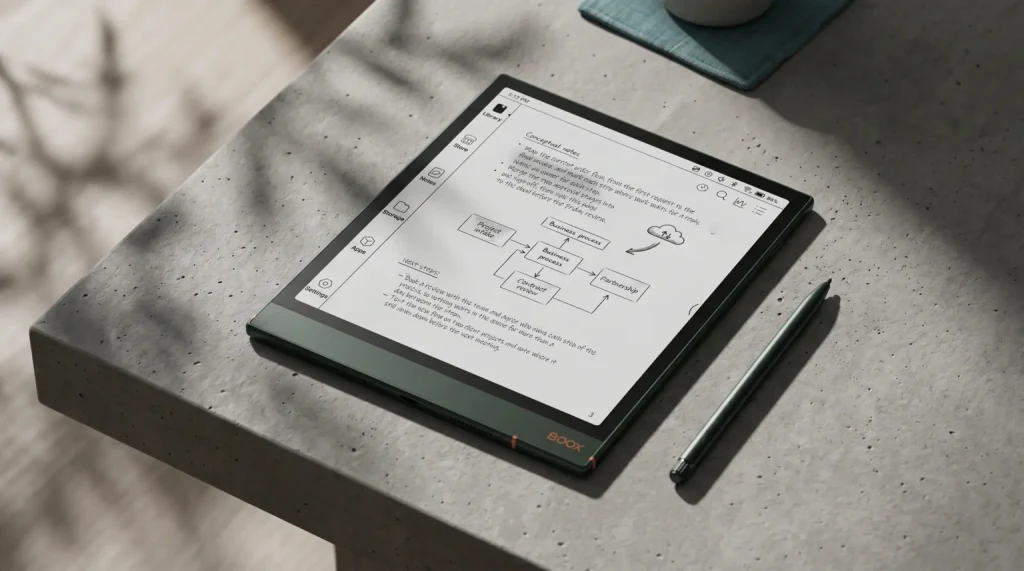
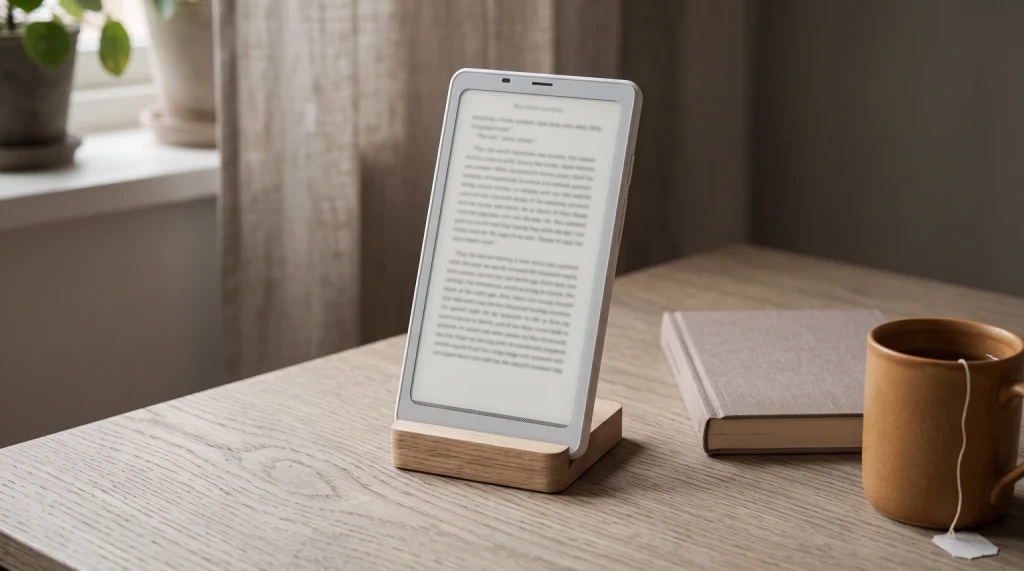
The Boox Go 10.3 is a large monochrome e-note from Onyx, built around a 10.3-inch E Ink Carta 1200 screen at 2480 by 1860 (300 pixels per inch), aimed at handwriting and reading documents rather than buying novels. It is the value entry in Onyx’s large note-taker range: it launched at 359.99 dollars, which is less than the step-up models, and unlike many rivals it puts the stylus in the box rather than charging extra. It runs full Android, so you can install your own reading, note, and document apps. The defining choice Onyx made, for better and worse, is that the Go 10.3 has no front light at all; it is a paper-thin, daylight device, which is exactly its appeal to some buyers and a dealbreaker for others.
- Screen: 10.3-inch mono E Ink Carta 1200, 2480 x 1860, 300 ppi, no front light
- Handwriting: stylus with 4,096 pressure levels, pen included in the box
- Software: full Android 12 (install your own apps)
- Inside: octa-core, 4GB memory, 64GB storage, dual speakers and microphone, 3,700mAh battery
- Price and weight: 359.99 dollars, about 350 grams
Who it is for
Who the Boox Go 10.3 is for
The Boox Go 10.3 is for the writer and document reader who wants a big e-ink page without paying the most, and who does that work in good light. If you mark up PDFs, take handwritten notes, read research papers, and mostly work at a desk, in a bright room, or outdoors, the Go 10.3 gives you a large, sharp, paper-like surface with the pen included and the freedom to run your own apps, for less than the better-known note-takers. It suits students, anyone who reads heavy documents, and people who like the idea of an open Android note device over a closed one.
It is not for you if you read or write in bed, on a night train, or in any dim setting, because there is no front light to fall back on. That single design choice decides more buyers than any other spec here. It is also not the pick if you want the newest software or the longest-supported model, since it ships on an older Android version than Onyx’s latest. Be honest with yourself about when and where you would actually use it; a large e-ink page is wonderful, but only if there is enough light in the room to see it.
Writing
Writing and note-taking on the Go 10.3
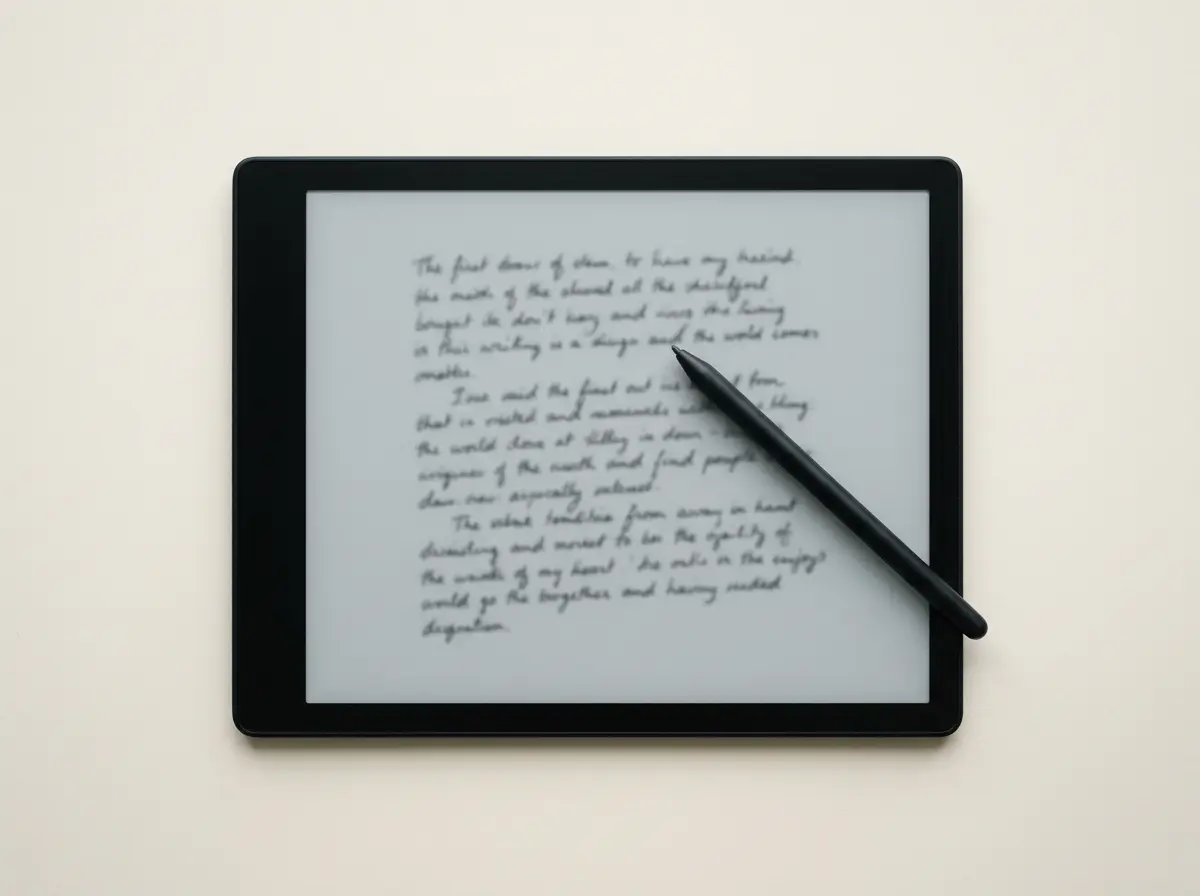
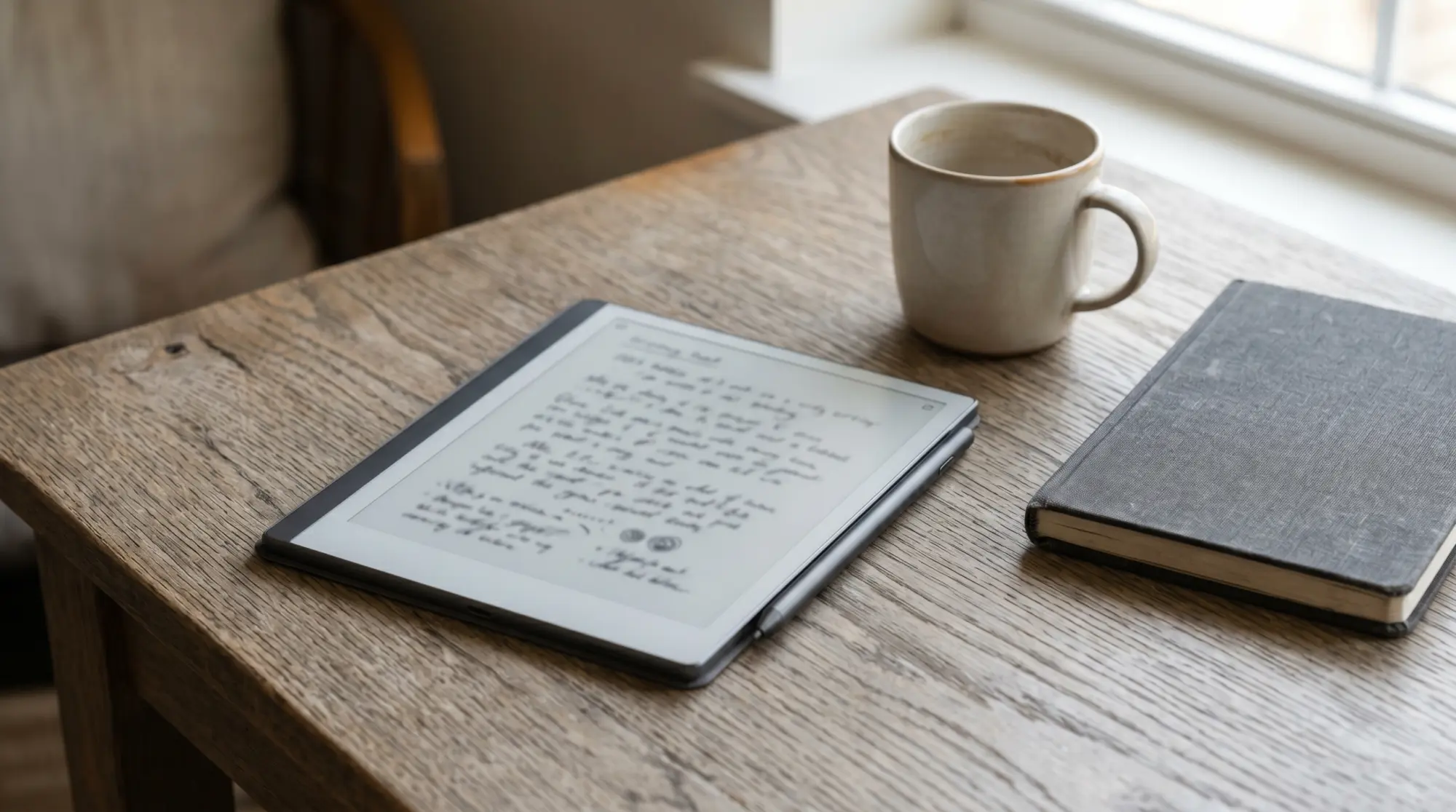
Writing is the Go 10.3’s main job, and the basics are strong: a large 10.3-inch surface gives pages room to breathe, the 4,096-level stylus is responsive, and crucially the pen comes in the box, so unlike some rivals there is no extra purchase before you can write a word. The big mono screen suits longhand notes, marked-up PDFs, and sketched diagrams, and full Android means you can write in Onyx’s own notes app or install another you prefer. As with any e-ink writer, the feel is paper-like rather than glassy, which is the point. The absence of a front light affects writing as much as reading: in a bright room it is a pleasure, but you cannot scribble a 2am idea without turning on a lamp.
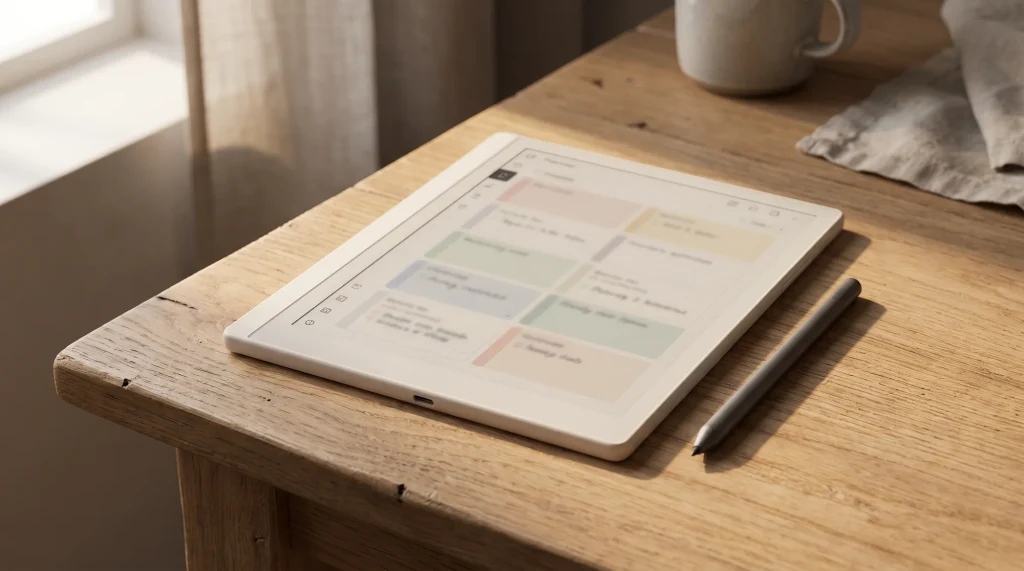
To get more out of the writing side, a structured template set helps, because a blank page is only as useful as what you put on it. Hyperlinked planner and note PDFs open in the Go 10.3’s apps the same way a document does, turning the slab into a dated planner, a project notebook, or a habit tracker. Our Boox templates are built to fit Boox screens specifically, and they are the cheapest way to make a note device feel organised rather than like a stack of loose pages. The hardware gives you the surface; the template gives it a shape.
Reading and PDFs
Reading and PDFs on a 10.3-inch screen
For documents, the Go 10.3’s size is its best feature. A 10.3-inch page shows a full A4 or letter PDF close to its real proportions, so research papers, textbooks, and reports are readable without the constant pinch-and-zoom a small reader forces, and the high resolution keeps small text sharp. Running your own apps means you are not limited to one reader, so library books, articles, and your own files all live on the same device. The one limit, again, is the missing light: a 10.3-inch screen is exactly the kind you might read in bed, and on this model you cannot, without external light. For daytime and desk reading of big documents, though, it is one of the more affordable large e-ink pages you can buy.
Which version
Original Go 10.3 vs the Gen II
Onyx has since released a Gen II refresh of the Go 10.3, and knowing the difference saves confusion at checkout. The two share the 10.3-inch mono format and the writing focus, but the Gen II updates the software to a newer Android version, uses a faster chip, and, most importantly, offers an optional front-light variant, the very thing the original lacks, for a higher price. The table lays out the choice.
| Version | Android | Front light | Price from | Best for |
|---|---|---|---|---|
| Go 10.3 (original) | Android 12 | None | Sold out (was 379.99 dollars) | A used buy, daytime use |
| Go 10.3 (Gen II) | Android 15 | Optional (Lumi variant) | 419.99 dollars (449.99 Lumi) | Buying new, newer software, or a light |
The decision is mostly about the light and the software, and stock now settles part of it: Boox’s US store shows every original Go 10.3 variant sold out as of 23 October 2026, so the original is a used or refurbished buy only. If you find one secondhand for less and only use it in good light, it is still a capable writer. New, the Gen II at $419.99 is the one to buy, with longer software life and a quicker chip, and the Gen II Lumi at $449.99 adds the front light so the device is not daylight-only.
A large e-ink page is wonderful, but only if there is enough light in the room to see it.Who it is for
Versus the rest
How it compares to reMarkable and the Kindle Scribe
Against the better-known large note-takers, the Go 10.3’s pitch is price and openness. Like the reMarkable, it is a mono writing slab without color; unlike the reMarkable, it runs open Android, so you are not limited to one company’s software, and it includes the pen for less money. The Kindle Scribe, by contrast, does include a front light, which the original Go 10.3 does not, and it ties into Amazon’s bookstore in a way the open Go 10.3 deliberately does not. The honest summary is that the Go 10.3 trades the polish and the built-in light of the big names for a lower price and the freedom to run your own apps. Our Boox versus reMarkable and Boox versus Kindle Scribe comparisons work through those tradeoffs in full, and our Boox lineup guide shows where the Go 10.3 sits among Onyx’s own range.
Where it falls short
Where the Boox Go 10.3 falls short
The honest limits are clear and worth repeating before you buy. The missing front light is the headline: it makes the original Go 10.3 a daylight-and-lamp device, and no amount of other strengths changes that if you read in the dark. The older Android version is the second: it works, but it is not the newest or longest-supported software, which the Gen II addresses. The third is the broader Boox tradeoff: open Android is powerful but less tidy than a closed system, with more settings and the occasional app that needs tuning to behave on e-ink. And as with all e-ink, do not expect tablet speed; page turns and app loads are deliberate, not instant. For the buyer who reads in good light and wants a large open writer for less, none of these sink it; for anyone else, they point to a different model.
Verdict
Verdict
A device like the Go 10.3 rewards knowing exactly what you want from it: a big, open, paper-like page, used where there is light. If you have written on one, or chosen a lit model instead, tell us what made the call in the comments. The lived reasons people pick or skip the Go 10.3 help the next reader more than any spec sheet can.
FAQ
Common questions, answered briefly
Does the Boox Go 10.3 have a front light?
Does the Boox Go 10.3 come with a pen?
Is the Boox Go 10.3 worth it?
Does the Boox Go 10.3 have color?
Boox Go 10.3 vs reMarkable?
What Android version does the Boox Go 10.3 run?
If yours isn’t above, drop the question in the comments and we’ll add it.
People also ask