Core
What can reMarkable 2 do at the core in 2026
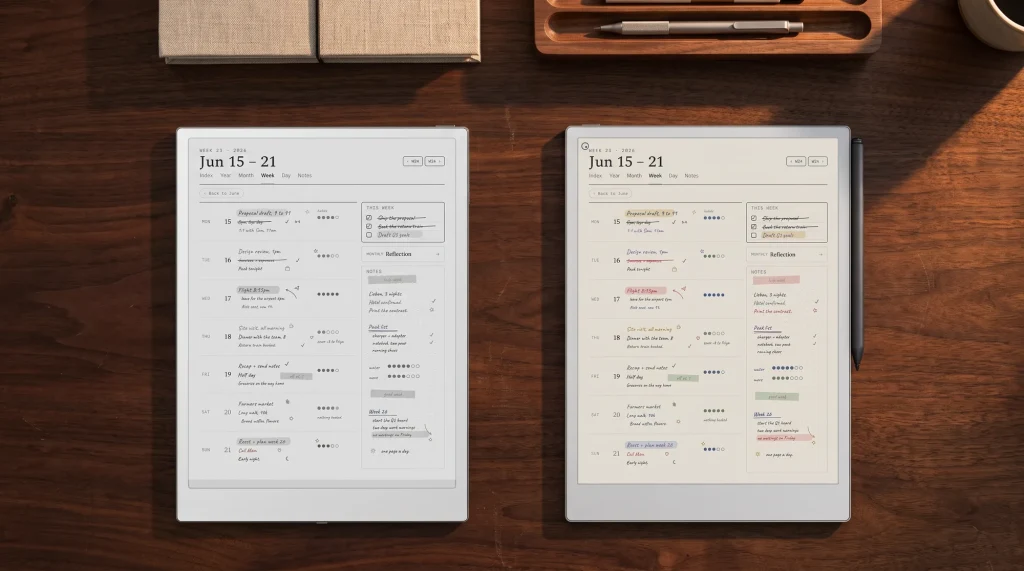
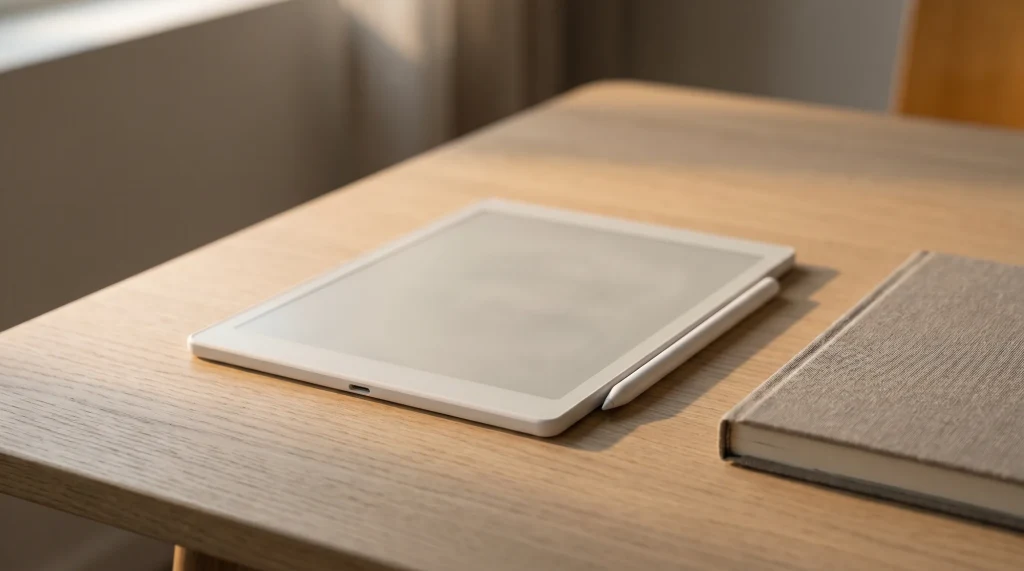
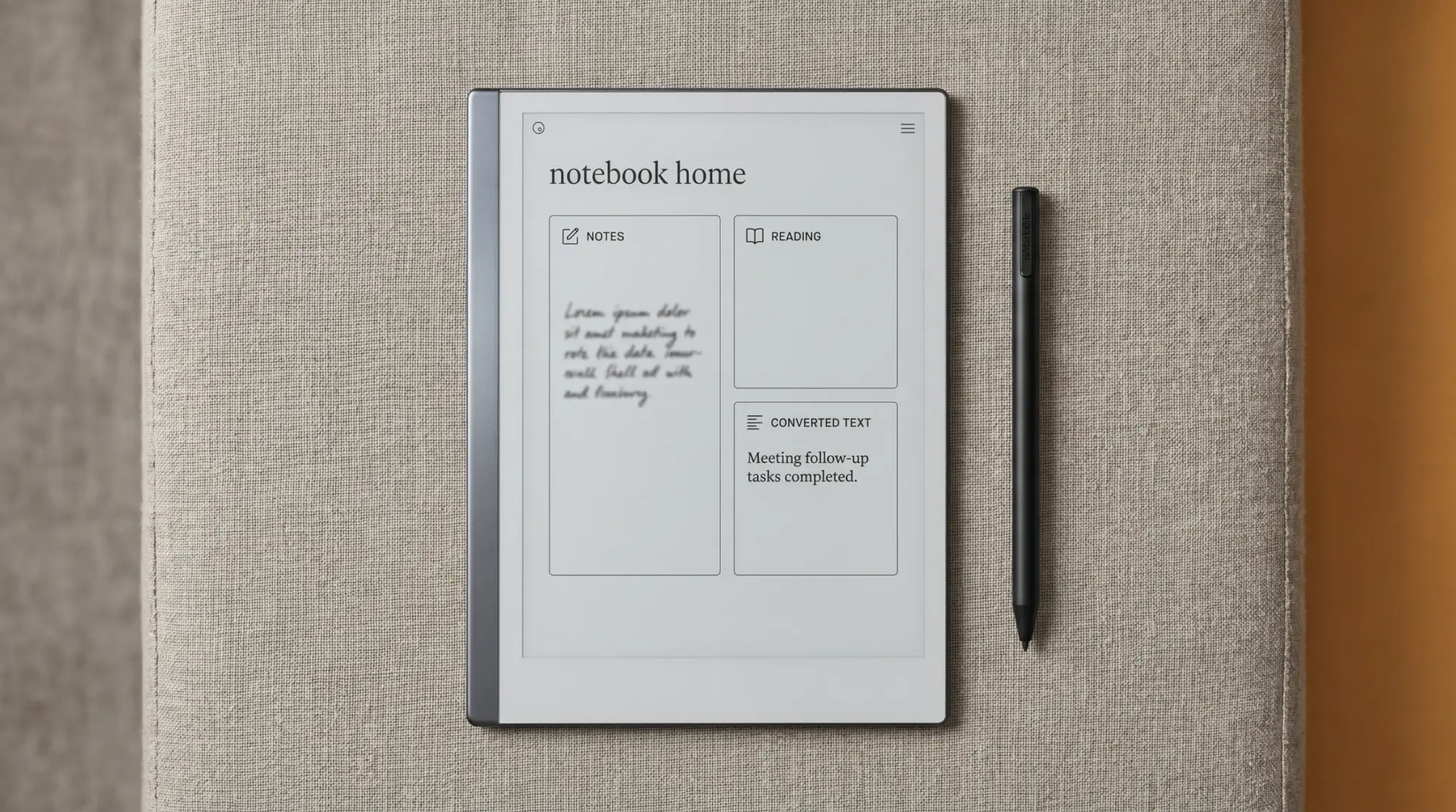
What can reMarkable 2 do at the core: write, read, sync. The device is a writing tablet first, a reading device second, a sync target third. Writing happens with the included Marker stylus on the 10.3-inch monochrome e-ink screen with paper-feel surface texture. Reading covers PDFs and EPUBs you put on the device through the official reMarkable app, web interface, or USB. Sync goes through reMarkable Cloud to the desktop and mobile apps. The free tier is not capped by document count: reMarkable keeps a file in the cloud only while it has been used and synced online in the last 50 days, per file, and Connect ($3.99/month) makes that storage unlimited. Notes stay on the device regardless.
Which books actually open on the tablet, and why Kindle books do not, gets its own answer in our guide to books on reMarkable 2, with every import route and the reading settings.
One thing has changed outside the software, and it matters if you are still shopping rather than already writing: reMarkable’s own product page now reads “reMarkable 2 has been discontinued. Accessories are still available”, and points new buyers at Paper Pure ($399), Paper Pro Move ($449) and Paper Pro ($629). Existing rM2 owners keep getting software updates, and markers, folios and cables are still sold, so nothing here is a reason to replace a working device. It does mean a new rM2 now comes from the second-hand market. That core has not changed since the rM2 launched in 2020. What has changed is the AI feature set that landed in 2025 firmware and the maturity of the writing tools (lasso, layers, multi-page document handling). The device is more capable today than at launch but still does the same fundamental three things: write, read, sync. Our how to use reMarkable 2 piece walks the daily workflow.
AI
What AI features the reMarkable 2 has in 2026
What can reMarkable 2 do on the AI side, and where the line actually falls: handwriting-to-text conversion runs on the tablet itself with no subscription, which is the part most write-ups get backwards. What sits behind Connect is the rest of the chain: converting from the desktop app, searching your handwriting, Convert to Notebook for Word files and web articles, and Create a link, which shares a note as a browser page and needs software 3.27 or later. AI summaries of notes and highlights ride with that Connect set rather than with the free tier.
Accuracy: handwriting-to-text approaches 95 percent on neat printing in English, drops to 80 on cursive, lower on heavily-stylised handwriting. Languages supported: English best, plus French, German, Spanish, Italian, Portuguese, Dutch as of the 2025 expansion. Summarisation works for linear notes (lectures, meeting recaps); less well for diagrammatic or bullet-heavy pages. On quotas: reMarkable publishes none. Neither the free-tier page nor the conversion article states any per-week or per-month conversion limit, so if you see a number quoted anywhere it did not come from reMarkable. What Connect buys is where you can convert, not how often.
| Capability | rM2 supports? | Notes |
|---|---|---|
| Mono writing | Yes | Paper-feel surface, low pen latency. |
| Colour writing | No | Mono Carta panel; Paper Pro is the upgrade. |
| PDF and EPUB reading | Yes | Sideload via app or USB. |
| Apps (Kindle, Notion, etc.) | No | Closed OS, no app store; by design. |
| Handwriting-to-text AI | Yes | ~95% accuracy on neat English printing. |
| Calendar sync (Google, Apple) | No | Static dated PDFs (Recalendar.me) instead. |
| Web browser | No | No web; PDF read-later via app upload. |
Read the table by what your work actually needs. The yes-column is comprehensive for writing and reading workflows; the no-column rules out general-purpose tablet use cases. The reMarkable 2’s positioning is single-purpose by design, which is the feature for some users and the deal-breaker for others. Our can reMarkable 2 write in color piece covers the colour question specifically.
Connect
What Connect subscription changes about the rM2
The reMarkable Connect subscription ($3.99 a month) has been a sticking point for some users since reMarkable introduced it. What it actually does in 2026: makes cloud storage unlimited, so files stop dropping out of the cloud after 50 days untouched; and adds handwriting search and conversion inside the desktop and mobile apps. The Google Drive, Dropbox and OneDrive integrations are not part of it: reMarkable lists them among the features every tablet gets without a subscription, and they are an import-and-export bridge rather than Boox-style live folders.
What Connect does not do: turn the rM2 into a different device. Local notebooks always work without Connect; the cap is on the cloud sync layer only. For a single-device user who works through their files rather than archiving them, the free tier is sufficient. For multi-device users (rM2 plus desktop app plus mobile app, all syncing) Connect removes friction. We covered the wider sync question in our reMarkable app for Windows piece.
The reMarkable 2’s positioning is single-purpose by design, which is the feature for some users and the deal-breaker for others.AI section
Limits
What the reMarkable 2 cannot do (and why)
The reMarkable 2 limits are deliberate, not gaps reMarkable forgot to fix. No app store, no web browser, no calendar sync, no notifications, no colour, no audiobook playback, no email client. Each absence is intentional. The brand’s pitch is single-purpose focus: write and read without the distractions a general-purpose tablet brings. For someone who specifically wants distraction-removed work, those limits are the feature.
For everyone else, those limits are the reason to look at a different device. Boox runs Android and the Play Store (full app flexibility, less paper-feel writing). Kindle Scribe Colorsoft runs Amazon’s ecosystem (audiobooks, library, AI, plus colour). iPad runs everything but has none of the e-ink benefits. The rM2’s competition is mostly about whether you want a single-purpose tool or a multi-purpose one. Our reMarkable 2 refurbished piece covers the buying case for the discontinued device specifically.
If you have used a reMarkable 2 in 2026 and answered the what can reMarkable 2 do question for your specific workflow (especially edge cases like specific academic uses, drawing workflows, or technical note-taking), drop your take in the comments. Reader perspectives across different work types are how this post stays current.
FAQ
Common questions, answered briefly
What can reMarkable 2 do in 2026?
Does the reMarkable 2 have AI features in 2026?
Is a Connect subscription required for the reMarkable 2?
Can the reMarkable 2 sync with Google Calendar?
What does the reMarkable 2 not do that competitors do?
If yours isn’t above, drop the question in the comments and we’ll fold it in next refresh.
People also ask