This is the category guide on our reMarkable hub. If you already know you want the ranked “which to buy” list rather than the explainer, jump to our best e-ink tablet guide for 2026. If what you actually want is what changed this month, our e-ink tablet news roundup tracks the cycle and says which claims are sourced.
The definition
What a paper tablet actually is
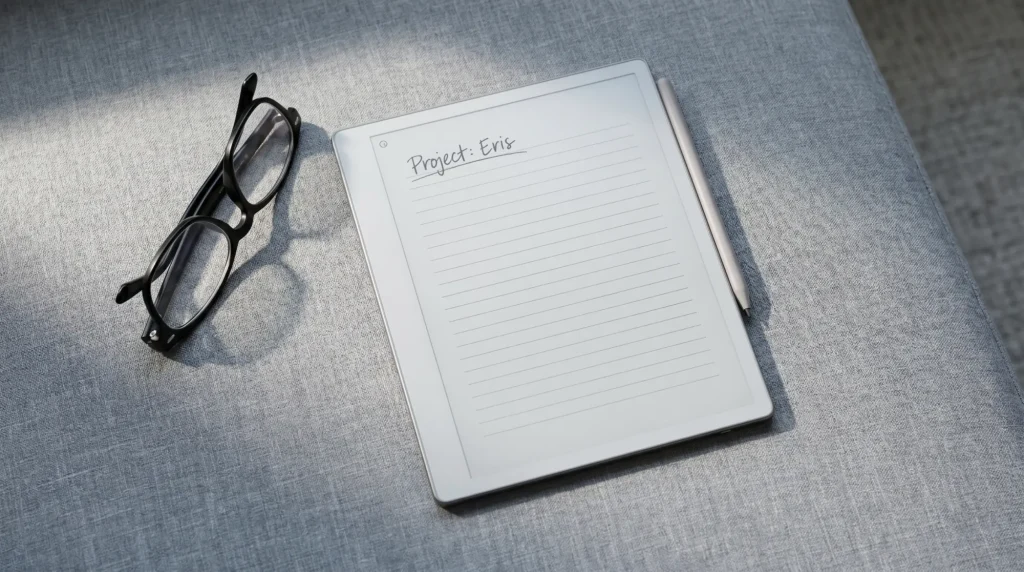
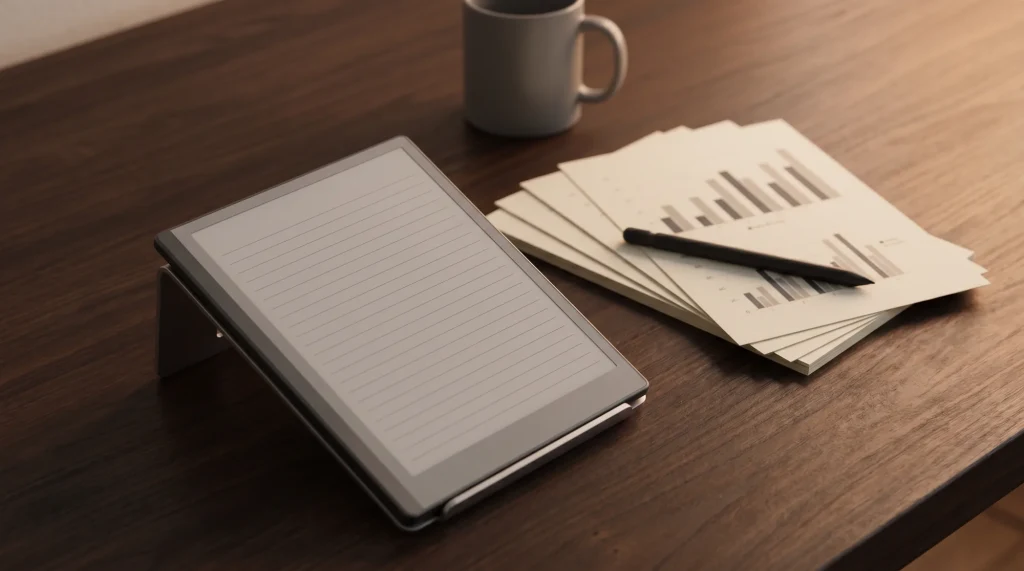
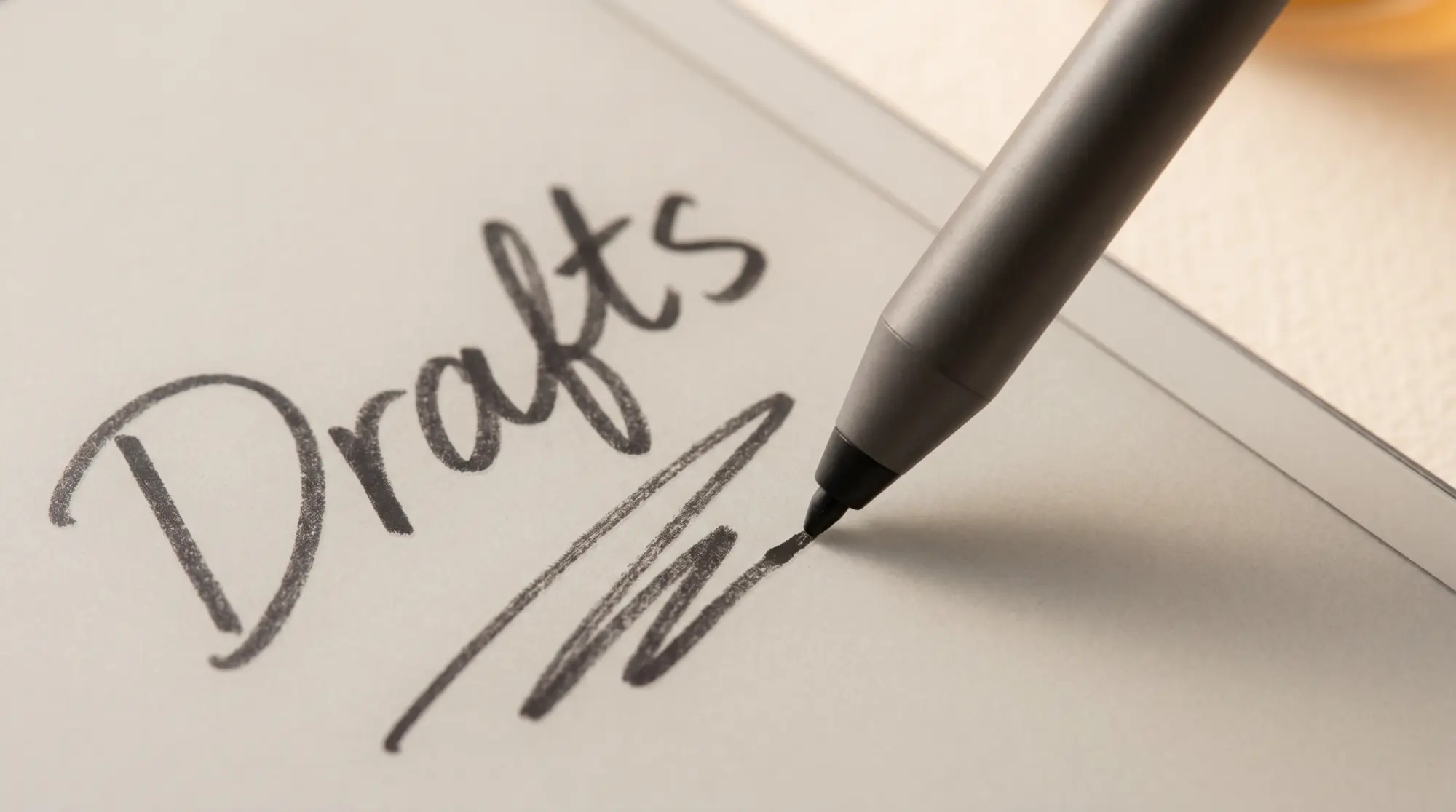
A paper tablet is a device with three things working together: an e-ink screen, a pen designed around that screen, and a surface with enough texture that writing feels like a pencil on paper rather than a stylus on glass. The name comes from reMarkable, which marketed its device as “the paper tablet,” and it has since become the shorthand for the whole category of e-ink writing tablets. The key word is e-ink. A paper tablet uses an electronic-paper display that reflects light like a printed page, so there is no glow, no backlight fatigue, and no blue-light wash at night.
That definition matters because it draws a hard line the marketing likes to blur. A paper tablet is not a small computer with a nice screen. Most are built to do less on purpose: to hold your handwriting, your reading, and not much else, so that the one thing they do, writing, stays calm and fast. Some newer models widen that scope with apps and AI, but the heart of the category is still the writing surface. Everything in this guide flows from that.
The fakes
Paper tablet versus the “paper feel” LCD fakes
Search for a paper tablet and half the results will be something else: a cheap LCD tablet with a textured film stuck over a backlit screen, sold on the promise of a “paper feel.” These are not paper tablets in the sense that matters. The film adds friction, but underneath it is a glowing LCD, so you get the eye strain, the glare, and the battery drain a paper tablet exists to avoid. The writing can feel fine; the screen is the problem.
There is one honest gray area worth naming. Some e-ink paper tablets ship without a frontlight at all (the Supernote Manta is the notable example), which is the opposite choice: not a fake glow, but no light of any kind, to keep the surface as paper-like as possible. That is a real paper tablet that simply cannot be used in the dark. The fakes glow and pretend to be e-ink; the purists refuse to glow at all. Both are the category; the LCD-with-a-film is not.
The landscape
The paper tablet landscape in 2026
The real category is small, maybe five names worth your money, and they sort cleanly by what they lean toward. The fastest way to place them is by the job you will do most: pure writing, reading plus writing, apps plus writing, or AI plus writing.
| Brand | Leans toward | Screen |
|---|---|---|
| reMarkable | Pure, focused writing | Mono or color, locked OS |
| Kindle Scribe | Reading plus notes | Mono, Amazon ecosystem |
| Boox | Apps plus writing | Mono or color, open Android |
| Supernote | Writing purity, repairable | Mono, no light, closed OS |
| iFLYTEK AINOTE 2 | AI, transcription, thinness | Mono, open Android |
Read that table as a starting sort, not a verdict. Most people know within a line or two which column is theirs. The sections below say a little more about each, and where to go for the full story. For a straight ranked list of which to buy this year, our best e-ink tablet guide does the head-to-head scoring; this page is the map, that one is the leaderboard.
The brands
The brands worth knowing
reMarkable is the device that named the category and still defines its purest form. Its locked operating system runs no apps and has no store, which is the point: nothing pings you, so writing stays writing. The Paper Pro adds a color screen and a frontlight; the mono line stays spartan. If you want a paper tablet that protects your attention above all, this is the default, and our reMarkable alternatives roundup covers where it sits against the field.
Kindle Scribe is the reading-first paper tablet. It reads the entire Kindle library natively, syncs across your Kindle apps, has a frontlight, and takes handwritten notes well enough for margins and journaling. If reading is a third or more of what you will do, the Scribe’s ecosystem is the reason to pick it over a pure writer.
Boox is the open one. Its tablets run full Android with the Google Play store, so they install any app and any note ecosystem, in mono or color. That freedom is the appeal and the catch: an open device is a small computer, with the distractions that come with one. For anyone who wants a paper tablet that flexes to any workflow, Boox is the pick.
Supernote is the writer’s cult favorite: a mono, lightless, closed device with a ceramic-nib pen that reviewers rate among the best writing experiences in e-ink, and a modular, repairable body built to last years. It gives up color, a frontlight, and apps in exchange for focus and longevity. Our AINOTE 2 vs Supernote Manta comparison covers it in depth.
iFLYTEK AINOTE 2 is the newcomer that stretches the category. Built by a speech-AI company, it records and transcribes meetings on the device, runs full Android, and is the thinnest e-ink tablet made. It is a paper tablet that is also an AI computer, which is either exactly what you want or exactly what you were escaping. Our iFLYTEK AINOTE 2 review has the full picture.
Choosing
How to choose your paper tablet
Choosing well is mostly about being honest about your main use and ignoring the features you will never touch. Sort yourself by the one thing that matters most:
- Mostly writing, want focus: reMarkable, or Supernote if you also want repairability and a lower price.
- Reading plus notes: Kindle Scribe, for the native library and frontlight.
- Apps and flexibility: Boox, for open Android and color options.
- Meetings and AI: the iFLYTEK AINOTE 2, for on-device transcription and translation.
- Color: the reMarkable Paper Pro or a color Boox; the mono writers stay mono.
Two traps to avoid. First, do not buy for the feature you imagine using rather than the one you will. A color screen you never fill or an AI you never invoke is money spent on the wrong device. Second, do not buy an LCD “paper feel” tablet expecting the e-ink experience; it is a different product wearing the category’s clothes. Match the device to your real week, and almost any of the five will serve you for years.
The paper tablet category has never been healthier or more varied than it is in 2026, which is good news: there is a right one for almost every kind of writer now, not just the reMarkable faithful. Tell us in the comments which device you landed on and what tipped it, and we will keep this guide current as the category grows.
FAQ
Common questions, answered briefly
What is a paper tablet?
Is a paper tablet the same as an e-ink tablet?
Which is the best paper tablet in 2026?
Are the cheap “paper feel” tablets on Amazon real paper tablets?
Do paper tablets have a backlight?
People also ask