For the broader buyer’s guide on running a remarkable planner across the lineup (which device fits, native templates vs PDF imports vs paid apps, free vs paid tradeoffs, and the Kindle Scribe comparison), see the pillar.
Landscape
The reMarkable templates landscape in 2026
Search for reMarkable templates and you land in a market that has matured fast since the rM1 days. The four sources below cover almost every option a 2026 buyer should consider. Skip the YouTube videos that pad the list with low-effort PNGs scraped from the rM2 community subreddit; the actual choice is between four real categories with different trade-offs.
The decision usually comes down to two questions. Do you want polish and consistency, or do you want maximum free options. And do you want a curated set that solves a specific use case (planning, journalling, project management), or do you want a general-purpose grid that adapts to whatever you throw at it. The four sources sort themselves cleanly across both axes.
Source 1
The official reMarkable templates: free, limited, fine
Every reMarkable ships with the official template set installed, accessed via the Notebook tab and the Templates picker. The current set covers Lined, Squared, Dotted, Cornell, Calendar (week and month), To-Do, Storyboard, Music, and a few specialty layouts (Days planner, Habit tracker, IQ matrix). All free. All locked to the device’s resolution. Most readers find the set sufficient for the first month and then start hunting for something more specific.
The official set’s strength is consistency. Every template uses the same line weights, the same proportions, the same paper-feel approach. The weakness is that the set has not meaningfully expanded since 2022. Amazon ships new templates with every Kindle Scribe firmware update; reMarkable’s official template list has been static for three years. If the official set covers your workflow, stay there. Almost no one needs more than what ships in the box.
Source 2
Third-party studio bundles: polished and workflow-specific
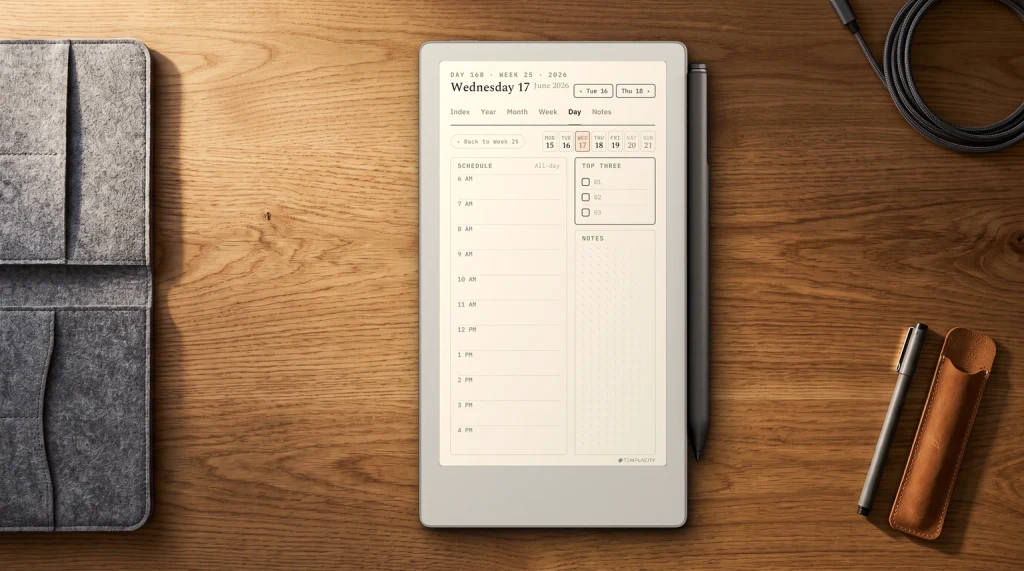
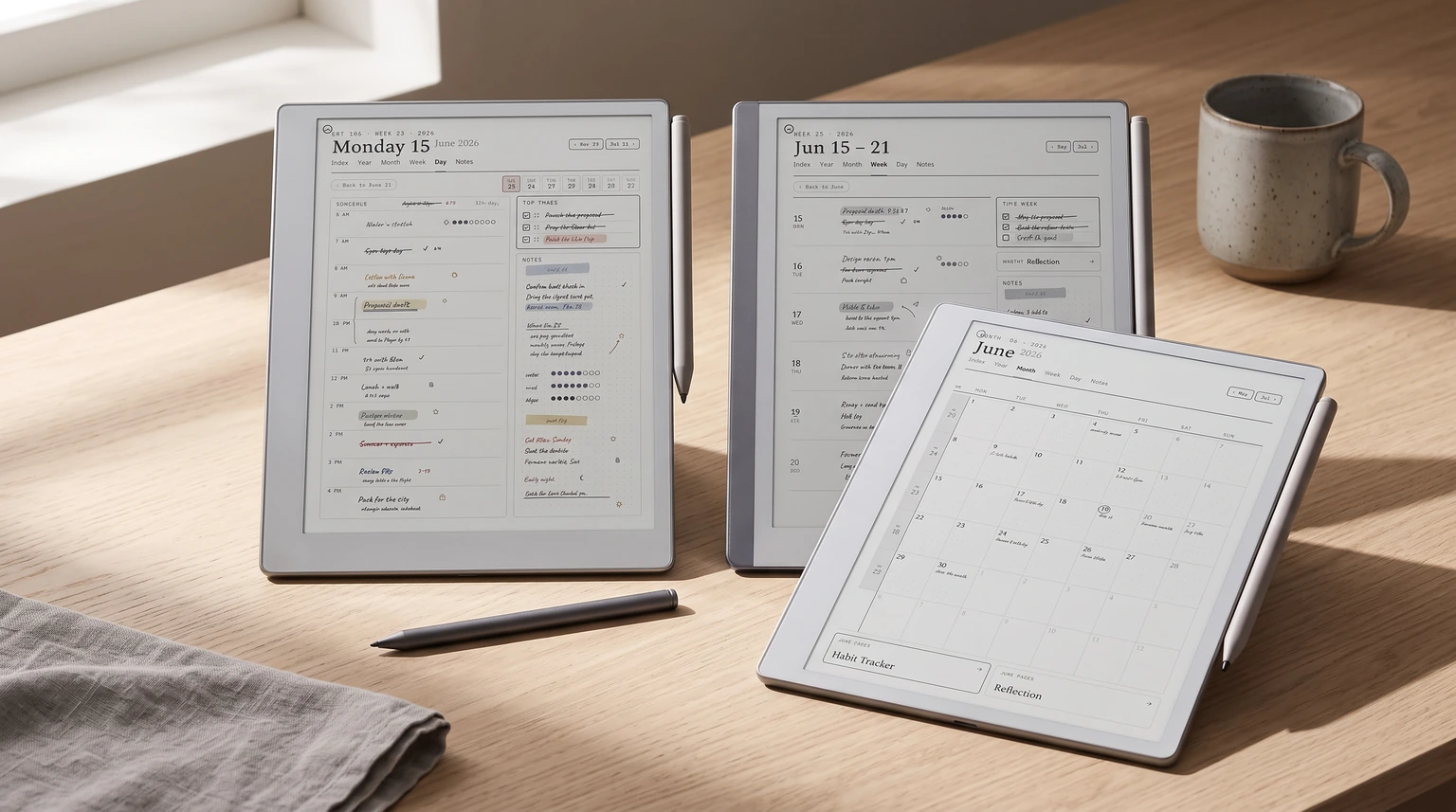
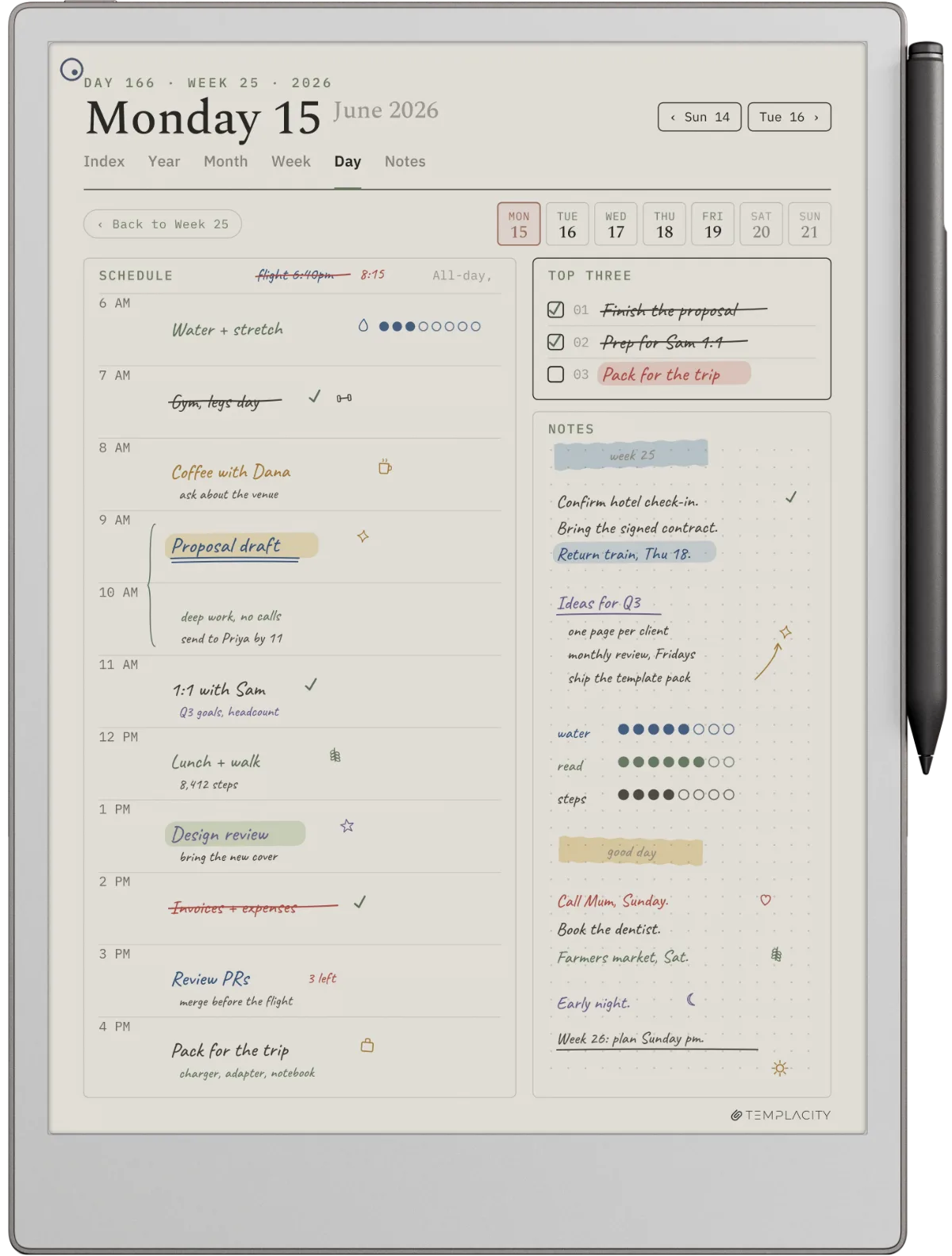
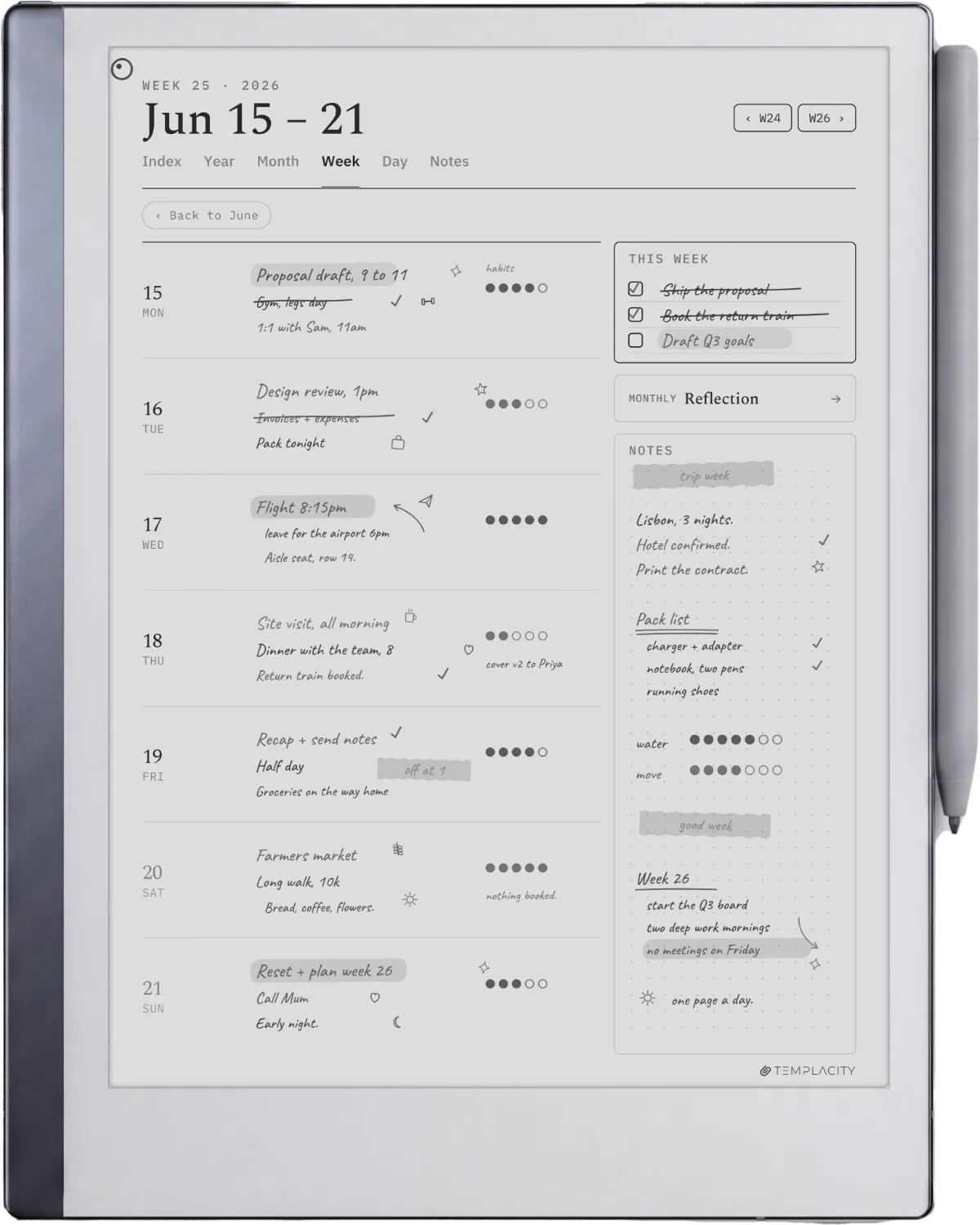
Studios like Templacity (us), Get to Worke, and a handful of independent designers ship paid template bundles that target specific workflows. Pricing typically lands at $20 to $60 for a bundle of 8 to 30 templates. The trade-off versus official: more polish, more workflow specificity, more money. The trade-off versus free community templates: less variety, more design coherence.
What to look for: templates designed at the device’s native resolution (1404 x 1872 for the rM2, 1620 x 2160 for the Paper Pro), light grey form lines so handwriting reads as the foreground, and either a clear workflow focus (planner, project log, habit system) or genuine variety. Avoid bundles that ship the same template at three colour palettes and call it a “30-template set”; those are filler. Our roundup of best reMarkable templates for productivity goes into the studio-by-studio comparison. If you would rather check a template against your own panel before buying, our e-ink PDF size database gives the exact page size for every reMarkable model and 25 other tablets.
| Source | Price | Polish | Best for |
|---|---|---|---|
| Official reMarkable set | Free | High | The first month and general use. |
| Studio bundles (paid) | $20 to $60 | Highest | Specific workflows (planning, projects). |
| Community freebies | Free | Variable | Niche use cases the studios miss. |
| Custom build | Free (your time) | Yours | Workflows nothing else covers. |
One quiet gotcha with paid bundles: most are designed for the rM2 native resolution and gain sharpness from a rebuild at the Paper Pro’s 1620 x 2160. Studios that have not updated deliver files that get upscaled at the device level; the 3:4 shape is shared so nothing crops, but line weight softens and fine typography loses definition. Ask before buying.
Source 3
Free community reMarkable templates: variable but real
The community-template world centres on three places: the r/RemarkableTablet subreddit (frequent shares with PNGs in the comments), the GitHub org Eeems/oxide and adjacent repos for power-user templates, and our own free reMarkable templates page. Quality varies wildly. The best free templates are designed by people solving their own problem and shared at no cost; the worst are quick scrapes from Pinterest sized incorrectly for the device.
The community-template path is worth the time if you have a niche workflow that no studio covers (D&D character sheets, knitting pattern logs, specific medical chart layouts, certain academic citation formats). For mainstream workflows the studio bundles save you the curation time and ship at higher polish. For everything in between, mix and match.
Source 4
Custom build: when no existing reMarkable template fits
If your workflow is specific enough that none of the first three sources fit, building your own is faster than people expect. The recipe: design at the device’s native resolution (1404 x 1872 px for the rM2, 1620 x 2160 for the Paper Pro), export to PNG with a transparent or white background, install via RCU or manual SSH. Expect about an hour for a first template, maybe two if you are picky about line weights.
The how-to lives in two adjacent posts: how to create a reMarkable template from scratch covers the design side, and reMarkable template installer covers the install side. Both are short. The install step is the part most readers find intimidating and is actually the easier of the two.
The install step is the part most readers find intimidating and is actually the easier of the two.Custom build section
By device
reMarkable templates by device: rM2, Paper Pro, and Move
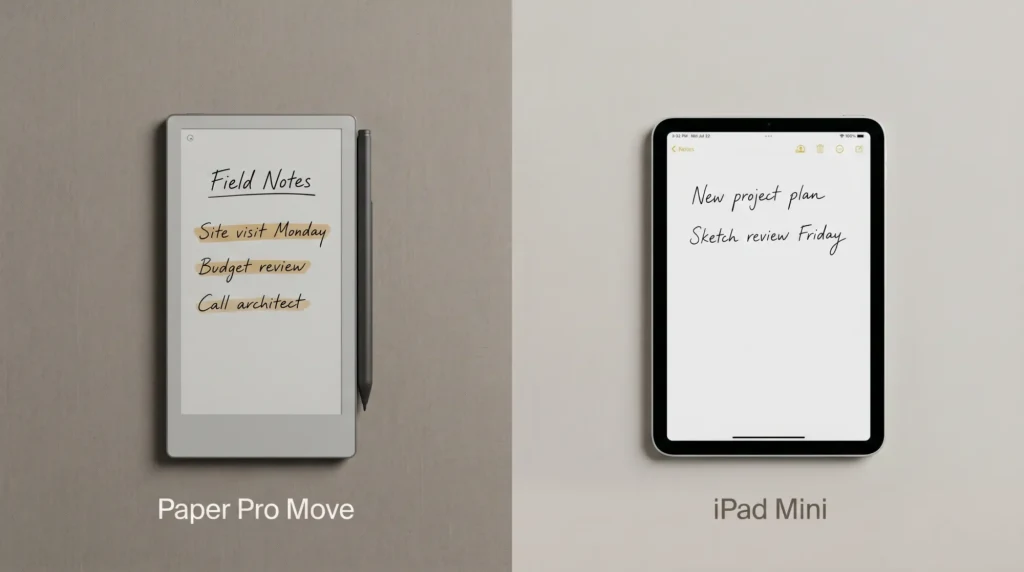
Which reMarkable templates you can use depends on which model you own, because each screen has a different native resolution and a template built for one looks soft on another. The reMarkable 2 and the Paper Pro are the two that matter for most buyers; the Move is the smaller travel model with a narrower canvas. The numbers below are the sizes a template should be built at to render crisply, with no device-level scaling.
| Device | Native template size | What to look for |
|---|---|---|
| reMarkable 2 | 1404 x 1872 px | The most widely supported size; nearly every studio and freebie targets it first. |
| reMarkable Paper Pro | 1620 x 2160 px | Needs native files. rM2 templates scale up and soften, so check device support before buying. |
| reMarkable Move | 954 x 1696 px | Narrower aspect; layouts built for the larger models crop awkwardly. Fewer studios target it. |
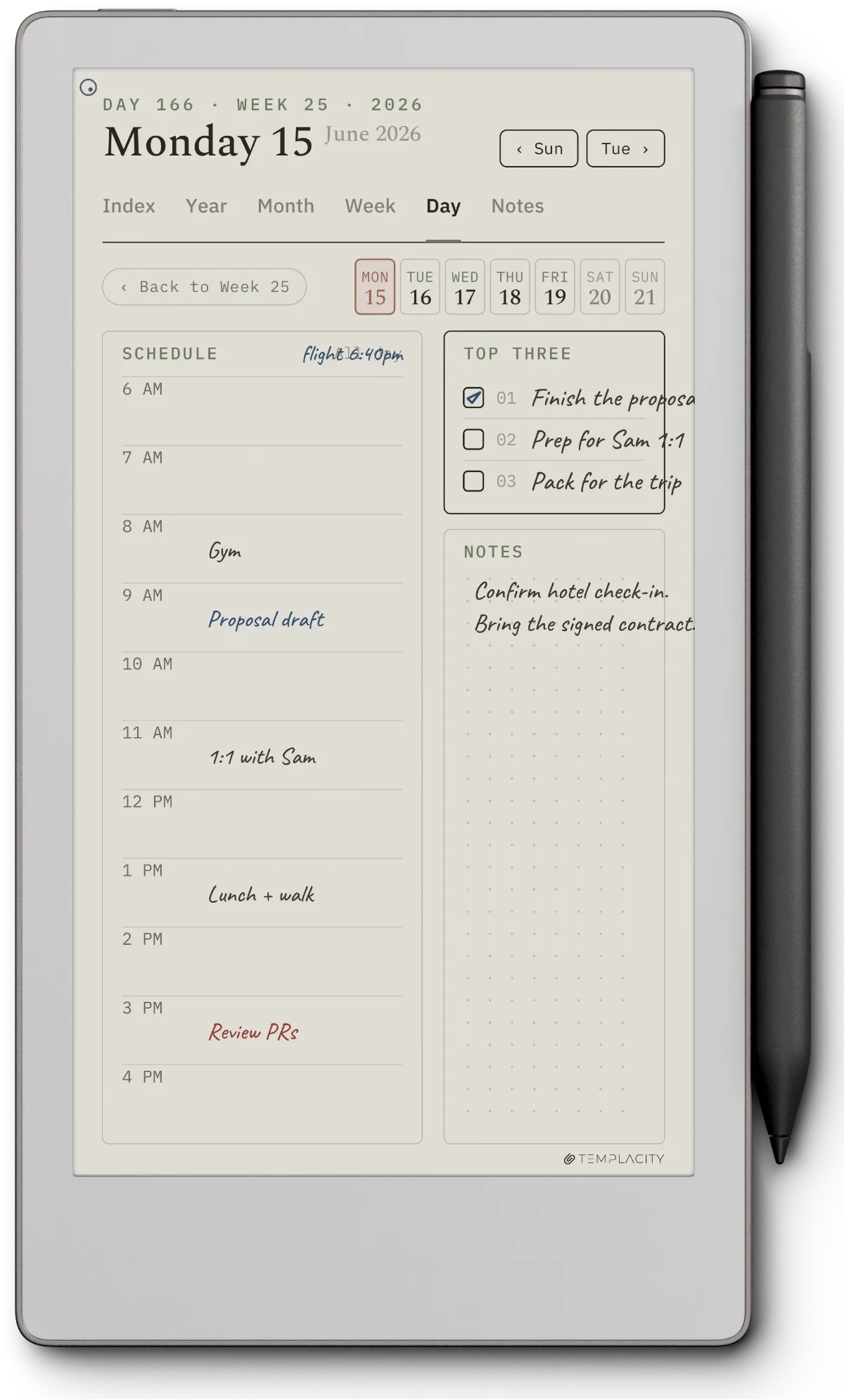
The practical rule by device. If you own the rM2, you have the widest selection, because almost everything is built for 1404 x 1872 first. If you own the Paper Pro, filter hard for native 1620 x 2160 files; a scaled rM2 template loses the crisp light grey form lines that keep your handwriting in the foreground, which is the whole point of a good template. If you own the Move, expect a smaller catalogue and confirm that any planner layout was rebuilt for the narrower screen rather than cropped from a larger one. Our productivity templates roundup notes which studios ship Paper Pro native files.
Types
The reMarkable template types worth installing
Across the four sources, the templates that earn daily use cluster into a handful of types. Knowing which type you need is faster than browsing galleries, and it tells you where to get each one without overpaying. The split most people miss: planners and project logs are where paid studio bundles earn their price, because the layout logic is genuinely hard to get right. General grids and dotted pages are where the free official set is already excellent and paying is pointless.
| Template type | What it solves | Best source |
|---|---|---|
| Weekly + daily planner | Time-blocking, appointments, daily focus | Studio bundle |
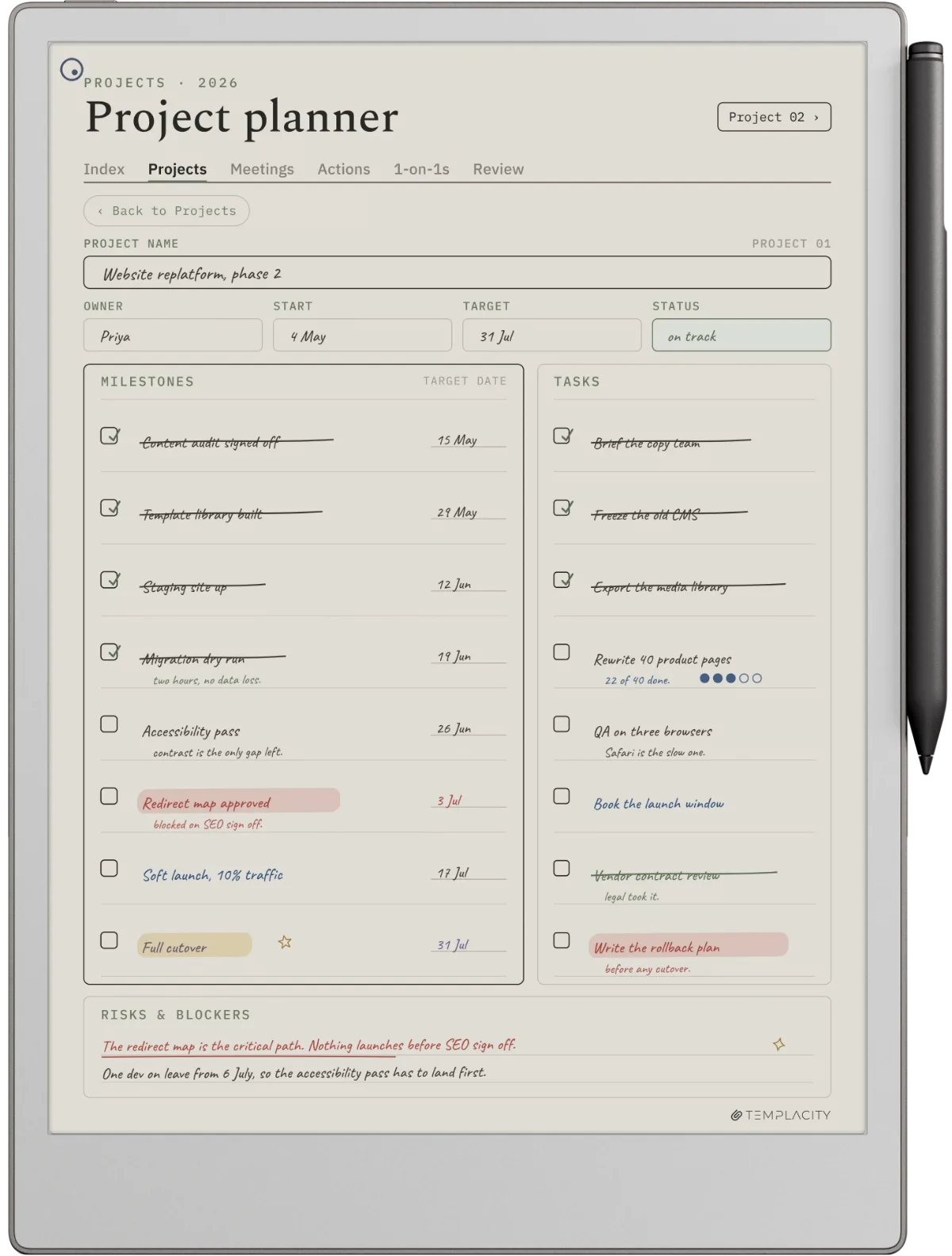
| Project / task log | Multi-step work, action items, follow-ups | Studio bundle |
| Habit tracker | Daily streaks and routines | Official or community |
| Meeting notes | Structured capture with action points | Studio bundle |
| Journal / reflection | Dated freewriting, review, gratitude | The Journal or community |
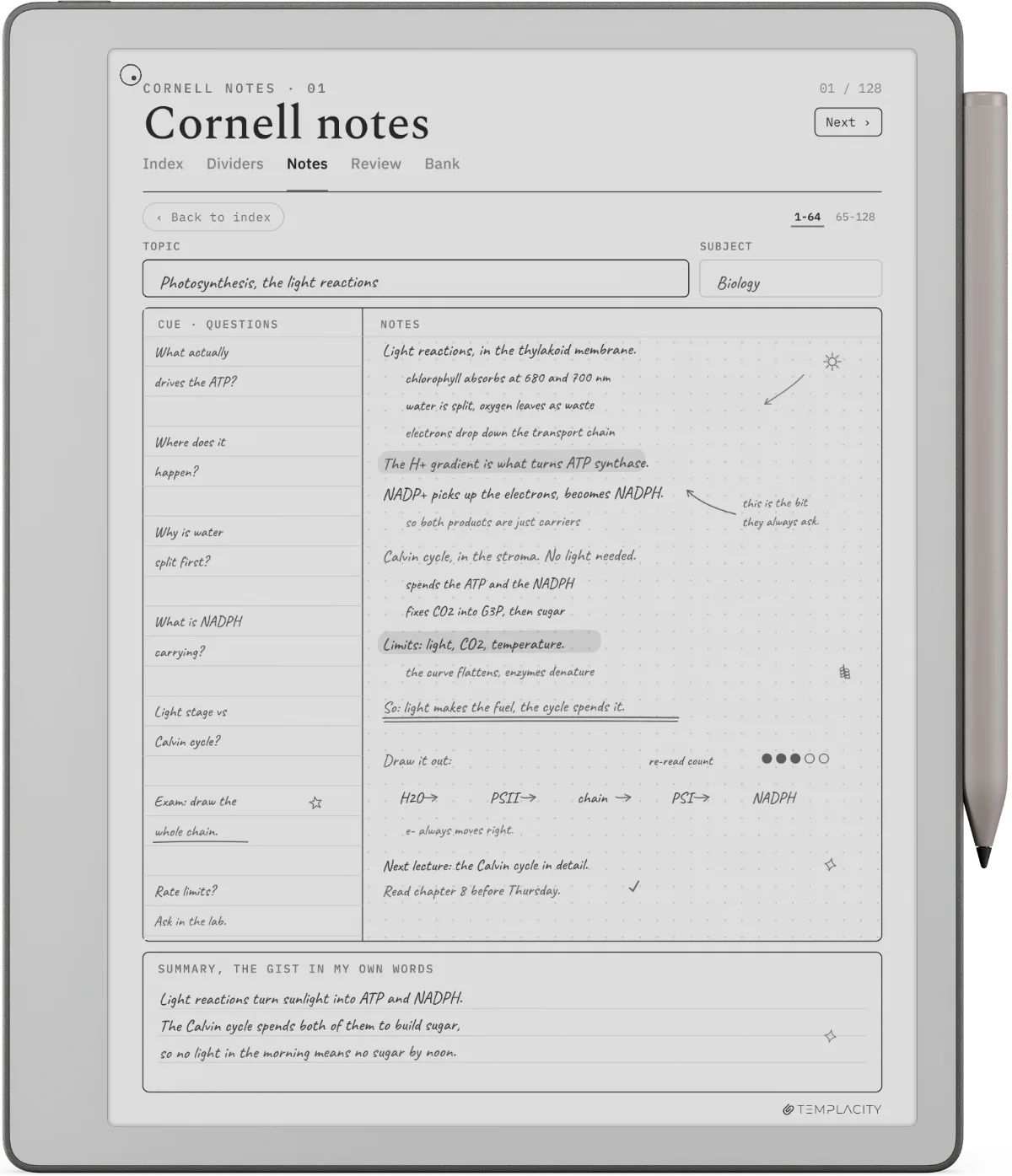
| Cornell / study notes | Lectures, summaries, cue-column recall | Official Cornell or custom |
| Dotted / grid (general) | Sketching, maths, everything else | Official set (free) |
Match the source to the type and you stop overspending. Pay for the planner and the project log, where layout design is the value. Take the dotted, grid, and Cornell pages free from the official set, where the design is already solved. For a curated planner pair specifically, the best reMarkable planner piece narrows it to one good week-and-day combination.
For the project log specifically, our Project Portfolio System lays up to 12 projects on a quarter timeline with a canvas and a board for each, sized for the reMarkable Paper Pro and Move.
Picking
How to pick reMarkable templates that you will actually use
The single best filter we have found: ignore screenshots and ask whether the template solves a problem you already have. A pretty habit tracker is not the same as a habit tracker that fits the way you actually log habits. Templates that get long-term use are the ones that match an existing workflow, not the ones that promise to create a new one. The polish helps. The fit matters more.
One practical filter: download or buy three to five templates max in the first month, and use each for a real week before adding more. Template hoarding is the failure mode that ends with 40 templates installed and three actually opened. The reMarkable’s built-in template menu becomes hard to navigate past about 25 entries; pruning is part of the workflow. Our best reMarkable planner piece covers the specific planner question if you are mainly looking for one good week-and-day pair.
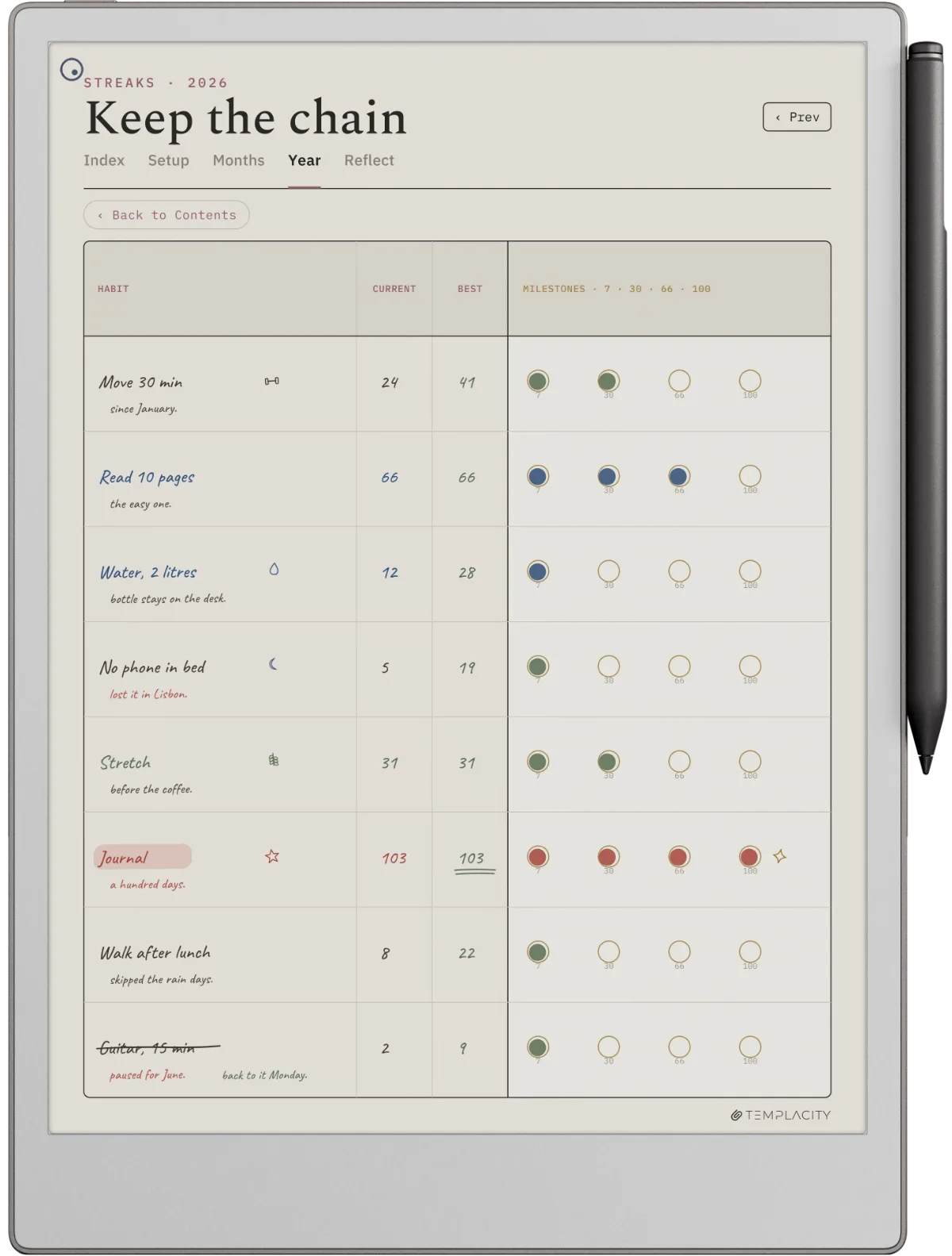
If you have favourite reMarkable templates we did not name above (especially community ones from outside the obvious subreddit threads), drop them in the comments. The roundup posts get refreshed monthly and reader-suggested sources have been the source of about a third of the new entries we add.
FAQ
Common questions, answered briefly
Where can you find the best reMarkable templates in 2026?
Are the official reMarkable templates good enough?
What size should a reMarkable template be?
How do you install custom reMarkable templates?
Do paid reMarkable template bundles work on the Paper Pro?
What are the best reMarkable Paper Pro templates?
If yours isn’t above, drop the question in the comments and we’ll fold it in next refresh.
People also ask