- One card per project, not per task
- Blocked needs a name beside it
- Nothing here calculates anything
OneNote Project Management Template: Kanban, RACI and Risk Register
A kanban board, a portfolio tracker, a RACI, a risk register and a stakeholder map, built as OneNote pages you own outright. One purchase, no subscription, nothing to lay out.
- Windows, Mac, iPad, web
- Instant digital download
- Re-download any time from your account
What you’re getting
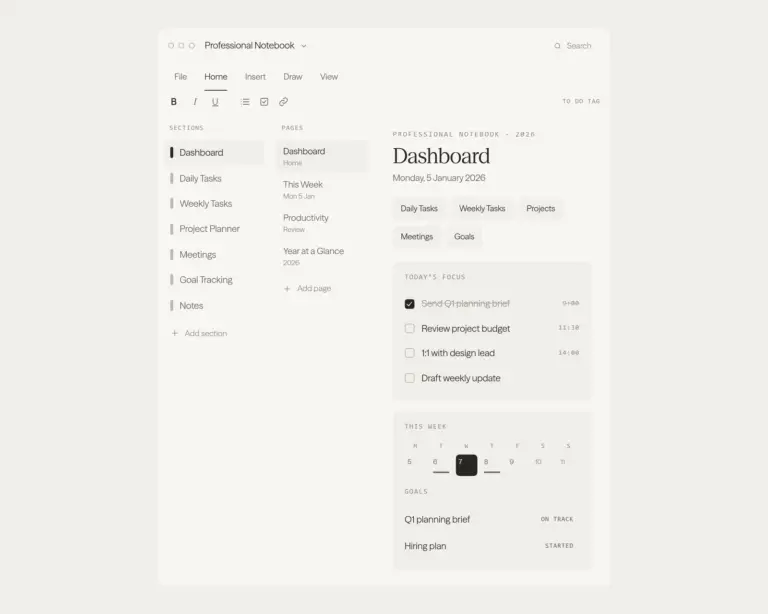
Sections, pages, and hyperlinks pre-built. Import once.
Works on Windows, Mac, iPad, and the web.
Headers, dividers, and link styles ready to use.
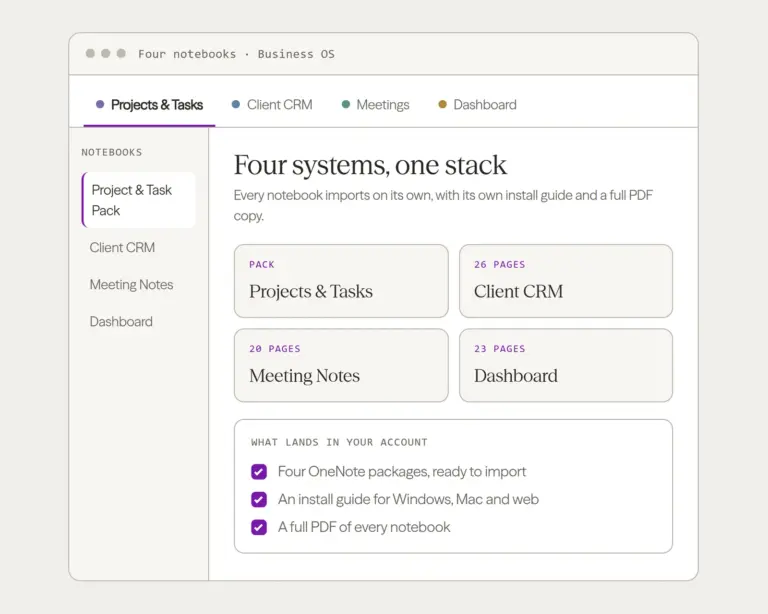
OneNote package in your account immediately.
About this template
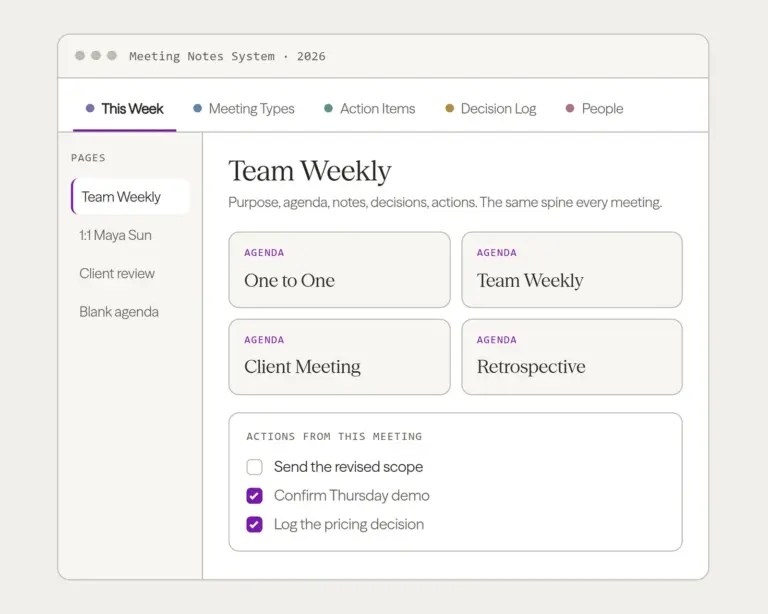
A kanban board, a portfolio tracker, a RACI, a risk register, a stakeholder map, milestones, a retrospective and a change log. Not a weekly planner with “project management” in the name: the artefacts a project actually runs on, built as OneNote pages.
The kanban is a tab, not a page buried inside something else. It is a five column table and cards move by cut and paste, because that is the only board mechanic that works the same on Windows, Mac, web and iPad. Nothing here needs an add-in and nothing breaks when you open it on a different device.
Twenty nine pages in four layers, plus a sticker set:
- The portfolio. Portfolio, Portfolio review, Capacity. What is running, what is next, and whether anyone has the hours for it.
- The board. Kanban, Backlog, Board rules.
- The per-project pack, copied once per project. Project brief, Kickoff, Scope, Plan, Task breakdown, Status report, Retrospective, Close out.
- The registers. Tasks, Done, Milestones, Timeline, Risks, Issues, Assumptions, People, RACI, Stakeholder map, Comms plan, Changes.
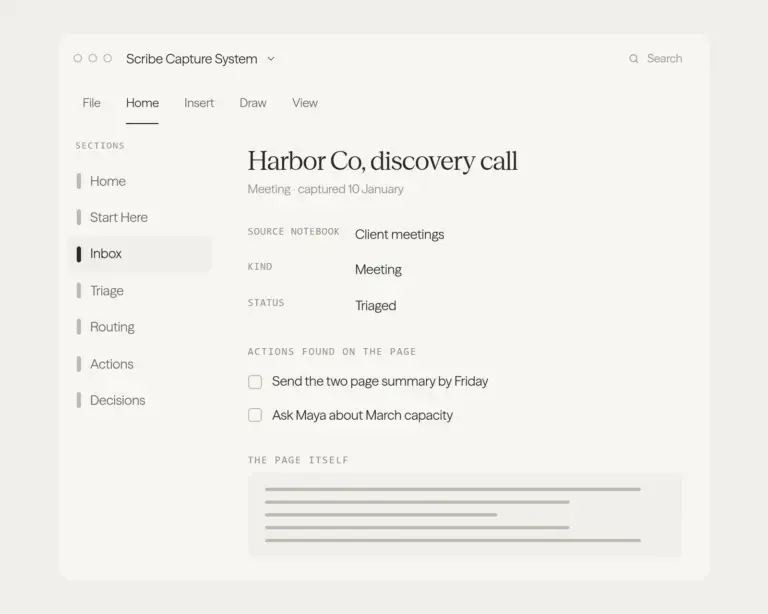
A Contents page and a tag system to hold it together, and a six page sticker set (banners and rules, plates and marks, progress bars, the tag set) so a page you have changed still looks like the rest of the book.
One purchase, ¥198, and it stays yours. The best known free OneNote template library discontinued its free downloads and now sells access by subscription at $99 a year, so the thing that used to be free is now a recurring bill. This is not that. You download the notebook, it is yours, and there is nothing to renew.
Honest about what it is not: no page in this product calculates anything. It is a place to run a project, not a spreadsheet. If you want burndown arithmetic, this is the wrong file.
OneNote notebook, instant download, works on Windows, Mac, web and iPad.
OneNote templates land as a ready-made notebook. Every section, every page, every hyperlink already built. Import once, then it syncs everywhere OneNote runs: Windows, Mac, web, and mobile.
Common questions.
Which OneNote version works?
How do I import it?
When do I get the files?
What if it doesn't work for me?
Be the first to say something.
Nobody has written about this one yet. If it is on your device, yours is the first thing the next person reads.
Instant download.
Your file is in your account the moment you check out, yours to re-download any time. A receipt lands in your inbox, too.
One-time purchase.
No subscription, no annual renewal, no upgrade nags. Pay once and the file is yours.
Quiet, secure checkout.
Stripe. Apple Pay. No spam, no “partners,” no reselling your details. Receipt, file, done.


