№ — Hub
reMarkable
Quiet planners, readers and notebooks for reMarkable 2 and Pro — tuned to the paperfeel Pen.
-
-
reMarkable 2 Template Creator: The Best Tools to Design Your Own (2025)
-
reMarkable 2 Template Free: Top Sources & Hidden Costs (2025)
-
reMarkable 2 Template Installer: Tools, Hacks & Safer Alternatives (2025)
-
reMarkable 2 Template Size: Exact Dimensions & Design Guide (2025)
-
reMarkable Alternatives: Cheap Options That Still Feel Premium (2026)
-
reMarkable Calendar Template Free 2026: The Best Downloads & DIY Guides
-
reMarkable Connect for Business: Is the Subscription Worth It? (2026 Review)
-
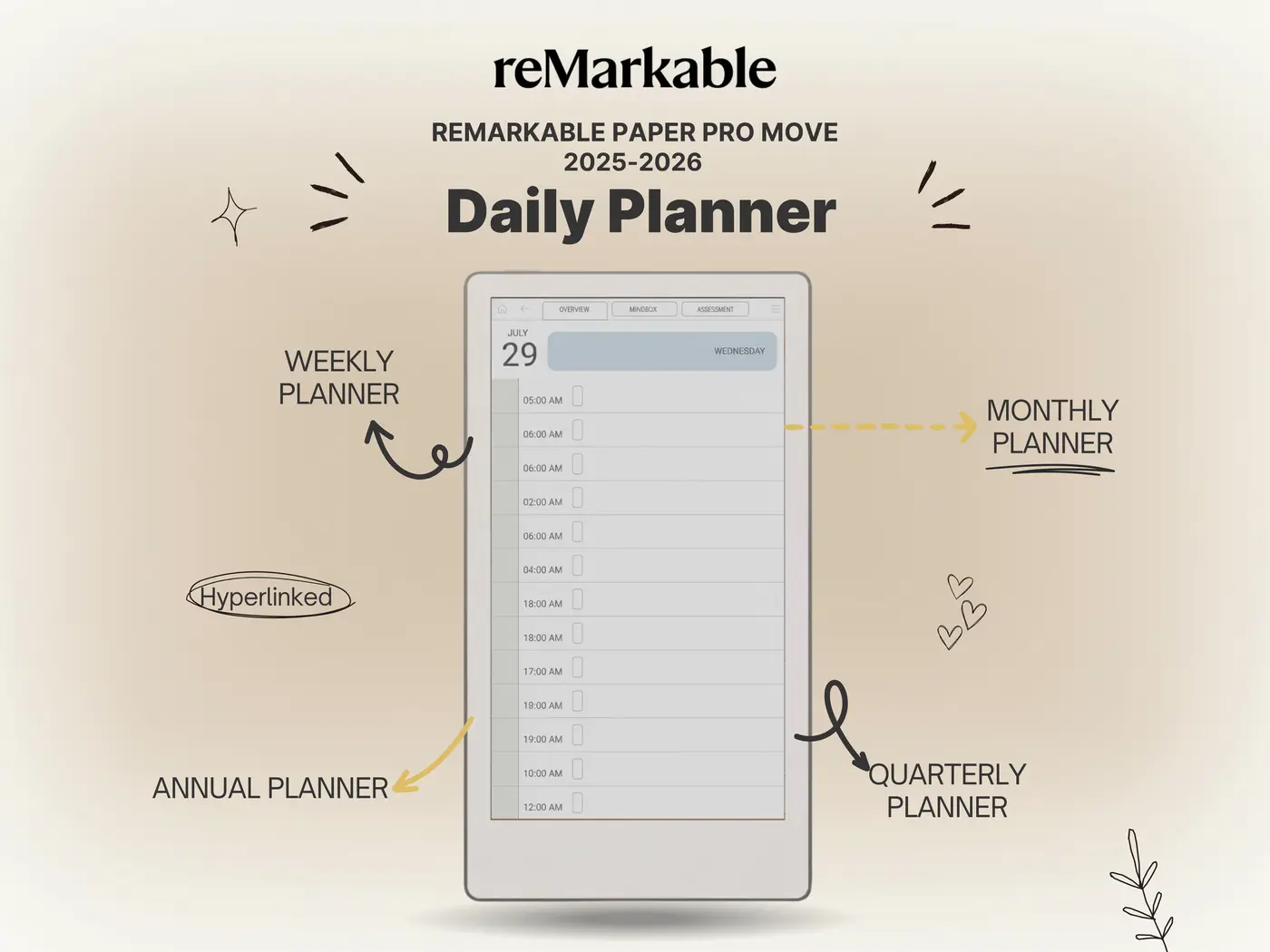
reMarkable Daily Planner 2025–2026 – Vision, Goals & Schedule Template for Paper Pro Move
-
reMarkable E Paper Tablet Review 2026: The Complete Lineup (Pro, Move & 2)
-
reMarkable Handwriting Recognition: The 2026 Truth (Review & Guide)
-
reMarkable Move | The Next Evolution of Digital Paper
-
reMarkable Move Notebook to Folder | How to Organize Notes Easily
-
remarkable move pages between notebooks: The Paper Pro Guide (2026)
-
reMarkable Move Templates Free Download: Safe Sources for 2026
-
reMarkable Move Text | Typing and Writing Experience Explained
№ 02 — Why Templacity
Tools that earn their keep on your desk.
Made for one device at a time.
Every template is tuned to the screen it lives on — hit zones, pen feel, margins, contrast. Nothing is “ported.”
Quietly opinionated.
We pick the layout we’d actually use — then leave room for you to work how you work. No feature theatre.
Free updates, forever.
Buy once, receive every revision. When a device changes, the template follows — on the house.