The shape
What a macro meal planner has to do
Most macro meal plans add up on paper and miss on the plate, and the reasons are dull ones. The number for a food came from the wrong entry, or the food was weighed in a different state than the number assumes, or a label’s rounded figures were added up as if they were exact. A macro meal planner that holds up fixes those three things first and only then worries about the week.
The targets are not the planner’s job. Whatever grams of protein, carbs and fat you are working to came from you, a dietitian, a doctor or a coach, and we do not set them here. The planner’s job is arithmetic you can repeat: how much of each food, what that adds up to for each day, and how far each day sits from your number.
The layout
A macro meal planner in three tabs
Built in a blank workbook. Each tab reads from the one before it.
- Food
- Per
- Unit
- Protein g
- Carbs g
- Fat g
- Day
- Meal
- Food
- Amount
- Protein
- Carbs
- Fat
- Calories check
- Day
- Protein
- Carbs
- Fat
- Protein gap
- Carbs gap
- Fat gap
3 tabs, 21 columnsno add-ons · every formula visible
Layout as described in this guide, 17 November 2026
Keeping foods on their own tab is the move that makes the rest cheap. You look a food up once, and every later week reuses the row. A plan that retypes the numbers each time is where the wrong entry gets in.
Foods
Where each food’s numbers come from, and the raw or cooked trap
Packaged food has its numbers on the Nutrition Facts label, per serving. Copy the serving into Per and Unit (40 and g, say) and the three gram figures beside it. Fresh food has no label, and the primary source is the US Department of Agriculture’s FoodData Central, which lists nutrients per 100 g, so Per is 100 and Unit is g.
FoodData Central lists most foods more than once: raw, and then cooked in one or more ways. The difference is water. Cooking drives it out of meat and pulls it into rice and pasta, so the grams of protein or carbohydrate in 100 g of the food change a long way even though the food is the same.
| FoodData Central entry | Protein | Carbs | Fat |
|---|---|---|---|
| Chicken breast, skinless, raw | 22.5 | 0 | 2.62 |
| Chicken breast, skinless, cooked, braised | 32.1 | 0 | 3.24 |
| White rice, long-grain, raw | 7.13 | 80.0 | 0.66 |
| White rice, long-grain, cooked | 2.69 | 28.2 | 0.28 |
Mix the two and the plan drifts. Weigh 150 g of cooked chicken and log it against the raw entry, and the plan says about 34 g of protein where the cooked entry says about 48 g. Weigh 180 g of cooked rice against the raw entry, and the plan says 144 g of carbs where the cooked entry says about 51 g, close to three times as much. Neither entry is wrong. The mistake is pairing a cooked weight with a raw number.
Neither entry is wrong. The mistake is pairing a cooked weight with a raw number.Foods
So pick one habit and put it in the food’s name: “Chicken breast, cooked” or “Rice, dry”. Weighing raw is easier for a batch you cook once and split later, because the raw weight of the whole batch is on the pack. Weighing cooked is easier for a plate. Either works as long as the row and the scale agree.
Formulas
The formulas: a macro meal planner spreadsheet in Google Sheets or Excel
Name the tabs Foods, Plan and Week, put the column headings from the layout above in row 1 of each, and the four formulas below do the rest. They use VLOOKUP and SUMIFS, which both Google Sheets and Excel document with the same arguments, so the workbook behaves the same in either.
On Plan, the protein cell finds the food on Foods, divides your amount by the amount its numbers are for, and multiplies by the protein figure. The last argument, FALSE, asks for an exact match, which Google recommends. Leave it out and both Sheets and Excel switch to an approximate match, which expects a sorted list and can return the wrong food.
=IF($C2="", "", $D2/VLOOKUP($C2, Foods!$A:$F, 2, FALSE)*VLOOKUP($C2, Foods!$A:$F, 4, FALSE))
Goes in Plan!E2 and fills down. For carbs in F2, change the last 4 to 5; for fat in G2, change it to 6. An error (#N/A) means the food is not on Foods exactly as typed.
Formula reviewed 17 November 2026
The calories column is a check, not a record. US labeling rules give 4 calories per gram of protein, 4 per gram of carbohydrate and 9 per gram of fat as one of the methods a maker may use, so the line below gives a figure you can hold against the label.
=IF($C2="", "", 4*E2+4*F2+9*G2)
Goes in Plan!H2 and fills down. Expect it to sit near the label, not on it: see the targets section below for why.
Formula reviewed 17 November 2026
On Week, row 2 holds your targets and rows 3 to 9 hold the days, spelled exactly as you type them in the Day column on Plan. Each day adds up its own rows from the Plan.
=SUMIFS(Plan!E:E, Plan!$A:$A, $A3)
Goes in Week!B3, then fills right to D3 (carbs and fat follow, because Plan!E:E has no dollar sign) and down to row 9.
Formula reviewed 17 November 2026
The gap is the fourth: =B3-B$2 in E3, filled right to G3 and down to row 9, reads negative where a day comes in under your target and positive where it runs over. Under the days, =AVERAGE(B3:B9) gives the week’s average for each column, which is the number to look at if your targets are weekly rather than daily.
Targets
Your macro meal plan targets: grams, not calories or percent
If your targets came as grams, type them into Week row 2 and you are done. If they came as a share of calories, convert them once: grams of protein are calories times the protein share divided by 4, carbs the same with their share, and fat divided by 9. A cell like =B1*C1/4 does it, with your calories in B1 and the share in C1. After that, plan in grams and leave the calories as the check they are.
Three things on a US label make calories and percentages the weaker number to plan by, and all three are in the federal rule for the label, 21 CFR 101.9:
- Every figure is rounded. Protein and carbohydrate go to the nearest gram, fat to the nearest half gram under 5 g and the nearest gram above, and calories to the nearest 5 up to 50 and the nearest 10 above that. Add up a few rounded servings and a few calories of drift is normal.
- 4, 4 and 9 is one method among several. The rule also lets a maker use food-specific factors, subtract carbohydrate that is not digested, or measure the food in a lab, so a label’s calories can sit away from your check column and still be right.
- % Daily Value is not your plan. The label’s own footnote says 2,000 calories a day is used for general nutrition advice. Each percentage is a share of a daily amount set for that reference, so the gram column is the one that carries over to your targets.
One more label detail trips carb counts. Dietary fiber is printed indented under carbohydrate, and the carbohydrate figure is worked out by subtraction from the food’s weight, so the fiber is already inside it. Adding fiber on top counts it twice. If your plan treats fiber separately, give Foods a fiber column of its own and keep the carbohydrate figure as printed.
The week
Meal planning for macros, one week at a time
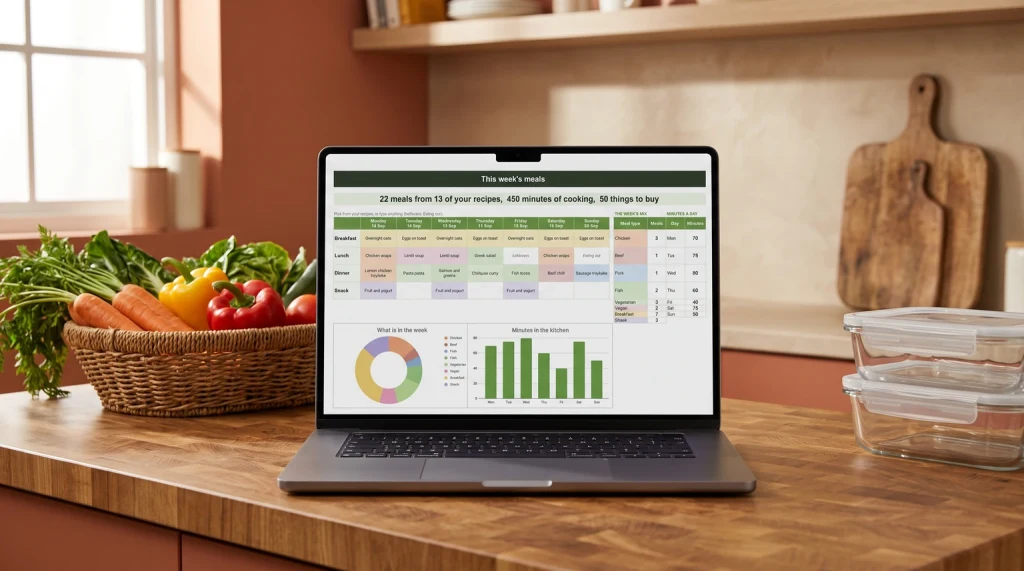
In a macro meal planner, plan the meals you repeat first. A breakfast you eat five days out of seven is five rows that never change, and once they are in, the Week tab shows what is left for lunches and dinners. Fill those, then look at the gap columns and adjust amounts of foods already in the plan before adding new ones; a change of 50 g to the rice is easier to cook than a new recipe.
Recipes go on Foods as one row each. Add up the grams of protein, carbs and fat from every ingredient, divide by the number of portions you will cut it into, and enter the result with Per as 1 and Unit as portion. On Plan, the amount for that recipe is then the number of portions, and the same formula works without change.
The plan also has to become a shopping list. Our Google Sheets meal planner template guide covers that side: a recipe bank that writes the grocery list, sorted by aisle, with the free Meal Planner and Grocery List sheet to copy. It has no macro columns, so keep this workbook for the numbers and that one for the shop. If you would rather the list built itself from your recipes, scaled to your household and set out by store section, our Meal Planner & Grocery List Spreadsheet does that part; it does not count macros either, so it sits beside this planner rather than replacing it.
On paper
A macro meal plan template on paper
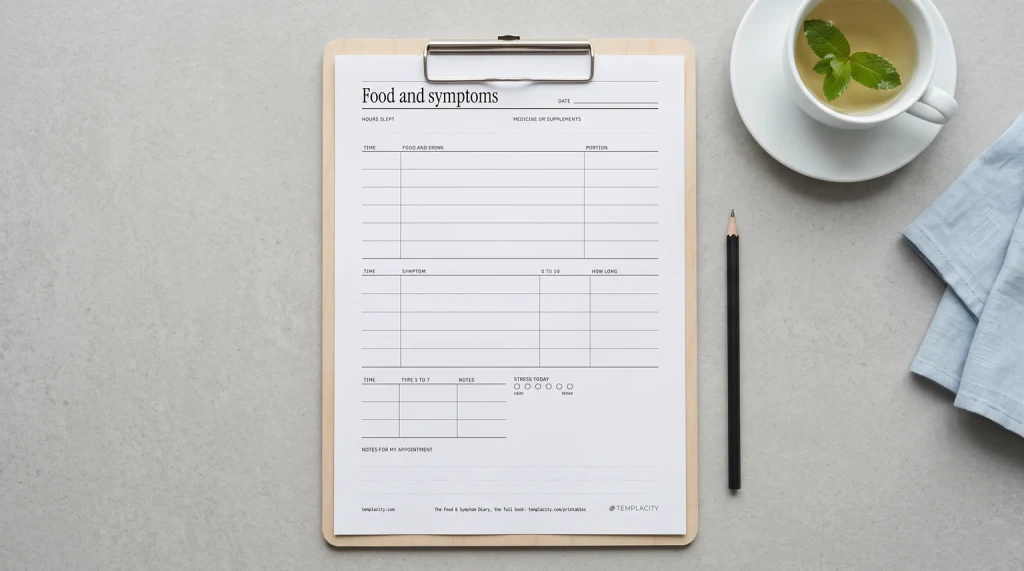
The same three tables work in pencil. Keep a Foods list on one page, per amount, and use any weekly grid for the Plan: write the amount beside each food, then P, C and F beside each meal and the day’s sums in the bottom row. Our printable weekly meal planner guide compares the grid layouts worth printing, and a grid with a snack row leaves room for the numbers.
If counting turns out to be more than you want, a food diary is the lighter tool: it records what you ate and how you felt without a target to hit. Our food journal guide sets out what to log and what to skip. The rest of our meal planning guides, from the week grid to the grocery list, are on the meal planning hub.
How do you keep your Foods list: by label serving, per 100 g, or by the portion you actually eat? Tell us in the comments; the habits readers share shape the next version of this guide.
FAQ
Common questions, answered briefly
How do you make a macro meal plan?
How many calories are in a gram of protein, carbs and fat?
Should you weigh food raw or cooked for macros?
Is fiber included in the carbs on a nutrition label?
Is there a free macro meal planner template?
Stuck on a formula or a food we did not cover? Ask in the comments and we will add it.
People also ask