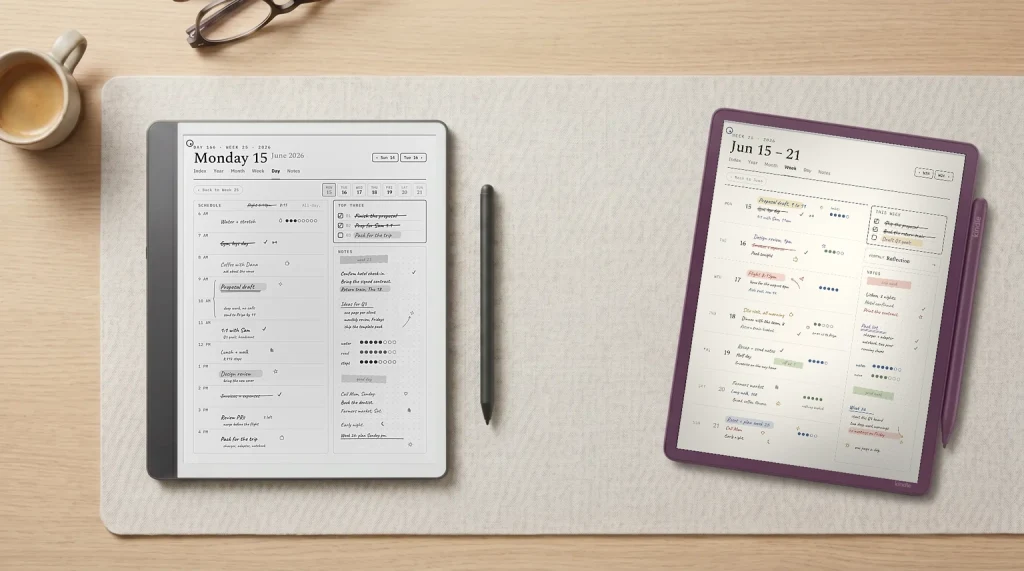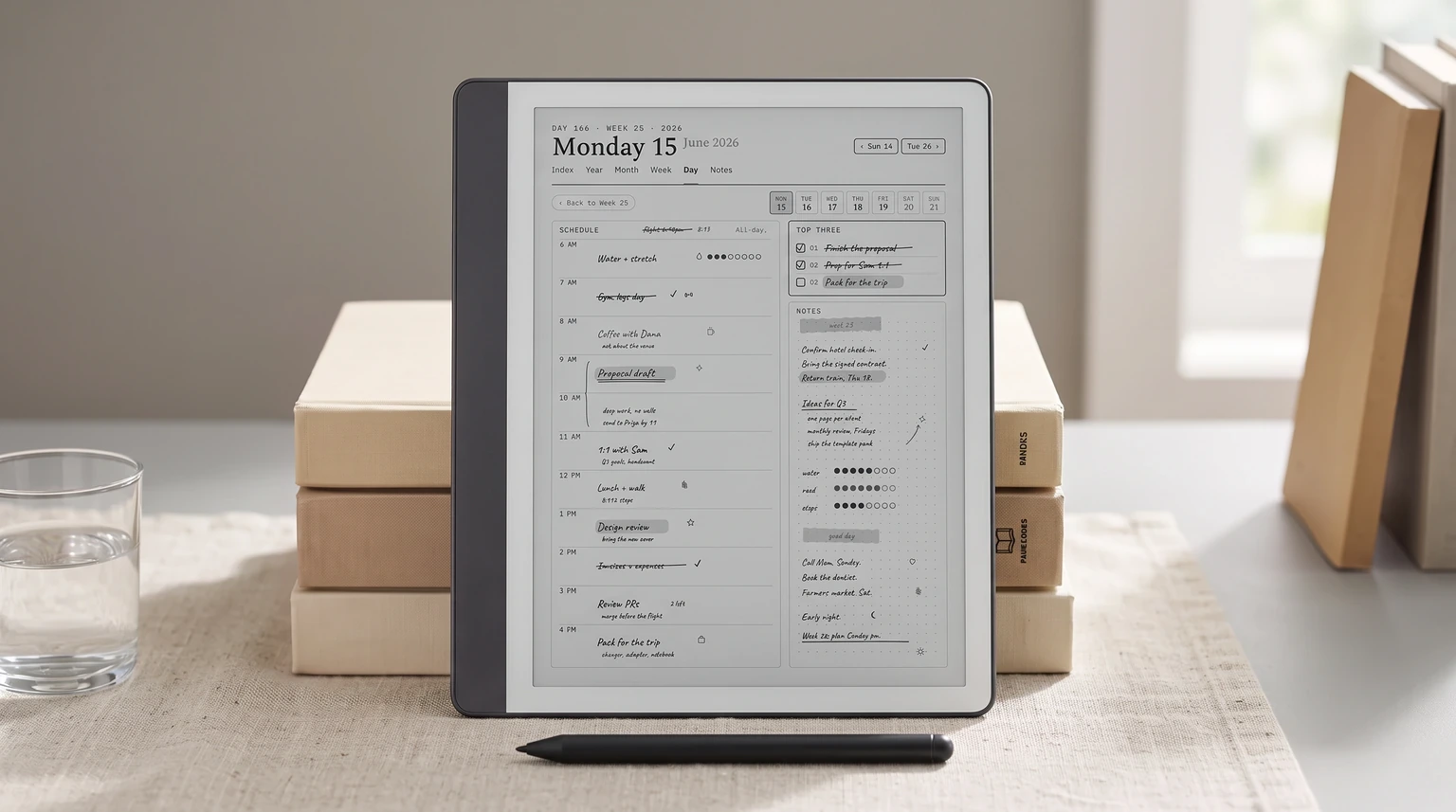
For the broader buyer’s guide on running a Kindle planner on the Scribe (device check, file-format anatomy, setup paths, free vs paid tradeoffs, and the reMarkable comparison), see the pillar.
The frame
What a free Kindle scribe planner usually is
The phrase free Kindle scribe planner covers two very different things. Most downloads are single-page PDFs: a weekly grid, a daily layout, a monthly calendar, all sized roughly for the Scribe’s writing area. Useful for a quick try, perfectly fine for casual planning, and abundant on Pinterest, Reddit, and free-template aggregators. The second kind is rarer: a multi-page planner with year-to-month-to-week-to-day hyperlinks that lets you tap from a year overview to a specific Tuesday and back. Those are mostly paid, for honest reasons.
The numbers above set the right expectation. Free planners cover the single-page case well and the multi-page case poorly. The map below is the working list of where each shape actually lives, not where the search results promise it.
The picks
The four free Kindle scribe planner sources worth using
| Source | Page sizing | Best use |
|---|---|---|
| Built-in templates | Native | Throwaway notes |
| r/kindlescribe | Hit or miss | Quick weekly trial |
| GitHub repos | Variable | DIY base, source files |
| Paid-creator samples | Usually native | Testing a paid layout |
None of the four does everything. The right pick depends on whether you want to try a planner shape before committing, build your own, or land on a working starter without research. The next four sections cover each in the order most readers will reach for them.
Source 1: The Scribe’s built-in Notebook templates
The Scribe ships with a Notebook tab that contains free planner-adjacent templates: grid, dotted, lined, basic calendar, and a few task layouts. They are native, on-device, and require no download. The catch is that none of them are a system. A weekly grid is one page, used once a week, fifty-two times a year, with no link back to a month or forward to a day. For a reader who wants the casual planning shape and nothing else, the built-in templates are the cleanest free starting point.
- Where
- Notebook tab, on every Kindle Scribe
- Page count
- 1 per template
- Sizing
- Native Scribe writing area
- Download required
- None · ships with the device
If you want a single-page weekly that draws perfectly and exports cleanly to PDF, this is the answer. It is also the answer for readers who do not yet know whether they will stick with planning on the Scribe, because there is nothing to download or import or lose.
Source 2: The r/kindlescribe community shares
The subreddit is the densest collection of community-made free Kindle scribe planner PDFs we have come across. Quality varies, but the comment threads underneath each post act as a peer-review layer that other sources do not have. A planner with a comment thread full of fixes is closer to a tested file than a Pinterest result nobody has commented on.
Search the subreddit for “free planner” sorted by top of all time. The PDFs at the head of the list are the ones that survived community feedback, and most are sized for the Scribe writing area rather than for letter or A4. Skim the comments before downloading; known issues usually get flagged there.
Source 3: GitHub free planner repositories
Open-source planner repos are a smaller scene but a useful one. The two things they often ship that other free sources do not are: editable source files (LaTeX, InDesign, or Affinity Publisher), and an issue tracker where users have reported actual problems. That makes them the right source for readers who want to fork a base and edit it for their own shape.
A planner with a comment thread full of fixes is closer to a tested file than a Pinterest result nobody has commented on.From the community-shares section
Search GitHub for “Kindle scribe planner” filtered by recently-updated repos. Look for repos with more than a handful of stars and a README that mentions Scribe page sizing. The maintenance question is the real one here; an open-source planner that was abandoned in 2023 is worse than no planner at all, because the page sizing will be tuned to a device firmware that has since changed.
Source 4: Free samples from paid planner makers
Several paid planner makers publish a free sample page or a page-by-page preview so you can check sizing and linking before you pay. Samples come and go, so treat them as a way to test a layout rather than a planner to keep. Because they come from files built to sell, their Scribe sizing is usually deliberate rather than a letter-size page squeezed onto the screen.
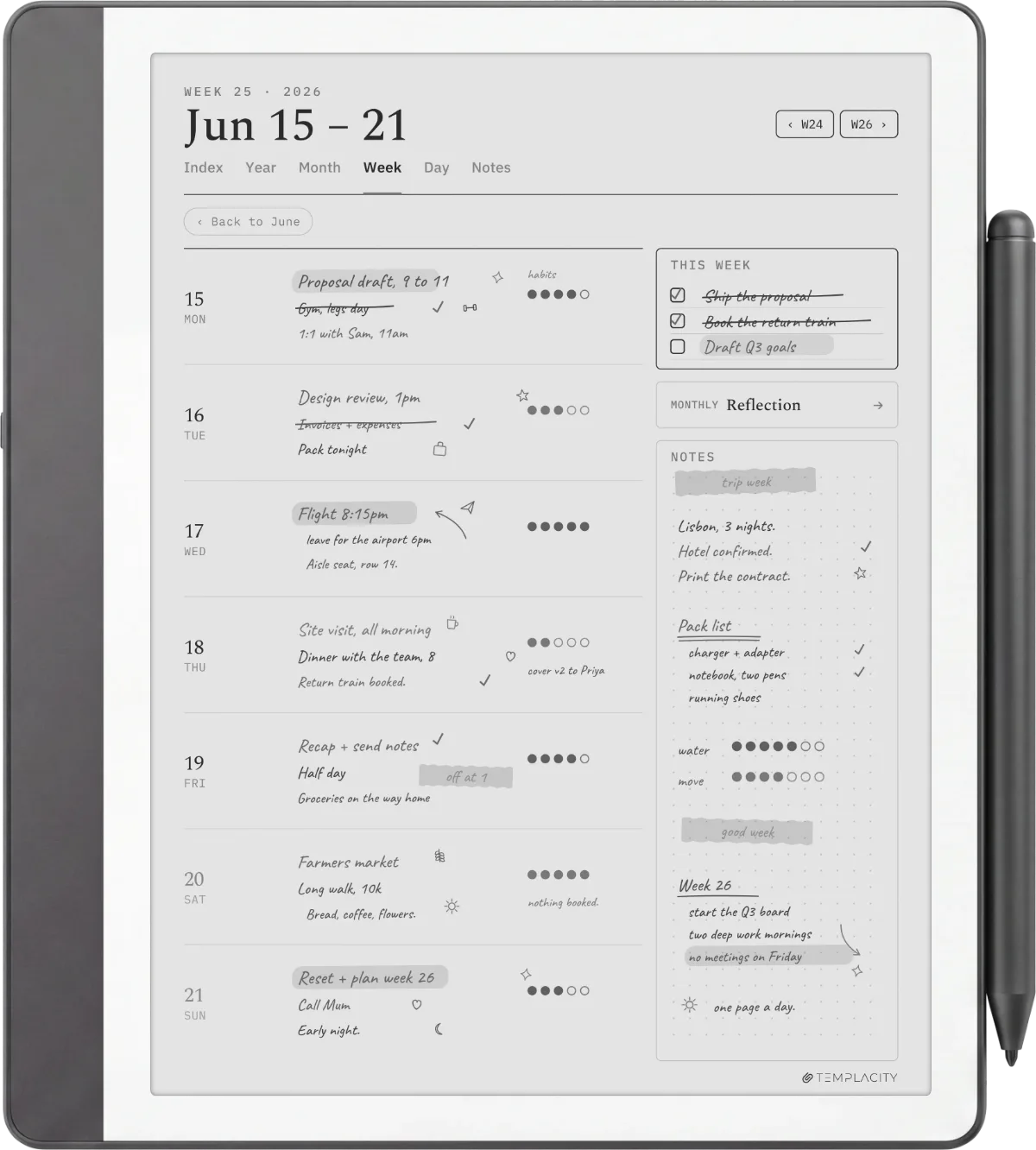
If a sample convinces you that a linked planner on the Scribe is worth paying for, the paid options below pick up where the free single page stops. The handoff is the point: free is for finding out whether the device fits your habit; paid is for committing to it.
Why most disappoint
Why most free Kindle scribe planner downloads disappoint
The category has three common failures. The first is page sizing: many free planners are letter or A4, which means the Scribe down-samples them into the writing area and the lines blur. The second is the missing hyperlink layer; a “planner” without internal links is a stack of pages, and a stack of pages is not a planner. The third is metadata neglect: the PDF has no bookmarks, no table of contents, and no clean import path, so finding the right page on a Tuesday morning costs more friction than it should.
The four sources above survive those failures because each one has a specific quality control. The built-in templates are sized natively by Amazon. The Reddit shares get peer review. The GitHub repos publish source files and accept fixes. Paid-maker samples come from files built to sell, so their sizing is deliberate. Any free planner outside those four sources should be checked for all three failures before it earns a slot in your workflow.
When free stops
When a paid planner is the better call
Free planners cover trying, casual use, and forking. They do not cover the day-to-day-driver case. If you find yourself opening the Scribe every morning and the planner is the first thing you reach for, the four-to-eight hours of hyperlink work you would need to add to a free planner is no longer free; it is a weekend you could have spent reading. A working paid bundle prices that weekend at $20 to $40 and ships it ready to use.
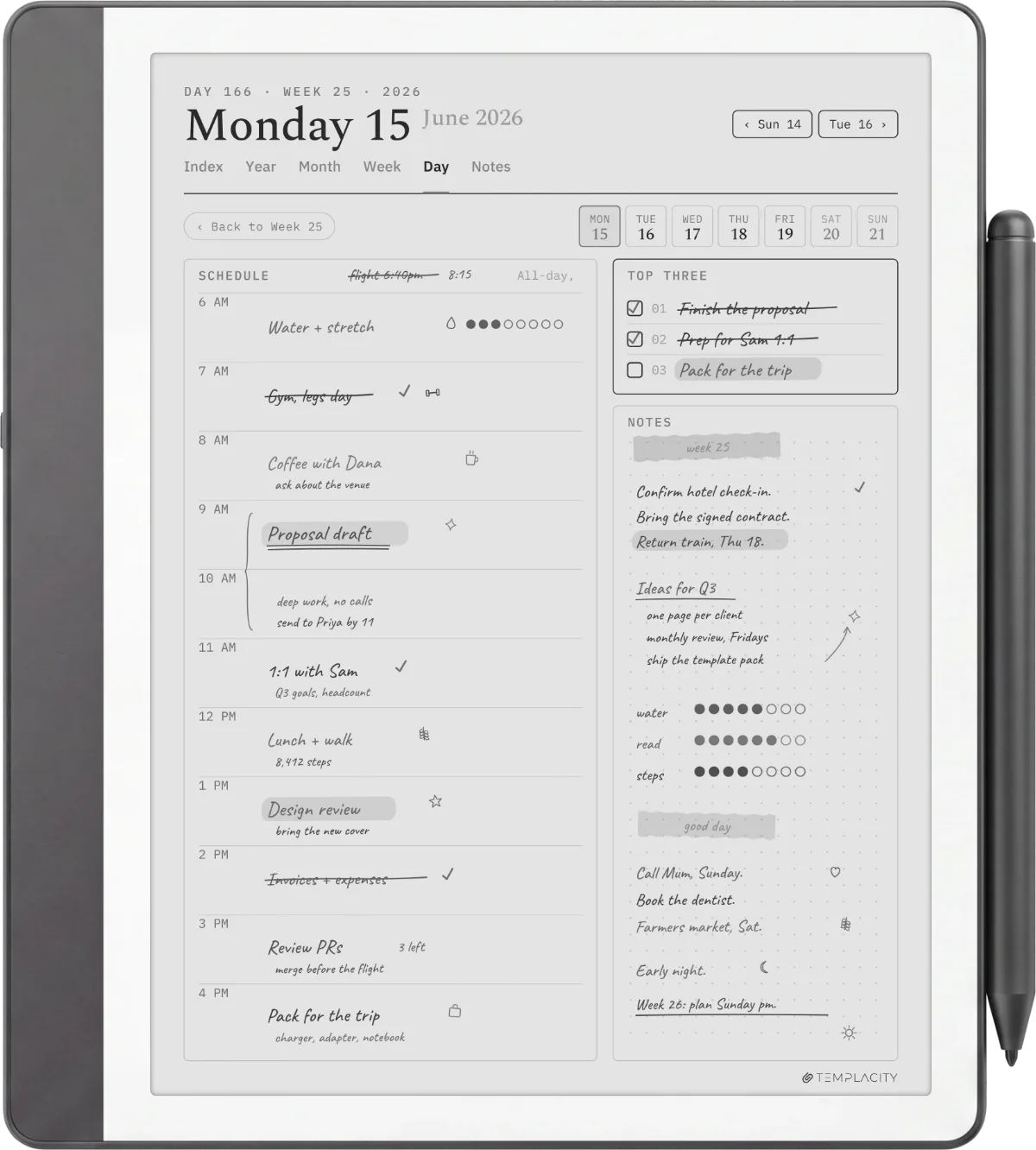
The honest test is six weeks. If you have used a free planner for six weeks and the answer is “this every day, but linked,” you are no longer the free-planner reader. If after six weeks you still open the planner every other Sunday, the free single-page version is the right fit and the paid bundle is overcorrection.
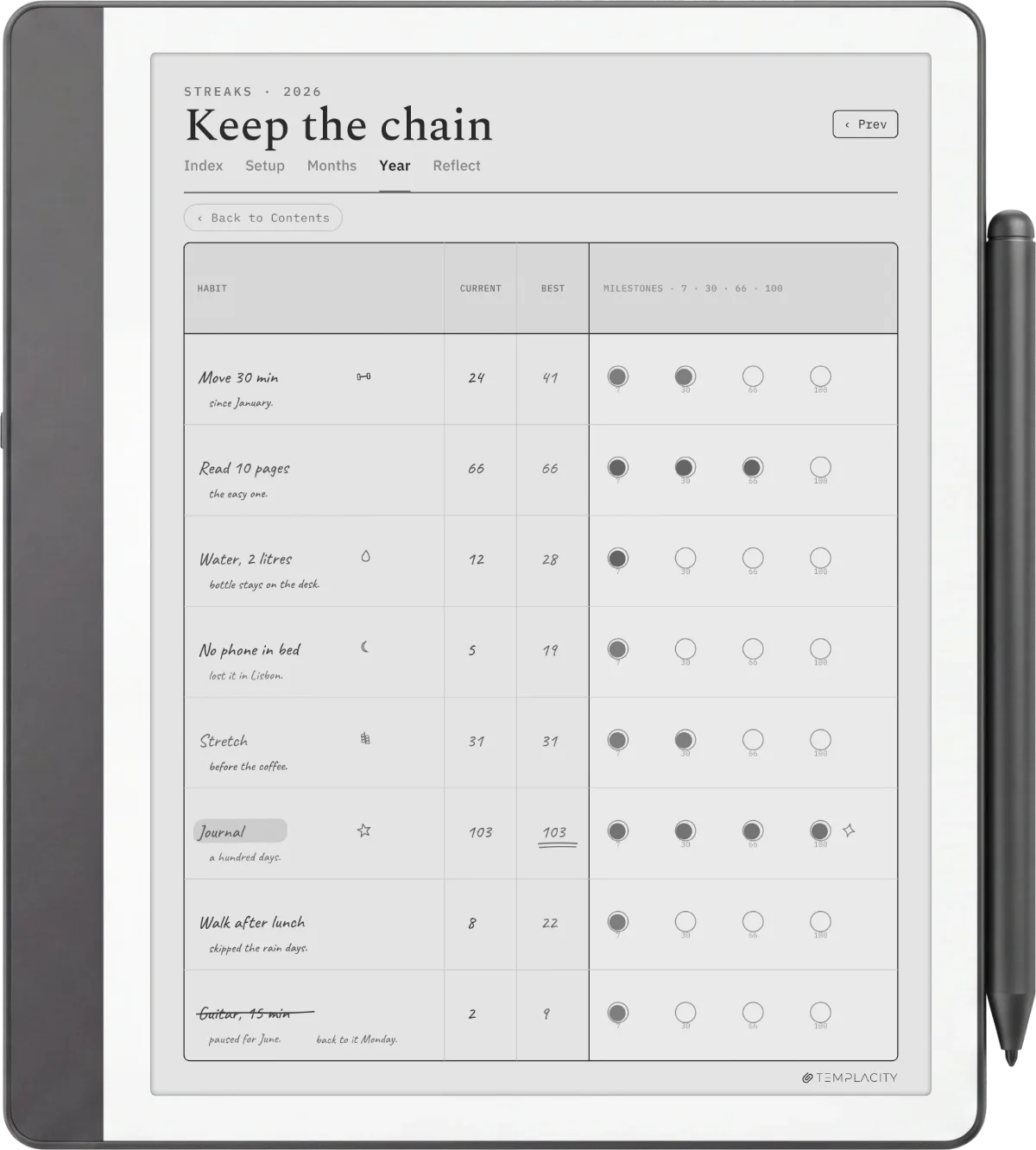
For a broader look across the Kindle Scribe template landscape, the free templates hub covers single-page printables across categories. The best Kindle Scribe planner piece compares paid sets when the free path stops being enough, and the kindle-scribe shelf sits behind both.
FAQ
Common questions, answered briefly
Is there a genuinely free hyperlinked Kindle Scribe planner?
Where do I install a free Kindle Scribe planner PDF?
What page size should a free Kindle Scribe planner use?
Can the same free planner be used on both Scribes?
Is the device’s built-in template enough for casual planning?
If your question isn’t above, drop it in the comments. We update this page as new free sources surface and old ones go quiet.
People also ask