Premise
What a color e ink tablet actually buys in 2026
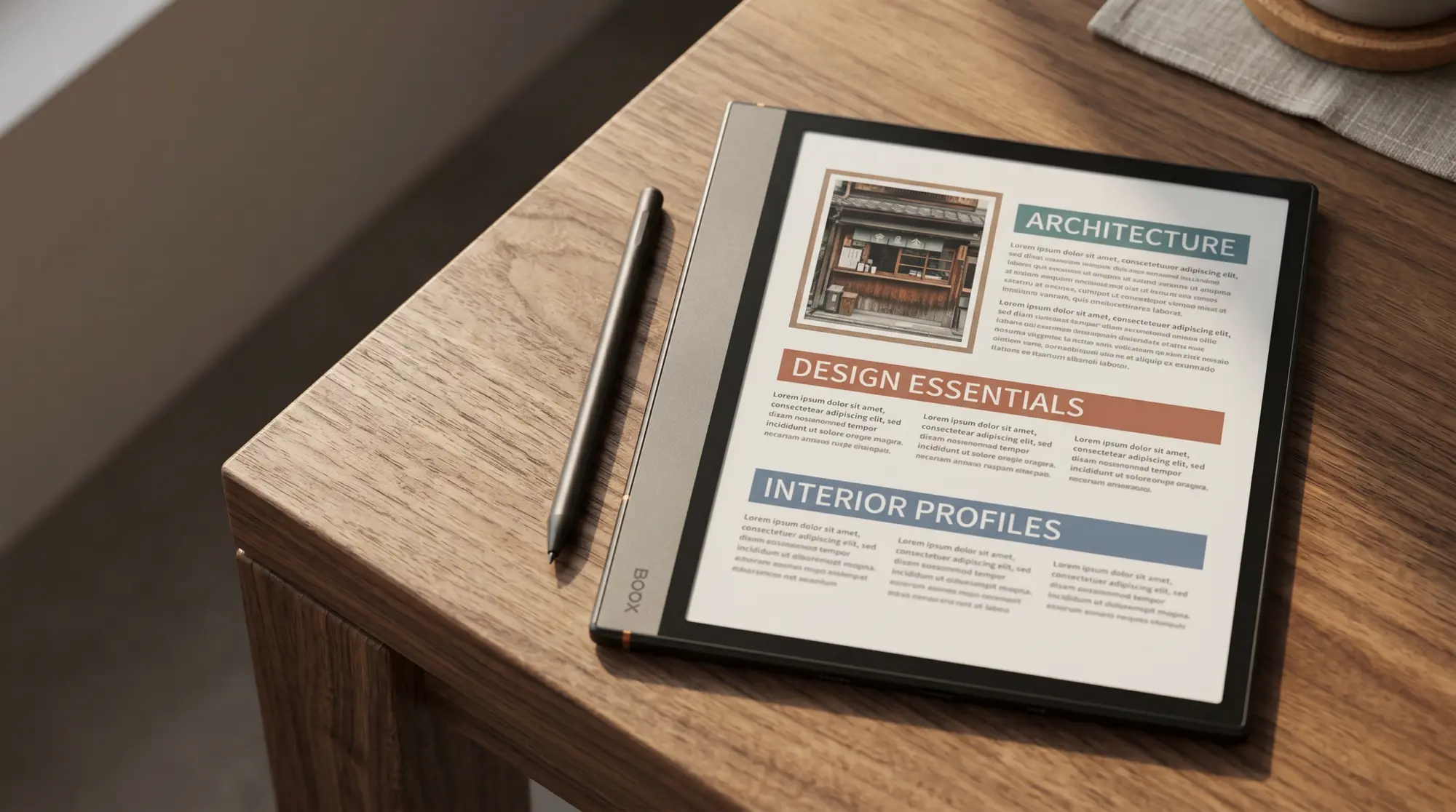
A color e ink tablet uses a Kaleido 3 colour filter layer on top of a standard mono E Ink Carta panel. The result: mono content renders at the panel’s native sharpness (typically 300 PPI), colour content drops to 150 PPI because the colour filter array doubles up pixels. Colour is visibly softer than mono on the same screen. The trade-off is that you keep the e-ink advantages (no glare, low blue light, weeks of battery) and gain the ability to display colour content where it matters: highlights, charts, illustrated books, colour-coded planners.
The honest framing for picking a colour e-ink tablet is to identify what the colour layer is actually doing. If you read picture-heavy magazines, mark up colour PDFs, or plan with colour-coded categories, the Kaleido 3 panel earns its place. If your reMarkable or Boox use is mostly mono text and handwriting, the colour upgrade adds visual softness on mono content (the colour filter does steal some light) and pays for a feature you do not use. A mono e-ink tablet at the same price point will read sharper. Match the device to the workflow, not the spec.
Picks
The five color e ink tablet picks for 2026
Every colour e-ink tablet we would consider, cheapest first
The cheapest colour e-ink screen you can write on is not the cheapest device. The first-generation Go Color 7, which took no pen at all, is sold out at Boox. Writing in colour starts either at the second-generation Go Color 7 in Boox’s own pen bundle at $322.99, or a Libra Colour plus its Stylus 2 at $329.98. Seven dollars apart, so pick on ecosystem rather than price.
Prices checked 17 September 2026 at Boox, 30 July 2026 at Kobo and reMarkable, and 29 July 2026 at Amazon
The ladder covers the five-cell shape of the colour e-ink decision. Cheapest colour reading (Boox Go Color 7), cheapest colour you can annotate (Kobo Libra Colour), flexible writing with apps (Boox Note Air6 C), focused writing (reMarkable Paper Pro), and reading-with-notes inside an Amazon library (Kindle Scribe Colorsoft). Most users land in exactly one of those cells; the question is which one. The sections below break down each in more detail.
Writing
Best color e ink tablet for writing: reMarkable Paper Pro vs Boox Note Air6 C
For writing as the main use case, the colour e ink tablet decision narrows to reMarkable Paper Pro vs Boox Note Air6 C. The Paper Pro is the focused-writing pick: 11.8-inch panel, paper-feel surface, closed OS with nothing to distract. The Boox Note Air6 C is the flexible pick: 10.3-inch Kaleido 3 panel, Pen3 stylus in the box, full Android 16 with Play Store, at $49 less (checked September 2026).
Both write well in 2026. The Paper Pro’s surface texture is closer to paper; the Boox runs every app you already use. Pick the Paper Pro if you want a writing tool that refuses to multitask. Pick the Boox if you want a writing surface that also handles your Kindle library, Notion notes, and Drive PDFs. The colour layer is identical generation on both; the deciding axis is OS philosophy, not screen quality. Our Paper Pro vs Boox comparison goes deeper if this is the decision you’re stuck on.
Reading
Best color e ink tablet for reading: Kindle Scribe Colorsoft and Kobo Libra Colour
For reading-first workflows, the colour e ink tablet field splits by library ecosystem. Kindle Scribe Colorsoft is the right pick if your library is Amazon Kindle: it reads your existing Kindle purchases natively, supports note-taking on the same device, and the 11-inch panel is larger than the Kindle base reader. Kobo Libra Colour is the right pick for Kobo library users or anyone reading library DRM-free EPUBs and PDFs at the cheaper price point.
Neither device pretends to be a writing tablet. The Scribe Colorsoft handles notes well enough for marginalia and short pages; for serious handwriting work the reMarkable or Boox lineup is the better tool. The Kobo Libra Colour does take pen input, but only with the Kobo Stylus 2, which Kobo sells separately at $69.99 rather than putting it in the box. Decide by library first and form factor second. The 7-inch Kobo fits a pocket; the 11-inch Scribe needs a bag. Our Kindle Scribe Colorsoft review covers that side of the field in depth.
A color e ink tablet only earns the upgrade if your workflow uses colour to carry information. Otherwise the same money buys a sharper mono e-ink reader and the colour layer is paying for nothing.Premise section
Budget
Cheapest color e ink tablet you can write on: Kobo Libra Colour or the Gen II Boox
This is the tier most roundups get wrong, ours included until we re-checked it, and the trap is that Boox has sold two different devices under nearly the same name. The first-generation Boox Go Color 7 was the cheapest colour e-ink device at $219.99, a 7-inch Kaleido 3 reader with Android and the Play Store, but it takes no pen: Boox lists no compatible stylus for it. It is now sold out at Boox’s own store, though it still turns up in resellers’ listings. The second-generation Go Color 7 is a different product at $289.99, and that one does take a pen, the BOOX InkSense Plus, at $45.99 on its own (checked September 2026). Check which generation a listing is showing you before you buy on price alone.
The real floor for writing on a colour e ink tablet is about $325, and there are two ways to reach it. Boox sells the Gen II Go Color 7 with an InkSense Plus in the box for $322.99, and the Kobo Libra Colour at $259.99 plus the Kobo Stylus 2 at $69.99 comes to $329.98. Seven dollars apart, so pick on ecosystem rather than price, with one practical caveat: take the Boox bundle rather than assembling it yourself, because the bare device is $289.99 and the pen $45.99, and the plain InkSense (as opposed to the Plus) was showing sold out when we checked. Either way you get a 7-inch Kaleido 3 panel you can annotate and highlight in colour. Neither is a note-taking tablet in the reMarkable or Note Air sense; the 7-inch screen feels cramped on PDFs longer than ten pages, and both pens are built for marking up books rather than drafting. If you need a primary writing device, the Note Air6 C at $579.99 or the reMarkable Paper Pro Move (7.3-inch, $449) are the next rungs and worth the jump.
If you’ve spent real time with a colour e-ink tablet that didn’t make the list, drop the name and use case in the comments. The five picks above cover the most-common decision shapes but the colour e-ink lineup moves quickly and new options ship through the year. Owner perspectives from the field are how we calibrate the next refresh.
FAQ
Common questions, answered briefly
What is the best color e ink tablet in 2026?
How does Kaleido 3 colour e-ink work?
Is a color e ink tablet worth it over mono?
Which color e ink tablet has the best writing experience?
What is the cheapest color e ink tablet that can take pen input?
If yours isn’t above, drop the question in the comments and we’ll fold it in next refresh.
People also ask