The category
What an Android e-ink tablet is, and what it is not
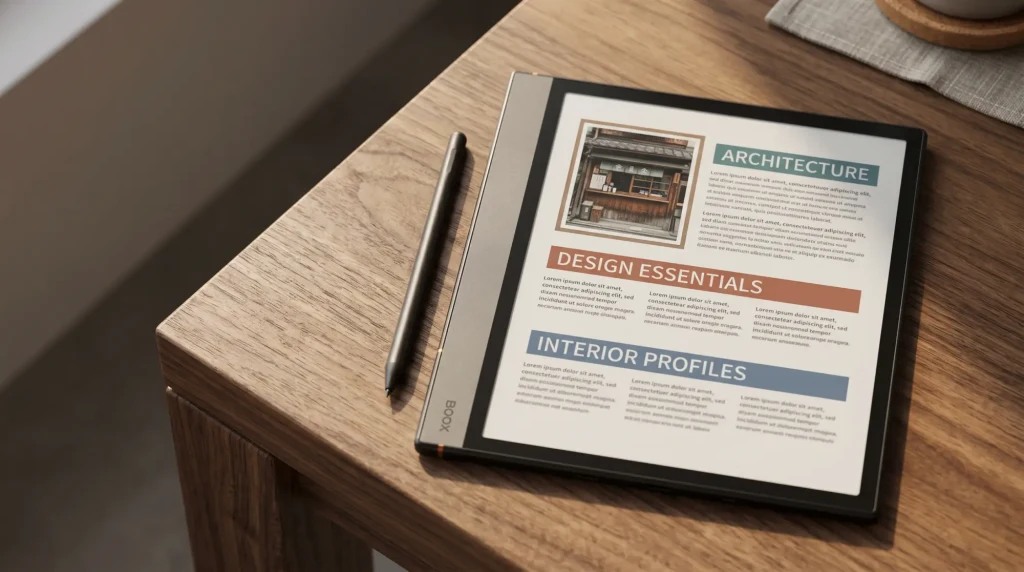
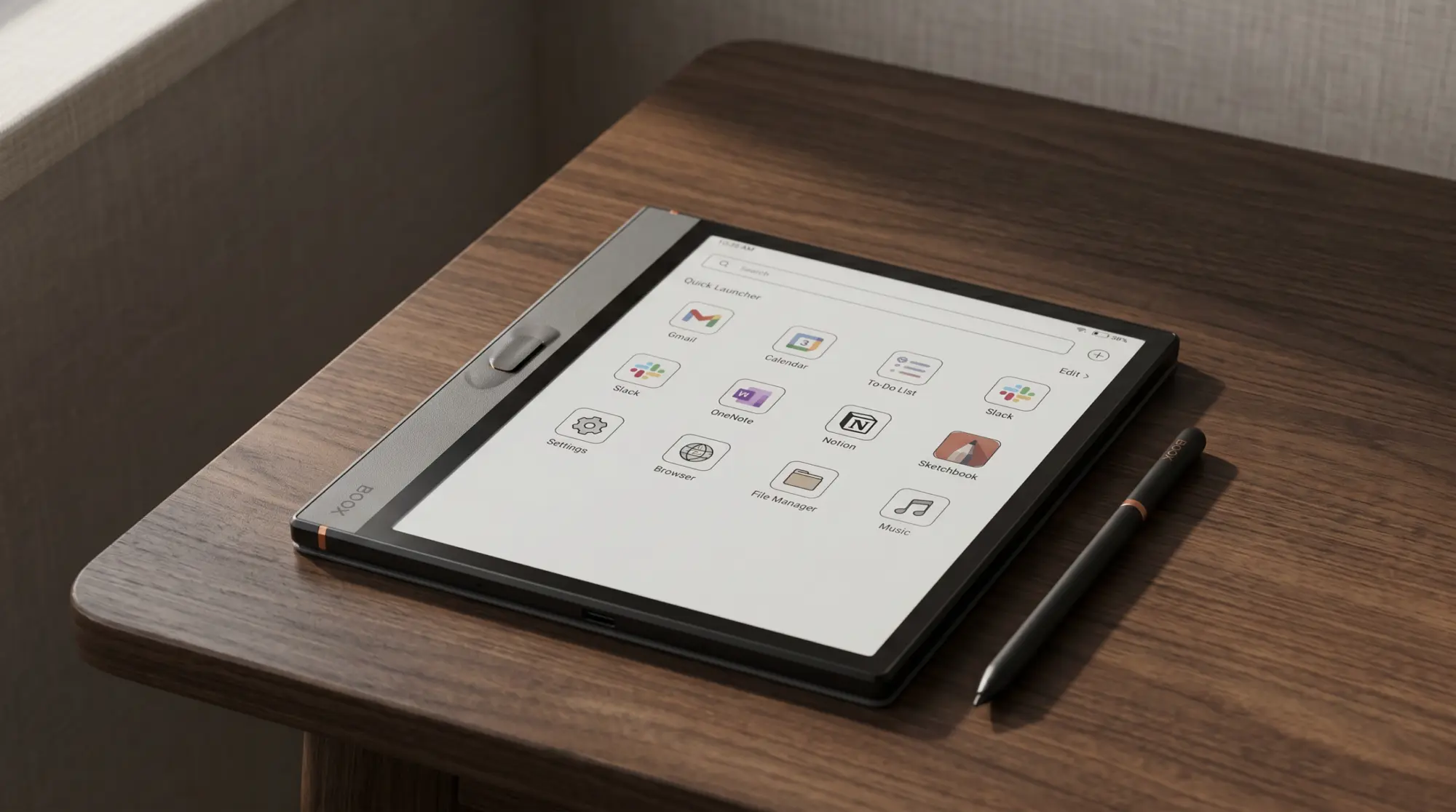
An Android e-ink tablet is a tablet with a paper-like E Ink screen that runs Android and the Google Play Store. That one fact decides who it is for. Your Kindle library, your Kobo and Libby loans, a PDF reader you already like, Obsidian or OneNote for notes: they install like they would on a phone, and you read or write them on a screen that does not glow.
Boox is the maker that matters here. Its own US store lists eleven Android models as of 7 October 2026, nine of them in stock, from a 6-inch reader to a 13.3-inch colour slate, and most of the category’s coverage on Reddit and the tech sites is about Boox. Bigme is the second name, with a smaller range sold from its own store.
Not everything Boox makes runs Android, which is where shoppers get caught. The Boox Picco, the $109.99 card-sized reader on pre-order now, lists no operating system and three built-in apps on its product page, and books reach it only through the Boox Tiles app. It is a good pocket reader for files you own. It is not an Android e-ink tablet, and the Kindle app will not install on it.
The line-up
Every Android e-ink tablet on Boox’s store, October 2026
We read each model’s own spec block for the Android version and checked US stock variant by variant on 7 October 2026. Prices are Boox’s US prices for the standard bundle. Boox replaces models fast, which is why an older Note Air4 C or Tab Mini C still shows in search results while both are sold out at Boox.
The two that are not shipping today are the 8.52-inch Note Mini C, on pre-order and listed as shipping around October, and the 6.13-inch Palma 3, which shows a $339.99 price but cannot be ordered from the US warehouse. Everything else below is in stock.
| Screen | Android | US price | |
|---|---|---|---|
| Go 6 (Gen II) | 6″ mono | 11 | $199.99 |
| Go 7 | 7″ mono | 13 | $269.99 |
| Go Color 7 (Gen II) | 7″ colour | 13 | $289.99 |
| Palma 2 Pro | 6.13″ colour | 15 | $399.99 |
| Palma 3 | 6.13″ mono | 16 | $339.99, not orderable |
| Go 10.3 (Gen II) | 10.3″ mono | 15 | $419.99 |
| Note Air5 C | 10.3″ colour | 15 | $529.99 |
| Note Air6 C | 10.3″ colour | 16 | $579.99 |
| Note Mini C | 8.52″ colour | 16 | $579.99, pre-order |
| Note Max | 13.3″ mono | 13 | $629.99 |
| Tab X C | 13.3″ colour | 13 | $819.99 |
The picks
The best Android e-ink tablet for each job
For a pocket: Palma 2 Pro, $399.99
The Palma 2 Pro is phone-shaped: a 6.13-inch Kaleido 3 colour screen, Android 15, a SIM slot for mobile data, a camera and about 175 g. It is the one to carry everywhere and read Libby or Kindle books on a bus. The original Palma 2 is sold out at Boox and the Palma 3 cannot be ordered in the US yet, so the Pro is the pocket Android pick you can actually buy today. Our Palma 2 guide covers the family, and the best e-ink phones covers the devices that make calls.
For reading: Go 7, $269.99, or Go Color 7 (Gen II), $289.99
Both run Android 13 on a 7-inch screen. The Go 7 is monochrome and the sharper of the two for text; the Go Color 7 (Gen II) adds a Kaleido 3 colour layer for comics, covers and highlights, and $322.99 buys it with the InkSense Plus stylus. On a tighter budget the 6-inch Go 6 (Gen II) is $199.99, the cheapest Boox with Google Play in stock, on Android 11. If you want help choosing between Boox readers alone, our Boox e-reader ranking goes model by model.
For writing: Note Air6 C, $579.99
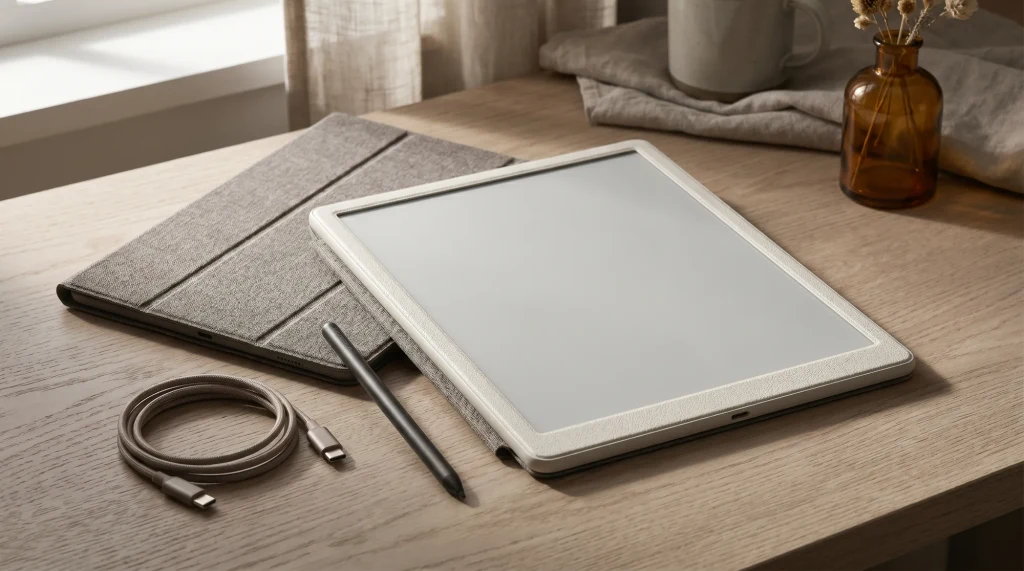
The Note Air6 C is the 10.3-inch colour note-taker: Kaleido 3, pen input with 4,096 pressure levels, Android 16, about 440 g. It is the newest Android on any Boox tablet, which is the main reason to choose it over the Note Air5 C, still sold at $529.99 on Android 15 and 430 g. Save the $50 if your apps already run on Android 15; spend it if you plan to keep the tablet four or five years. The 8.52-inch Note Mini C, also Android 16 at $579.99 and about 300 g, is the smaller writing pick once it ships.
For a thin mono slate: Go 10.3 (Gen II), $419.99
The Go 10.3 (Gen II) moved to Android 15 this generation. It is black and white and built to be thin and light, a 10.3-inch slate for reading PDFs and books. The base model has no front light; the Lumi version at $449.99 adds one, and for reading in bed that $30 is the best money in the range.
For full-size pages: Note Max, $629.99, or Tab X C, $819.99
Both are 13.3 inches, close to a sheet of letter paper, so a PDF opens close to its printed size. The Note Max is monochrome, Android 13 and about 615 g. The Tab X C is the colour version on Android 13, about 625 g, with a 5,500 mAh battery. For papers, scores and printed planners at full size, these are the two.
The version number
Why the Android version matters more than it looks
On a phone, the Android version changes every year and nobody checks it. On an e-ink tablet the Android version is close to permanent, and it is the number that decides how long your apps keep working. App makers set a minimum Android version for new releases and raise it over time, and an e-ink tablet does not get a new screen or chip to catch up. A tablet that starts on an older version reaches that floor sooner.
That is why the spread in Boox’s range is worth reading twice. The Go 6 (Gen II) ships on Android 11 and the Note Air6 C, Note Mini C and Palma 3 on Android 16, five versions apart, from the same maker, in the same month. For a reader you use for one app, the older version is a fair trade for the lower price. For a writing tablet you will run five apps on for years, it is the spec to buy on.
On an e-ink tablet the Android version is close to permanent, and it is the number that decides how long your apps keep working.On choosing an Android e-ink tablet
Before you buy, open the Play Store listing for the two or three apps you cannot do without and check the Android version each one asks for.
Beyond Boox
Bigme, the other Android e-ink maker
Bigme sells a similar mix from its own store, and its prices sit a little under Boox at the small sizes. When we checked on 7 October 2026, the 7-inch colour B751C S was $249 on Android 14, the B7 Pro, a 7-inch colour tablet with phone calling, was $349 on Android 14, and the 10.3-inch inkNoteX colour tablet was $519 on Android 13.
Two things are worth knowing before you choose Bigme over Boox. Its range is smaller, so there is no direct match for the Note Max or the Palma 2 Pro, and far more of the help you will find online, on Reddit’s e-ink board and on forums, is written about Boox devices. If you hit a problem with a setting, that body of answers is worth something.
The trade-off
What you give up for an Android e-ink tablet
Apps are built for bright, fast LCD screens. They scroll, fade and animate, and E Ink redraws slowly, so video, games and busy feeds feel wrong on any of these tablets however good the screen is. Reading apps and note apps are fine, and Boox adds display modes that trade sharpness for speed when you scroll. Colour Kaleido 3 screens also show colour at half the resolution of black and white (Boox lists 300 PPI and 150 PPI on the Note Mini C), which suits covers and highlights better than photos.
The other cost is attention. A tablet that runs everything can also run email and every feed you meant to leave on the phone. If what you want is a single-purpose writing slate, the answer is a different device: our reMarkable alternatives guide and Kindle Scribe alternatives compare the focused tablets with these, and the best e-ink tablets of 2026 ranks both camps together.
Pages to write on
Planners and templates for a writing Boox
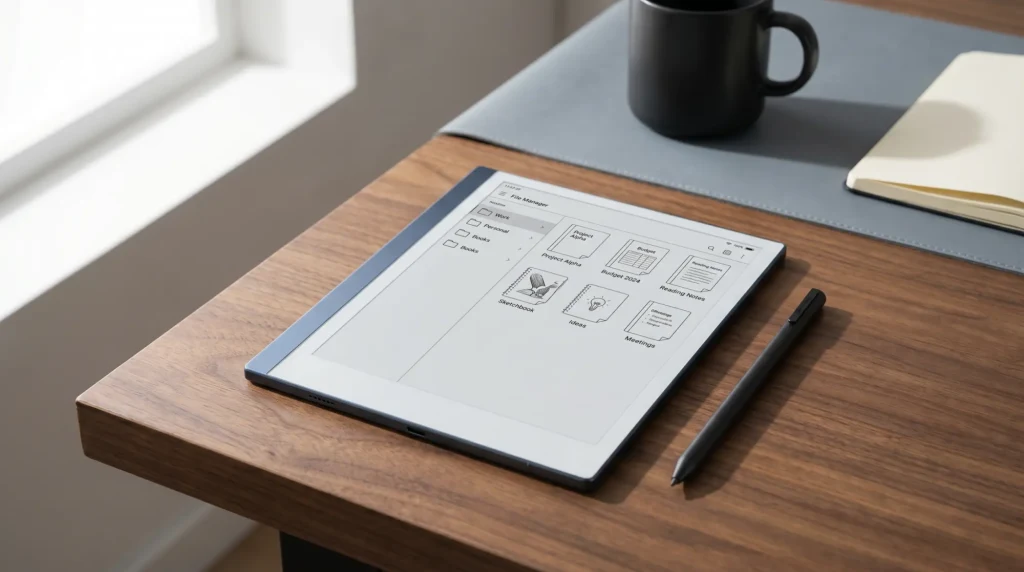
A writing tablet is only as useful as the pages on it. Boox writing tablets open PDF planners and let you write straight onto them; our Boox templates guide explains what works on each screen size. We make our own too, sized for Boox screens.
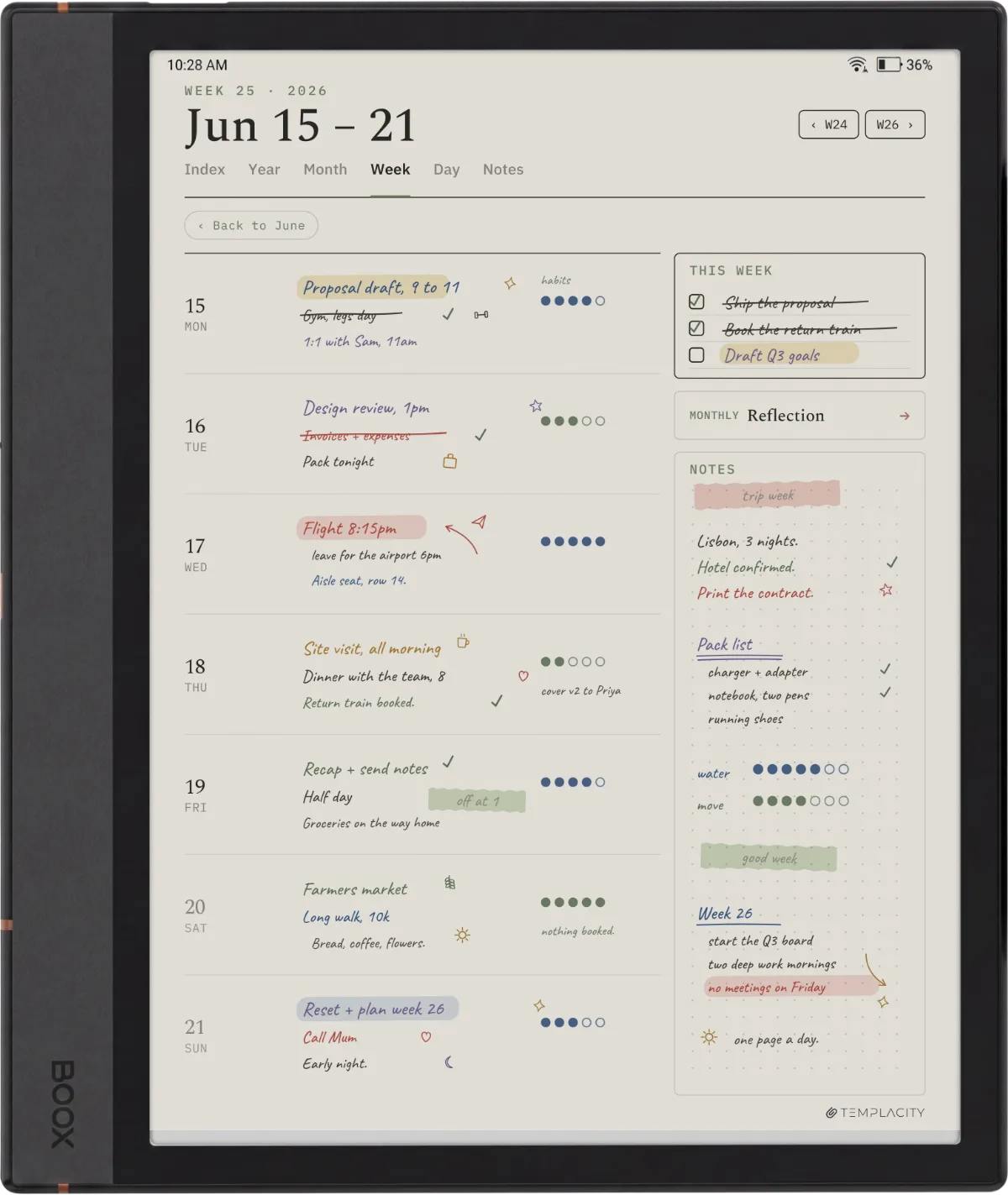
Owners of the bigger and thinner slates have their own sizes: the Go 10.3 weekly planner and the Note Max weekly planner are drawn for those screens, $29 each. Everything we publish about Boox sits on the Boox hub.
FAQ
Common questions, answered briefly
What is the best Android e-ink tablet in 2026?
Which e-ink tablets run Android and Google Play?
What is the cheapest Android e-ink tablet?
Can you install the Kindle app on an e-ink tablet?
Running one of these already? Tell us in the comments which model, which Android version, and the one app that made it worth it or let you down. We fold what owners report into this page when Boox changes the line-up.
People also ask