How to choose
How to choose the best Boox e-reader
Picking the best Boox e-reader comes down to four questions, because Boox sells a wider range than Kindle or Kobo and the names run together fast. First, mono or color: a black-and-white screen is sharper, cheaper and easier on battery, while a color Kaleido screen shows highlights and covers at the cost of some crispness. Second, size: a 6 to 7 inch reader fits a pocket, a 10.3 inch slab is for PDFs, textbooks and handwriting. Third, do you want the Google Play Store, which every Boox here has, so you can read across Kindle, Libby and Kobo instead of one store. Fourth, do you want to write, which means a model that takes a pen. Answer those and the five readers below sort themselves.
Best overall
Best overall: Boox Go 7
The Go 7 is the Boox e-reader we would point most people to first, now that the pocket Palma 2 is sold out. It has a 7-inch Carta 1300 screen at 300 ppi with a warm-and-cold front light, physical page-turn buttons, a speaker and microphone, and Android 13, so Kindle, Libby, Kobo and other reading apps install side by side. At $269.99 from Boox’s US store it costs more than a basic Kindle, and the reason is freedom: no first-party reader opens every store the way this one does. It weighs about 195 grams and takes an InkSense stylus, sold separately, if you want to mark up a page (checked September 2026). Our Boox Go 7 review covers it in detail. If you want something phone-sized instead, Boox lists the Palma 3 at $339.99 as available soon, and our Boox Palma buying guide covers that line.
- Screen
- 6.13″ mono, 300 ppi
- Color
- No
- Pen
- No
- Reads
- Any app, via Google Play
- Price
- $269.99
- Best for
- Pocket reading across more than one store
Best budget
Best budget: Boox Go 6 (Gen II)
If the Go 7’s price gives you pause, the Go 6 (Gen II) is the cheapest Android Boox at $199.99, since the first-generation Go 6 is sold out. Below it sits the Boox Picco at $109.99, a 3.97-inch card-sized reader that drops Android and reads only the files you send it. It is a 6-inch mono reader at 300 ppi with a warm-and-cold front light, a pocketable 160 grams, and Android 11, so it still reads any store’s books. The trade for the lower price is plainer hardware: a 1,500 mAh battery, 3 GB of RAM and the oldest Android version in the line, though it takes the InkSense Plus stylus, sold separately or in a $232.99 bundle (checked September 2026). For a commuter or a holiday reader who just wants a calm screen and a low price, it does the one job well. Our Boox Go 6 review covers the first generation it replaces.
- Screen
- 6″ mono, 300 ppi
- Color
- No
- Pen
- No
- Reads
- Any app, via Google Play
- Price
- $159.99
- Best for
- The cheapest open reader for travel
Best color
Best for color: Boox Go Color 7
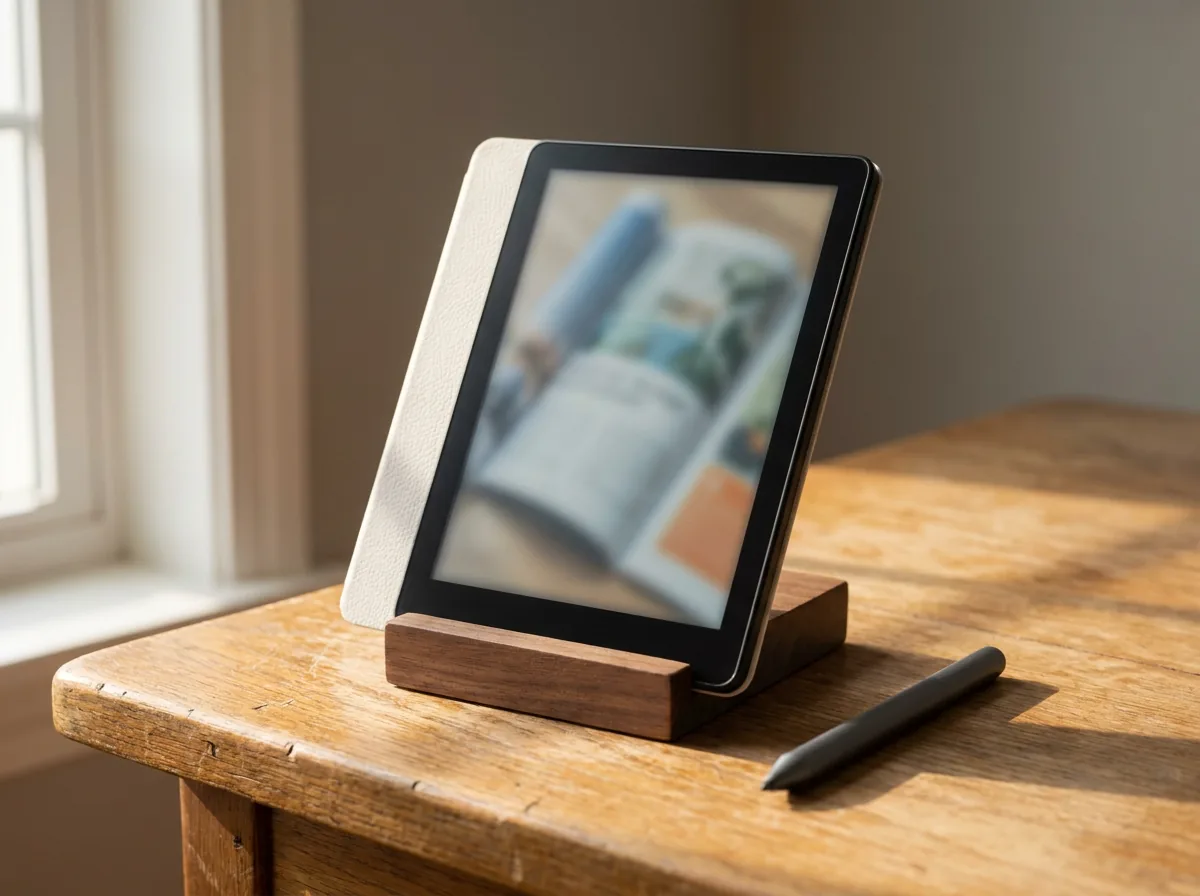
For comics, magazines, color highlights or just nicer covers, the Go Color 7 (Gen II) is the pick at $289.99. It puts a 7-inch Kaleido 3 color screen in the same light, speaker-equipped body as the mono Go 7, runs Android 13 with the Play Store, and now takes a stylus, which the first Go Color lacked. Color e-ink is muted, closer to newsprint than a glossy tablet, so set your expectations there; what you get is soft, paper-like color that is easy on the eyes. If you want color in a pocket instead, the Palma 2 Pro is the 6.13-inch color option, and the mono Go 7 is the same size for less if color is not the point.
- Screen
- 7″ Kaleido 3 color
- Color
- Yes, 4,096 colors
- Pen
- Yes, sold separately
- Reads
- Any app, via Google Play
- Price
- $289.99
- Best for
- Comics, magazines and color highlights
Every Boox reads every store’s books; the choice is color, size, and whether you want a pen.On picking a model
Best big screen
Best big screen for reading and notes: Boox Note Air6 C
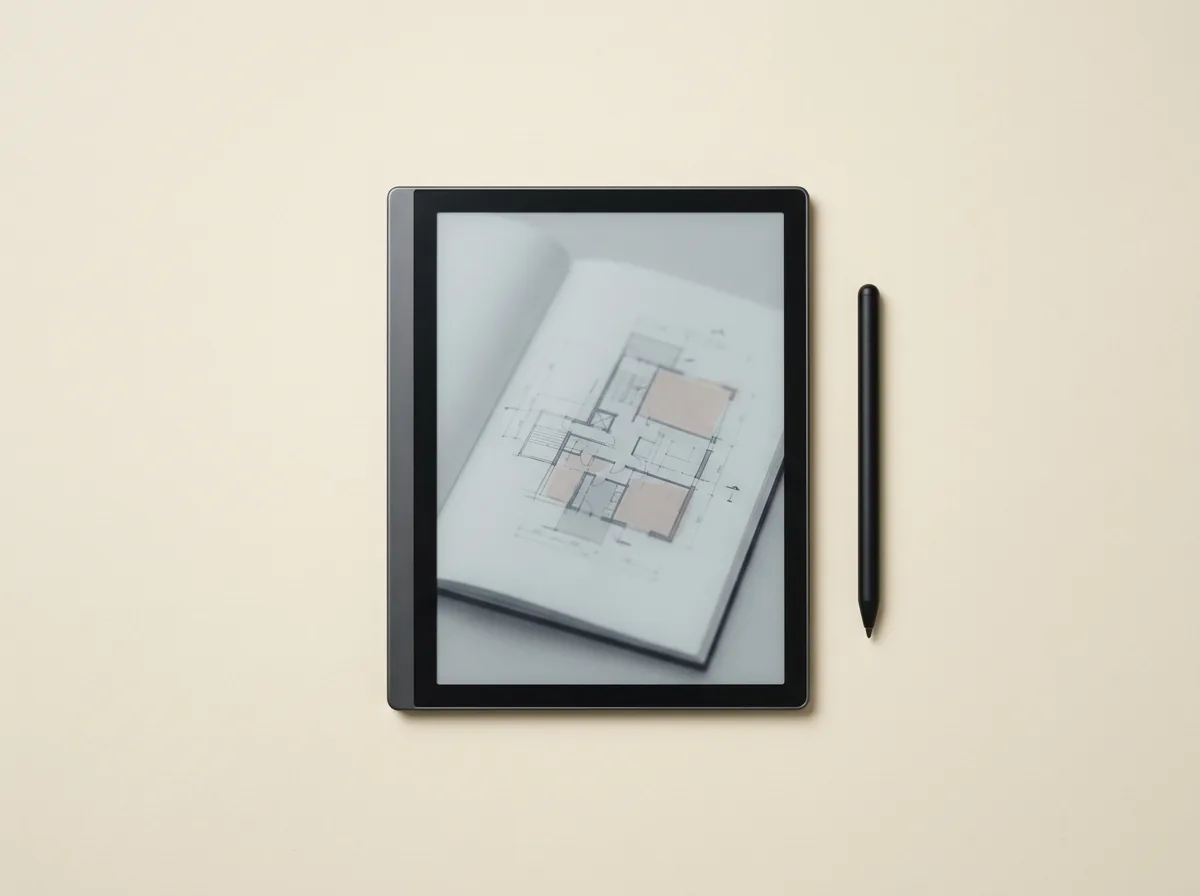
When a pocket reader is too small for PDFs, textbooks or handwriting, the Note Air6 C is the Boox to buy at $579.99, added to Boox’s store in September 2026. It is a 10.3-inch color e-note with a Kaleido 3 screen at 300 ppi in mono and 150 ppi in color, Android 16, and a Pen3 stylus in the box, so it reads, marks up documents and takes handwritten notes on one surface, with an optional keyboard cover for typing. The Note Air5 C it follows has the same screen on Android 15 and is still sold at $529.99, the better buy if $50 matters more than the newer chip (checked September 2026). It is the most device for the money here, and the most you will spend, which is the honest trade. If you mainly read and rarely write, it is more tablet than you need; if you plan and annotate, it is the one that does everything. Our Boox Note Air 5C review covers the model it follows, and the Boox planner templates are built for exactly this screen.
- Screen
- 10.3″ Kaleido 3 color
- Color
- Yes, 4,096 colors
- Pen
- Yes, Pen3 included
- Reads
- Any app, via Google Play
- Price
- $529.99
- Best for
- Reading PDFs and writing on one big screen
Best mono for notes
Best mono for notes and PDFs: Boox Go 10.3 (Gen II)
If you want a big writing surface but not the color or the price of the Note Air, the Go 10.3 (Gen II) is the mono answer at $419.99, now that the first generation is sold out from Boox’s US warehouse. It is a 10.3-inch black-and-white e-note at 300 ppi with an InkSense Plus stylus in the box, Android 15, dual speakers and a 4.8 mm body with no front light, which suits daytime reading in bright light; the Lumi version adds a warm-and-cold front light for $449.99 (checked September 2026). Text and PDFs look sharp in mono, and you save $160 against the Note Air6 C. The catch is the one you choose on purpose: no color, and no backlight for night reading. For a daytime note-taker who reads documents more than novels, it is the value pick of the large Boox readers. The Boox Go 10.3 review has the detail.
- Screen
- 10.3″ mono, no front light
- Color
- No
- Pen
- Yes, Pen Plus included
- Reads
- Any app, via Google Play
- Price
- $379.99
- Best for
- Sharp daytime PDFs and mono handwriting
Compared
The best Boox e-readers compared
Here are the five in price order, so you can match a screen size and a price to what you want to do.
Cheapest first
The five Boox readers we would actually recommend
Every price read off its own product page on 1 August 2026 at the official Boox store
One trap in that list is worth naming, because it caught us. Boox has sold two different devices under the name Go Color 7: the first generation, which takes no stylus at all and is now sold out at Boox’s own store, and the Gen II above at $289.99, which does. Same name, and the older one still turns up in resellers’ listings. If a listing does not say Gen II, assume it is not.
There is a second one on the store itself. Every Boox product page opens with a “Select a warehouse” control set to either US or Hong Kong, and the two carry different prices: the Note Air6 C is $579.99 from the US warehouse and $549.99 from Hong Kong, and the same $20 to $30 spread runs across the line. The prices above are the US figures, because that is what most readers here will actually pay at checkout. The Hong Kong option is real and it is cheaper, but it ships internationally, so weigh the transit time and any import charges before you take the saving.
Which to buy
Which Boox e-reader should you buy
Start with how you read. If you mostly read books and want one device for every store, buy the Go 7, or the Go 6 Gen II if price leads. If you read comics or want color in your highlights, the Go Color 7. If you want a big screen to annotate PDFs and handwrite, the Note Air6 C in color or the Go 10.3 Gen II in mono, depending on whether color is worth the extra to you. There is no single best Boox e-reader for everyone, only the best one for how you read, and for most people that is the Go 7 until the Palma 3 ships. If you are weighing Boox against other brands entirely, our wider e-ink tablet roundup sets these against the reMarkable and the Kindle Scribe.
Whichever you land on, tell us in the comments which Boox you read on and how it has held up. Real use sorts these devices better than any spec sheet, and it helps the next reader pick.
FAQ
Common questions, answered briefly
What is the best Boox e-reader?
Do all Boox e-readers run the Kindle app?
Should I get a color or mono Boox e-reader?
Which Boox e-reader is best for note-taking?
Is a Boox e-reader better than a Kindle?
If yours isn’t above, drop the question in the comments and we’ll add it.
People also ask