What it is
The Onyx Boox Note Air 4 in one paragraph
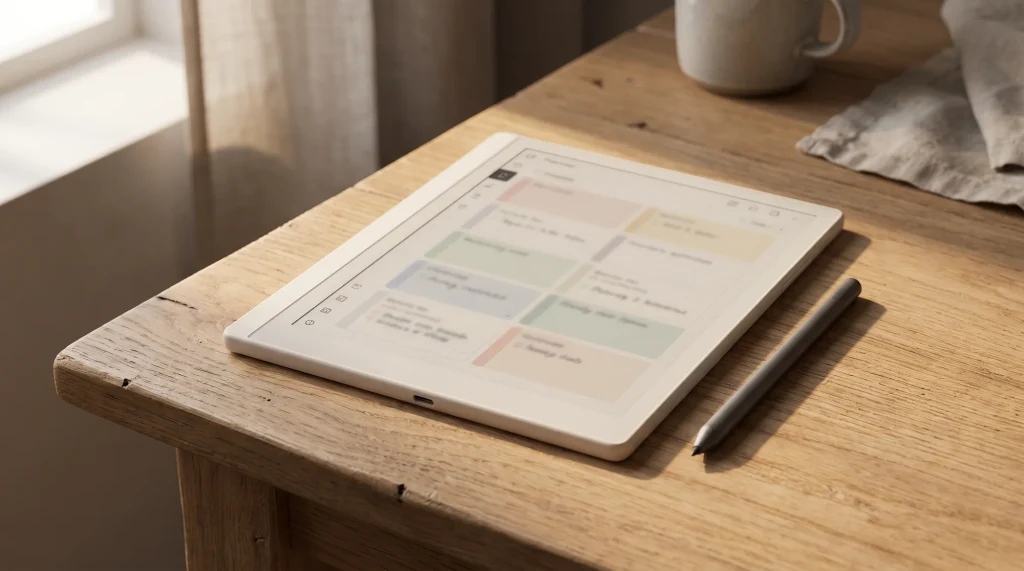
The Onyx Boox Note Air 4 is the mono 10.3-inch e-ink writing tablet in the 2024-2026 Note Air family, sized between the smaller Boox Tab Mini and the larger Note Max. A Carta 1300 mono panel at 1872 x 1404, a 2.4 GHz octa-core processor, 6 GB RAM, 64 GB internal storage with microSD expansion, and full Android 13 with the Google Play Store. The Pen (BOOX Pen 2 Pro) uses Wacom EMR, the same tech the reMarkable and Kindle Scribe use. Writing latency lands at around 21 ms, the same as the reMarkable 2 and Paper Pure.
Boox has since released the color Boox Note Air 5C as the 2025 successor to the 4C sibling covered here; our review weighs whether the newer model is worth the upgrade.
The frame is aluminum, the weight is around 415 grams (slightly heavier than the reMarkable 2 at 403 grams, slightly lighter than the Note Air 4C at 430 grams). The frontlight is warm-and-cool adjustable. The Onyx Boox Note Air 4 review answer hinges on what you do with it: write, read, or run a single device for both.
vs the 4C
Note Air 4 vs Note Air 4C: which one to buy
The Note Air 4 and the Note Air 4C are the same device with one major difference: the panel. The 4 ships with a mono Carta 1300 panel; the 4C ships with a Kaleido 3 color panel. Everything else (processor, RAM, storage, software, Pen, frontlight, build) is functionally identical. The price gap is roughly $100 ($400 mono versus $500 color).
| Spec | Note Air 4 | Note Air 4C |
|---|---|---|
| Price | $400 | $500 |
| Panel | Carta 1300 mono | Kaleido 3 color |
| Mono resolution | 1872 x 1404 | 1872 x 1404 |
| Color resolution | N/A | 930 x 1240 |
| Writing latency | ~21 ms | ~21 ms |
| Processor / RAM | 2.4 GHz / 6 GB | 2.4 GHz / 6 GB |
| Storage | 64 GB + microSD | 64 GB + microSD |
| OS / apps | Android 13 + Play Store | Android 13 + Play Store |
| Weight | ~415 g | ~430 g |
For users whose use case is dense daily writing (journaling, notes, project sheets, manuscript drafts), the mono Note Air 4 is the sharper buy. The Kaleido 3 color panel renders mono content at slightly lower contrast than a pure Carta panel; for text-heavy use, this difference is visible after a few hours of reading. For users whose workflow includes color-coded calendars, mood pages, or visual planning, the 4C earns the $100 difference. See Note Air 4C templates for the color-specific template considerations and Note Air 4C review for the full color-device read.
Price
Boox Note Air 4 and 4C price in 2026
The mono Note Air 4 lists at $399.99 and the colour Note Air 4C at $499.99, both sold through the official Onyx Boox store and Amazon. The two share the same chassis, pen, and software; the $100 gap buys the Kaleido 3 colour panel and nothing else, so the price question is really the colour question. Boox holds these prices steadily and rarely runs deep sales on current models, so do not wait for a Kindle-style 40 percent drop. Both remain the current Note Air generation in 2026.
- Screen
- 10.3″ (Note Air 4 mono Carta; Note Air 4C Kaleido 3 colour)
- Resolution
- 300 ppi mono; 4C colour layer 150 ppi
- Storage
- 64 GB plus microSD
- Software
- Android with Google Play Store
- Pen
- Included
- Connectivity
- Wi-Fi, Bluetooth, USB-C
- Price
- $399.99 mono / $499.99 colour
vs reMarkable
Note Air 4 vs the reMarkable line
The Note Air 4 sits opposite the reMarkable Paper Pure at almost the same price ($400 versus $399). The two devices answer the same question differently. The Note Air 4 runs full Android, opens every reading app (Kindle, Kobo, Libby, every note app), and gives you full flexibility at the cost of software polish. The Paper Pure runs reMarkable’s closed Codex software, opens no third-party apps, and gives you a quieter writing-first experience at the cost of flexibility.
For Boox writers who lean heavily on Android-app flexibility, the Note Air 4 carries a clear edge in the long-term ecosystem play: the device sits at the center of a wider library and note-taking app catalog than the reMarkable, and supports sideloading patterns that the Paper Pure does not. For users who explicitly want a writing-first device with no app temptation, the Paper Pure remains a stronger pull, even at near-identical pricing. The middle ground does not really exist between these two; the buyer chooses one philosophy or the other.
One more practical note for buyers who run mixed reading workflows: the Note Air 4’s Carta 1300 panel is the same generation that ships on the Kindle Scribe (2024) and the Paper Pure, which means the read-quality on PDFs and ePubs is a fair fight across the three devices. Software and ecosystem are what set them apart, not the panel itself. For broader cross-device comparison see the best e ink tablets pillar.
Which one wins depends on what the buyer is escaping. Buyers who want to consolidate their reading library across Kindle and other formats find the Note Air 4 indispensable; the Kindle Android app on the device is a meaningful feature. Buyers who want one device that does writing without the temptation of apps find the Paper Pure indispensable; Codex’s lack of an app store is the feature for them. The price is functionally a tie; the choice is ecosystem versus focus. For the broader e-ink tablet comparison, see the best e ink tablets pillar.
One related decision worth flagging: the Paper Pure ships with a user-replaceable battery and a repairable chassis. The Note Air 4 is glued. For users who keep devices for five years, the repairability difference shifts the lifetime-cost math toward the Paper Pure even when the upfront prices match.
The Note Air 4 is the cleaner mono pick when color is not part of your workflow. $100 saved is meaningful at this tier.From the mono read
Verdict
The Onyx Boox Note Air 4 review verdict
FAQ
Common questions, answered briefly
How much does the Onyx Boox Note Air 4 cost?
Note Air 4 vs Note Air 4C: which should you buy?
Does the Note Air 4 run Kindle and Kobo apps?
What is the writing latency on the Onyx Boox Note Air 4?
Is the Note Air 4C the latest Boox Note Air model in 2026?
If your question is not above, drop it in the comments. The Boox Note Air line refreshes annually; the FAQ is the first place we fold in new questions readers ask.
People also ask