
Airbnb Welcome Signs: What to Include and Print Specs
Airbnb welcome signs done right: what to put on them, print specs that survive cleanings, frame sizes that fit common entryways, and template picks.
By Templacity · Feb 21
Read
Field notes on planning on screens and on paper, on running a small hosting business, and on the small crafts of paper and ink.
Airbnb welcome signs done right: what to put on them, print specs that survive cleanings, frame sizes that fit common entryways, and template picks.
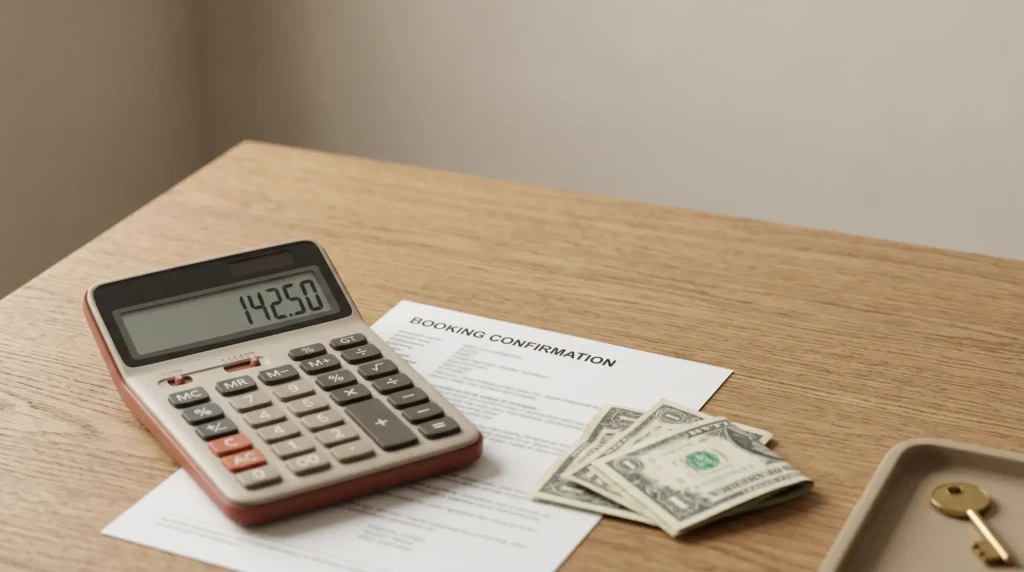
An Airbnb host fee calculator only earns its place if it shows the three fees Airbnb takes, not just the headline 3%. Here is…
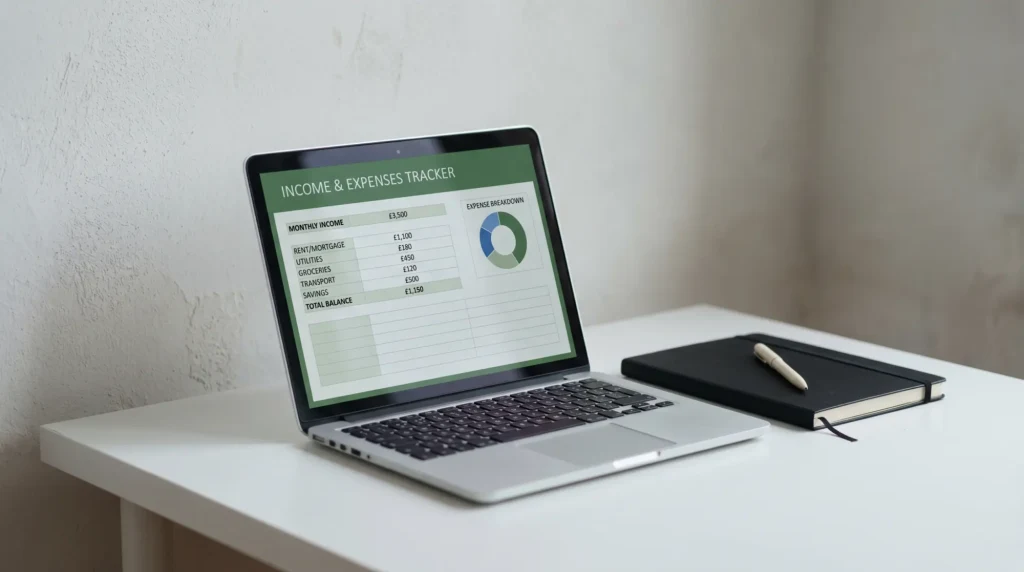
Best airbnb spreadsheet picks for hosts who actually run units. We weigh what each template does, what it misses, and what a host actually…
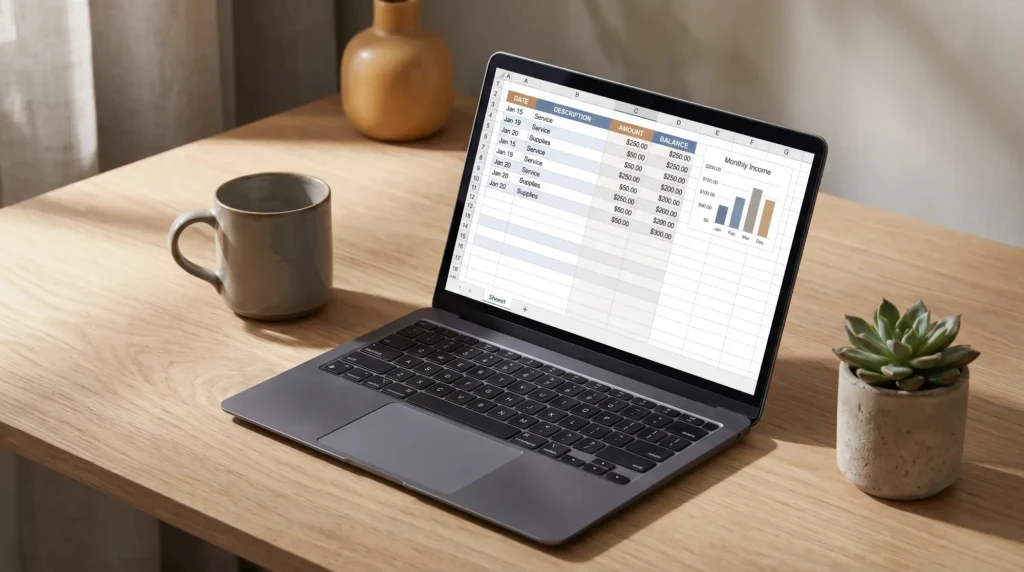
Most lists for the best airbnb spreadsheet are Etsy roundups. We picked 5 shapes that solve real host problems, and named what each one…
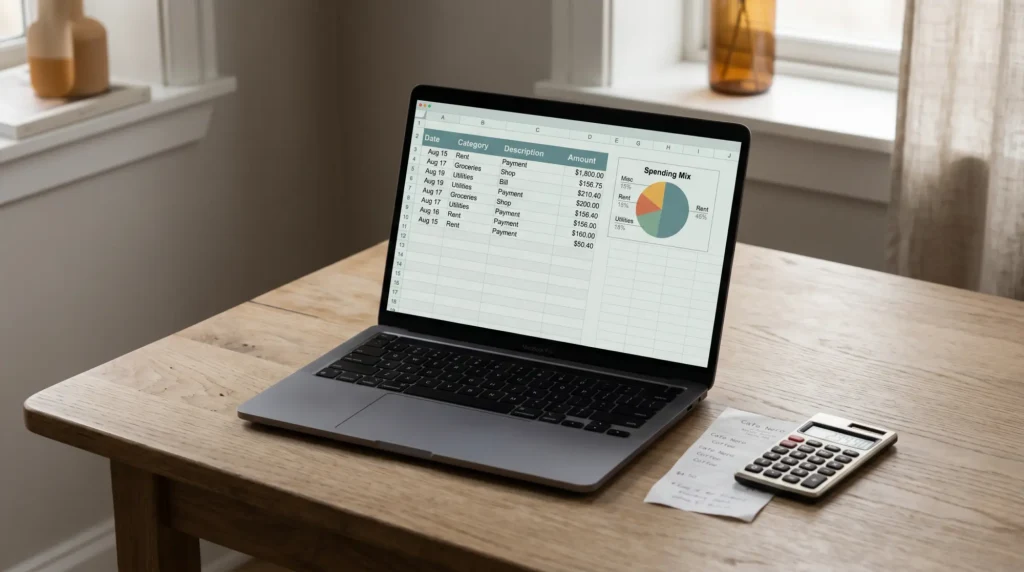
Most airbnb expenses spreadsheet templates skip the tax labels. This one lines up with Schedule E and the host categories the IRS actually expects.

Sign in OneNote step-by-step: Microsoft account login, common sign-in failures, multi-device sync, and how authentication affects your template setup.
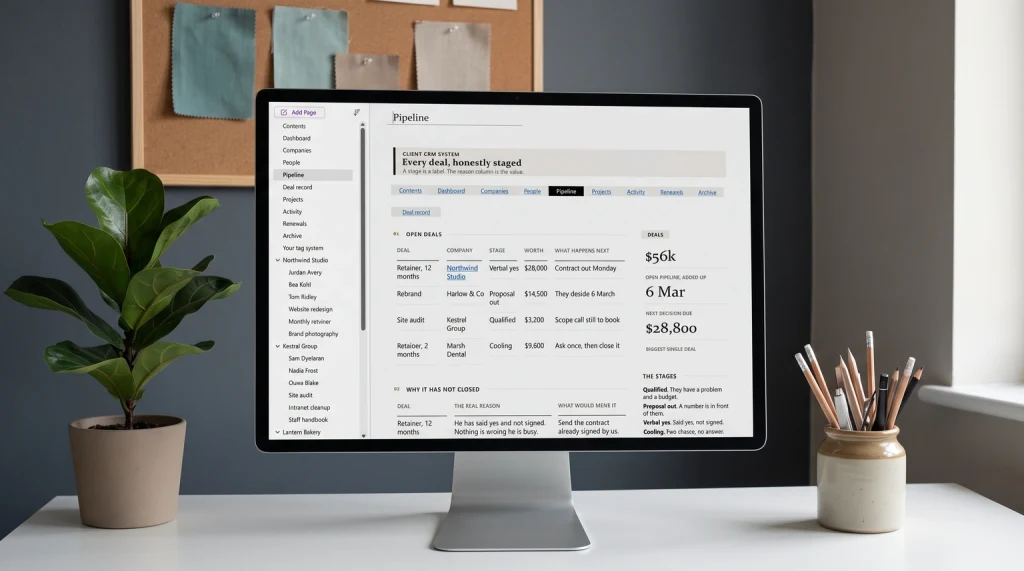
A OneNote CRM template only works if it tracks four things per account and forces a follow-up date on every page. Here's the build,…
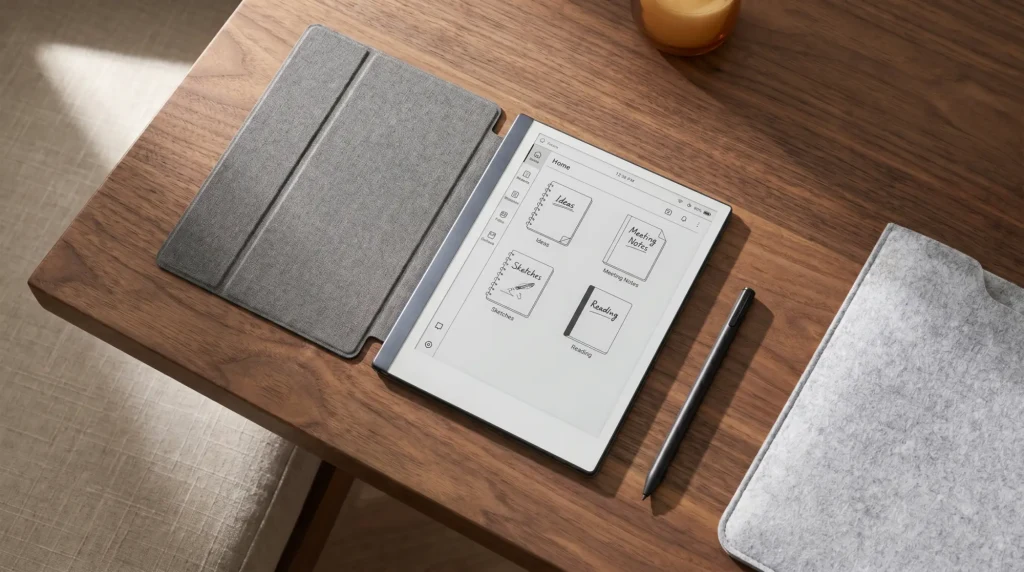
reMarkable tablet accessories that actually earn their place. We weigh folios, replacement nibs, sleeves, and stands against what reMarkable owners need.
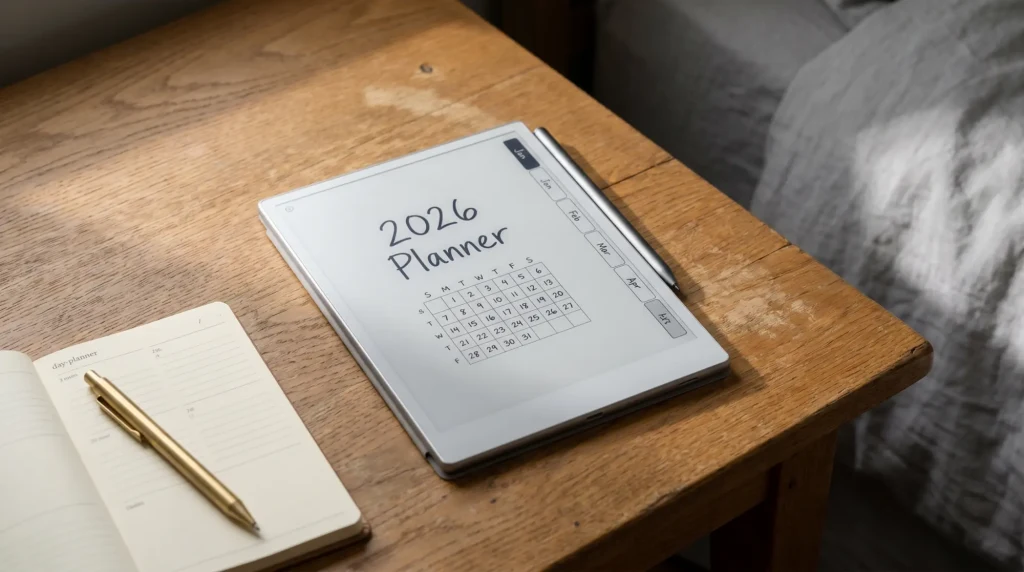
Key2Success Digital Planner review for reMarkable users: what works, where the yearly cost compounds, and when native templates plus a focused bundle wins.

Can reMarkable 2 write in color? No, the screen is mono only. Here is what colour you can use, what you cannot, and which…

What can reMarkable 2 do in 2026: writing, reading, AI conversion, what Connect subscription unlocks, and which limits stayed across firmware updates.
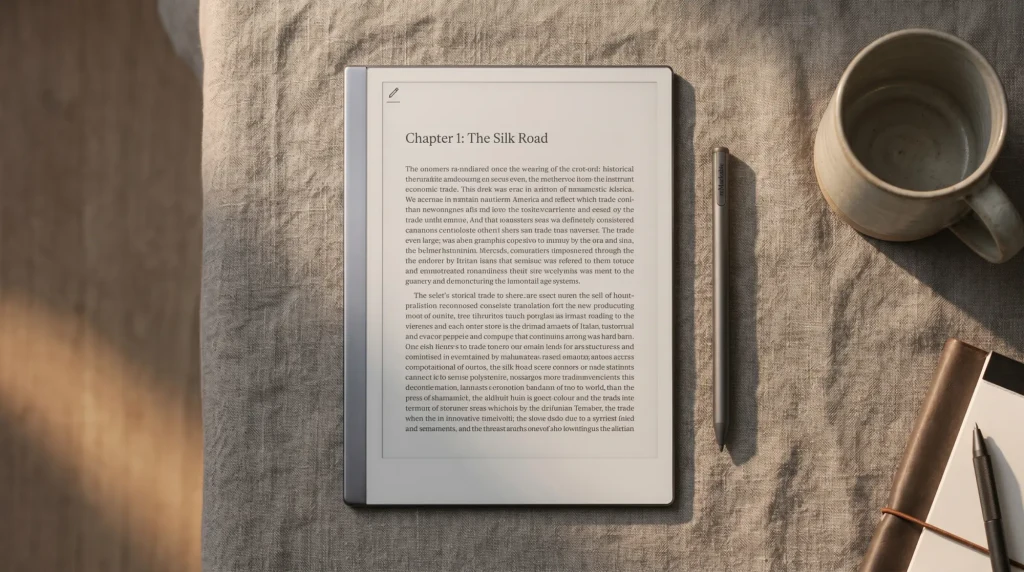
Books on reMarkable 2: EPUB and PDF open, Kindle and DRM books do not, per reMarkable. How to import them, the reading settings, and…


