What it does
What Airbnb welcome signs are actually for
Airbnb welcome signs solve a friction problem most new hosts under-rate: the first 30 seconds inside an unfamiliar property. Guests have just navigated a lockbox or a smart-lock, walked into a dim entryway, and are wondering whether they have the right address, what the Wi-Fi is, and what they are supposed to do next. A well-built welcome sign answers those three questions before the guest has to text you.
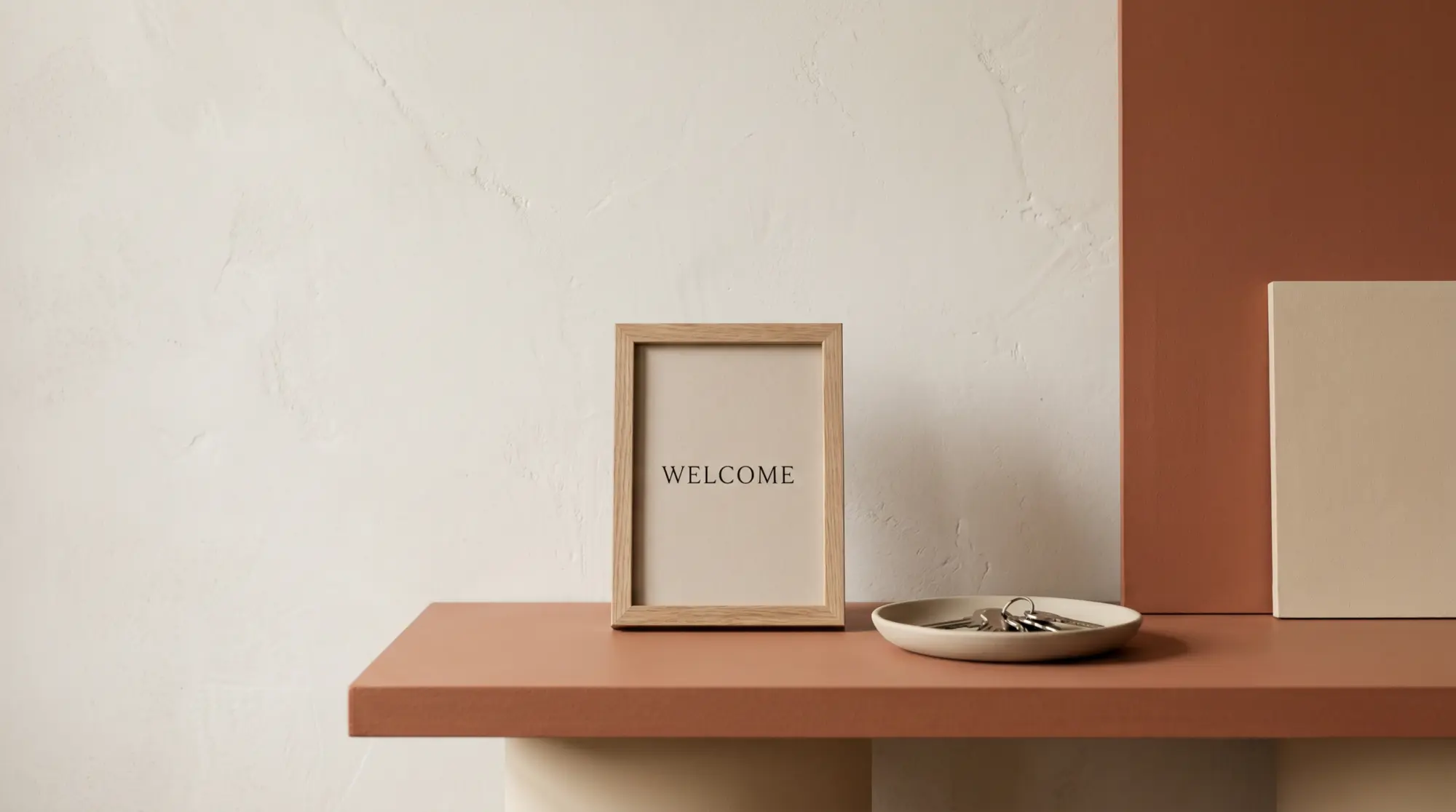
The signs that work are the ones placed where the guest will look first: on a console table near the door, or framed on the wall directly opposite the entry. Signs in the kitchen or the bedroom miss the first-30-seconds window. Two minutes after walking in, the guest has already pulled out their phone to text you the Wi-Fi question; the sign no longer has the chance to do its job.
Content
What to include on Airbnb welcome signs
Five lines cover 95% of what a welcome sign needs to do. More than that and the sign reads cluttered; less and you have left out something the guest will need to ask for.
Line 1, the property name or address. Confirms the guest is in the right place. “Welcome to The Maple House” or “Welcome, you’ve arrived at 24 Elm Street.” This line is the one that resolves the “did I follow the right Google Maps pin” question that hits in the first five seconds.
Line 2, Wi-Fi. The network name and password, ideally with a QR code that connects on tap. The QR code matters because most guests are exhausted from travel and would rather scan than type a 14-character password. The free QR code generators (Canva, qr-code-generator.com) produce a working code in under a minute.
Line 3, check-out time. Sets the expectation in writing. “Check-out at 11am, please.” Reduces the “is it 10 or 11” question and gives you grounds for late-checkout policy if it comes up.
Line 4, your contact line. One way to reach you fast. “Text [your number] for anything urgent” or “Reach us through Airbnb messages.” Most guests prefer text; a posted phone number performs better than “message us through the app” alone.
Line 5, the local tip. One specific recommendation: “The bakery at the corner opens at 7am,” “The lake is a 4-minute walk down Elm.” This is the line that turns a sign from administrative to hospitable, and it is the one most templates skip.
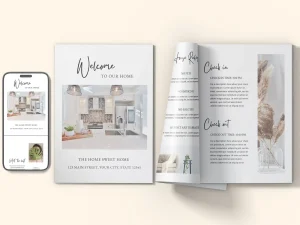
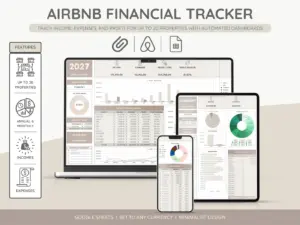
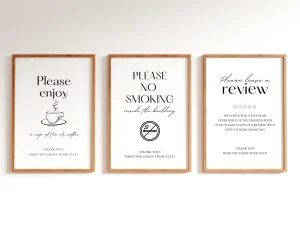
Everything you hand a guest, matched and priced to move together.
Print specs
Print specs and frame sizes for Airbnb welcome signs
| Spec | Standard | Why |
|---|---|---|
| Size | 8×10 or 11×14 inches | Matches off-the-shelf frame sizes at IKEA, Target, Amazon |
| Resolution | 300 dpi minimum | Sharp text at standard reading distance |
| Paper | Matte cardstock, 80-100 lb | Avoids glare from entryway light, survives twice-weekly cleanings |
| Frame | Black or natural-wood, glass front | Neutral against most decor; glass shields the print from kitchen splash |
| QR code spec | 1.5 inch minimum, high error correction | Scans at arm’s length on most phones even if partially smudged |
The 8×10 size works for most entryways and matches the most-stocked frame size at any home-goods retailer. The 11×14 size is better for larger spaces or when you want the sign to read at the entryway threshold rather than at the console table. Going larger than 11×14 typically pushes the sign into “wall art” territory and feels institutional; smaller than 8×10 and the text becomes hard to read at standing distance.
Templates for Airbnb welcome signs are sold across the design-template marketplaces (Etsy has hundreds at $5-$15 each), built free in Canva, or commissioned custom for $50-$150 from local print shops. If you run multiple listings, building once in Canva and swapping the property name + Wi-Fi per listing is the cleanest approach; you save the template once and re-export per property.
For hosts running the rest of the listing operations from a spreadsheet, our Airbnb spreadsheet template covers the per-listing P&L alongside guest-info fields. The welcome sign is the front-of-house equivalent; the spreadsheet is the back-of-house equivalent.
FAQ
Common questions, answered briefly
What should an Airbnb welcome sign include?
What size should an Airbnb welcome sign be?
Where should the welcome sign be placed?
Do I need a QR code on the welcome sign?
If your question is not above, drop it in the comments. We refresh this Airbnb welcome signs rundown as new printing and frame-size patterns surface from host community discussions.
People also ask