The shortlist
The reMarkable tablet accessories worth your time
A reMarkable accessory earns its place by serving one of four jobs: protect the device while traveling, keep the writing surface fresh (replacement nibs), carry the device safely (sleeve), or position it for desk reading (stand). Most owners only end up with two of the four; the rest get bought, used twice, and put in a drawer.
Side by side
The four accessory categories compared
| Folio$89-179 | Nibs$15 | Sleeve / Stand$25-60 | |
|---|---|---|---|
| Job | Screen protection, sleep/wake | Writing surface upkeep | Carry / desk position |
| Need-to-have | Yes for daily users | Yes for heavy writers | Optional |
| First-party version | Yes, multiple materials | Yes, 9-pack | Sleeve yes, stand no |
| Third-party risk | Sleep magnets unreliable below $30 | Cheap nibs scratch the panel | Generally fine |
| Best for | Every owner | Heavy writers | Specific use cases |
Lead pick
Lead pick: the folio
reMarkable’s first-party folio
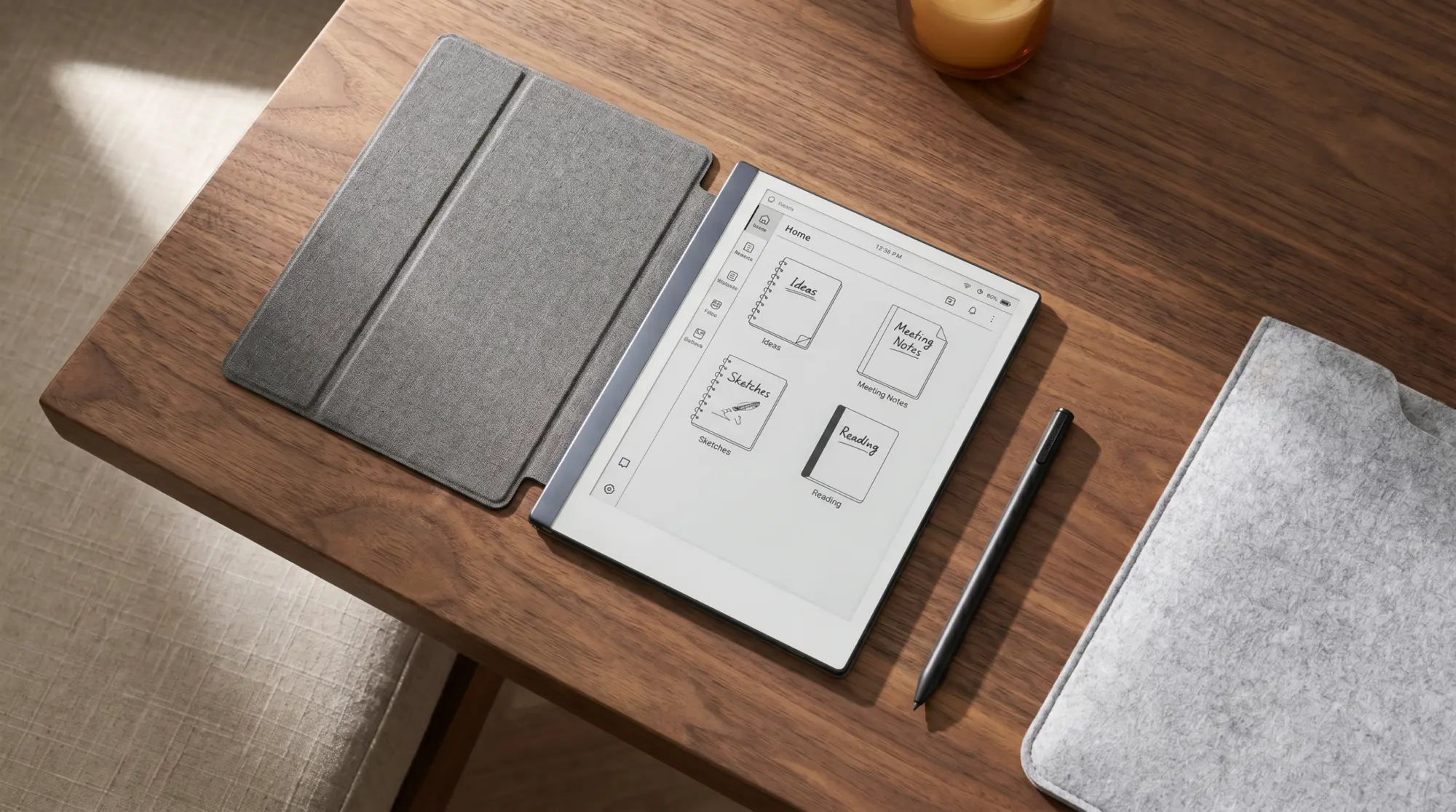
The folio is the single most-used accessory. It protects the screen, carries the pen on the side, and includes the magnets that auto-sleep the device when closed. Available in plant-based-leather and polymer-weave variants for Paper Pro and reMarkable 2 separately.
- Sleep/wake
- Magnetic, tuned to the device
- Pen storage
- Side-loop for the Marker / Marker Plus
- Materials
- Plant-based leather or polymer weave
- Price
- $89-179 depending on material and device
- Best for
- Every daily user
Buy the first-party folio. The third-party folio market exists and the better products in it work fine, but the sleep magnets in budget folios are unreliable. reMarkable’s own folio store sells the right product at a fair-enough price; the third-party savings of $30-50 are not worth the daily-friction cost of a folio that fails to wake the device cleanly on open.
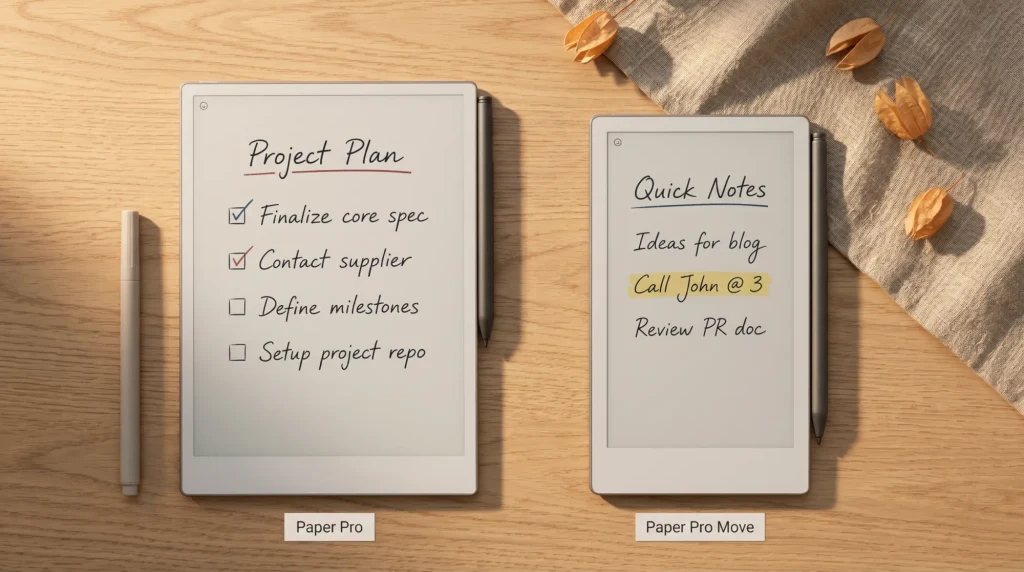
The Paper Pro folio is different from the reMarkable 2 folio; the two are not interchangeable because of the 11.8 inch vs 10.3 inch size difference. Pick the folio for your specific device. The Paper Pro Move uses a smaller folio still, sized to the 7.3 inch chassis.
Nibs
Replacement nibs: the underrated accessory
The reMarkable pen nibs wear with use. The textured writing surface produces real friction (which is why the writing feel works), and the friction wears the nib down over time. A heavy daily writer goes through a nib every two to three months; a casual user goes through one every six months to a year. Either way a stash of replacement nibs is the second essential accessory, but check the box before you order: every Marker and Marker Plus ships with nine spare tips on a tip card, and reMarkable puts one tip at three to seven weeks for a daily writer.
Buy the first-party 9-pack. Third-party nibs exist but the quality is uneven; cheap nibs can scratch the writing surface or wear faster than they should. The first-party nibs are roughly $1.70 each in the 9-pack and last as long as they are supposed to. Order one pack ahead of when you think you will need it; running out mid-session is a small but real frustration.
A heavy daily writer goes through a nib every two to three months.From the nibs section
Sleeve and stand
Sleeve and stand: when they earn their place
A sleeve makes sense when the reMarkable already lives in a bigger bag with other items. The folio provides daily protection during transit; a sleeve adds a second layer when the device shares a backpack with a laptop, water bottle, and lunch. Felt and waxed-canvas sleeves at $25-45 are the practical category here.
A stand is the most optional of the four. The folio supports stand-up positioning at one or two angles. A dedicated stand offers more angles but the folio’s built-in modes usually suffice. Buy a stand only if your reading workflow involves the device on a desk most of the day; for hand-held users, skip.
For a Paper Pro Move user specifically, our companion Paper Pro Move accessories piece covers the size-specific accessories that do not interchange with the larger Paper Pro line.
What to avoid
Accessories to skip
Skip cheap third-party folios below $30. The sleep magnets are unreliable; the false sense of protection is worse than no folio at all because the device wakes randomly in a bag.
Skip screen protectors. The reMarkable’s writing surface is the surface; adding a film changes the pen feel and is the opposite of what most owners chose the device for. The screen is harder than it looks and the friction with the pen is engineered.
Skip “magnetic stands” that claim to use the folio magnets. The magnets are tuned for the folio; third-party stands either fail to hold the device cleanly or position it at angles that are not actually useful for writing or reading.
FAQ
Common questions, answered briefly
What accessories do you actually need for a reMarkable?
How often do reMarkable pen nibs need replacing?
Are third-party reMarkable folios safe to use?
Does the reMarkable need a screen protector?
Will Paper Pro accessories fit the reMarkable 2?
If yours isnt above, drop the question in the comments and well answer it under the next reMarkable piece.
People also ask