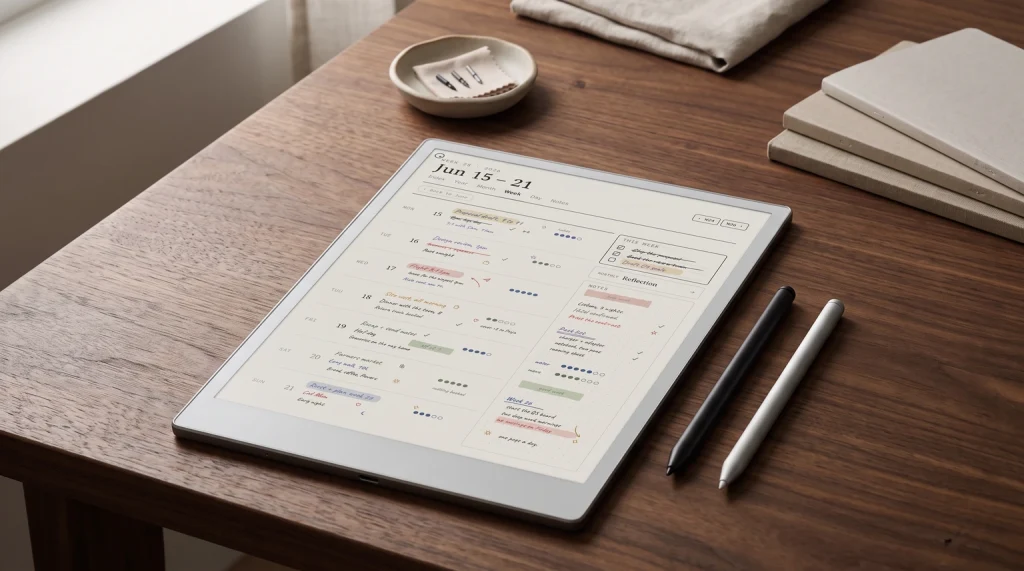
reMarkable planners from Templacity: The Planner for reMarkable is one hyperlinked PDF with Index, Year, Month, Week, Day and Notes pages, dated 2026 and 2027, for $49, in six languages (English, Spanish, French, German, Dutch and Chinese). The reMarkable Template Bundle holds the Daily, Weekly and Daybook planners for 2026 and 2027 plus three undated notebooks, $39 for the reMarkable 2 or $49 for the Paper Pro, Paper Pro Move and Paper Pure editions. Both are one-time purchases with an instant download. Every option is compared in our best reMarkable templates guide.
Landscape
What “reMarkable e paper tablet” means in 2026
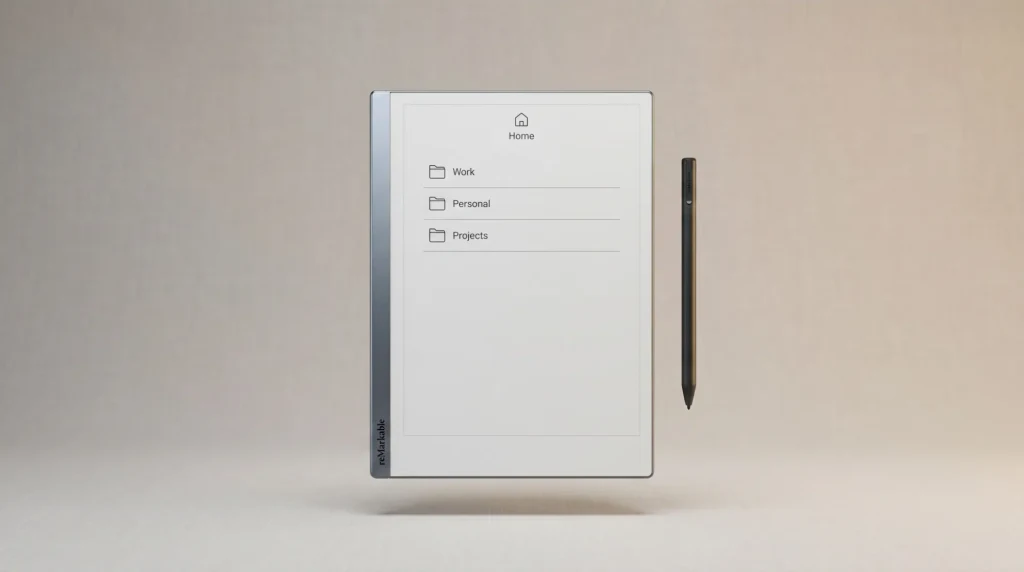
A reMarkable e paper tablet is reMarkable’s writing-first hardware: an electrophoretic ink display paired with a stylus for writing on what feels like paper, syncing to a cloud account through reMarkable’s own apps. The lineup has shifted from one device (the reMarkable 2 from 2020) to a family of four in 2026: Paper Pro, Paper Pro Move, Paper Pure, plus the discontinued-but-refurb-available rM2. Each fits a slightly different reader profile.
What every reMarkable e paper tablet has in common: a paper-feel writing surface, a stylus with no battery, sync through reMarkable Cloud (with the free or Connect subscription tiers), and a deliberate refusal to run apps. The reMarkable is single-purpose by design. If you want a tablet that runs Kindle, Notion, or anything from an app store, the reMarkable e paper tablet line is not the right tool; our reMarkable alternatives piece covers what is.
Lineup
The current reMarkable e paper tablet lineup
| Model | Screen | Price | Best for |
|---|---|---|---|
| Paper Pro | 11.8″ Canvas Color | $629 | Writing-first with colour |
| Paper Pure | 10.3″ mono | $399 | Entry-level, mono-only writers |
| Paper Pro Move | 7.3″ colour | $449 | Pocket / portable use |
| reMarkable 2 (refurb) | 10.3″ mono | From $399 | Value pick if found used |
Reading the table: the Paper Pro is the flagship colour option, the Paper Pure replaces the rM2 as the new mono entry, the Paper Pro Move adds a pocket size, and the refurbished rM2 stays available for buyers who want the proven hardware at a value price. Both Paper Pure and Paper Pro Move ship June 2026 (the dates have slipped twice; check reMarkable.com for current availability before counting on the timeline).
Why
Why pick a reMarkable e paper tablet over alternatives
Three reasons readers reach for a reMarkable e paper tablet rather than a Boox, Kindle Scribe, or iPad. First, the paper-feel writing surface. reMarkable invested in display lamination and texture in a way most competitors have not quite matched; the writing feel is the brand’s clearest hardware moat. Second, the single-purpose design. No apps, no notifications, no browser. For people whose work fragments easily under distractions, the deliberate constraint is the feature. Third, the cleanest sync. The reMarkable Cloud is small and focused; if you only need notebook sync to a desktop app and back, it works without the configuration overhead larger ecosystems demand.
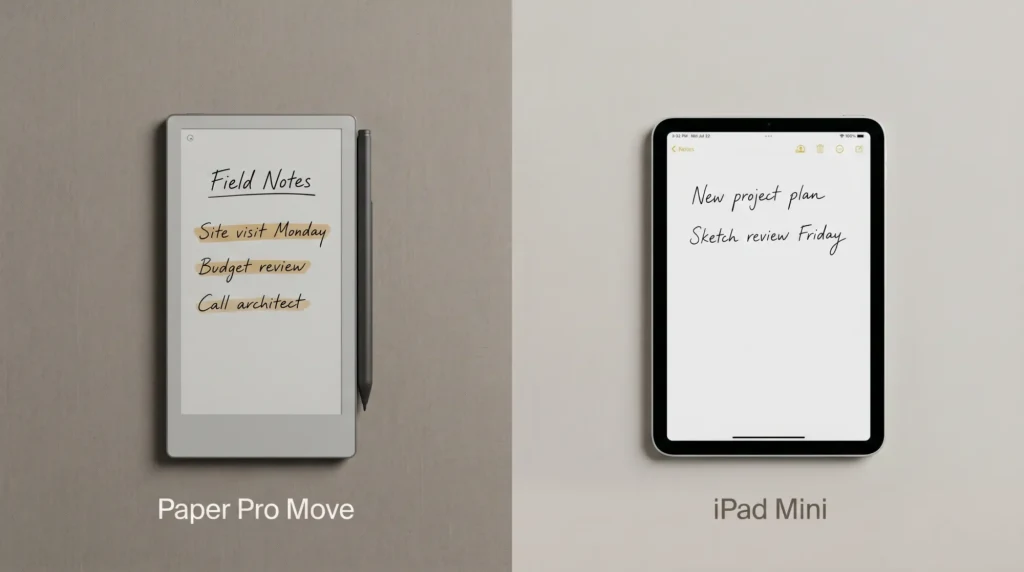
Reasons not to pick a reMarkable e paper tablet: if you want an e-ink Kindle reader (Kindle Scribe Colorsoft), if you want Android-based flexibility with the Play Store (Boox), if you want a fully-featured tablet at lower price (a refurbished iPad). Each of those serves different needs; the reMarkable specifically does not. We compare against the closest competitor in reMarkable Paper Pro vs Boox.
For people whose work fragments easily under distractions, the deliberate constraint is the feature.Why section
Pick
How to pick within the reMarkable e paper tablet line
The reMarkable e paper tablet pick depends on three questions. First, do you need colour? If yes, the Paper Pro is the only option in the family. If no, the Paper Pure or refurbished rM2 are the cleaner picks at lower price. Second, what size? 11.8 inch for desk-bound writing, 10.3 inch (Paper Pure new, or an rM2 refurb) for the classic balance, 7.3 inch (Paper Pro Move) for pocket-and-go. Third, new or refurb? New ships with a 2-year warranty; refurb ships with a 1-year warranty through reMarkable’s official store at typically $100 less.
The Paper Pro covers the widest range of work of any reMarkable e paper tablet, because of its screen size and colour. The Paper Pure is the right pick for most first-time reMarkable buyers now that it is shipping; the entry price plus brand-new warranty is worth the $50 over a refurb rM2 at $349. The Paper Pro Move serves the genuine pocket use case but does not replace a larger device for desk work. Refurbished rM2 covered in detail in reMarkable 2 refurbished.
Verdict
The reMarkable e paper tablet verdict for 2026
The reMarkable e paper tablet line in 2026 sits where it has always sat: writing-first, deliberate, slightly opinionated about how you should use the device. The lineup expansion (Paper Pro, Pure, Pro Move, plus refurb rM2) means the brand now serves more reader profiles than the single-device era. Pick by size, colour need, and price; the writing feel is consistent across the family. The deliberate single-purpose design is the brand’s identity and remains the dividing line vs Android-based alternatives.
If you have used a reMarkable e paper tablet for more than a year (especially across multiple models), drop your take in the comments. Long-term owner perspectives on which device actually got daily use vs which one looked good in the unboxing photo help keep this post calibrated.
FAQ
Common questions, answered briefly
What is the latest reMarkable e paper tablet model in 2026?
Is the reMarkable Paper Pro the same as a reMarkable e paper tablet?
How much does a reMarkable e paper tablet cost in 2026?
Can a reMarkable e paper tablet run apps?
Is the reMarkable e paper tablet worth the price vs Boox or iPad?
If you are surveying the wider category, our e-paper tablet primer maps the field beyond one brand.
If yours isn’t above, drop the question in the comments and we’ll fold it in next refresh.
People also ask