Where
Where to buy a reMarkable 2 refurbished in 2026
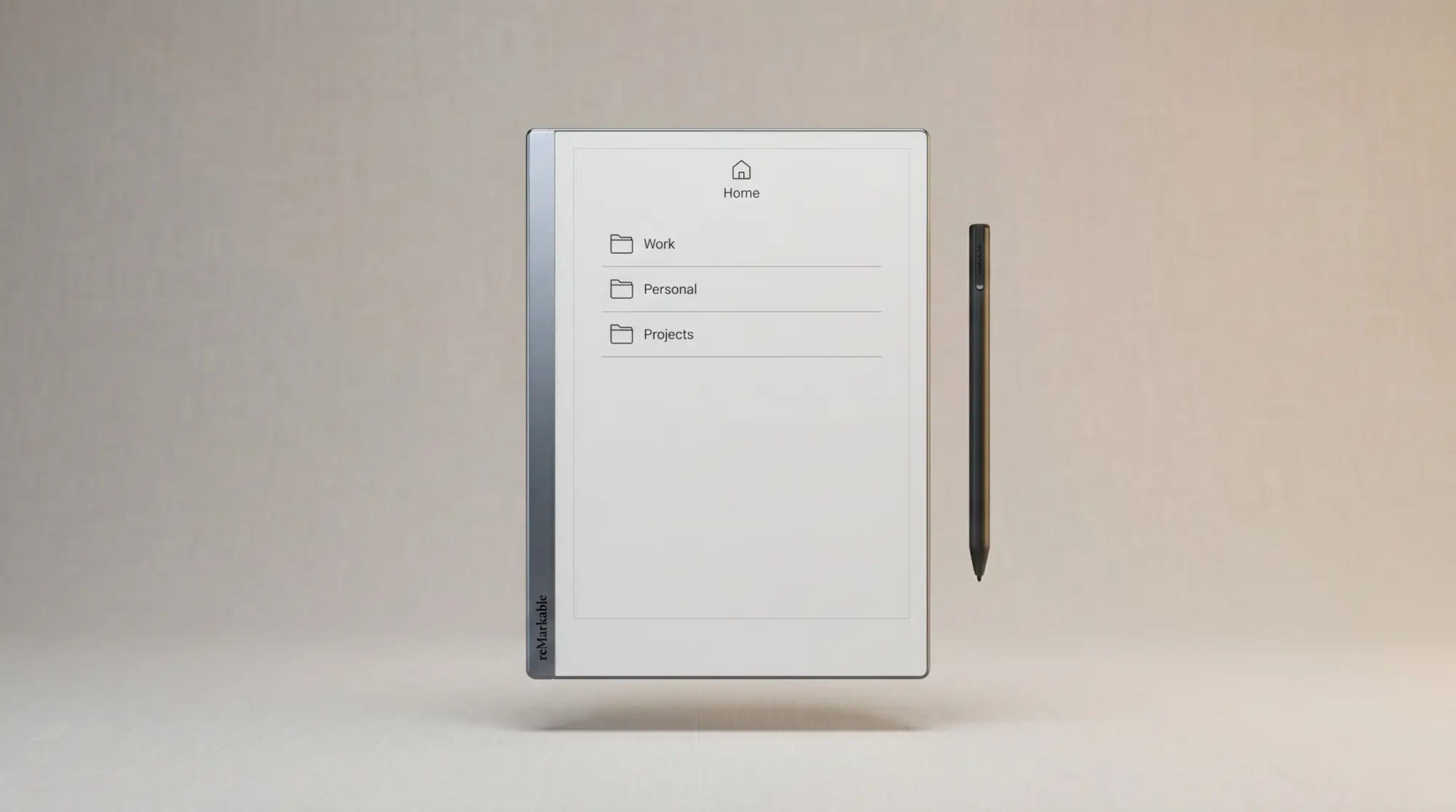
Three sources stock reMarkable 2 refurbished units in 2026. The official reMarkable refurbished store is the best of the three: reMarkable says each pre-owned device is thoroughly inspected and restored, and it ships under their standard warranty. Pricing runs $399 to $549 depending on which Marker and which folio the bundle carries. Both are included in every bundle and both are new; the refurbished part is the tablet.
Amazon Renewed stocks reMarkable 2 units intermittently, sourced from Amazon’s own returns and third-party fulfilment, and covers them under the Amazon Renewed Guarantee rather than a reMarkable warranty. eBay and similar marketplaces are cheaper again, with warranty being whatever the individual seller offers. We are deliberately not printing a dollar range for either: marketplace pricing moves weekly, both sites block automated price checks, and a range we cannot re-verify on demand is exactly the kind of number that goes stale on this page without anyone noticing. Open the listings yourself and compare against the $399 official floor, which is the figure that actually anchors the decision.
Price
What you should pay for a refurbished reMarkable 2
Anchor on the official store, because it is the only source publishing a price you can check today. That ladder runs $399 to $549. Most readers should take the $399 bundle: tablet, new Marker, new Book Folio, under reMarkable’s standard warranty. Step up to $449 only if you want the eraser end on the Marker Plus, and to $499 or $549 only if you actually want the Type Folio keyboard rather than a plain cover. Marketplace listings sit below $399, and what you trade for the difference is the warranty and the new accessories.
Two pricing gotchas worth naming. First, the official bundles already include the accessories most people would buy anyway, so compare a marketplace tablet against $399 minus the cost of a pen and a case, not against $399 flat. That is usually where a cheap listing stops looking cheap. Second, Connect costs the same on a refurbished device as on a new one; the device-side saving does not extend to the subscription, which runs $3.99 a month if you want it.
Second-hand, reMarkable 2
Every official refurbished bundle, cheapest first
Prices checked 30 July 2026 at reMarkable’s refurbished store
Two things in that ladder are worth pausing on, because they are the opposite of what refurbished usually means. There is no device-only option: every bundle ships with a folio, and reMarkable describes the Marker and the folio in each one as new, with only the tablet refurbished. And the cheapest way in is a full kit at $399, not a bare tablet at some lower number. Compare that against a new Paper Pure at $399 and the decision is not “cheap used versus expensive new”, it is “same money, older bigger tablet with a case, or newer smaller tablet without one”.
One quiet caveat about the official store: stock is reMarkable-controlled and varies week to week. If the refurb store is showing “out of stock,” check back in 7 to 14 days; reMarkable refreshes inventory in batches as units come back through their inspection pipeline. A return-week empty page is not a sign that refurbs have been discontinued.
Warranty
Warranty and what to ask before buying a reMarkable 2 refurbished
reMarkable states that each pre-owned device is inspected, restored to their standards, and includes their standard warranty. They do not print a separate refurbished warranty length on the store page, so read the warranty terms linked from checkout before you buy rather than trusting a length quoted in a roundup, this one included. What is clear from the listings is that the Marker and folio in every bundle are new, which means the usual second-hand worries about a worn pen and a missing case do not apply here.
For non-official refurbs, ask the seller four things before paying. What is the battery capacity at? (Should be 85 percent or better). Is the screen free of writing-side scratches? (Sub-screen scratches behind the writing surface are common and dim the e-ink). Is the original Marker included or a generic? (Genuine Marker matters; aftermarket pens have higher latency). Has the firmware been updated to the latest? (Pre-2024 firmware lacks the AI features and template improvements). The four questions filter out most of the bad listings without an inspection.
For non-official refurbs, ask four things before paying. The questions filter out most of the bad listings without an inspection.Warranty section
Risks
What can go wrong with a reMarkable 2 refurbished
Three failure modes account for most reMarkable 2 refurbished issues we have heard about. Screen scratches behind the writing surface (visible as faint lines under the texture, more obvious when ink crosses them) are not repairable without a screen swap, which costs about $200 through reMarkable service. Battery degradation below 80 percent capacity is the second; the official refurb warranty covers this, third-party refurbs often do not. Pen tip wear is the third and the easiest to fix; replacement tips run $12 for a pack of 9 and take 30 seconds to swap.
What does not typically go wrong: the firmware (reMarkable’s update path is reliable), the cloud sync (account-tied, not device-tied), or the desktop app integration (covered in our reMarkable app for Windows piece). For ongoing daily-use questions, our how to use reMarkable 2 walks the device’s actual workflow, refurb or not.
Vs new
reMarkable 2 refurbished vs the new Paper Pure
The reMarkable 2’s discontinuation in early 2026 changed the math on the refurb question. The Paper Pure (reMarkable’s new mono entry-level device, shipping June 2026 at around $399) overlaps directly with the refurb price range. Same niche, same paper-feel writing surface, lighter feature set, brand-new hardware with a full 2-year warranty. Most buyers comparing a refurb to the Paper Pure should compare honestly on what each one is, not on what they expected.
The refurbished reMarkable 2 wins on: storage (8 GB vs Paper Pure’s 4 GB in our pre-launch info), and proven hardware reliability (both panels are 10.3 inch, so size is not the tiebreaker). The Paper Pure wins on: brand-new condition, 2-year warranty, lighter weight, and a $100 lower entry price. For someone buying their first reMarkable, the Paper Pure is the cleaner option in mid-2026. For someone who specifically wants the rM2 form factor or already has a workflow built around the 10.3-inch screen, the refurb is still the right call. We compare the wider field in our reMarkable tablet alternatives piece.
If you have bought a refurbished reMarkable 2 in the last year and want to share what condition it arrived in, drop a note in the comments. Real owner reports are how this post stays calibrated to current 2026 quality, not the 2023 baseline that most refurb-guide content online still references.
FAQ
Common questions, answered briefly
Is a refurbished reMarkable 2 worth buying in 2026?
Where can you buy a refurbished reMarkable 2?
What warranty does a refurbished reMarkable 2 have?
What can go wrong with a refurbished reMarkable 2?
Is the new Paper Pure cheaper than a refurbished reMarkable 2?
If yours isn’t above, drop the question in the comments and we’ll fold it in next refresh.
People also ask