Frame
What the reMarkable Paper Pro vs Paper Pro Move decision actually is
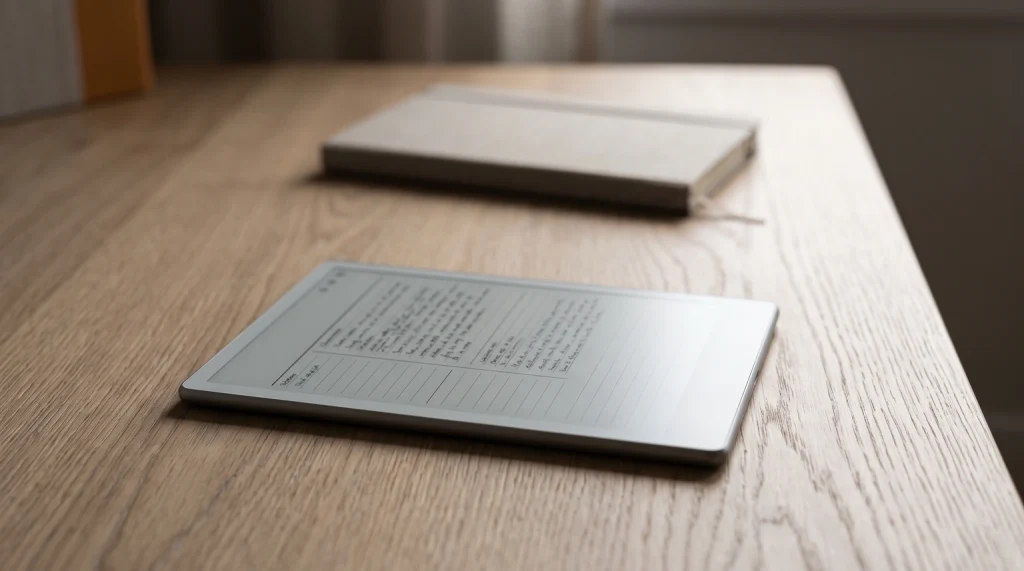
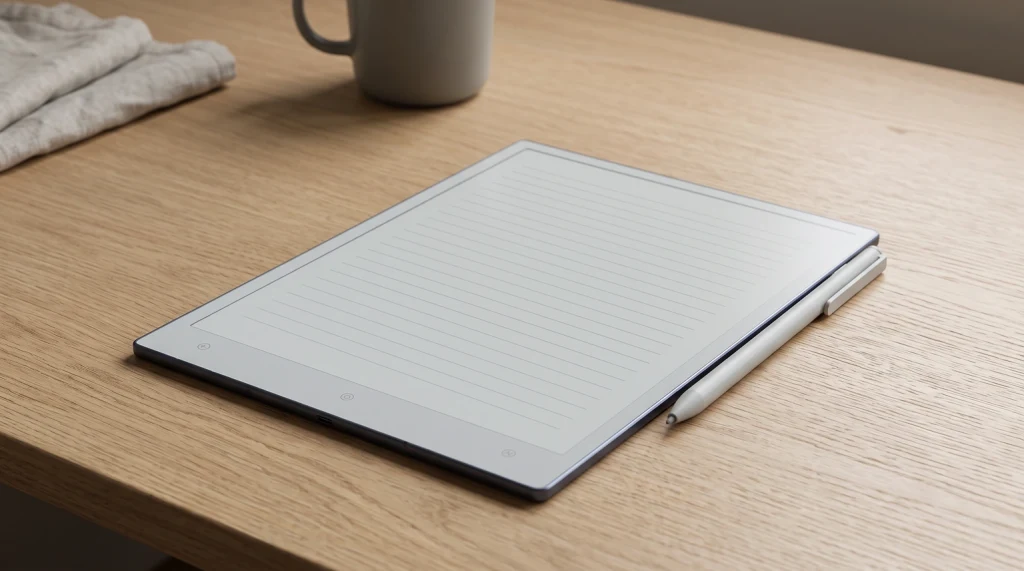
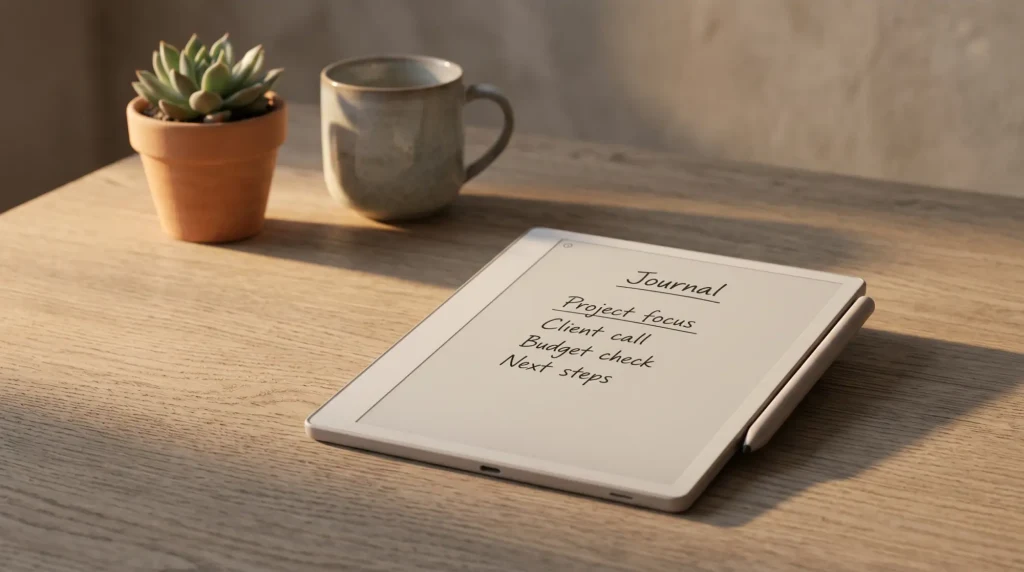
The reMarkable Paper Pro vs Paper Pro Move comparison is unusual among device decisions because the software is identical and the philosophy is identical. Both devices run Codex (reMarkable’s closed Linux-based OS), both support the same Marker and Marker Plus styluses with color writing, both sync through reMarkable Connect, and both handle notes, PDFs, and EPUB ebooks the same way. What changes between them is the physical form factor: the Paper Pro is a desk-and-meeting-room device at 11.8 inches; the Paper Pro Move is a pocket-and-bag device at 7.3 inches.
That makes the buying decision unusually clean. Either the workflow benefits from a larger writing surface (Paper Pro), or it benefits from being smaller and more portable (Paper Pro Move). The trade-offs aren’t software-driven; they’re physical. A reader who wants both can run them as a paired set, and the reMarkable lineup explicitly supports that workflow through cross-device sync.
Specs
Side-by-side specs: Paper Pro vs Paper Pro Move
| Paper Pro | Paper Pro Move | |
|---|---|---|
| Panel size | 11.8-inch | 7.3-inch |
| Resolution | 1620 x 2160 | 954 x 1696 |
| Display tech | Color CANVAS e-ink | Color CANVAS e-ink |
| Frontlight | Yes (warm and cool) | Yes (warm and cool) |
| Stylus | Marker included; Marker Plus is an upgrade | Marker included; Marker Plus is an upgrade |
| OS | Codex | Codex |
| Storage | 64 GB | 64 GB |
| Battery | Up to 2 weeks light use | Up to 1-2 weeks light use |
| Weight | 525 g | ~230 g |
| Price | $629 | $449 |
One difference buyers expect here does not exist: storage. Both devices carry 64 GB, which reMarkable states in its own Paper Pro Move user guide, so a notebook archive or a shelf of imported PDFs fits the same either way and storage is not the thing that should push you to the larger device. The weight gap (525 g vs 230 g) is the real physical difference; the Paper Pro Move is genuinely pocketable while the Paper Pro is a bag-and-desk device.
Same software, same stylus, same workflow. The reMarkable Paper Pro vs Paper Pro Move decision is about where the device lives, not what it does.
Templacity editorial
Use case
Where each device wins
- Long writing sessions: Paper Pro. The 11.8-inch panel reduces page turns and matches the size of paper notebooks more closely. Long writing on the Paper Pro Move adds friction from frequent page-changes.
- Dense PDF reading: Paper Pro. A4 academic papers and technical documentation render clearly at the larger size; the Paper Pro Move shrinks them past comfortable reading.
- Travel and bag-resident use: Paper Pro Move. The smaller form fits in jacket pockets and small bags where the Paper Pro requires a dedicated slot.
- Meeting capture: Both work, with different fits. The Paper Pro suits boardroom-style settings; the Paper Pro Move suits stand-up meetings, walk-in conversations, and quick note capture.
- Sketching and diagrams: Paper Pro. The larger panel gives more room for visual thinking; small sketches on the Paper Pro Move work but constrain composition.
- Reading short-form content: Paper Pro Move. Newsletters, blog posts, short PDFs, and reformatted ebooks read well on the smaller panel one-handed.
Decision
How to choose: Paper Pro vs Paper Pro Move
| If the use case is | The right pick is |
|---|---|
| Primary device, desk-based, long writing | Paper Pro |
| Companion device, portable, quick capture | Paper Pro Move |
| Heavy PDF reading (textbooks, technical docs) | Paper Pro |
| Already own a reMarkable 2 or Paper Pure | Paper Pro Move (companion) or Paper Pro (upgrade) |
| Daily commute, meetings on the go | Paper Pro Move |
| Single device, mixed use, can compromise either way | Paper Pro (size matters more for primary use) |
| Budget pinch but want color writing | Paper Pro Move ($150 cheaper than Paper Pro) |
If neither pick lands clean and the budget allows for both, owning a Paper Pro at the desk and a Paper Pro Move in the bag is the most common multi-device setup. Notes sync between them through reMarkable Connect, and switching mid-workflow is seamless because the software is identical. Many users converge on this two-device pattern after a year of using one or the other.
For deeper coverage on the Paper Pro Move specifically, our Paper Pro Move review covers the device in long-form, and Paper Pro Move alternatives covers the cross-brand comparison. For Paper Pro Move templates, Paper Pro Move templates covers that side. For the broader handwriting-to-text workflow, reMarkable handwriting recognition applies to both devices. The reMarkable hub indexes the rest.
FAQ
Common questions, answered briefly
What is the difference between reMarkable Paper Pro and Paper Pro Move?
Should you buy the reMarkable Paper Pro or Paper Pro Move?
Do reMarkable Paper Pro and Paper Pro Move run the same software?
Can you use Paper Pro templates on the Paper Pro Move?
Is the Paper Pro Move worth the price gap below the Paper Pro?
Does the Paper Pro Move have color writing like the Paper Pro?
If you’ve owned both the Paper Pro and the Paper Pro Move, drop the verdict in the comments. Side-by-side daily use surfaces things hands-on demos don’t, and a current page beats a tidy one.