The record
What a meeting minutes template is for
A week after most meetings, nobody agrees on what was decided. Minutes are the fix: a short written record of who attended, what was agreed and who is doing what by when. A meeting minutes template gives that record the same shape every time, so whoever takes the minutes is filling in boxes instead of inventing a format while people are still talking.
Minutes are not notes. Your own notes can be as long and messy as you like; minutes are the shared, agreed account that goes to everyone afterwards. That is why the useful ones are brief, and why the template leaves most of its space to decisions and actions rather than discussion.
Free download
Download the free meeting minutes template
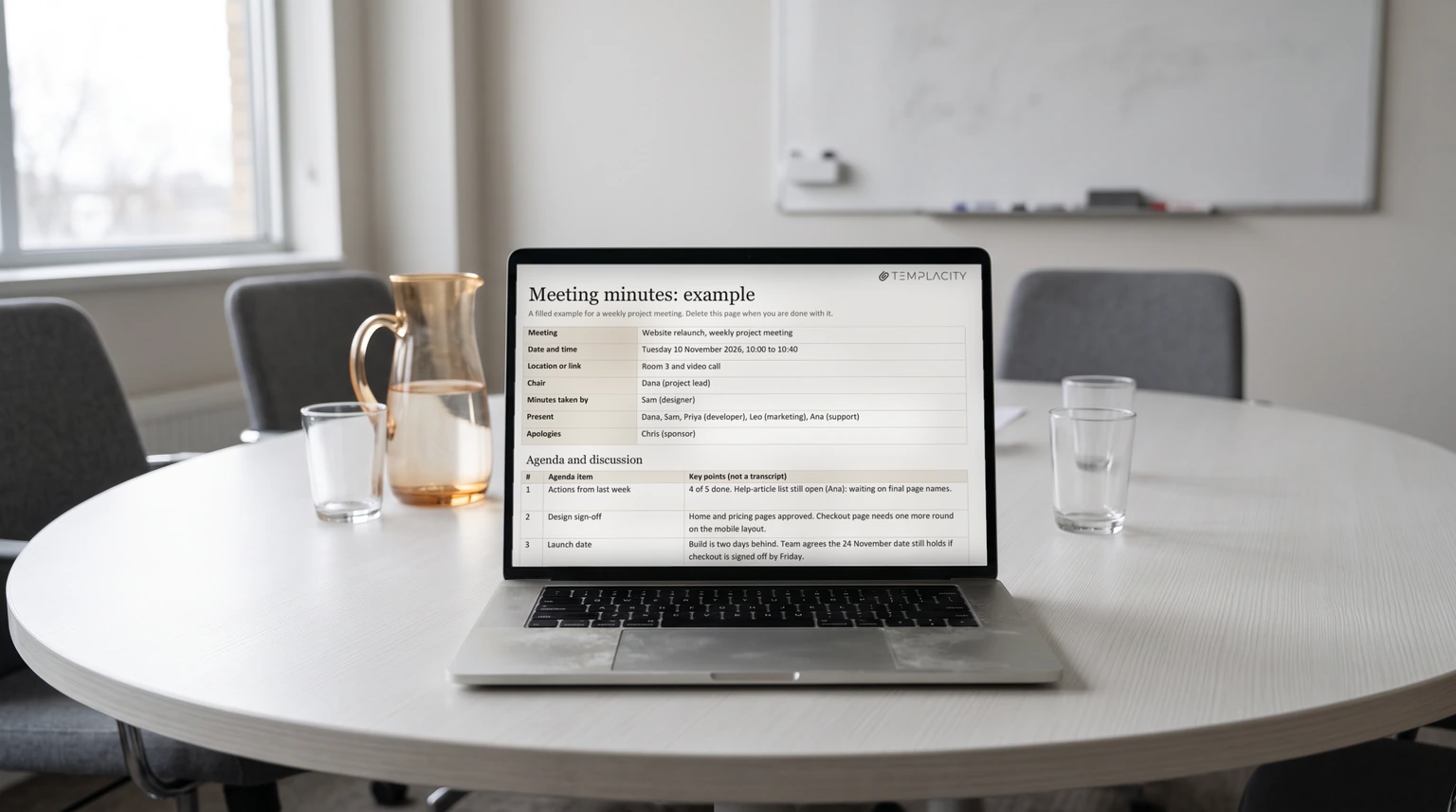
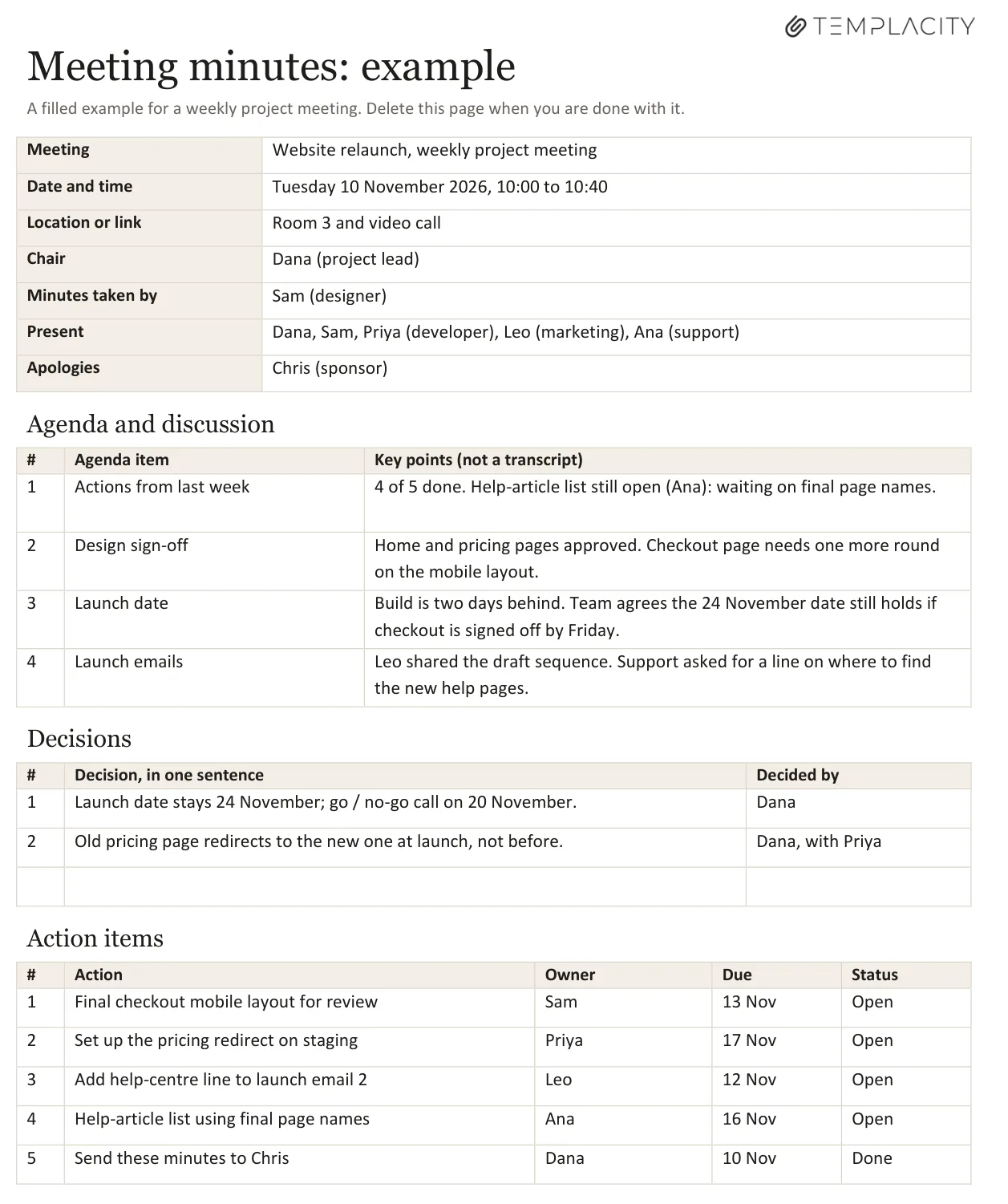
The file is a two-page Word document. Page one is the blank meeting minutes template: meeting details and attendance, agenda items with key points, decisions, action items with owner, due date and status, and a line for the next meeting and approval. Page two is the same form filled in for a weekly project meeting, so you can see the register before you write your first set.
What goes in
What to include in meeting minutes, and what to leave out
| Section | Record | Leave out |
|---|---|---|
| Details | Date, time, place, chair, minute-taker | Who arrived late |
| Attendance | Present and apologies | Why someone was absent |
| Discussion | Key points per agenda item | Who said what, word for word |
| Decisions | The decision in one sentence, and who made it | The debate that led there |
| Actions | Task, one owner, a due date | “The team will look into it” |
Formal bodies such as boards, committees and councils often need more: motions, who proposed and seconded them, and vote counts. If yours is one of those, add those lines; your organisation’s own rules decide what has to be recorded. For a team meeting, the five rows above are enough.
Writing them
How to write meeting minutes in five steps
- Fill in the details before the meeting. Copy the agenda items into the template so you only add key points on the day.
- Write decisions as they happen. Read each one back in the room: “So we are deciding the launch date stays the 24th?” That is the moment to catch a disagreement.
- Give every action one owner and a date. “Marketing” is not an owner and “soon” is not a date. If nobody will take it, it is not an action yet.
- Tidy and send within a day. Minutes sent a week later are a history lesson; sent the same day, they are a to-do list.
- Open the next meeting with the action list. The first agenda item is always “actions from last time”, which is what makes people finish them.
“Marketing” is not an owner and “soon” is not a date.Writing actions
If a decision keeps being reopened, the problem is usually that nobody was clearly accountable for it. A RACI matrix template settles who decides each piece of work before the meeting, so the minutes only have to record it.
Minutes vs agenda
Meeting minutes, agendas and notes: which is which
An agenda is written before the meeting and says what will be discussed. Minutes are written during and after, and say what was decided and what happens next. Notes are your private working copy. Most teams need all three, and the cleanest setup is a single page that starts as the agenda and becomes the minutes. Our OneNote meeting agenda template guide covers the agenda side, and our one-on-one meeting template covers the most common recurring meeting of all.
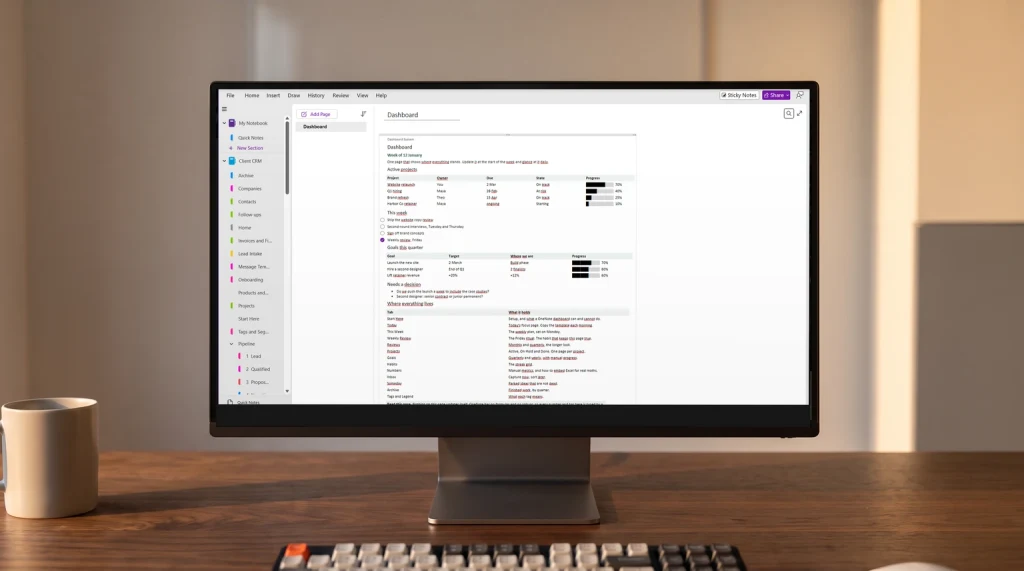
That single-page approach is how our OneNote Meeting Notes Template ($29) works: 26 meetings come with a ready agenda (team, 1:1s, hiring, growth and leadership), decisions go into a log that stays readable a year later, and actions are tagged as they are agreed, so one search pulls every open action across the notebook into one list.
Who takes the minutes in your meetings, and does it rotate? Tell us in the comments; the habits that make minutes stick are worth sharing.
FAQ
Common questions, answered briefly
What should a meeting minutes template include?
Is there a free meeting minutes template for Word?
How long should meeting minutes be?
Who should take meeting minutes?
What is the difference between minutes and an agenda?
If yours isn’t above, drop it in the comments and we’ll add it.
People also ask