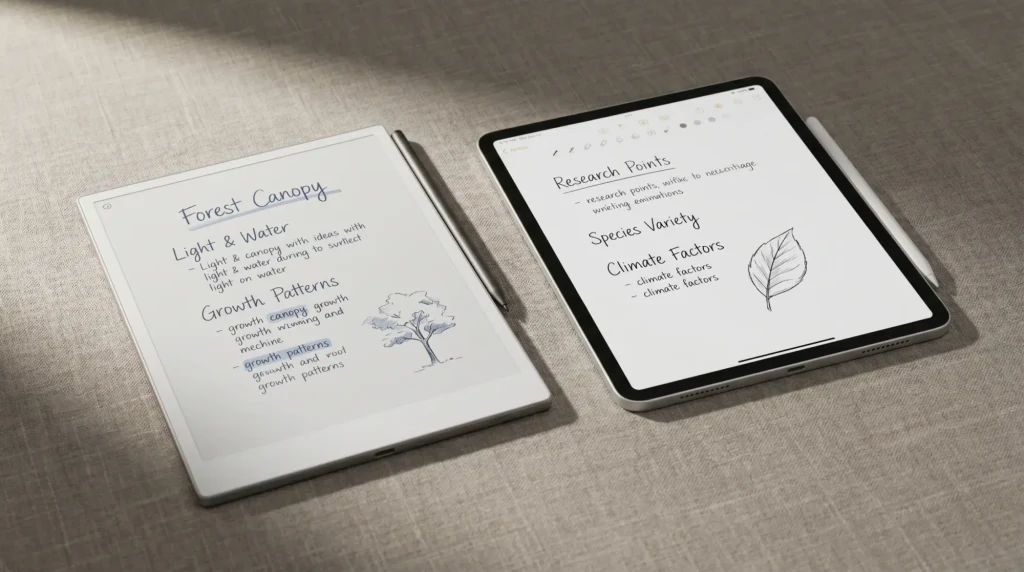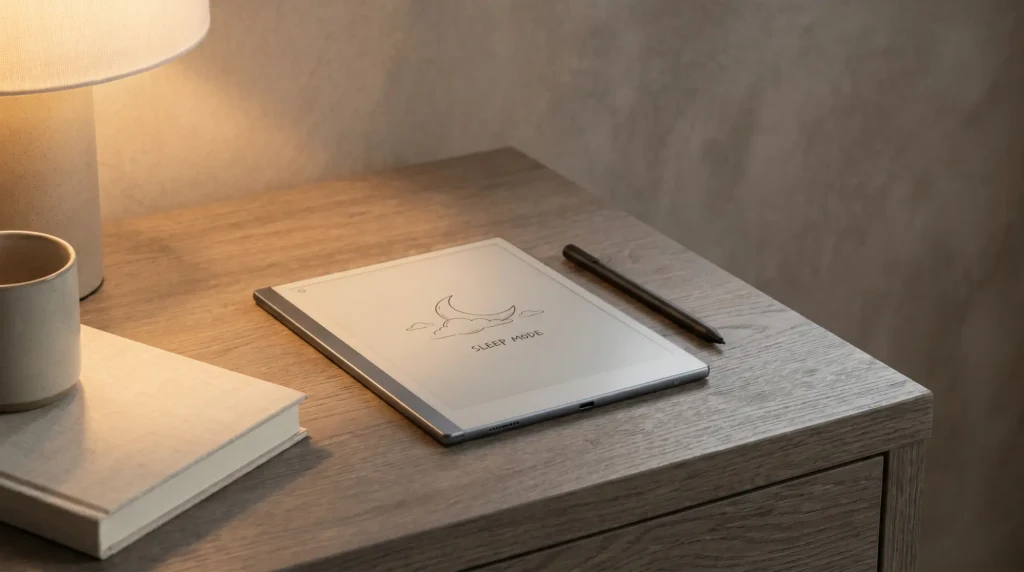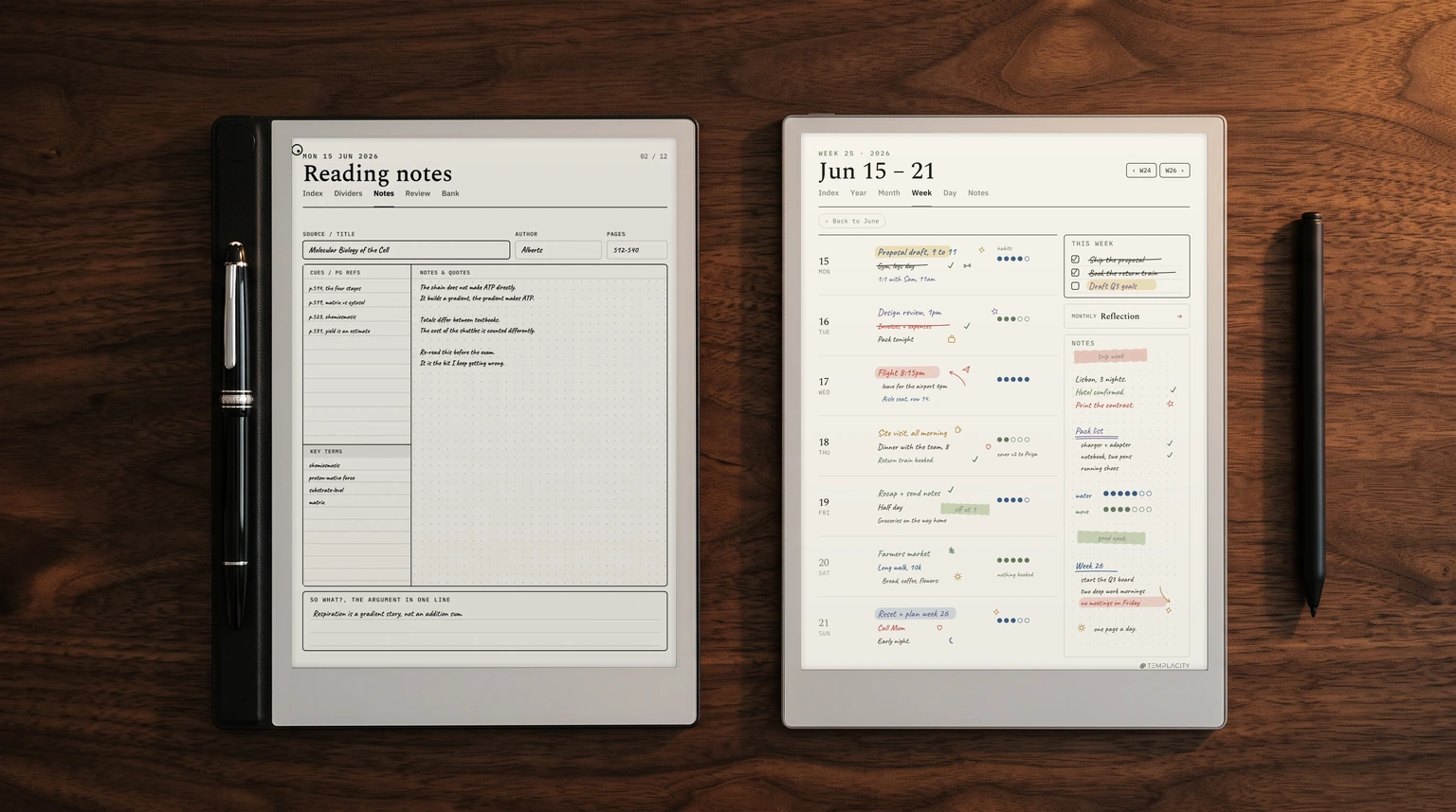
The question
Is the Montblanc Digital Paper just a $950 logo?
That is the first thing anyone asks when the Montblanc Digital Paper vs reMarkable question comes up, and it is a fair one. Montblanc sells pens and leather goods, and its Digital Paper costs $950 on its US store. The reMarkable Paper Pro, the obvious rival among E Ink writing tablets at the top of the market, costs $629. The Paper Pure costs $399. So the Montblanc has to justify a $321 gap to the best reMarkable and a $551 gap to the cheapest one.
We read both makers’ own pages to answer it: the Montblanc store listing, the Montblanc help centre at papersupport.montblanc.com, and reMarkable’s product, features and compare pages. We did not borrow specs from reviews or forum threads. That choice shapes the post, because on several of the numbers buyers care about most, Montblanc’s own pages are silent. Where that happens, we say so rather than fill the gap with someone else’s guess.
The short version: the Montblanc is not only a logo. It does some things the reMarkable line does not. But for most people choosing a writing tablet on what it does, the reMarkable Paper Pro is the stronger buy.
Head-to-head
Montblanc Digital Paper vs reMarkable: the numbers
Here is what each maker states, side by side. A dash means the maker does not publish the figure on the pages we read in November 2026.
| Montblanc Digital Paper$950 | reMarkable Paper Pro$629 | reMarkable Paper Pure$399 | |
|---|---|---|---|
| Screen | E Ink under cover glass, size not published | 11.8″ Canvas Color | 10.3″ Canvas, mono |
| Ink colours | Black, grey, white | Colour | Greyscale |
| Resolution | Not published | 2160 x 1620, 229 ppi | 1872 x 1404, 226 ppi |
| Weight | Not published | About 525 g | About 360 g |
| Battery life | Not published | Up to 2 weeks | Up to 3 weeks |
| Storage | 64 GB, 18 GB reserved for the system | 64 GB | 32 GB |
| Cloud | 1 GB Montblanc Cloud included | reMarkable cloud sync; unlimited with Connect | reMarkable cloud sync; unlimited with Connect |
| Books | EPUB without DRM | PDF, EPUB import | PDF, EPUB import |
| Pen | Three tips, three buttons, haptics | Marker or Marker Plus | Marker or Marker Plus |
Two things jump out. The reMarkable column is full and the Montblanc column has holes in it. And the only clean Montblanc win in the table is the pen. Everything else is either a tie on paper or a number nobody can check yet.
What Montblanc adds
What the extra money buys on the Montblanc
Montblanc’s help centre is detailed about the software and the pen, and a few features there have no direct match on a reMarkable.
- A pen built like a Montblanc pen. The Digital Pen is resin, has three customisable buttons and haptic feedback, and comes with three swappable tips Montblanc calls Linen, Matte and Smooth, from most friction to least. It charges and pairs magnetically on the leather bar down the left edge, over Bluetooth and NFC. Montblanc says it also pairs with Windows devices over Bluetooth, so the pen is not tied to the tablet.
- Handwriting to text without a connection. Convert to text works in Notebooks and Quick Notes, runs on the device, and Montblanc says it needs no internet. It converts one page at a time and leaves sketches out.
- Files by email. Each Montblanc Cloud account gets its own address; send a PDF or EPUB of up to 100 MB and it lands on the home screen.
- Writing tools named after pens. Fountain pen, ballpoint, fineliner, calligraphy pen, pencil and highlighter, with pressure and tilt response.
Then there is the thing no spec sheet holds: it is a Montblanc. For a buyer who already carries a Meisterstück and wants the tablet to match, that is a real reason, and we will not pretend otherwise. It is just not a reason we can weigh for you.
What it leaves out
What Montblanc does not tell you before you pay
On a $950 device, the missing numbers matter more than they would on a $99 one. We read the store page, the digital writing page and the help centre’s device, storage, display and care articles. None of them gives the screen size, the resolution, the weight or a battery life figure. The display settings article covers sleep and auto power-off timers; the storage article tells you the battery should be recharged if it sat empty for about four months. Neither says how long a charge lasts in use.
reMarkable prints all four on its own features pages: 11.8 inches at 229 ppi, about 525 g and up to two weeks for the Paper Pro; 10.3 inches at 226 ppi, about 360 g and up to three weeks for the Paper Pure. If template fit, bag weight or charging habits drive your choice, only one of these makers lets you decide on paper.
A few other limits are stated plainly by Montblanc itself. The pen writes in black, grey and white, so there is no colour ink. Books must be EPUB files without DRM, which rules out copy-protected store purchases. The included cloud is 1 GB; when it fills, older files drop off the cloud but stay on the device. And of the 64 GB inside, 18 GB is reserved for the system, leaving about 46 GB for your files.
On a $950 device, the missing numbers matter more than they would on a $99 one.From the comparison
Templates
Planners and templates on each tablet
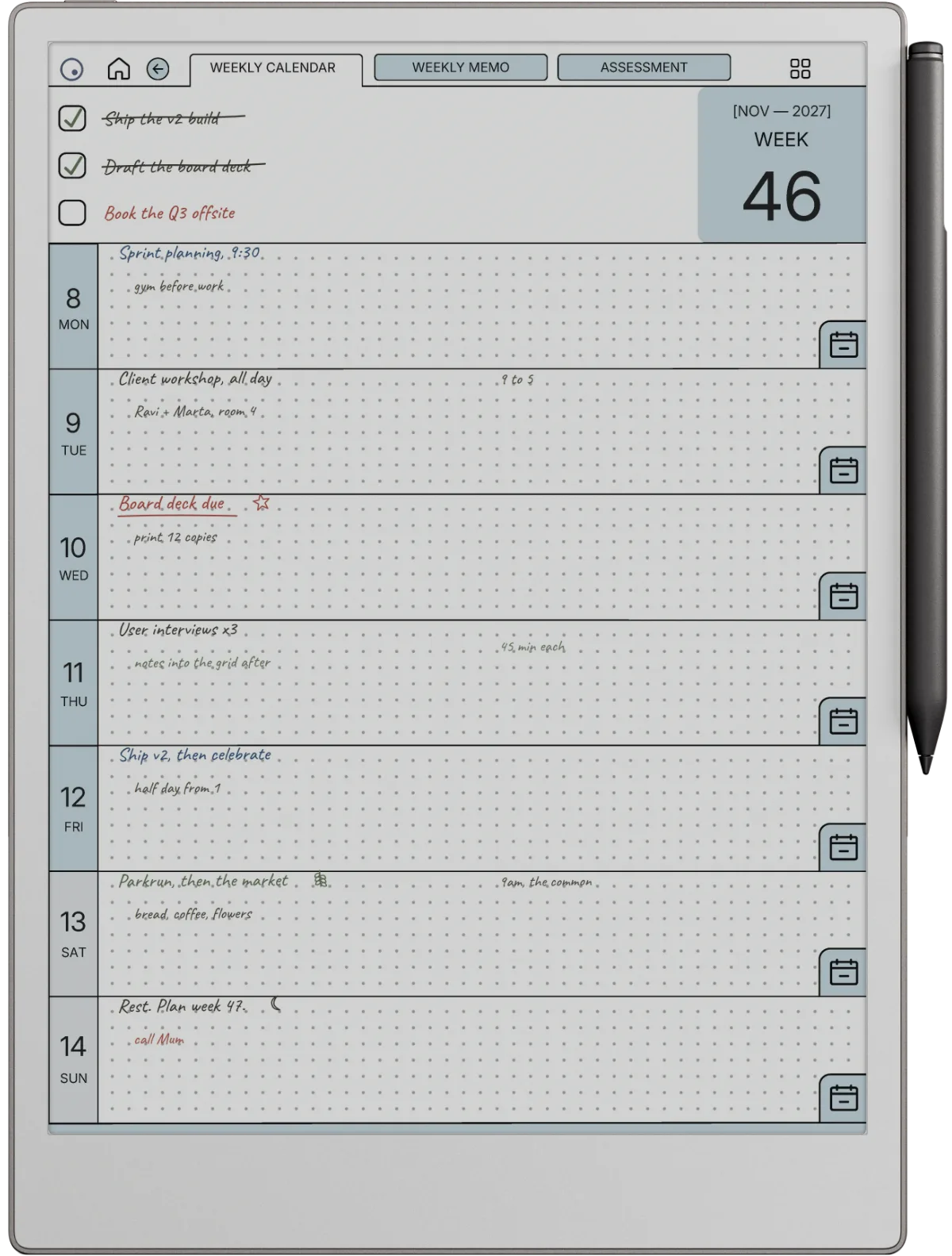
Both tablets take PDFs, so both can run a PDF planner. The Montblanc caught up on links in June 2026: its v3.2.0 release added hyperlinks inside PDFs, which you tap with a finger rather than the pen. Montblanc also offers its own free Digital Planner for 2026 and 2027 in the help centre, which is a nice touch at this price.
The catch is fit. A template is laid out for a screen’s proportions, and Montblanc does not publish its screen’s resolution or aspect ratio, so nobody selling templates can size a file for it exactly. reMarkable’s numbers are public, which is why template makers, us included, size files for the Paper Pro at 1620 x 2160 and the Paper Pure at 1404 x 1872. A reMarkable planner should open on the Montblanc and its links should work by finger tap; we have not run our files on one, so we cannot promise how the margins land.
The real cost
The real cost of each setup
The sticker prices are $950, $629 and $399. The Montblanc’s add-ons are priced like the rest of the line: a folio is $215, a spare Digital Pen is $290, and a pack of replacement tips is $45. Montblanc’s own care article asks you to replace tips once they wear, and never to use third-party tip materials on the screen, so tips are a running cost, not a one-off.
Put the folio on, and the Montblanc setup is $1,165 before a single spare tip. That is $536 more than a bare Paper Pro and $766 more than a bare Paper Pure. Whatever you think of the brand, it is worth being clear-eyed about that number before choosing it for the writing alone.
Decision matrix
Montblanc or reMarkable, by the kind of buyer you are
| If you | The right pick | Why |
|---|---|---|
| Highlight, colour-code or sketch in colour | Paper Pro | Montblanc ink is black, grey and white |
| Want the lowest price for paper-like writing | Paper Pure | $399, published specs, three-week battery |
| Care most about how the pen feels | Montblanc | Three tips, haptics, three buttons |
| Convert notes to text away from Wi-Fi | Montblanc | Conversion runs on the device, offline |
| Buy templates sized to your screen | Paper Pro or Pure | Resolution is public, so files fit |
| Want the tablet to match your Montblanc pens | Montblanc | Only it carries the house design |
Three cases go each way, but they are not equal cases. The reMarkable wins are about what lands on the page and what you can check before buying. The Montblanc wins are about the pen and the object. If you are still weighing other brands as well, our best e-ink tablet roundup puts both lines next to Kindle Scribe, Boox and Supernote.
FAQ
Common questions, answered briefly
How much is the Montblanc Digital Paper?
Is the Montblanc Digital Paper better than the reMarkable Paper Pro?
Does the Montblanc Digital Paper write in colour?
Can the Montblanc Digital Paper read Kindle books?
Do reMarkable templates work on the Montblanc Digital Paper?
If you own a Montblanc Digital Paper and know a number Montblanc has not published, or you have run a reMarkable planner on one, tell us in the comments. We will check it and fold it into the next update of this comparison.
People also ask