Polishing the site this week. Spot something off? Write to us, we’ll fix it same day.
Kindle Scribe
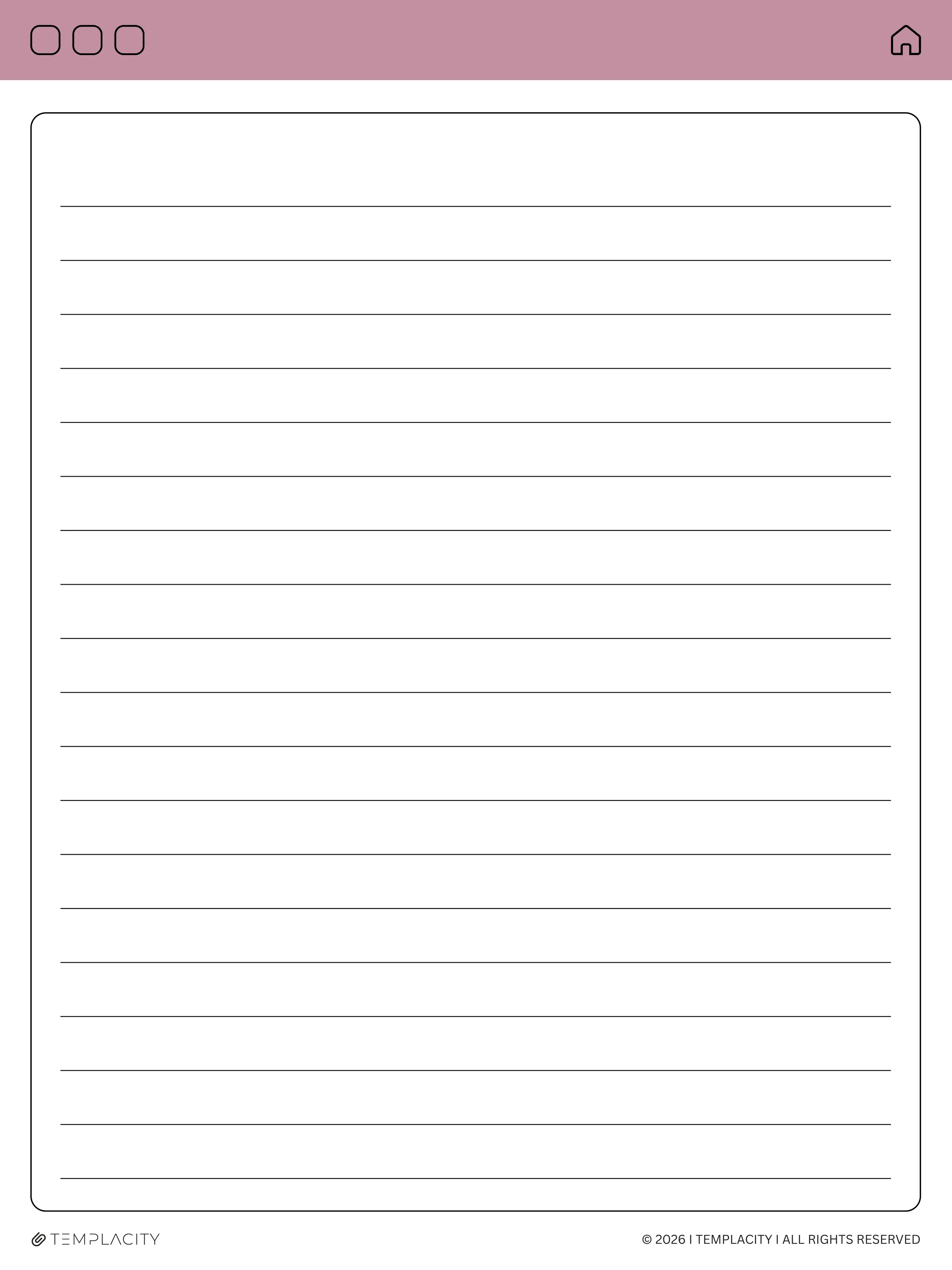
Kindle Scribe Meeting Notes Template — page 1
Kindle Scribe
Kindle Scribe Meeting Notes Template — page 1
Kindle Scribe
Kindle Scribe Meeting Notes Template — page 1
Kindle Scribe template

Kindle Scribe Meeting Notes Template

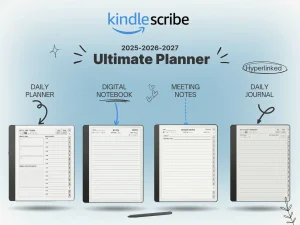
A 756-page hyperlinked notebook for meetings on the Kindle Scribe. Agendas, action items, follow-ups. No clutter.

$29.00
Cover colour
  • Works on Scribe and Scribe Colorsoft
  • Instant digital download
  • Lifetime access to updates

What you’re getting

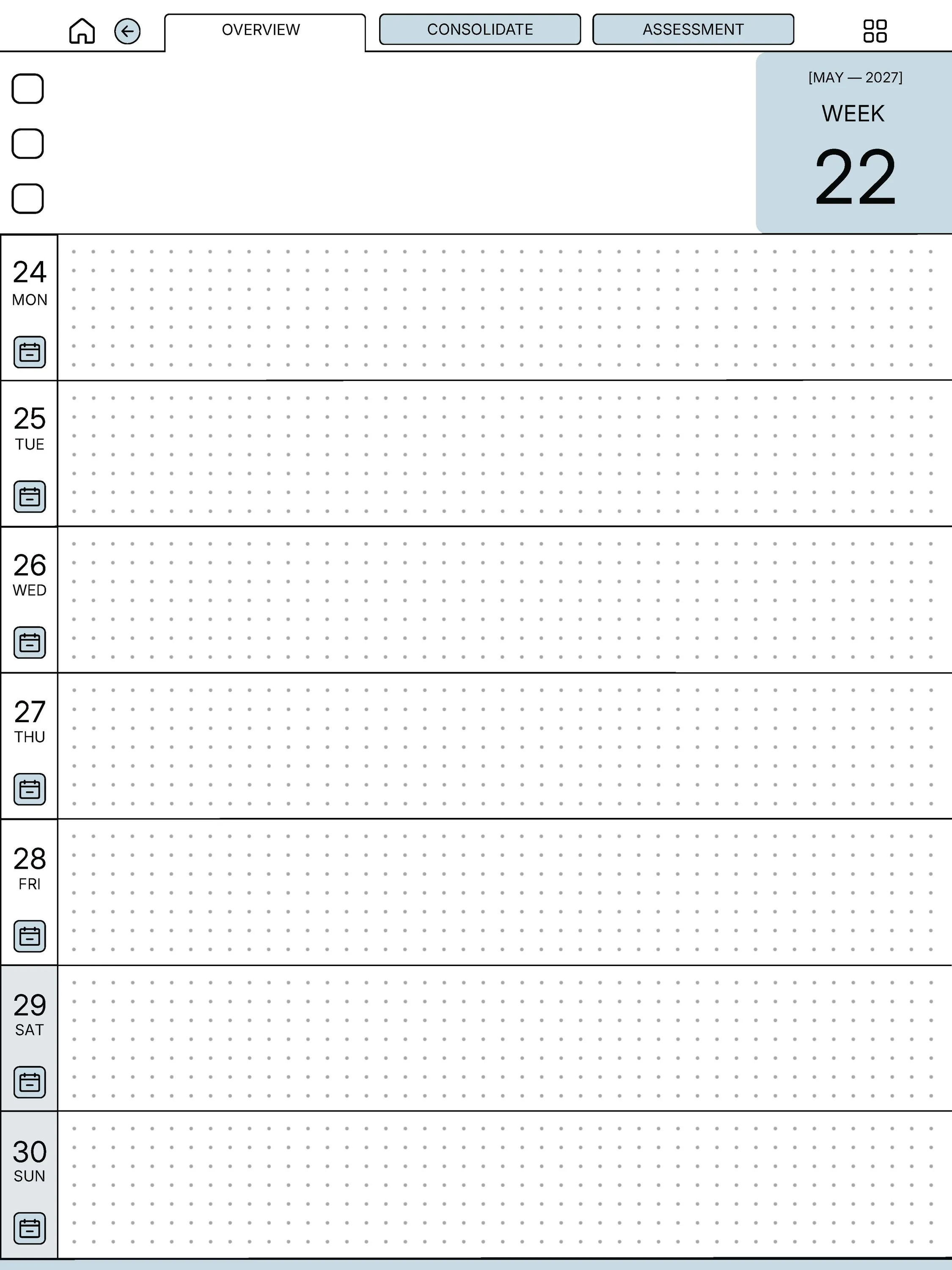
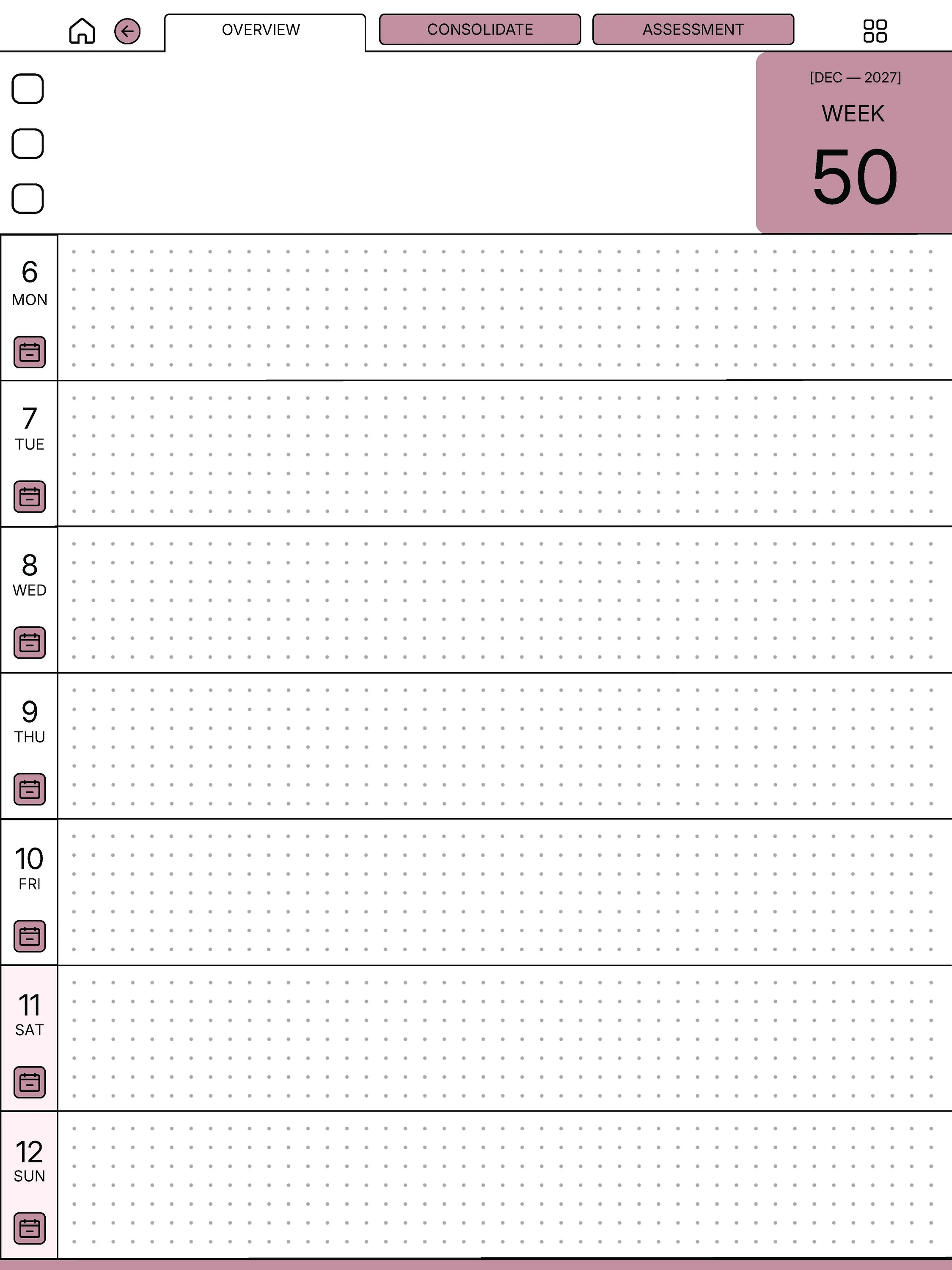
756 hyperlinked pages

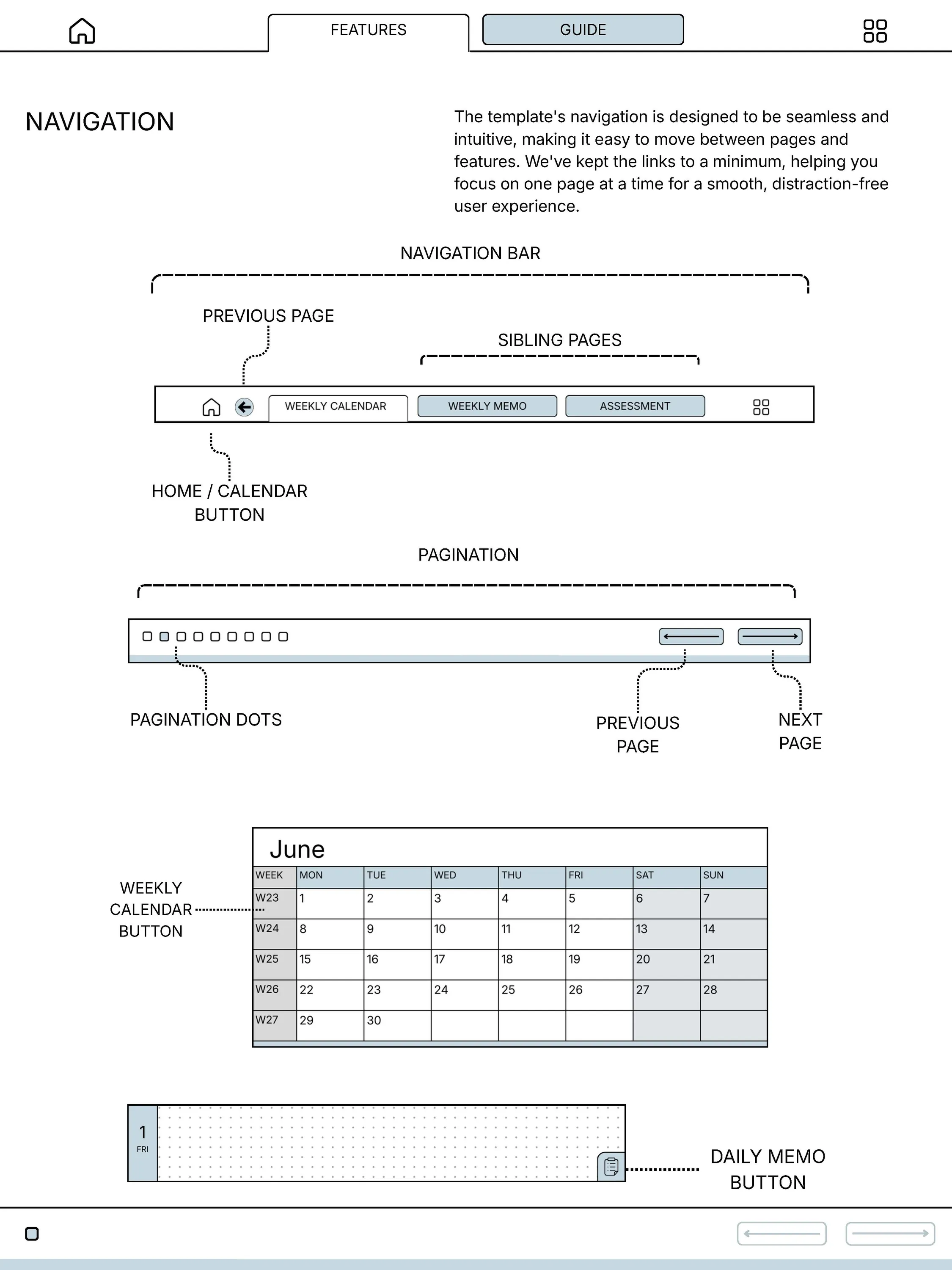
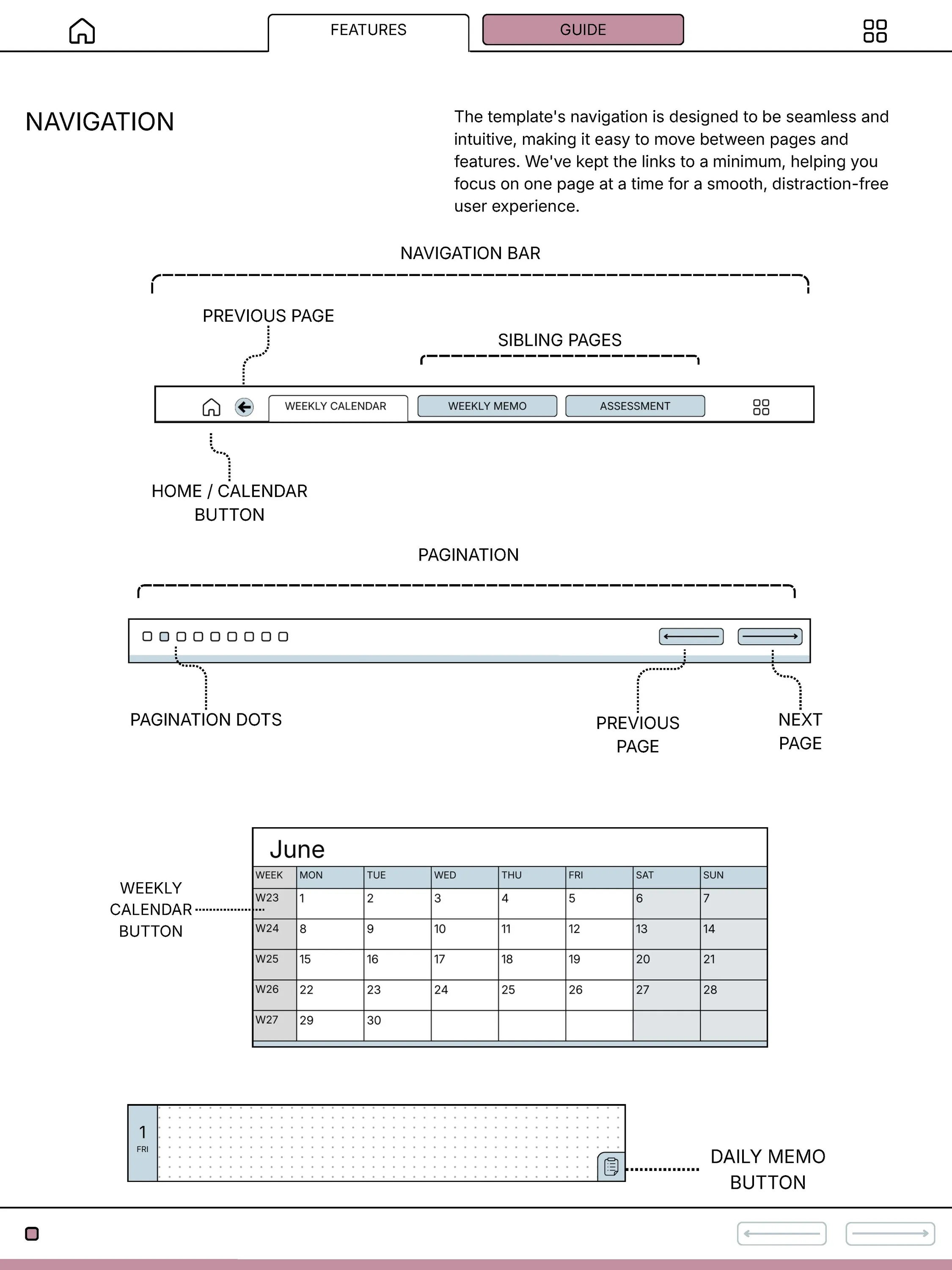
Every meeting indexed. Tap a date in the contents to jump there. No page-flipping.

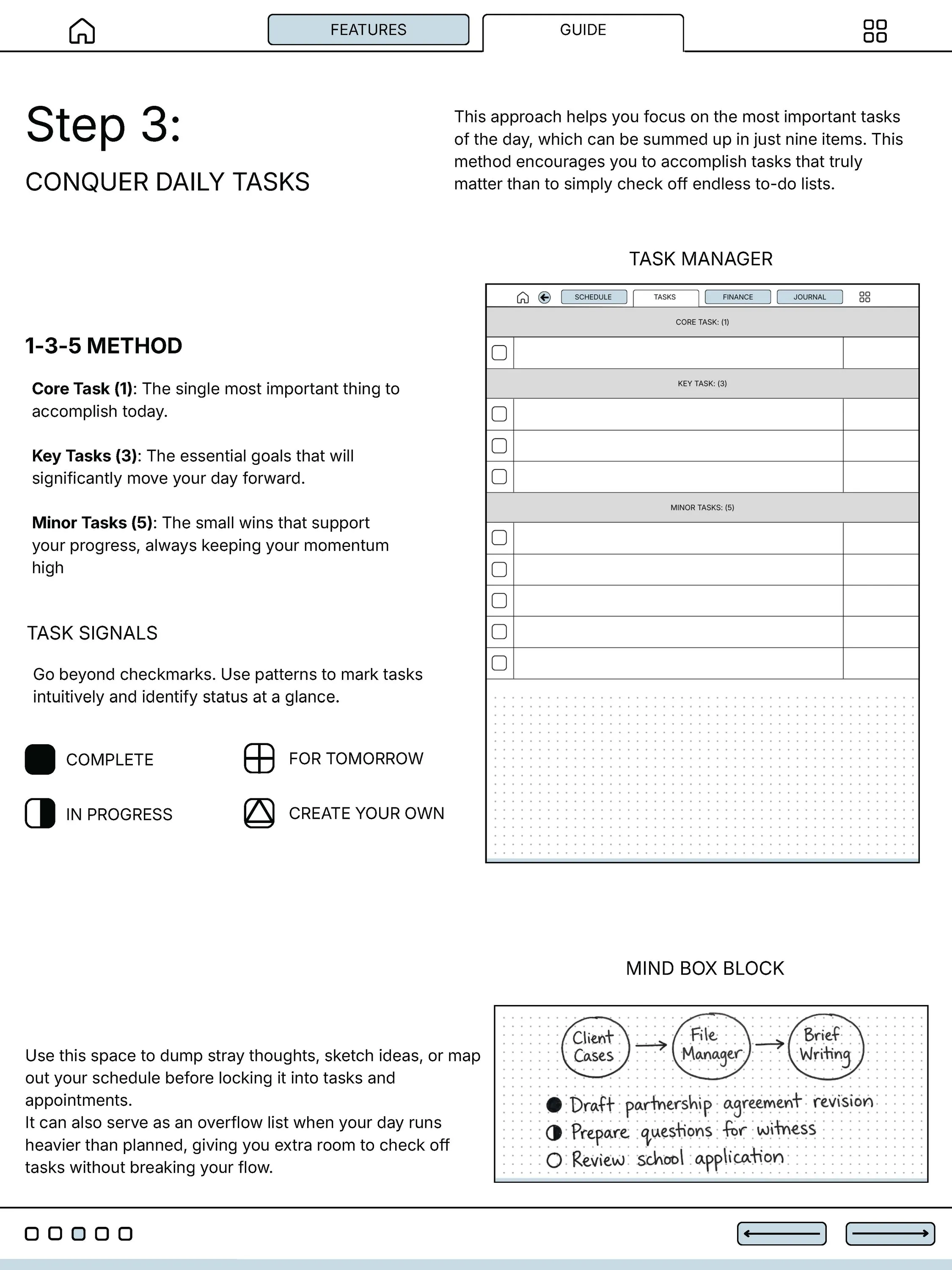
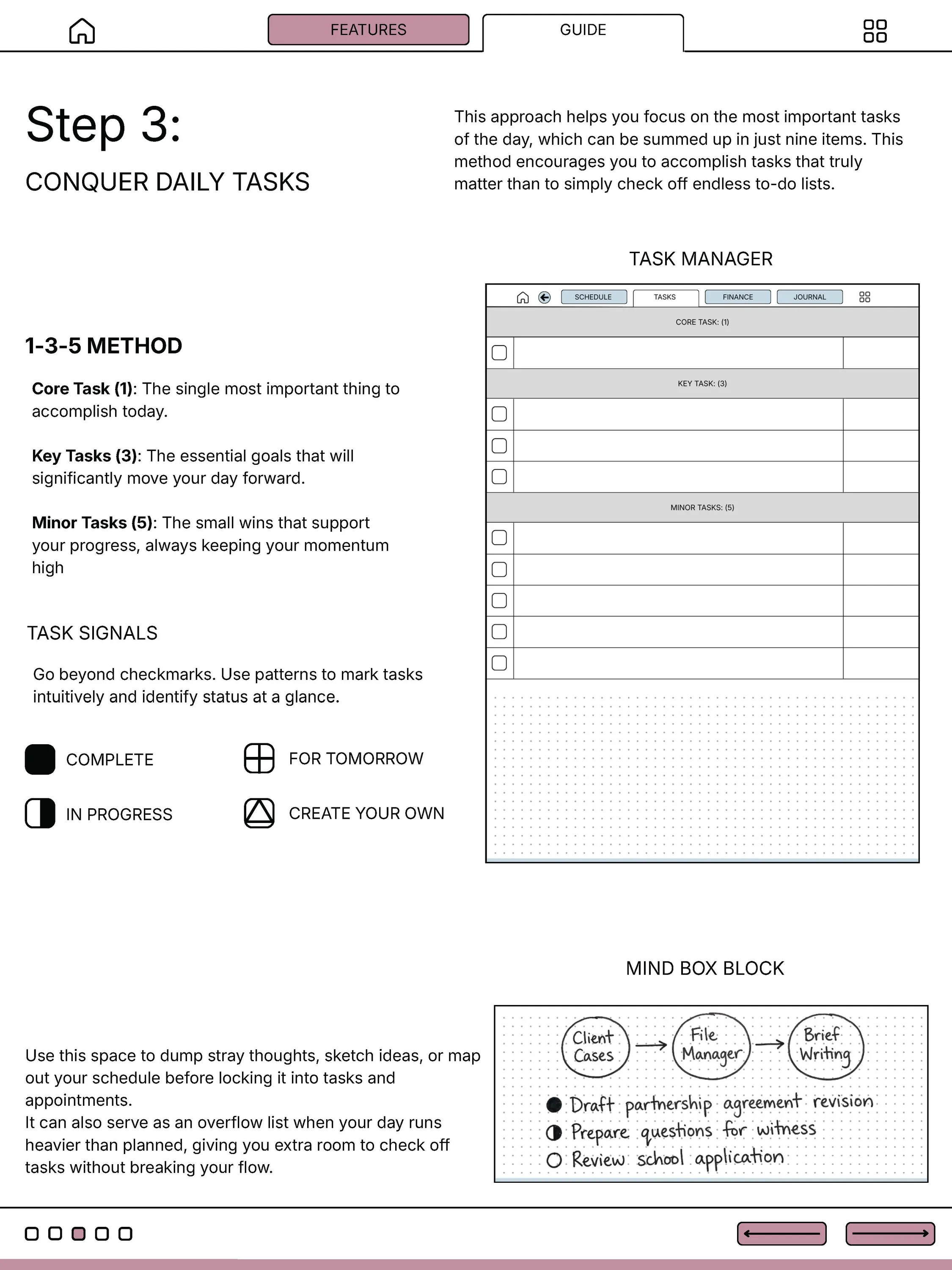
Agenda + actions + decisions

Three checkbox lanes per meeting. The same shape every time, so reviewing past meetings is fast.

Sized to the Scribe surface

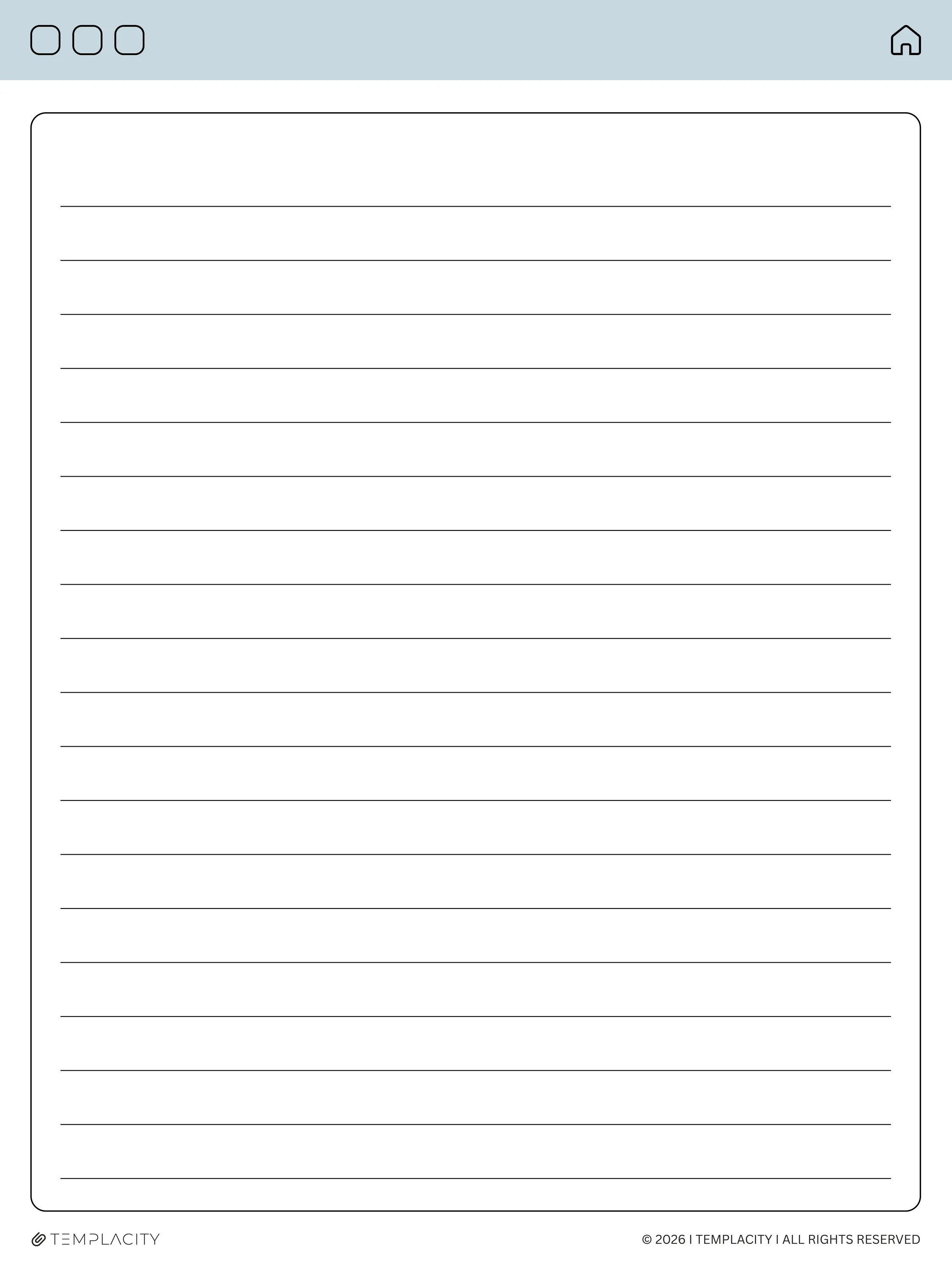
Margins and rule lines drawn for the 10.2-inch writing area, not the device shell.

Premium Pen tuned

Line weights chosen for the Premium Pen's stroke profile. No ink bloom, no missed lines.

Send-to-Kindle ready

Email it to your Kindle address. Appears in your Library within a minute.

Instant download

PDF in your account the moment payment clears.

Endless Notebooks Lines, dots, grid

Open notebook, ready when you are.

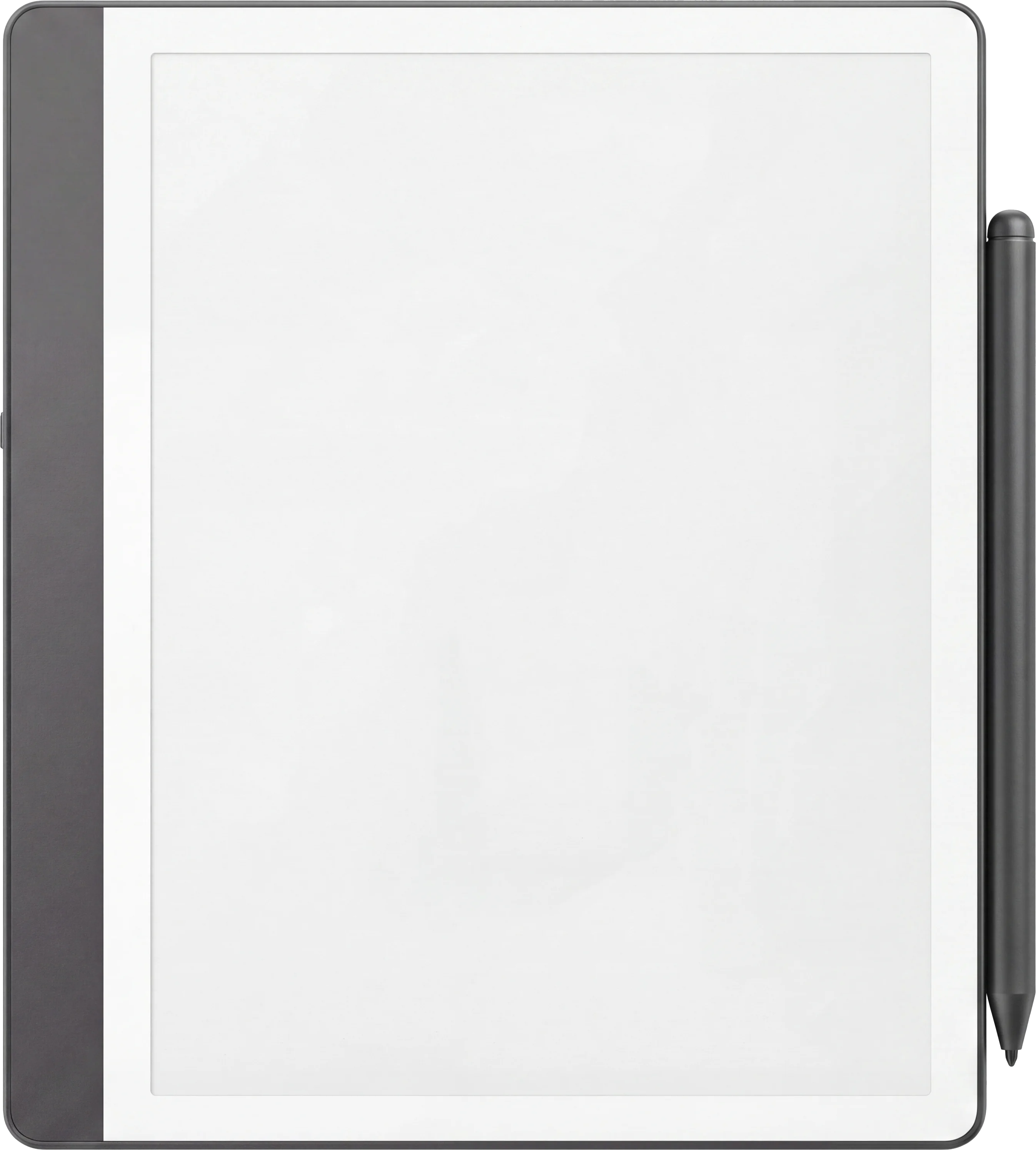
Three infinite notebooks bundled in one file: lines for prose, dots for bullet journaling, grid for sketches and tables. Hyperlinked navigation across every page.

  • i. Lined pages for prose
  • ii. Dotted pages for bullet journaling
  • iii. Grid pages for sketches and tables
Kindle Scribe
Kindle Scribe Meeting Notes Template Endless Notebooks — page 1

About this template

Most meeting notes go three places: a notebook you never re-open, a doc you can’t find, or your head. This template solves the second problem and removes the third.

Each meeting gets one tappable entry: title, attendees, agenda checkboxes, action items, decisions, and a follow-up date. The Scribe’s Premium Pen turns the rule lines into reliable handwriting. The hyperlinks turn three months of meetings into a navigable archive instead of a scroll.

756 pages is enough for roughly one meeting a workday for three years. After that, copy the file, rename it, start again.

Tuned for Kindle Scribe

Kindle Scribe templates are drawn for the writing surface, not the device shell. Rule lines are weighted for the Premium Pen, tap targets are sized for one-handed reading-then-writing, and the file is hyperlinked so you can jump anywhere without paging.

Better in a bundle

Kindle Scribe Template Bundle

Get this template plus the full set for $49.00. Save roughly $125 versus buying individually.

See the bundle →
Kindle Scribe
 Kindle Scribe
Kindle Scribe Colorsoft
 Kindle Scribe Colorsoft  Kindle Scribe Colorsoft
Kindle Scribe
 Kindle Scribe
Kindle Scribe Colorsoft
 Kindle Scribe Colorsoft  Kindle Scribe Colorsoft
Kindle Scribe
 Kindle Scribe
Kindle Scribe Colorsoft
 Kindle Scribe Colorsoft  Kindle Scribe Colorsoft
Kindle Scribe
 Kindle Scribe
Kindle Scribe Colorsoft
 Kindle Scribe Colorsoft  Kindle Scribe Colorsoft
Kindle Scribe
 Kindle Scribe
Kindle Scribe Colorsoft
 Kindle Scribe Colorsoft  Kindle Scribe Colorsoft
№ — Questions

Common questions.

How do I get the file on my Scribe?
Send the PDF to your Kindle email address (Settings u2192 Your Account u2192 Send-to-Kindle email). It appears in your Library in about a minute. Open it like any book u2014 the hyperlinks work natively.
Does it work on the Kindle Scribe Colorsoft?
Yes. The PDF is monochrome by design (better contrast on e-ink for reading old meetings back), so the Colorsoft display will show it just fine.
How is this different from just using the native Scribe notebook?
The native notebook has no structure u2014 every page starts blank. This template makes every meeting a structured form: same three lanes, same hyperlinked index, so flipping through six months of meetings is a tap, not a scroll.
Can I keep meetings from different projects separate?
Yes. The contents page is grouped u2014 you can dedicate sections to clients, internal team meetings, or one-on-ones. Move the action-item lane around if you want to split it that way.
When do I get the file?
Right after payment clears. The download appears in your Templacity account, and we email a backup link.
What if it doesn't work for me?
Digital downloads are non-refundable once delivered, but if there’s a problem with the file itself, email us and we’ll make it right.

Reviews

We read every review and act on it.

Reviews

There are no reviews yet.

Be the first to review “Kindle Scribe Meeting Notes Template”

Your email address will not be published. Required fields are marked *

Instant download.

Receipt and file land in your inbox the moment you check out. Permanent link in your account, too.

One-time purchase.

No subscription, no upgrade nags, no drip emails. Pay once and the file is yours.

Quiet, secure checkout.

Stripe. Apple Pay. No spam, no “partners,” no drip sequence. Receipt, file, done.