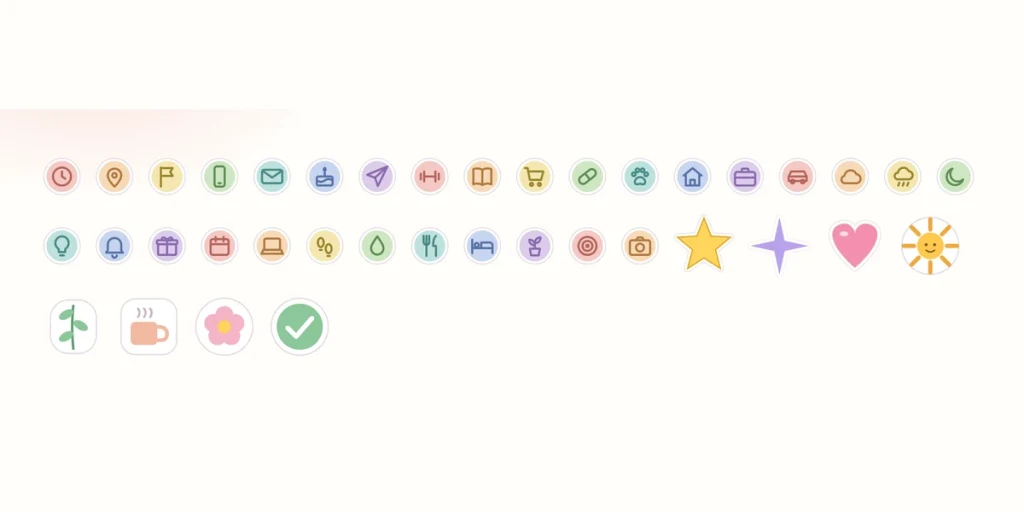
№ · Goodnotes stickers
121 stickers, drawn to fit the page.
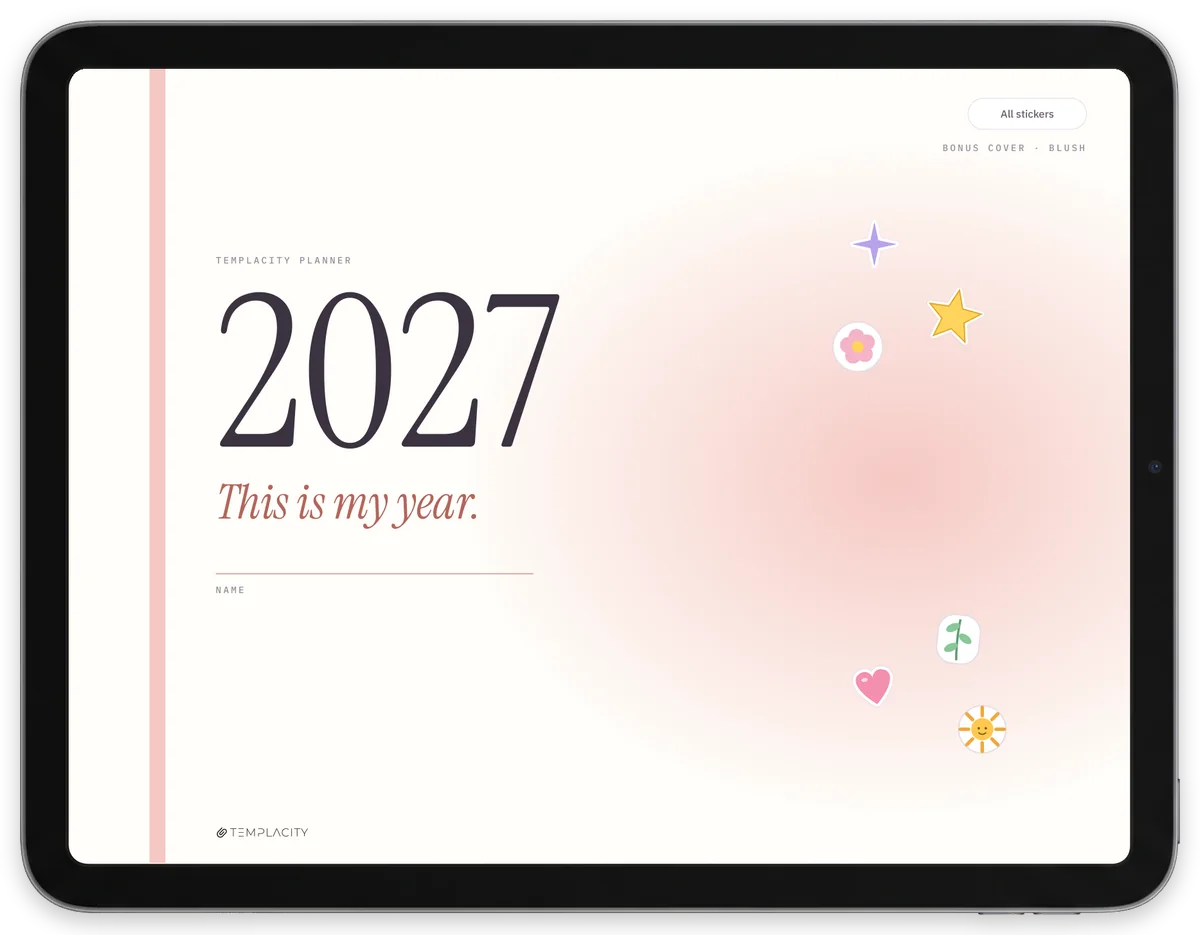
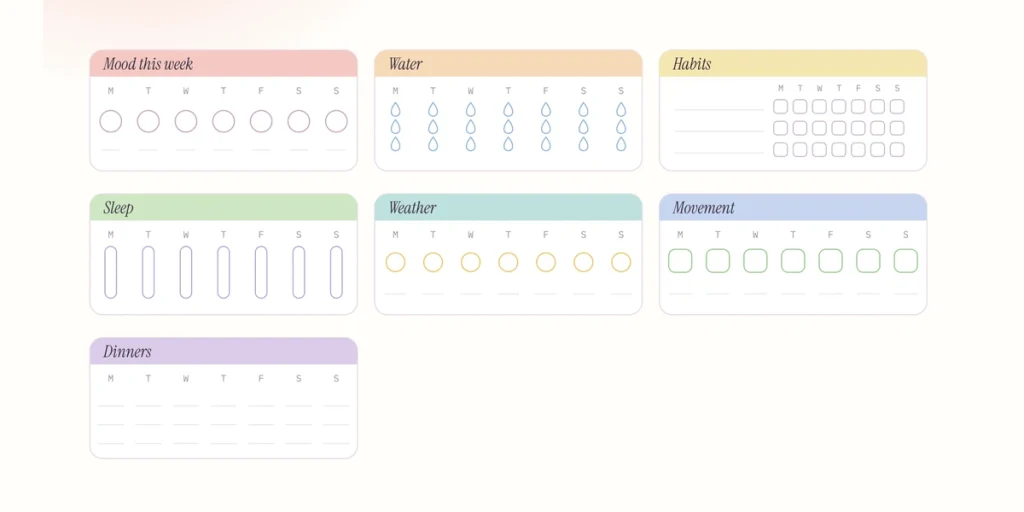
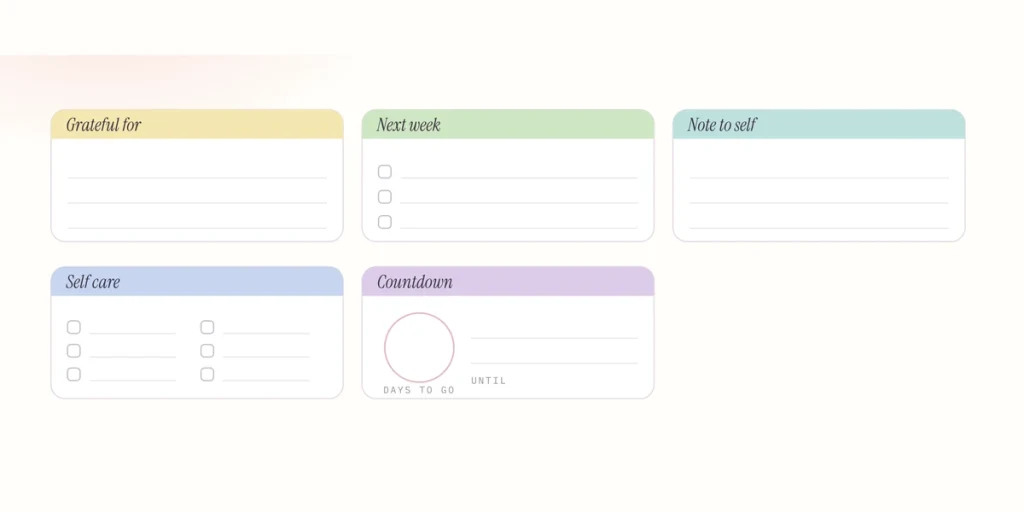
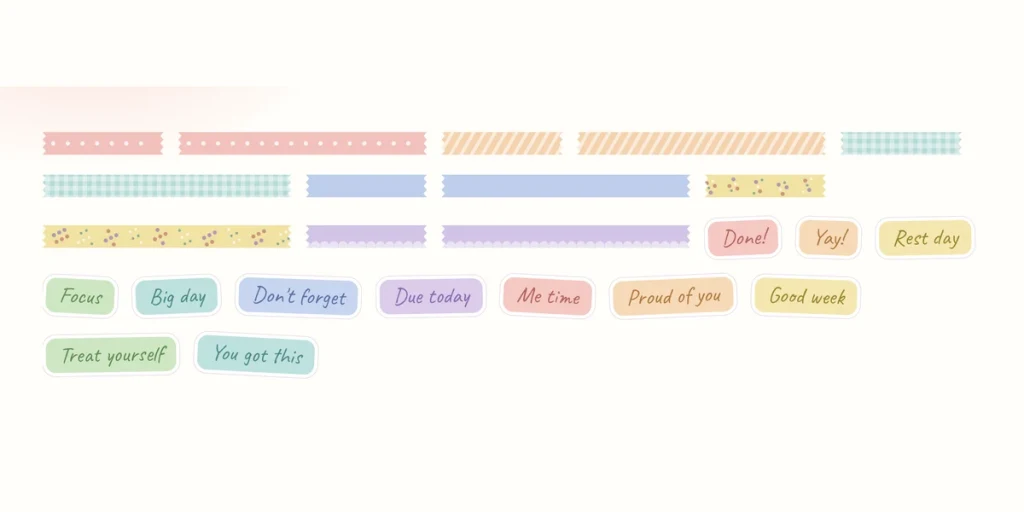
Icons, event chips, block headers, week-corner trackers, washi and lettered words for Goodnotes, each one the size of the line, card or corner it is for. Transparent PNGs, a sticker book and four bonus covers.
Instant download · 121 PNG stickers · Permanent link in your account.
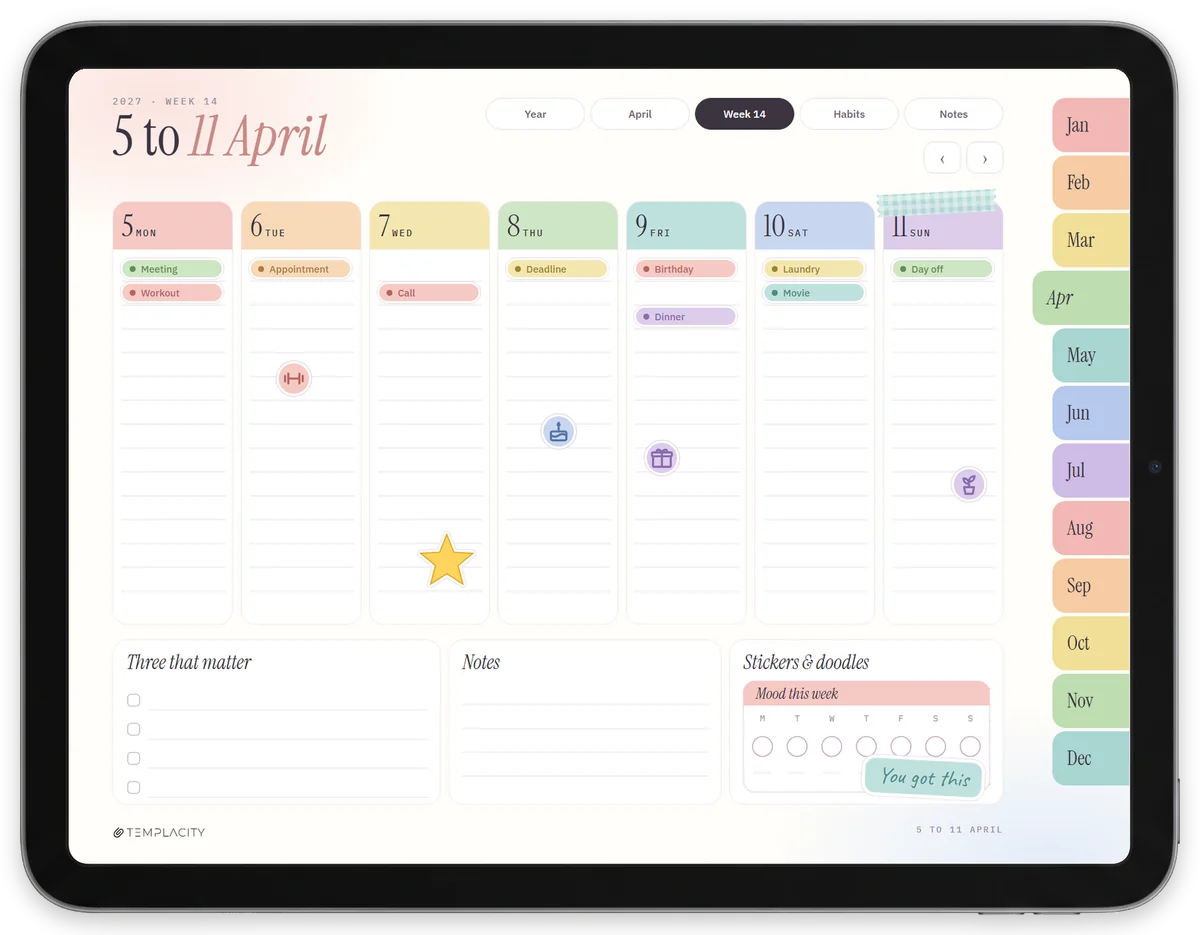
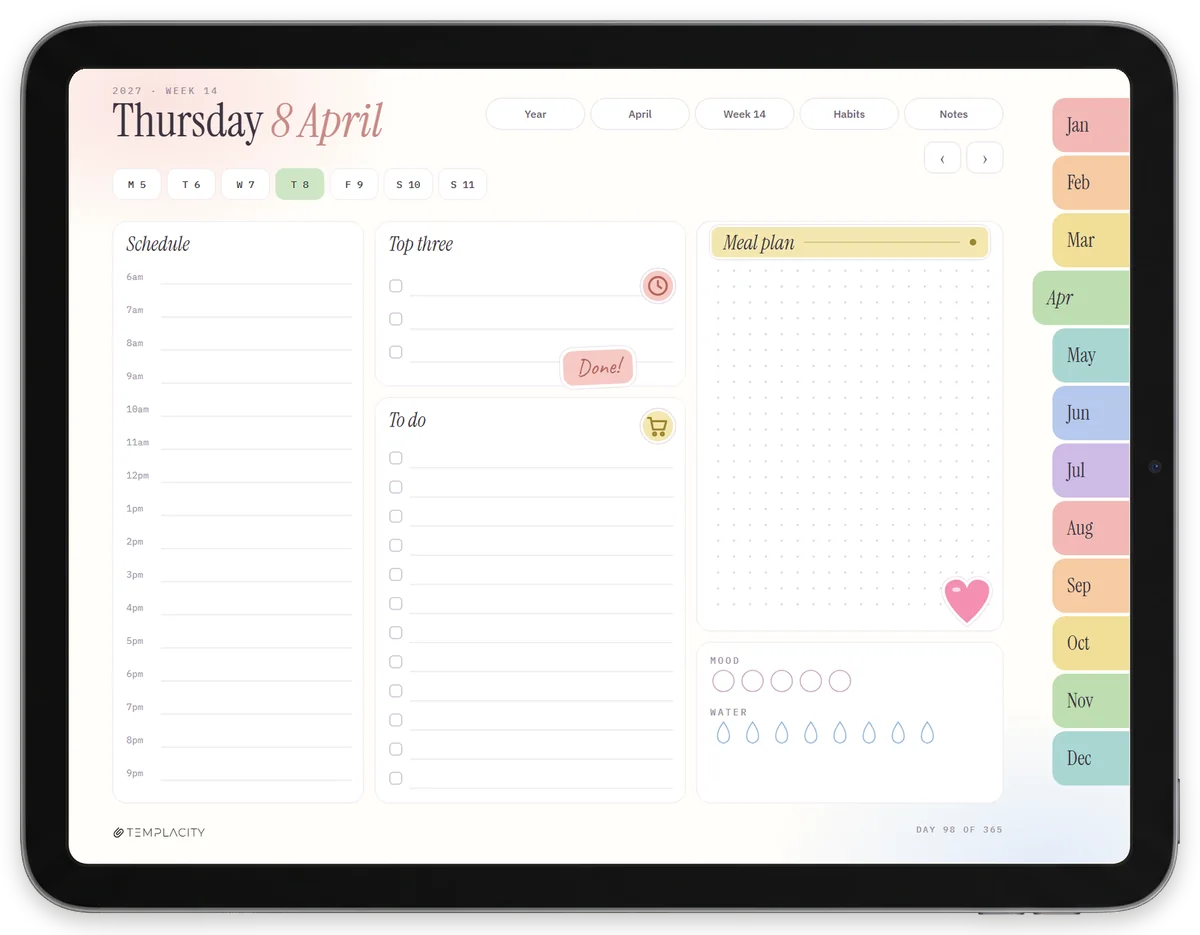
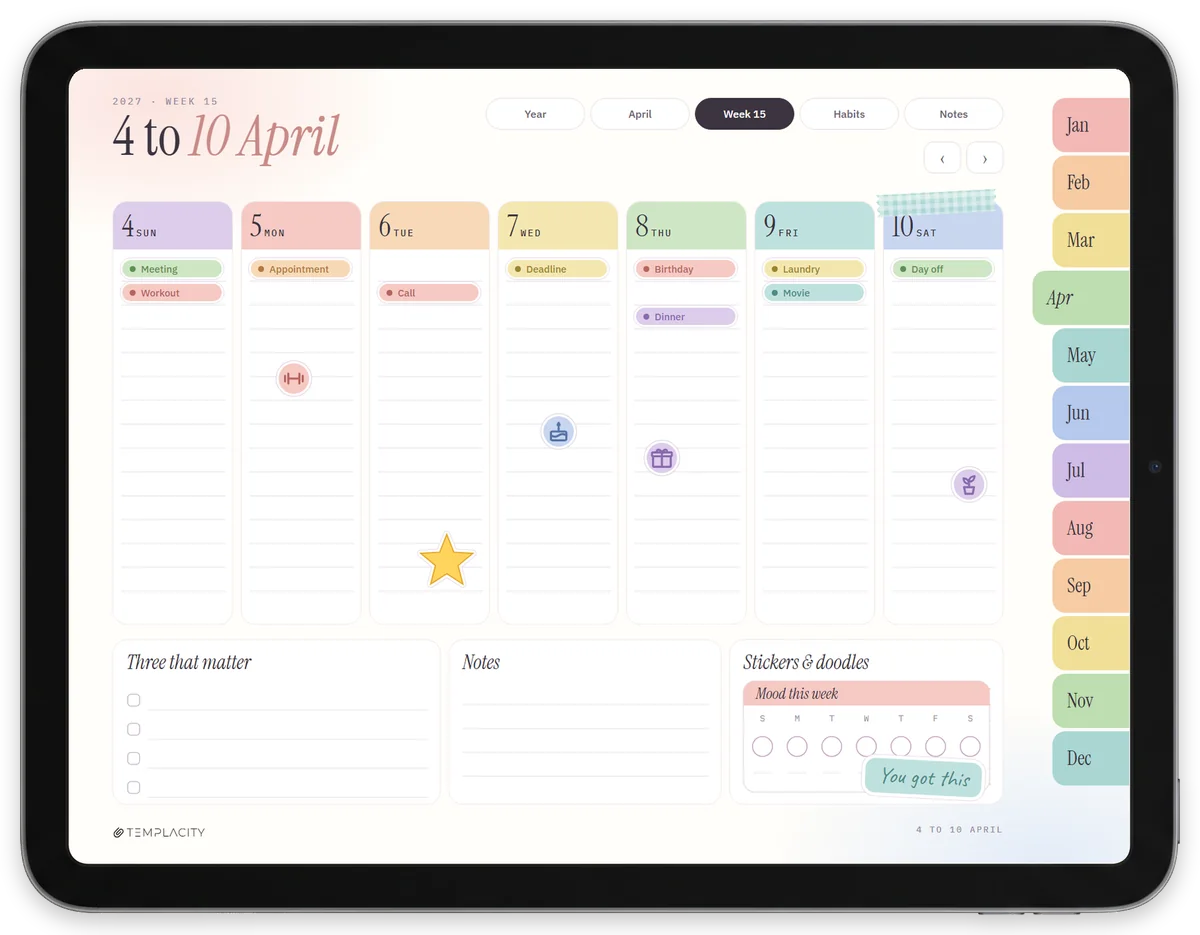
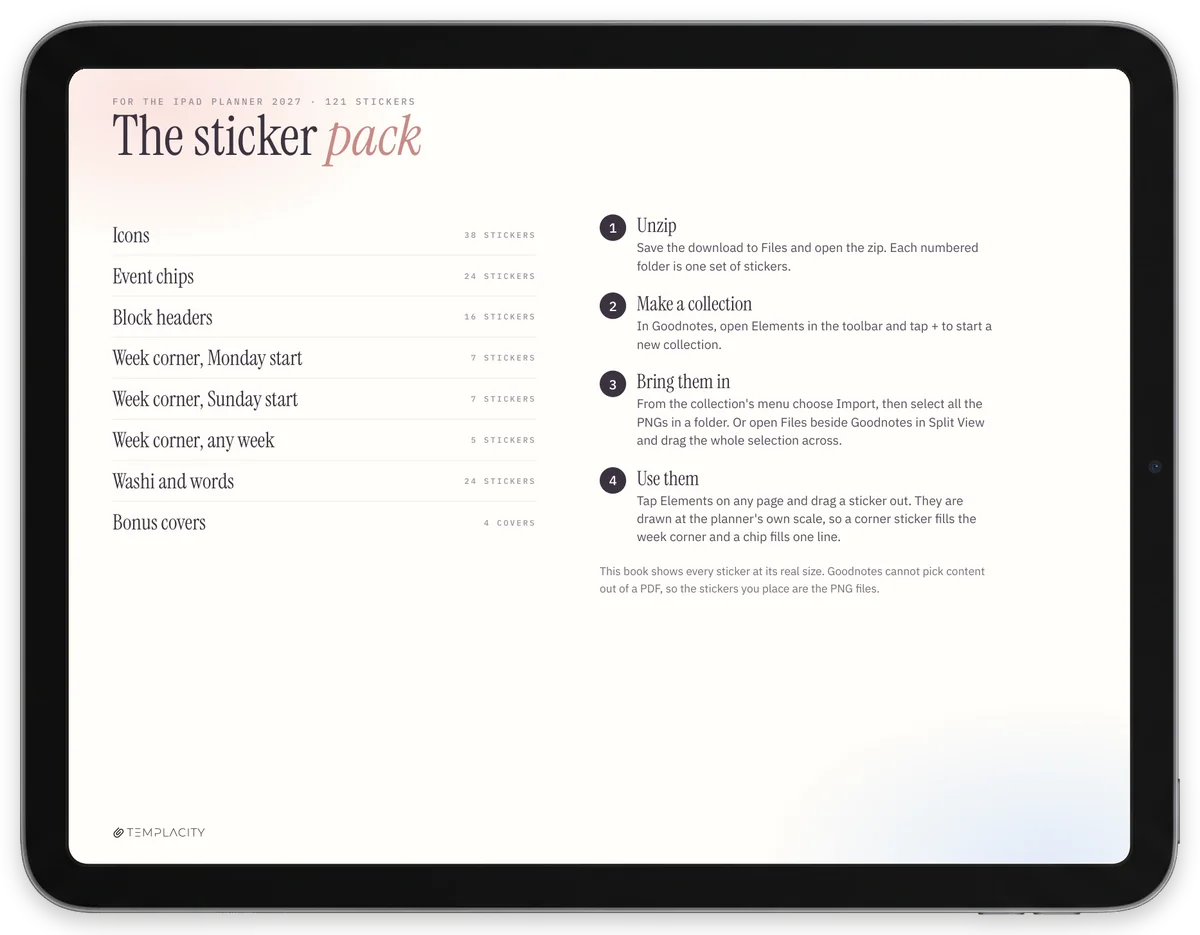
- i. 121 stickers in six numbered folders, transparent PNG.
- ii. Drawn at the planner's own scale: a chip fills one line, a corner fills the corner.
- iii. Goodnotes Elements, imported once, there on every page after.
- iv. Instant download, permanent link in your account.
№ 01 · Why these
Most digital stickers are a sheet you resize one by one.
A sticker that is the wrong size gets pinched smaller every single time you use it, which is why most sticker packs get used twice. These were drawn inside The iPad Planner 2027, against its own lines and cards, so each one is already the right size when you drag it out.
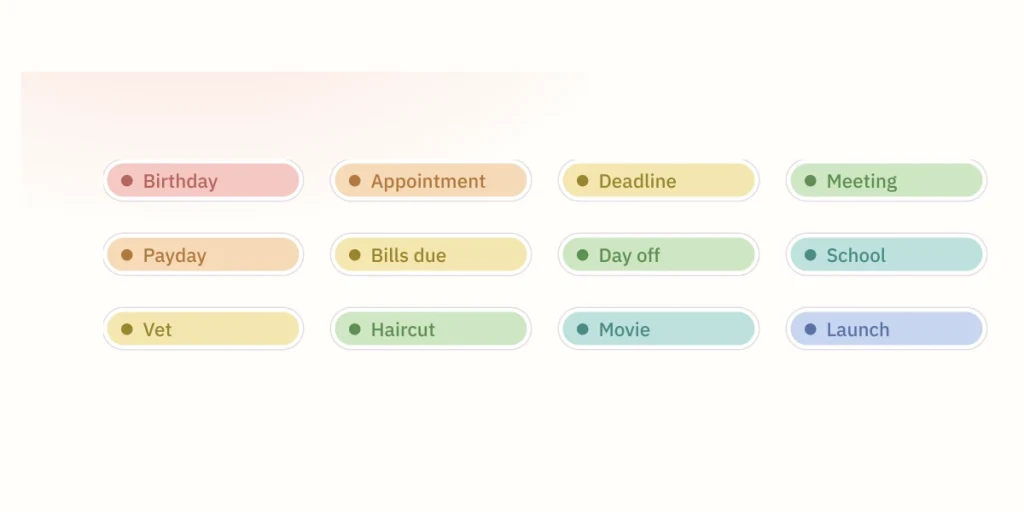
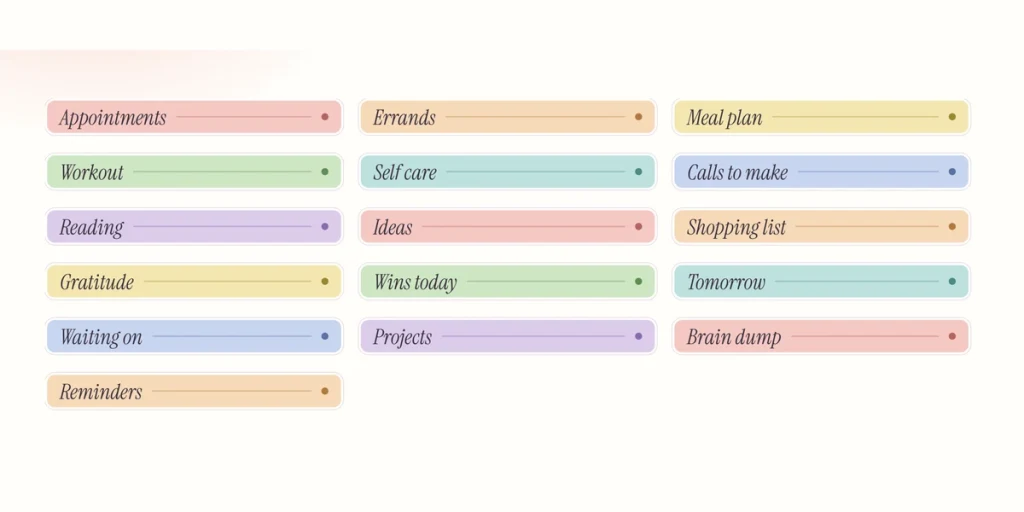
An event chip fills one writing line of a week column. A block header spans the day page’s notes card. A week-corner tracker fills the corner of the week page exactly, in Monday or Sunday order to match your book.
№ 02 · What is in it
Six folders, 121 stickers, four covers.
Straight from the sticker book in the zip, at the size they arrive.
№ 03 · Free
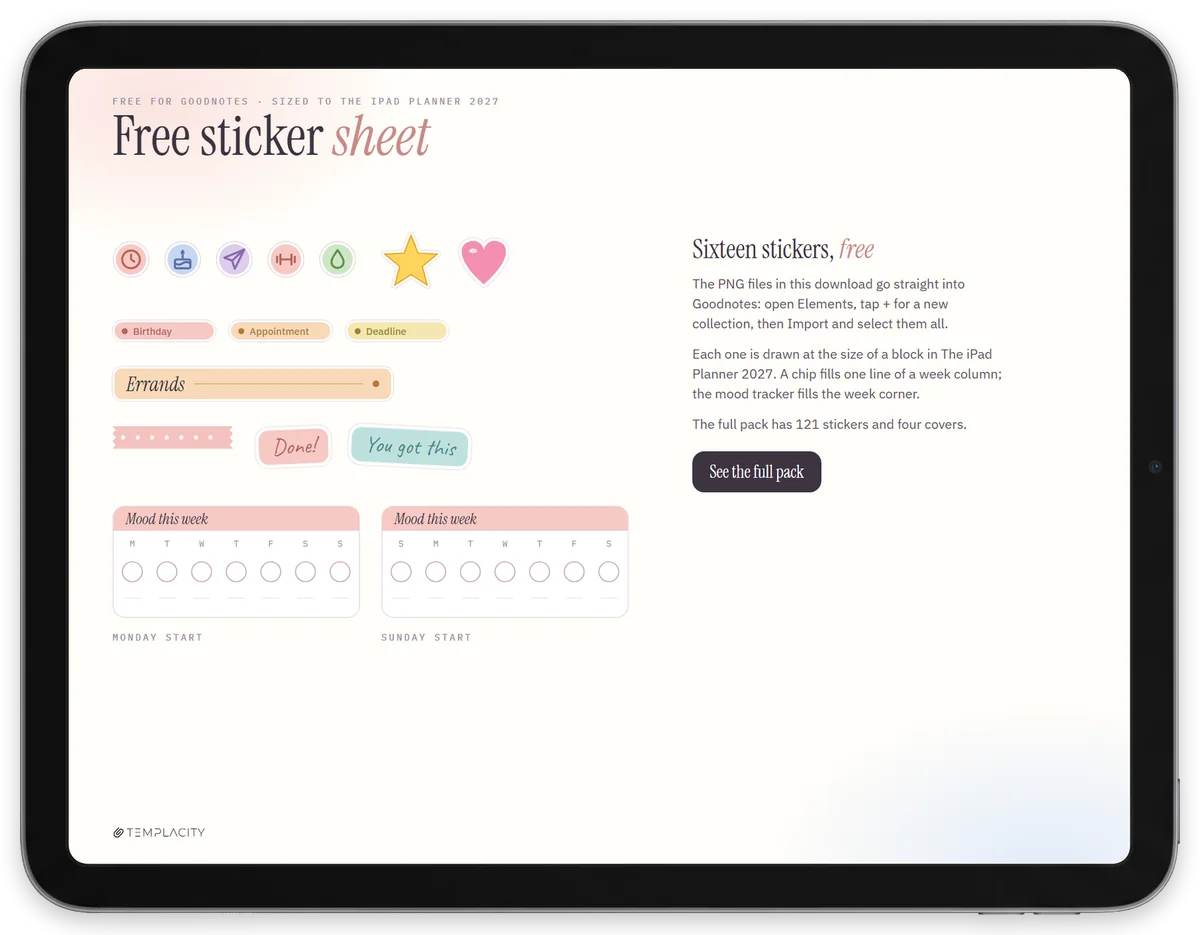
Sixteen of them, free.
Three event chips, a block header, the mood tracker in both week orders, seven icons, two lettered words and a washi strip, as PNGs with a one-page sheet. No email, no account.
№ 04 · How it works
Import once, use on every page.
i.
Download and unzip.
Save the zip to Files on the iPad and open it. Each numbered folder is one set of stickers, and the sticker book PDF sits beside them.
ii.
Make a collection.
In Goodnotes, open Elements in the toolbar, tap + for a new collection, then Import and select every PNG in a folder. Or drag them across from Files in Split View.
iii.
Drag them out.
On any page, tap Elements and drag a sticker onto it. They are drawn at the planner's scale, so they land the right size without pinching.
№ 05 · Before you buy
What it is not.
It is not a planner. This is the sticker pack only. The planner it was drawn for is The iPad Planner 2027, sold on its own.
It is made for Goodnotes. The import steps are Goodnotes Elements. The PNGs open in any app that takes images, Notability included, but there they are pictures you insert, not a sticker collection.
The covers say 2027. The four bonus covers are dated 2027, to match the planner. Every sticker is undated and works in any year.
№ 99 · Questions
Things you’ll want to know.
Do they fit planners other than yours?
Yes, they are ordinary transparent PNGs and Goodnotes lets you resize any element. They were drawn to the scale of The iPad Planner 2027, so in that planner they land at the exact size of a line, a card or the week corner without resizing.
How do I get them into Goodnotes?
Open Elements in the Goodnotes toolbar, tap + to start a collection, then Import and pick the PNGs. One import per folder and they stay in Elements for every notebook after. The sticker book in the zip walks through it with pictures.
Does the week corner work if my week starts on Sunday?
Yes. The seven corner trackers come twice, once with the days in Monday order and once in Sunday order, and five more work in either book.
Can I try them first?
Sixteen of them are free: three event chips, a block header, the mood tracker in both week orders, two words, seven icons and a washi strip. Download them from this page, no email needed.
Is it a subscription?
No. You pay once and the zip stays in your account library, so you can download it again on a new iPad.
№ · Last word
All 121, for the price of a coffee.
¥48 once, instant download. Drawn for The iPad Planner 2027, and at home in any Goodnotes notebook.
¥48
Add to cart
№ · Reviews
Be the first to say something.
Nobody has written about this one yet. If it is on your device, yours is the first thing the next person reads.
Instant download.
Your file is in your account the moment you check out, yours to re-download any time. A receipt lands in your inbox, too.
One-time purchase.
No subscription, no annual renewal, no upgrade nags. Pay once and the file is yours.
Quiet, secure checkout.
Stripe. Apple Pay. No spam, no “partners,” no reselling your details. Receipt, file, done.


