Why owners quit planners
Why a small business planner is different from a normal planner
Most small business owners have tried a planner and stopped. The usual reason is not discipline. A normal planner is built for appointments and to-do lists, and running a business is mostly about everything else: whether money came in, which customer is waiting, what to post this week, and whether this quarter is better than the last one. When the planner has no room for those, the owner keeps them in their head, and the planner becomes a diary.
A small business planner fixes that by giving the business its own pages beside the week. The owner’s week still sits at the centre, but next to it are the numbers, the customers and the marketing, so the weekly plan is made with the whole business in view. It is the difference between planning your days and planning your business.
The six pages
What to put in a small business planner
These are the six pages we would put in any owner’s planner. Each one is small, and each one is opened at a known time, which is what keeps it from going stale.
| Page | Opened | What it holds |
|---|---|---|
| Owner’s week | Daily | Appointments, the three tasks that move the business, and admin batched into one block |
| Quarterly goals | Weekly | Two or three goals with a number each, scored on Friday |
| Money log | Weekly | Money in, money out, what is owed to you, what you owe |
| Marketing calendar | Weekly | What you will post, send or run each week, and what worked |
| Client list | As needed | Who is active, who is waiting on you, who to follow up |
| Weekly review | Weekly | What happened, what the numbers said, next week’s three tasks |
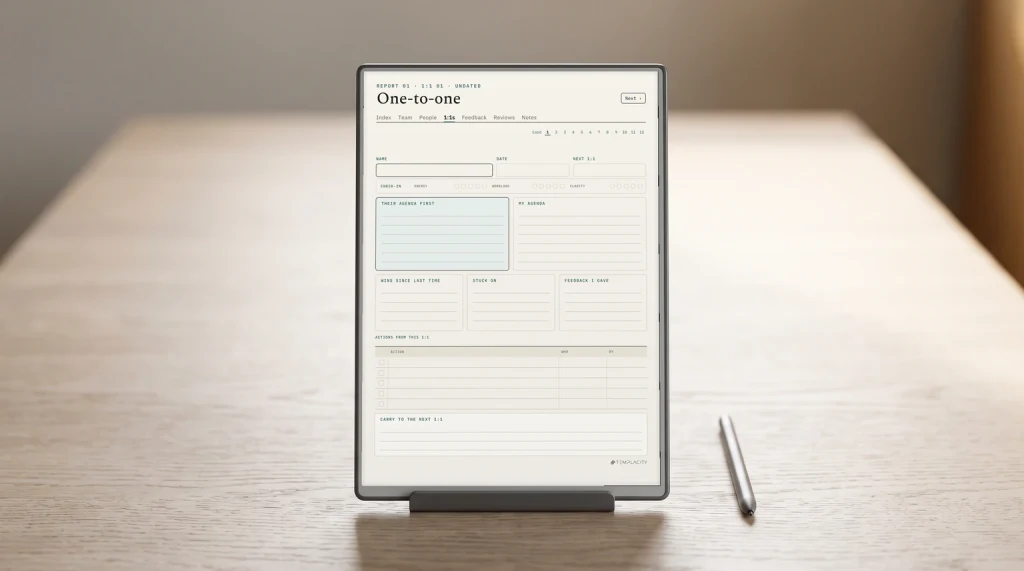
The owner’s week is the page you live on. The trick is the split: three tasks that move the business forward get the best hours, and admin (email, invoices, ordering) is batched into one block instead of filling every gap. The quarterly goals page keeps those three tasks pointed somewhere. Two or three goals with a number each are enough; our OKR template shows a one-page way to write and score them.
The money log is not bookkeeping. Your accountant or your accounting tool does that. The log is a weekly glance by hand: what came in, what went out, who owes you and what is due. Writing it down once a week is how owners spot a slow month while it is still a slow week. The marketing calendar holds the plan for what you will post or send, and a line for what worked, so next quarter’s plan starts from evidence.
The client list answers one question: who is waiting on me? Active customers, open quotes and people to follow up, on one page. The weekly review ties it all together, and it is the page most planners leave out.
The CEO hour
The weekly hour that makes the planner work
Every page above is opened in one fixed hour a week. Many owners call it the CEO hour: the time you stop working in the business and look at it. Friday afternoon or Monday morning both work; what matters is that it is the same hour every week and that it is in the calendar like a client meeting.
- Money first. Fill the money log for the week. Note anything overdue.
- Goals second. Score each quarterly goal. Is it moving?
- Customers third. Walk the client list. Who needs a follow-up next week?
- Marketing fourth. Note what worked this week; plan next week’s posts.
- Then plan the week. Pick the three tasks that move the weakest goal, and block their hours first.
Writing the money down once a week is how owners spot a slow month while it is still a slow week.
The order matters. Planning the week last means the three tasks come from what the numbers and customers just told you, not from whatever is loudest in your inbox.
Paper, tablet or app
Paper, digital or app: which small business planner format
Apps are good at what needs to be shared or automated: invoices, bookkeeping, a shared content calendar. A planner is good at the part only you do: deciding what this week is for. Many owners end up with both, and that is fine, as long as the planner is where the decisions are made.
| Format | Good at | Weak at |
|---|---|---|
| Paper planner | Thinking without a screen, the CEO hour away from email | Searching back, carrying a year of pages |
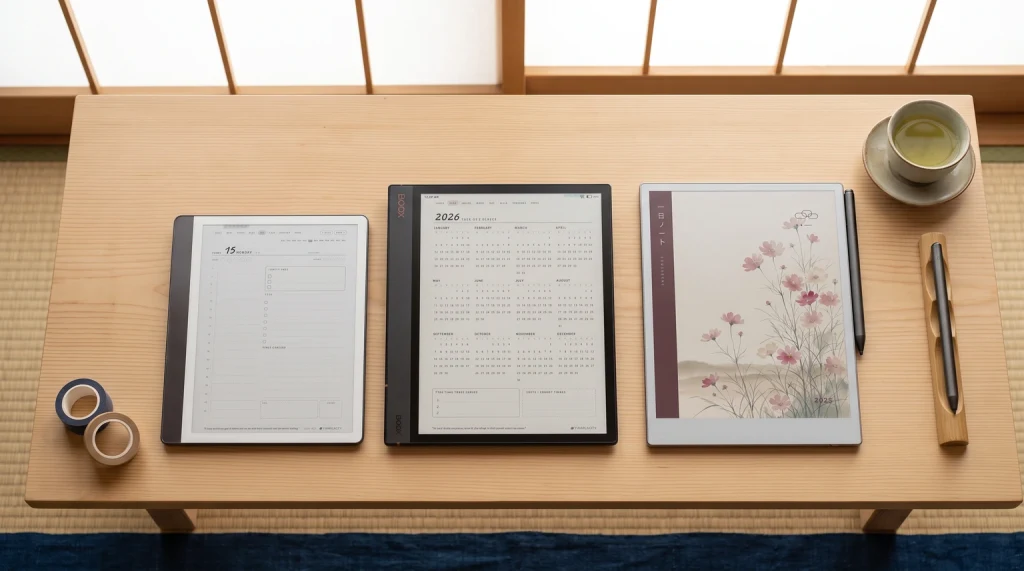
| Digital planner on a tablet | Handwriting plus linked pages, a year in one device | Sharing with a team |
| Spreadsheet or app | Numbers that add up, sharing, automation | Planning a week by hand, focus |
If you keep marketing in a spreadsheet already, our content calendar template for Google Sheets pairs with a handwritten planner: the sheet holds the posting schedule, the planner holds the weekly decision about it. For the planning side, our guide to productivity planners covers how to lay out a week that survives a busy one.
Some trades need their own version of these pages. We have written the layout for a social media planner, a sales planner, a real estate agent planner and a therapist planner for private practice.
Ours
A small business planner for owners
We are building a Small Business Owner Planner around the six pages and the CEO hour: the owner’s week, a quarterly goals page, a hand money log, a marketing calendar and a client list, all linked from one dashboard so the weekly review is a few taps from every page it reads. It is not out yet.
Until it is, the Digital Work Planner already holds the week, tasks and meetings for anyone running their own work, and the Content Calendar spreadsheet carries the marketing side. More planning guides live in planning.
Which page would you open first every week? Tell us in the comments; it decides what sits on the planner’s dashboard.
FAQ
Common questions, answered briefly
What should be in a small business planner?
Is a small business planner the same as a business plan?
How do I plan my week as a business owner?
Should a business owner use a paper or digital planner?
Do I still need accounting software if I keep a money log?
If yours isn’t above, drop the question in the comments and we’ll add it.
People also ask