Planner or CRM
What a sales planner does that a CRM does not
Most salespeople have a CRM full of contacts and still start Monday unsure where the week should go. The CRM remembers everything; it does not decide anything. The deciding happens somewhere else, usually in your head on the drive in, and it tends to favour whoever emailed last rather than whoever is closest to signing.
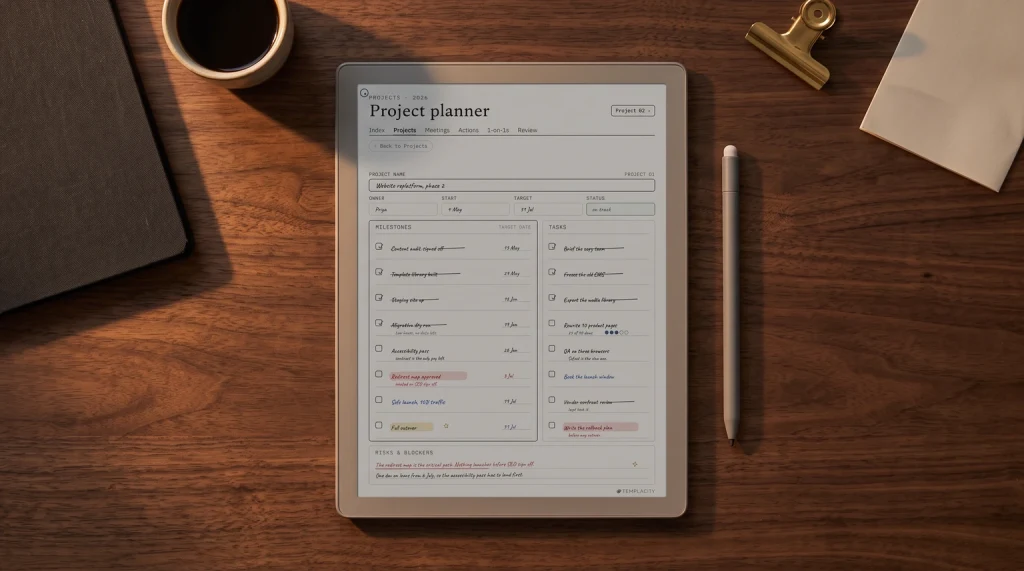
A sales planner is where the deciding happens. It is a weekly page, by hand or on a tablet, that turns the target into calls, puts every follow-up on a day, and shows at a glance which deals need a push. The records stay in your CRM or sales tracker spreadsheet. The planner holds the plan.
Backwards from the target
How to build a weekly sales plan from your target
Every useful sales plan starts at the end and works backwards. You need your own numbers for this, ideally from last quarter: how many conversations turned into proposals, and how many proposals closed. Industry averages are no use here; yours are the only ones that predict your month.
| Step | Question | Worked example |
|---|---|---|
| 1. Target | What must close this month? | 4 deals |
| 2. Proposals | How many proposals make one deal (your number)? | 3 proposals per deal = 12 proposals |
| 3. Conversations | How many real conversations make one proposal? | 4 per proposal = 48 conversations |
| 4. Per week | Divide by working weeks left | 48 over 4 weeks = 12 a week |
| 5. Per day | Divide by selling days | 12 over 5 days = 2 or 3 a day |
The example numbers are made up to show the arithmetic; use yours. What the table gives you is a daily number you can actually hit, which is far easier to act on than a monthly target. Two or three real conversations a day is a plan. “Close four deals” is a hope.
The weekly page
What goes on a sales planner page
A sales planner week needs five sections. Each is small; together they fit on one or two pages.
- This week’s numbers. The daily conversation target and a tick row for each day, so you can see on Wednesday whether the week is on track.
- Call list. The names for this week’s call blocks, picked on Monday, hottest first.
- Follow-ups by day. Every promise (“I’ll send it Thursday”) written on the day it is due, the moment you make it.
- Deals to push. The three or four deals closest to closing and the one next step for each.
- Friday review. Conversations held, proposals sent, deals moved, and what to change next week.
The follow-up section is where most deals are actually won or lost. A follow-up remembered on the right day reads as reliable; the same message a week late reads as an afterthought. Writing it on the due day, at the moment you promise it, is the single habit that does the most for a pipeline.
Two or three real conversations a day is a plan. “Close four deals” is a hope.
The daily rhythm
A daily sales routine that survives a busy week
The plan only works if the calls happen, and calls are the first thing a busy day pushes out. Three habits protect them.
- A fixed call block. Same time every day, in the calendar, treated like a meeting with a client. Many sellers put it first thing, before email can claim the morning.
- Prep the list the day before. Five minutes at the end of today to write tomorrow’s names, so the block starts with dialling, not searching.
- Log in the planner, update the CRM later. A tick and a one-line note during the block, then one batch update of the CRM at the end of the day.
If you plan with quarterly goals as well, put the sales target on the same page as the rest of the quarter. Our OKR template shows a way to write the target as a key result and score it every Friday, and teams on Microsoft tools can see how OneNote handles sales management.
Two jobs run on the same backwards-from-target arithmetic. Agents can use the week built in our real estate agent planner guide, and anyone selling through content can plan posting the same way with our social media planner.
Ours
A sales planner, and the pipeline sheet it pairs with
The record-keeping half already exists: our Sales CRM and Pipeline spreadsheet keeps contacts, deal stages and values in Google Sheets and Excel. We are building its handwritten partner, a Sales Planner with the backwards target page, a weekly call list, follow-ups by day, deals to push and the Friday review, linked so each week opens on the numbers it has to hit. It is not out yet.
More planning guides live in planning.
When is your call block? Tell us in the comments; we are deciding where it sits on the daily page.
FAQ
Common questions, answered briefly
What is a sales planner?
Is a sales planner the same as a CRM?
How do I make a weekly sales plan?
How many sales calls should I make a day?
How do I keep track of sales follow-ups?
If yours isn’t above, drop the question in the comments and we’ll add it.
People also ask