The short answer
Is Notability on Android? Yes, with three conditions
If you looked for Notability for Android before August 2026, there was nothing official to find. Ginger Labs launched the Android app on Google Play that month, its blog says, and it has been updating it since: when we checked on 17 November 2026, the Google Play listing showed version 1.12.6, updated the day before, with more than a million downloads and a 4.4 star rating.
Three conditions decide whether it runs for you, and Ginger Labs’ Android FAQ states all three. The store: Notability for Android is on Google Play and nowhere else, so the Galaxy Store on a Samsung tablet will not list it. The system: it needs Android 12L (12.1, API level 32) or later. The account: you sign in with a free Notability account, either a new one or the one you already use on an iPad, and the same account works on Android, iOS and the web. There is one regional limit on top: account creation and sign-in are not supported in China, Hong Kong or Macau.
What it does
What the Notability app on Android does
The Android app works the way the iPad one does: a library of notes and nested folders, and inside each note a toolbox you can rearrange. Ginger Labs’ getting-started guide for Android lists a pen and a pencil with pressure sensitivity, a highlighter, partial and whole erasers, typed text boxes you can move anywhere, and selections you draw around your ink to convert handwriting to text. You can drop photos, files, GIFs and math into a page, record a lecture or a meeting while you write, present with a laser pointer, and share a note as a link, a PDF, a note or an image.
You write with a finger or a stylus, the S Pen included. The AI lives in a Learn panel: Chat with your Notes answers questions from what the note contains, and Learn turns a note into study questions in Memorize, Practice and Test modes. Live Transcript and Smart Notes, which build notes in real time from a recording, an imported PDF or your handwriting, are marked Pro.
The app has kept moving since launch. Ginger Labs’ Android release notes list a Calligraphy pen, a stabilization setting for wobbly strokes, a one-page-at-a-time view and five new planners and journals in version 1.12; web clipping, bulk folder import and Markdown shortcuts in 1.11; and a Home screen that leads with your calendar, Outlook Calendar included, in 1.10. Two pens exist only on Android, according to the blog: Rainbow, which shifts color as you write, and Glitter.
What it lacks
What Notability for Android still lacks
Ginger Labs is plain about the gaps. Its FAQ answers “Are all features available on Android?” with “Not yet” and names two features missing at launch: native comments and Text-Only Mode. The October blog post lists comments among the features added since, so of the two, Text-Only Mode is the one no later Ginger Labs page says has arrived.
Backups are the gap that matters most. The pricing page marks third-party backups as iOS only, and the Android FAQ confirms that Auto-Backup to storage such as Google Drive or Dropbox is not available on Android. Your notes live in Notability Cloud instead, and if you want a copy elsewhere you export it by hand.
Backups are the gap that matters most.What it lacks
Then the smaller differences. Notes look “mostly, but not identical” across platforms, with page alignment the example Ginger Labs gives, and some stylus-specific behaviors are “still being refined”. The PDF outline panel, which turns a long PDF’s table of contents into a list you tap to jump through, is documented for iPad, iPhone and Mac only. Version 1.11 on Android added a way to browse a note’s outline, but Ginger Labs does not say it reads a PDF’s contents, so we do not promise it.
Where it works
Notability on Android, iPad and the web app
One account and one library. What each app does with it is not the same.
Works Partly, see the note Not available
Read from Ginger Labs’ help center and pricing page, Android app 1.12.6. “Not listed” means Ginger Labs names the other platforms for that feature and not this one.
Verified 17 November 2026 against Ginger Labs’ Android FAQ and help articles Importing a planner, step by step
None of this blocks the everyday work: handwriting, typing, PDFs, recordings and sync are all in the Android app. The rows that differ are the ones you notice only when something goes wrong or when you open a long document, which is why they are worth knowing before you move a library you care about.
Sync
Moving your iPad notes to Notability on Android
Android syncs through Notability Cloud, Ginger Labs’ own sync service, not iCloud. New accounts start on Notability Cloud. An older iPad library that still syncs with iCloud will not show up on Android until it moves over, and Ginger Labs’ Notability Cloud FAQ starts that move on the iPad.
Update Notability on the iPad.
The move needs Notability 15.3.7 or later on the iPad. To check where you stand, open Settings, then Connected Services: if no iCloud sync option is listed, you are already on Notability Cloud and can skip to the last step.
Accept the invitation.
An eligible account sees a prompt in the library. Ginger Labs also publishes an invite link you open on the iPad, which asks for more than 1 GB of free storage and an iPad not managed by a school or an employer. No iPad? The invitation comes on iPhone or Mac once your account is eligible.
Let the upload finish.
Keep the app open on a steady connection until the library has uploaded, so start it somewhere with reliable Wi-Fi rather than on the way to class.
Sign in on Android with the same account.
Your notes sync down, and anything you write on Android syncs back to your other devices. You can keep editing offline; changes sync once you are back online.
Your plan comes with you as well. Ginger Labs says an existing subscription works on every device, Android included, with no separate purchase. Family Sharing, Ginger Labs adds, is not available on any platform right now.
Price
Is Notability free on Android?
It is free to install, with a cap, and Ginger Labs’ own pages disagree on the size of the cap. The pricing page lists the free Starter plan at 5 notes; the Google Play listing says the free app creates 30. Check the count in the app before you plan a semester around it.
Past the cap, the plans cost the same as everywhere else, in US dollars on notability.com: Lite is $11.99 a year for unlimited notes, Plus is $15.99 a year and adds limited AI quizzes, flashcards and audio transcription, and Pro is $79.99 a year for unlimited transcription, summaries and Chat with your Notes. The Android FAQ confirms Lite is sold on Android, and the Play listing puts in-app purchases at $2.49 to $99.99 per item.
The one-time route is murkier. notability.com also sells each plan as a single purchase: $14.99 for Lite, $19.99 for Plus and $99.99 for Pro. The Android FAQ says Classic, which the blog calls Ginger Labs’ one-time purchase option, cannot be bought through Google Play yet, while the October blog post says Classic has come to Android. Either way, a Classic licence bought on the App Store or notability.com carries over when you sign in on Android.
Planners
Using a planner in Notability on Android
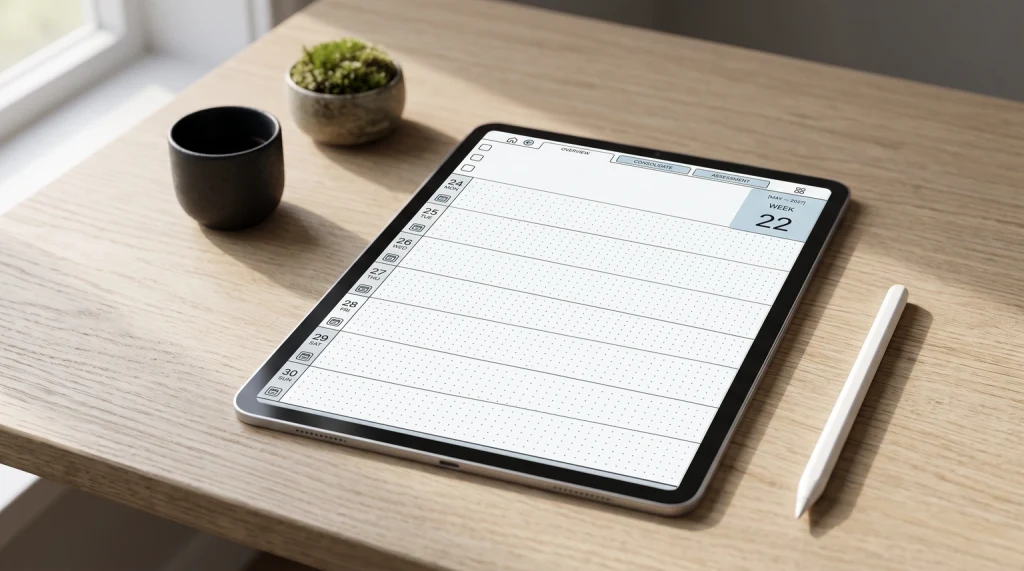
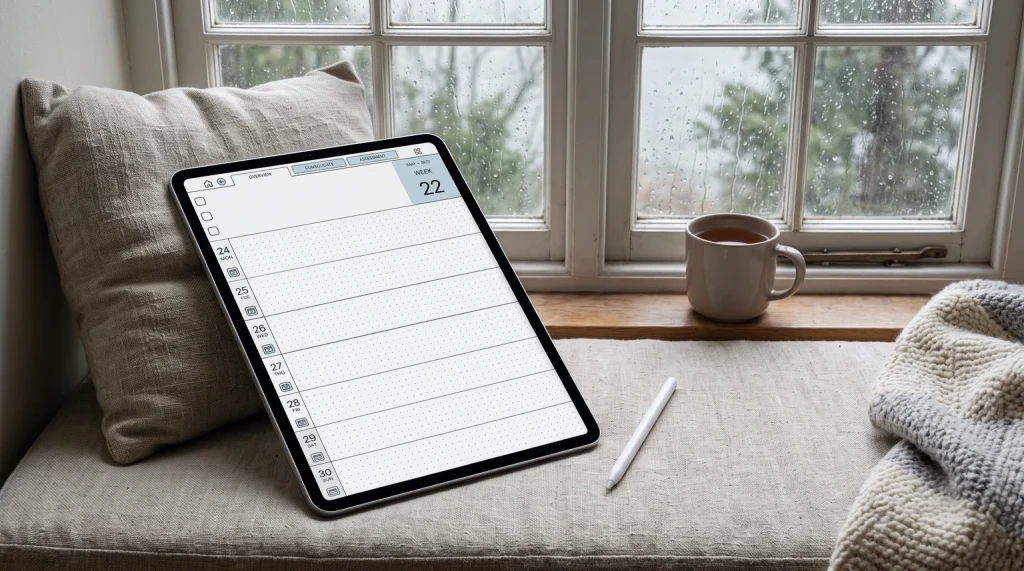
Notability’s own templates reached Android by October, including the 2026-2027 Academic Planners: create a new note, choose Templates, then Planners. Version 1.12 added five more planners and journals. Ginger Labs’ separate 2026 Digital Planner and Yume Techo Planner are documented for Plus users without saying which platforms carry them, so look for them in the Templates menu before you count on them.
A PDF planner from anywhere else works the plain way. Import it into a note from the bottom of a page, or send it to Notability from another app’s share option, and you write straight on the pages. What we cannot promise on Android is navigation. Ginger Labs’ import and outline articles say nothing about tapping links inside an imported PDF, and the outline panel is listed for iPad, iPhone and Mac. On Android, open the Content Manager and bookmark the pages you return to, this month and this week, which the Android guide lists as one of its jobs. Our guide to importing a planner into Notability covers the import itself and saving single pages as templates.
On Android, our Notability Templates import and take ink like any PDF. The contents outline built into each dated planner is a feature Ginger Labs documents for iPad, iPhone and Mac only, and the pages are drawn 3:4, the shape of an iPad screen, so a tablet with a different screen shape shows them with space around the page. If you are still choosing a planner, our Notability planner guide compares Notability’s own templates with free and paid files. If you are still choosing an app, our Goodnotes vs Notability comparison sets the two side by side, our OneNote for Android guide covers Microsoft’s app on the same tablets, and the Notability hub collects every guide we have written.
Running Notability on an Android tablet? Tell us in the comments which tablet and app version you use, and what surprised you; we add what readers find to this guide.
FAQ
Common questions, answered briefly
Is Notability available on Android?
Is Notability free on Android?
Does Notability sync between iPad and Android?
Can I use an S Pen with Notability?
Does Notability work on a Chromebook?
Hit something on Android we did not cover? Ask in the comments and we will add it.
People also ask