The short answer
Is the Kindle Scribe good for reading?
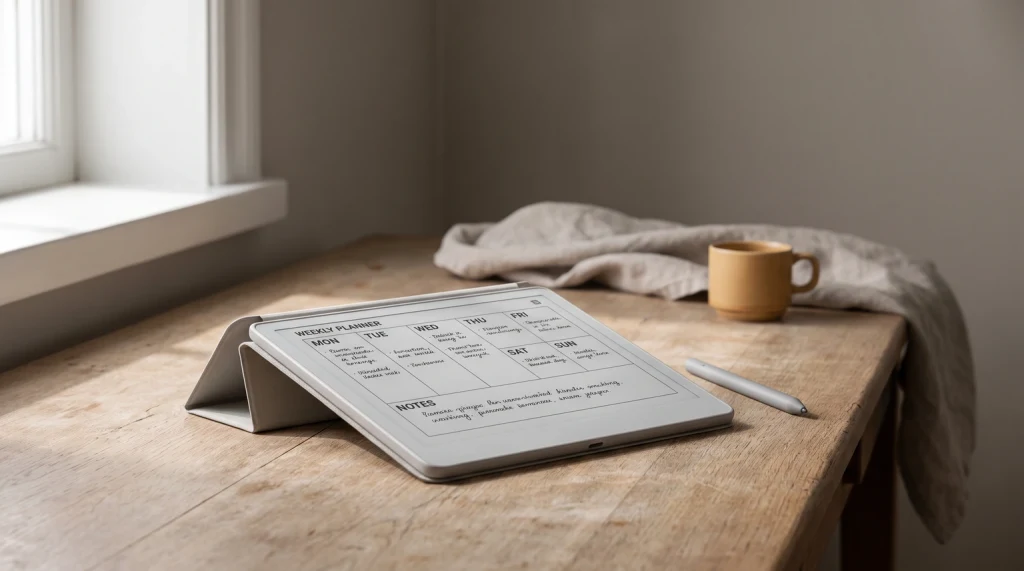
The Kindle Scribe for reading is very good, with one honest caveat. The reading itself is everything you expect from good e-ink: crisp text, an even front light, weeks of battery, and no glare. On that score it is among the best readers Amazon makes. The caveat is size. The large screen is a gift for some reading and pure excess for other reading.
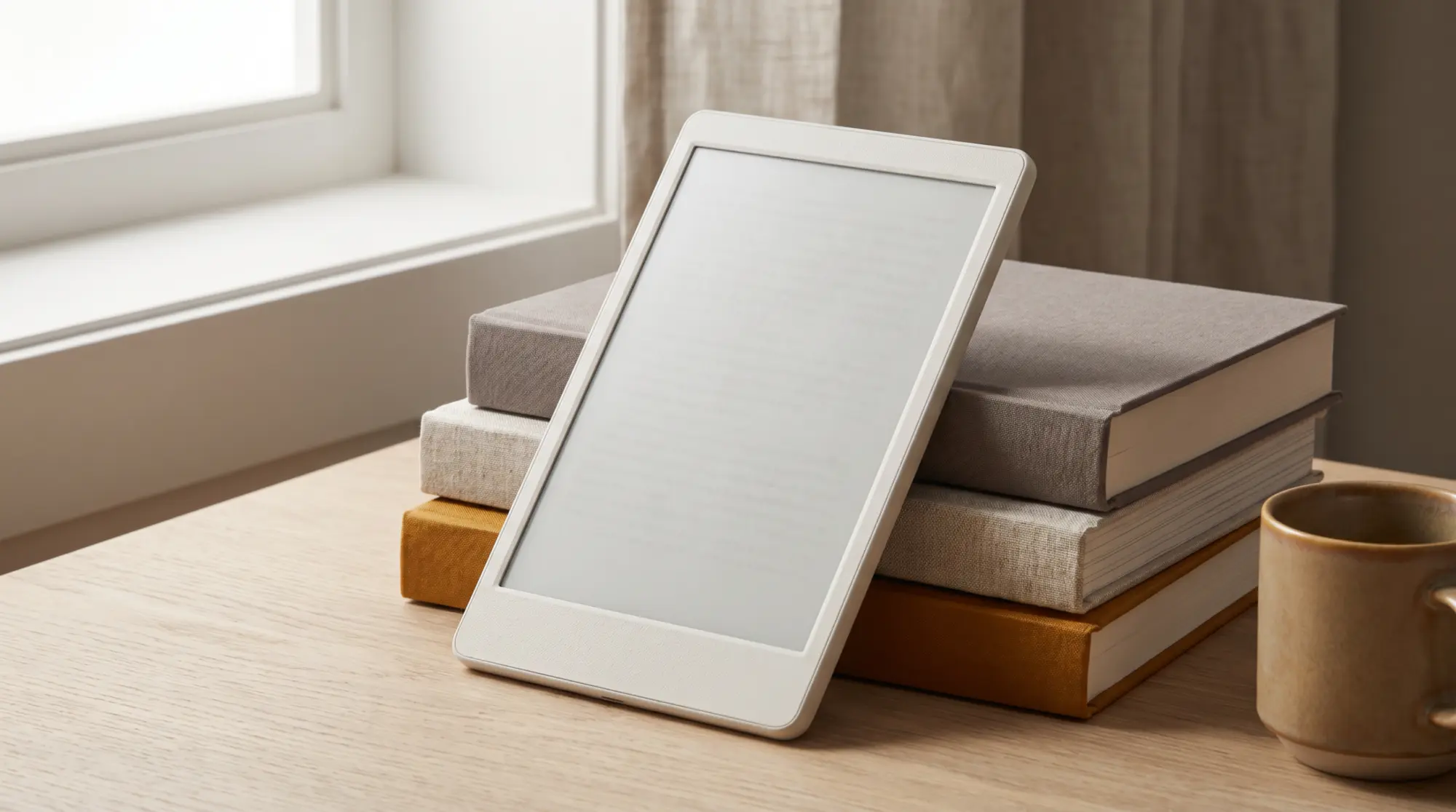
If you mostly read novels in bed, the Scribe is more device than you need, and a lighter Kindle is the better fit. If you read textbooks, technical PDFs, sheet music, or anything where a bigger page genuinely helps, the Scribe is the one Kindle that gives you the room. The reading question is really a size-and-format question.
The experience
What reading on the Kindle Scribe is like
For standard Kindle books, you get the familiar experience with more text per page and the option to bump font size without constant page turns. The real difference shows with PDFs and fixed-layout files. A 10.2-inch page renders documents close to their true proportions, so diagrams, tables, and two-column papers stay readable instead of forcing you to pinch and pan on a small screen.
The base model is greyscale, which matters if you read comics or heavily illustrated books in color; there the Colorsoft variant is the one to weigh. For text and document reading, greyscale is a non-issue and arguably better, since the contrast is sharper. Battery life stretches into weeks of normal reading, so the size does not cost you stamina.
Versus a Paperwhite
Kindle Scribe or Paperwhite for reading?
| Scribe wins for | Paperwhite wins for |
|---|---|
| PDFs, textbooks, large-format and technical reading | Novels and everyday reading |
| Reading plus handwriting on one device | One-handed and in-bed reading |
| Fewer page turns at large fonts | Lighter weight and lower price |
| Marking up documents as you read | Pocketability and travel |
If your reading lives in the left column, the Scribe is worth the size and cost. If it lives in the right column, a Paperwhite gives you the same lovely e-ink reading for less. For the full device verdict beyond reading, see whether the Kindle Scribe is worth it, and if you want app flexibility, the alternatives guide covers Android e-ink readers.
Read and annotate
The reason to pick the Scribe: reading plus writing
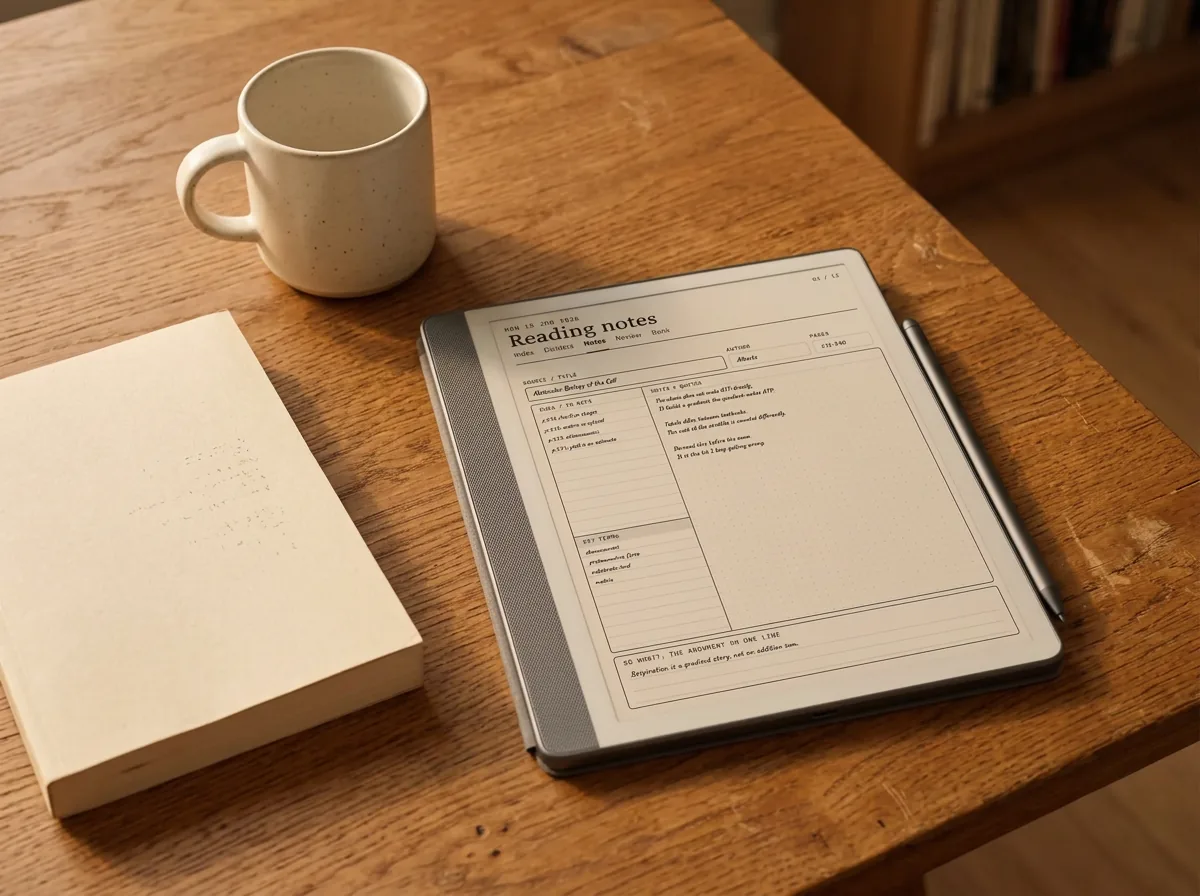
The Scribe’s real argument over any other Kindle is that you can write on what you read. Highlight and annotate books, scribble in the margins of a PDF, and keep separate notebooks alongside, all on one device. For students and anyone who reads to work rather than only to relax, that combination is the whole point, and it is covered in depth in our guide to the Kindle Scribe for note taking.
Once you are writing as well as reading, structured templates make the notes side far more useful than the blank default pages. That is the cheapest way to get more from the device you already paid for.
If your reading is PDFs and textbooks, the screen is a real upgrade; if it is paperbacks, you are paying for size you will not use.What we found
So is the Kindle Scribe for reading the right call? For big-format reading and for readers who also annotate, yes. For a pure novel reader, a smaller Kindle is the smarter, lighter, cheaper choice. Match the screen to what you actually read and the answer is clear.
FAQ
Common questions, answered briefly
Is the Kindle Scribe good for reading?
Kindle Scribe or Paperwhite for reading?
Is the Kindle Scribe too big for reading in bed?
Can the Kindle Scribe read PDFs well?
Does reading on the Kindle Scribe need color?
If your question is not above, drop it in the comments and we will answer it.
People also ask
Other questions, briefly answered
Sources: Amazon Kindle Scribe product page.