The device
What the iFLYTEK AINOTE Air 2 is
The iFLYTEK AINOTE Air 2 is an 8.2-inch e-ink writing tablet built around the same idea as its bigger sibling: notes you write by hand and meetings you record, both turned into searchable text by iFLYTEK’s AI. On iFLYTEK’s own store page the hardware reads: an 8.2-inch display at 1440 by 1920 (293 ppi), a quad-core 1.8 GHz processor, 4 GB of RAM and 32 GB of storage, Wi-Fi 6 and Bluetooth 5.0, four microphones and a single speaker, a 2,600 mAh battery and a USB-C port.
The body is metal, about 7.6 by 5.4 inches, between 0.2 and 0.25 inches thick, and about 0.51 lb. The pen is a Wacom passive electromagnetic stylus, which is why iFLYTEK calls it battery-free: there is nothing in it to charge. In the box are the tablet, the stylus, a USB cable, a book folio and a manual; the protective case is sold separately.
It runs Android 11 and opens PDF, EPUB, TXT, MOBI, AZW3, Word, Excel, PowerPoint and common image files, and iFLYTEK says you can install third-party apps. That puts it in the open-Android camp of e-ink tablets rather than the closed, writing-only one.
The price
What the AINOTE Air 2 costs
iFLYTEK’s comparison block on the product page lists the AINOTE Air 2 at $499 and the AINOTE 2 at $649. The store sells the Air 2 in several bundles, with a black or navy case, spare pen tips, or a refill set; on 6 October 2026 the default bundle with a black case and pen tips showed $444, marked down 20% from $555. Store prices move often, so treat the bundle figure as a snapshot and the $499 list price as the stable number.
Two terms from the same page are worth knowing before buying: a 30-day money back policy and a 1-year warranty, with optional accident protection through AIG at $39.99 for one year, $54.99 for two or $69.99 for three.
The comparison
AINOTE Air 2 vs AINOTE 2, line by line
Most people searching the iFLYTEK AINOTE Air 2 are choosing between it and the AINOTE 2, and iFLYTEK publishes the comparison itself. Read it closely and the Air 2 stops looking like a cut-down model. It loses on size and gains on features.
| Spec | AINOTE Air 2 | AINOTE 2 |
|---|---|---|
| List price | $499 | $649 |
| Screen | 8.2 in, 293 ppi | 10.65 in, 300 ppi |
| Weight | 230 g | 295 g |
| Front light | 24-level, warm and cool | None |
| Android | 11 | 14 |
| Storage | 32 GB | 64 GB |
| Speaker | Built in | None, Bluetooth or wired |
| Battery | 2,600 mAh | 4,000 mAh |
| Camera | 5 MP | None |
The front light is the line that changes the decision for most people. The AINOTE 2 has none, so it reads like paper and only where paper would be readable. The Air 2 has a 24-level dual-tone light, warm or cool, which makes it the one you can write on in a dim meeting room or read on in bed. The built-in speaker and the camera, which iFLYTEK ties to scanning documents, point the same way: the Air 2 is the more self-contained device.
What the AINOTE 2 keeps is the page. At 10.65 inches it fits an A4 or US letter PDF far more comfortably, and the 4,000 mAh battery is the larger of the two. Its Android 14 is also three versions newer than the Air 2’s Android 11, which matters if you plan to install third-party apps, since app support tends to follow the newer system. Our iFLYTEK AINOTE 2 review covers the bigger device on its own terms.
The AI
The AI features, read carefully
The Air 2’s case is its AI, and iFLYTEK lists a lot of it: real-time transcription and translation during meetings, AI meeting summaries, conversation with a large language model, AI search across your notes, and a task system that turns marks you draw on a page into to-dos and priorities. It also reads English, Chinese, Japanese and Korean text aloud.
The language counts are where the page needs a careful read, because it gives more than one number for the same feature. Transcription is listed as 18 languages in one place and “up 17 Languages” in another. Handwriting-to-text is 83 languages in the summary, “100+” in a heading, and 13 named languages plus “other 70” underneath. Translation is listed as 14 languages, and the system menus come in seven. If you need a particular language, find it named in the list rather than relying on the headline figure.
If you need a particular language, find it named in the list rather than relying on the headline figure.
Notes sync through the AINOTE mobile app, and iFLYTEK says its cloud runs on AWS with end-to-end encryption. Files also move by QR code upload, Bluetooth, USB-C, email or third-party apps, so you are not tied to the app for getting a PDF on or off.
The choice
Who the AINOTE Air 2 suits
iFLYTEK’s own label for the Air 2 is “full-scene mobile office”, and the specs back it. It suits someone who records and transcribes meetings across the day, carries the tablet between rooms or cities, and wants to read and write in any light. The front light alone settles it for anyone who reads in the evening.
The AINOTE 2 suits the person whose work is the page: marking up full-size PDFs, long-form writing, or reading academic papers at their printed size, where 8.2 inches means zooming and panning. If you are weighing either against other Android e-ink tablets, our AINOTE 2 vs Boox comparison covers that wider field.
The pages
Planners and templates on the AINOTE Air 2
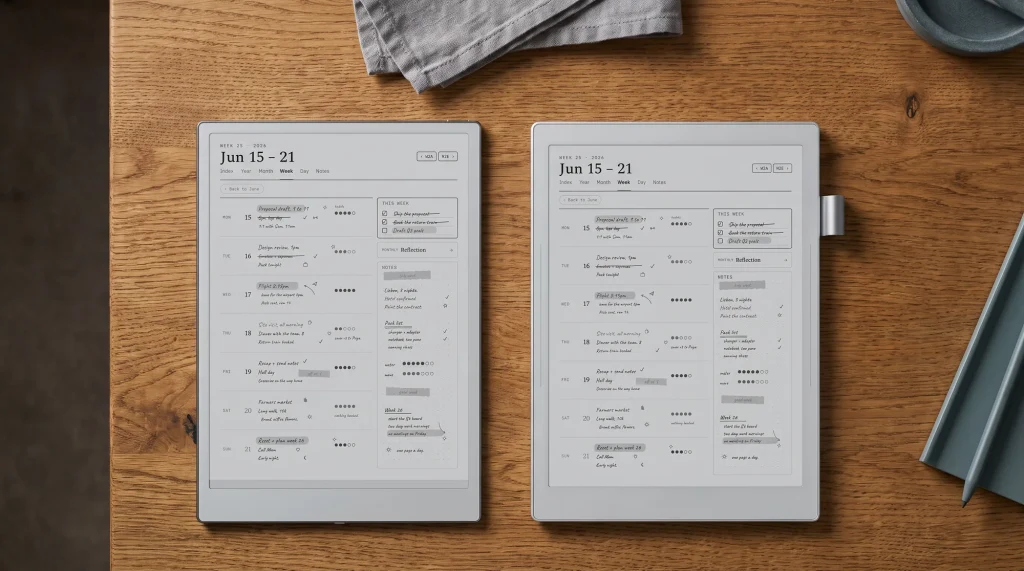
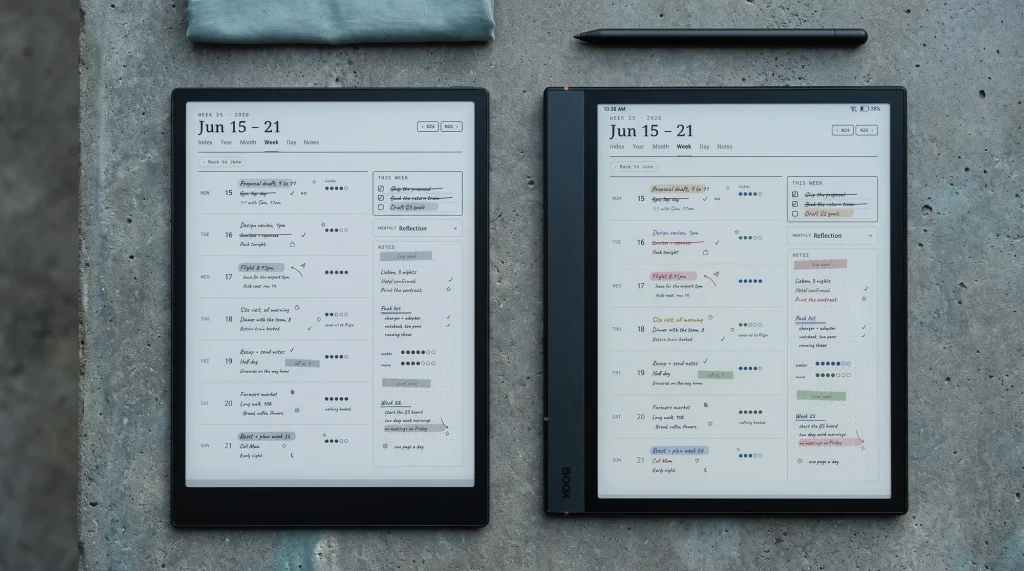
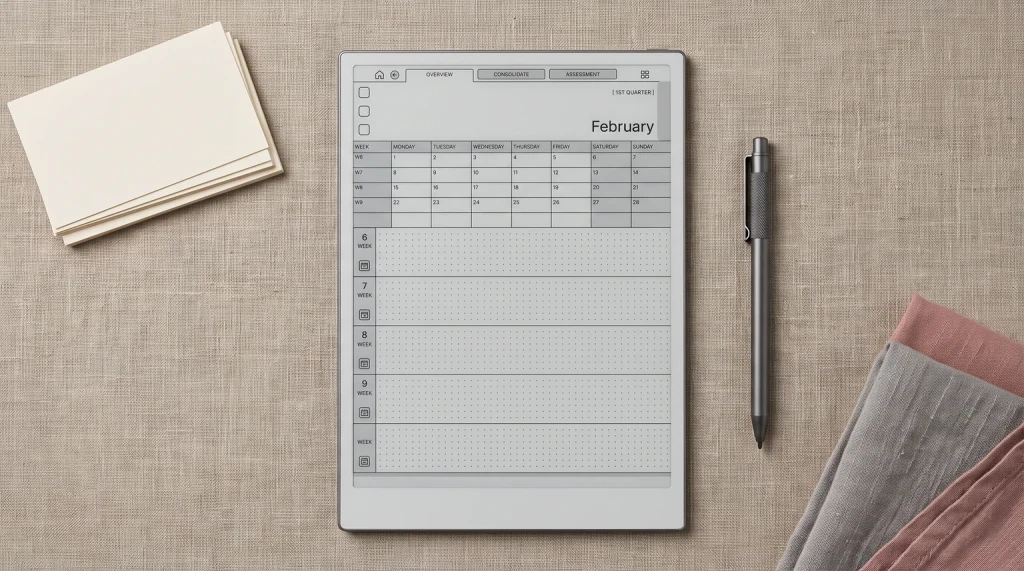
The AINOTE Air 2 user manual separates two things that share a name. A template is a single page inserted as the next page of a notebook. A background (lined, grid, blank, dot or square) applies to every new page of that notebook. A dated planner with linked months and weeks is neither; it is a hyperlinked PDF that you open and write on, and the Air 2 opens PDFs natively. Our AINOTE templates guide walks through both routes.
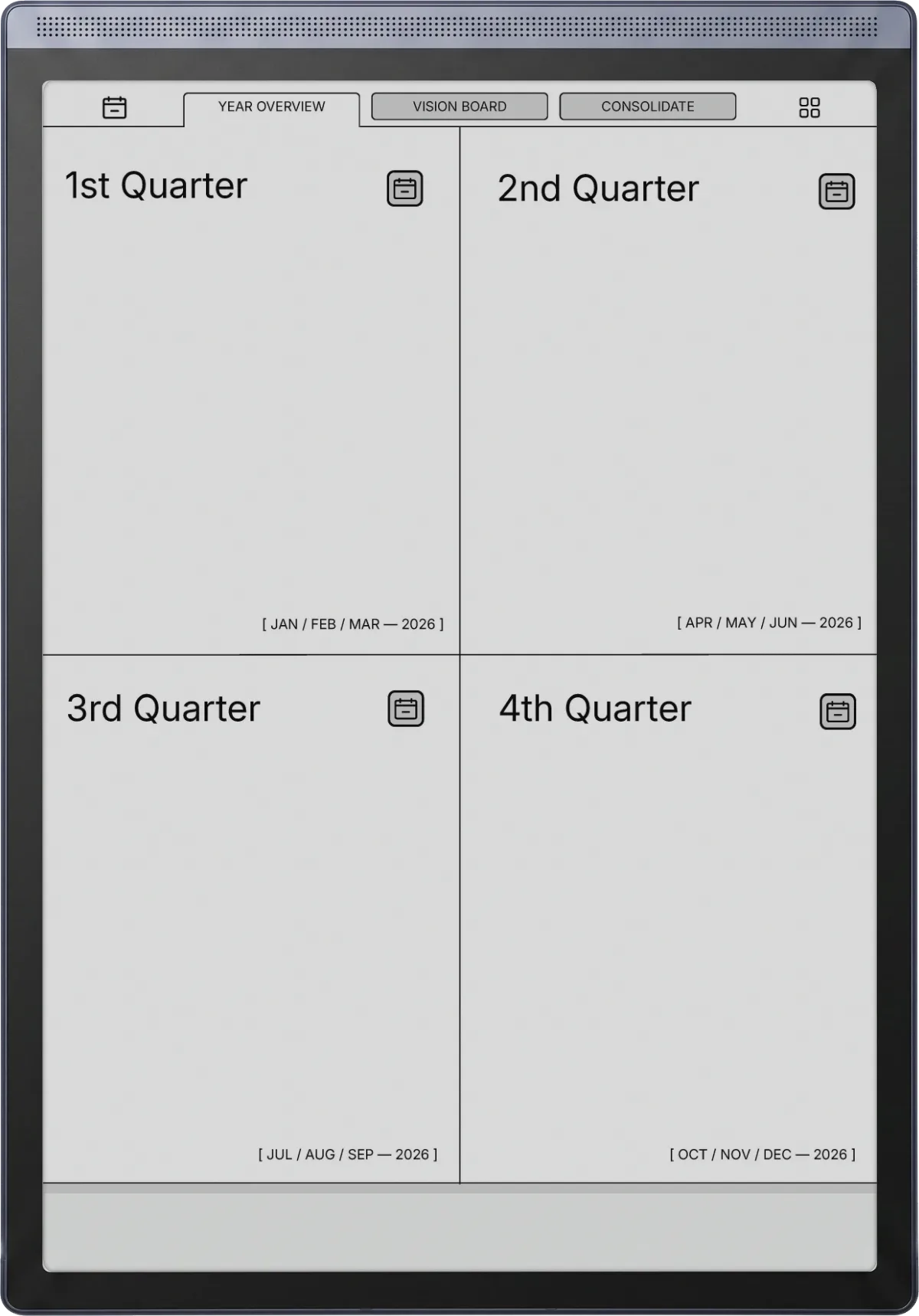
On the 8.2-inch screen a dated daily page fits without zooming, which is the layout the smaller device handles best.
The iFLYTEK AINOTE Air 2 is the AINOTE for people who move: smaller, lit, and $150 cheaper at list, with a smaller page and older Android as the price. If you own one, tell us in the comments which language you transcribe in and how it holds up, because that is the claim the spec sheet cannot settle.
FAQ
Common questions, answered briefly
How much is the iFLYTEK AINOTE Air 2?
Does the AINOTE Air 2 have a front light?
Does the AINOTE Air 2 pen need charging?
What Android version does the AINOTE Air 2 run?
People also ask