Stock check, 21 October 2026: every US variant of the Boox Note Air4 C is sold out on the Boox store. Its in-stock successors are the Note Air5 C at $529.99 and the Note Air6 C at $579.99, both on the same 10.3-inch Kaleido 3 screen size with a newer Android, so the case for the 4C below now applies to buying one of those two.
This is part of our iFLYTEK hub. For the device on its own, see our iFLYTEK AINOTE 2 review; for the other big matchup, AINOTE 2 vs reMarkable Paper Pro.
The matchup
What the iFLYTEK AINOTE 2 vs Boox question really is
Most e-ink comparisons pit an open device against a locked one. The iFLYTEK AINOTE 2 vs Boox Note Air 4C question is different, because both are open Android tablets with the full Google Play store. You can install Kindle, Notion, or a translation app on either. That shared foundation strips away the usual deciding factor and pushes the decision onto two things Boox and iFLYTEK do genuinely differently: on-device AI, and color.
The AINOTE 2 is iFLYTEK’s record-thin AI slab: a 10.65-inch monochrome panel, 4.2mm thin, built by a speech-AI company around recording and transcription. The Boox Note Air 4C is Onyx’s mainstream 10.3-inch color note-taker, running the Kaleido 3 color screen and years of refined Boox software. They cost within $150 of each other and aim at overlapping buyers, which is exactly why this comparison comes up.
Side by side
Hardware, head to head
Two differences jump out before any feature talk. The AINOTE 2 is far thinner and lighter, at 4.2mm and 295g against the Note Air 4C’s ordinary 10-inch tablet heft, which you feel across a day of carrying it. But the Note Air 4C is in color and the AINOTE 2 is not. Everything else in this comparison flows from those two facts: one device chases portability and AI, the other a color writing and reading surface.
iFLYTEK also makes a smaller model; our AINOTE Air 2 guide covers it for anyone who wants the same recording and transcription in a lighter tablet.
The AI gap
AI and transcription: where the AINOTE 2 pulls ahead
This is the axis iFLYTEK built the device around, and it is the clearest win in the comparison. The AINOTE 2 has four microphones and turns a meeting or lecture into searchable text on the device, with transcription quoted across 16 languages, real-time translation across 11, and handwriting conversion across 133. Because a speech-AI company made it, this is the core feature, not a bolt-on.
Boox has added AI tools of its own in recent firmware, including text-to-speech, handwriting recognition, and an AI writing assistant, and because the Note Air 4C runs Android you can also install a transcription app from Google Play. But there is no built-in microphone-array recording tuned for meeting transcription the way the AINOTE 2 has, and an app you sideload is not the same as hardware and software designed together for the job. If recording and transcribing is central to your work, the AINOTE 2 is the safer buy.
Color
Color versus mono, and what each costs you
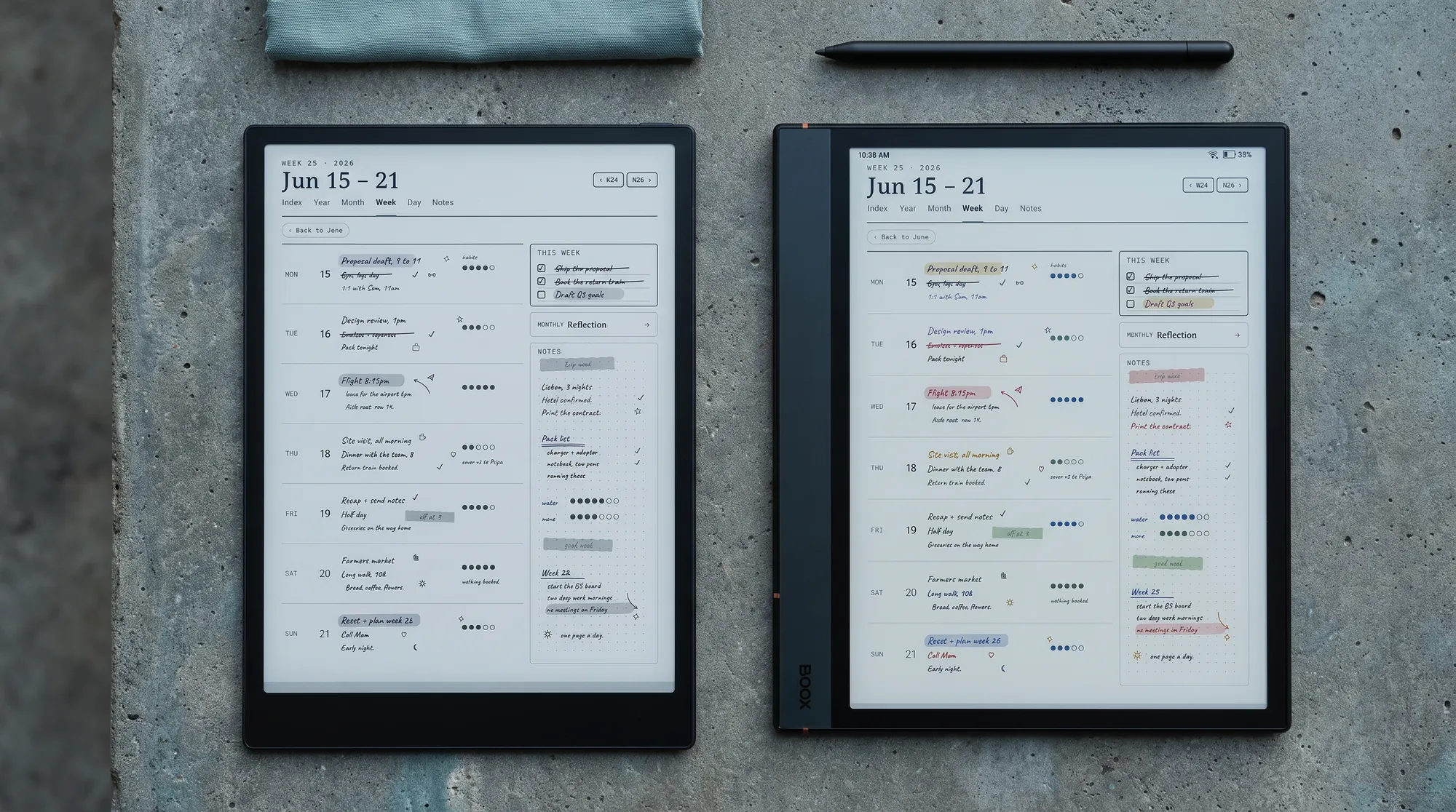
The Note Air 4C’s Kaleido 3 screen shows color, which the AINOTE 2 cannot. For highlighting, color-coded planners, mind-maps, and marked-up diagrams, that is a real advantage, and it is the reason many people choose a color Boox in the first place. The trade-off is sharpness: on a Kaleido 3 panel, color renders at about 150 ppi while monochrome stays near 300, so color content looks softer than the crisp black text you get on the same screen in mono.
The AINOTE 2 answers with a uniformly sharp 300 ppi monochrome panel, so dense handwriting and small text are a touch crisper across the whole screen, with no color layer softening anything. So the honest framing is not “color is better.” It is: if color does structural work in how you plan, the Note Air 4C earns its screen; if you write and read mostly in black and want maximum sharpness, the AINOTE 2’s mono panel is the cleaner surface.
Two ecosystems
Two Android tablets, two very different ecosystems
Both run Android with Google Play, but they are not at the same stage of life. Boox has shipped e-ink Android tablets for years, and the Note Air 4C inherits a settled note app, refined page-refresh controls, split-screen, and a large community of templates and tweaks. The AINOTE 2 is months old: its software is capable but young, and the accessory and template scene around it is thin because the device is new. Our guide to AINOTE 2 templates covers what exists today.
| Axis | iFLYTEK AINOTE 2 | Boox Note Air 4C |
|---|---|---|
| Price | $649 (pen included) | $500 (stylus included) |
| Screen | 10.65″ mono, 300 ppi | 10.3″ color (Kaleido 3) |
| Thin / light | 4.2 mm, 295 g (record) | Standard 10-inch weight |
| Operating system | Android 14 + Play | Android 13 + Play |
| On-device transcription | Yes, mic array, 16 langs | No dedicated feature |
| Ecosystem maturity | New, thin | Years of polish |
| Templates | Basic built-in, sideload | Deep library, native app |
For a device you will keep for years, ecosystem maturity is worth more than a spec sheet admits. The Note Air 4C simply works the way a settled product does, while the AINOTE 2 asks you to be an early adopter in exchange for its AI. Our Boox Note Air 4C review covers that software in depth.
Writing and templates
Writing and the template question
Both write on electromagnetic pens with no charging, and both include a stylus in the box, so pen cost is a wash. Independent hands-on coverage praises the AINOTE 2’s low latency, and its 300 ppi panel keeps handwriting crisp; the Note Air 4C’s writing is well-regarded and mature, with the color layer costing a little sharpness. We have not tested either unit ourselves, so treat writing-feel notes as third-party impressions.
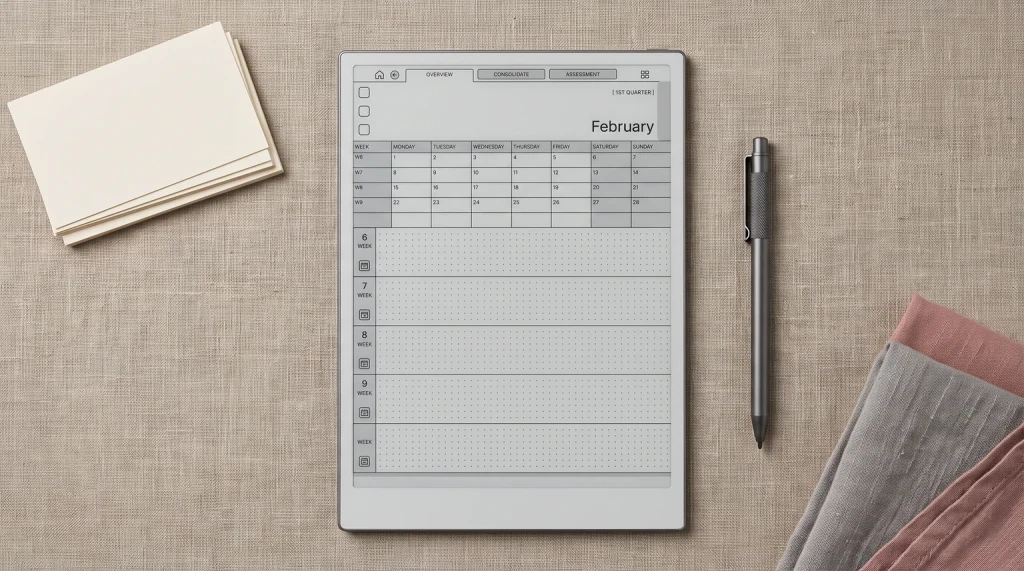
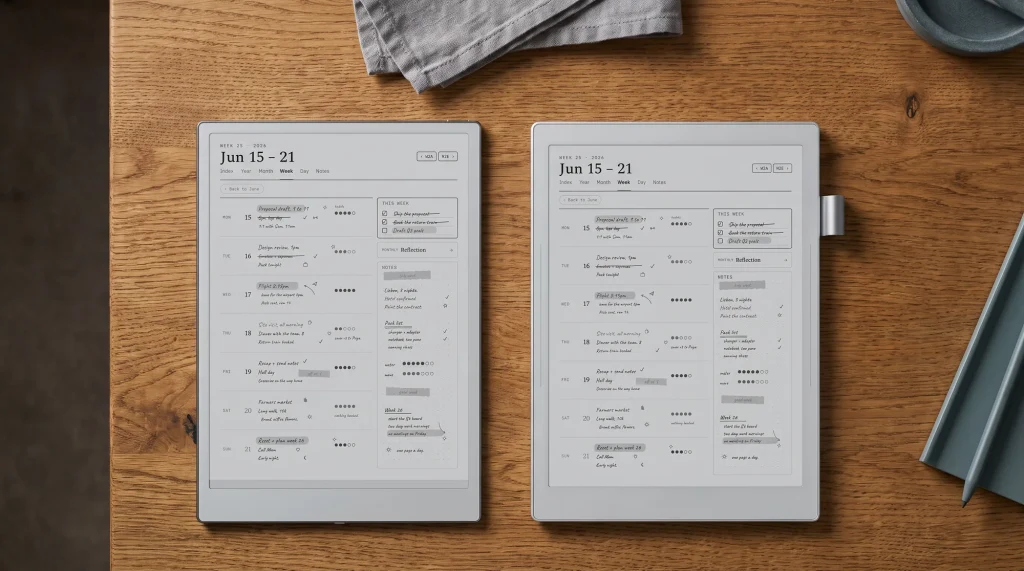
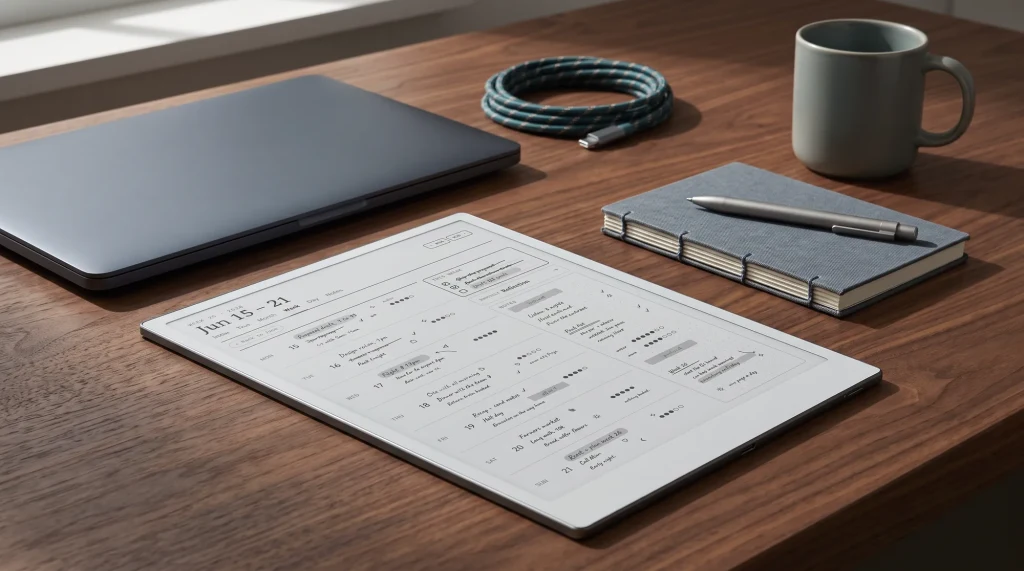
Templates are where the maturity gap shows and where our work sits. The Note Air 4C drops into a deep, settled library, and because it runs Android you can also import PDF and PNG pages from any note app. The AINOTE 2’s built-in scene is younger, but it runs Android too, so a ready-made set closes most of that gap. Either way, the device you pick has a planner path.
Verdict
The call on iFLYTEK AINOTE 2 vs Boox Note Air 4C
FAQ
Common questions, answered briefly
Is the iFLYTEK AINOTE 2 or the Boox Note Air 4C better?
Do both the AINOTE 2 and Boox Note Air 4C run Android apps?
Is the Boox Note Air 4C in color and the AINOTE 2 not?
Which is cheaper, the AINOTE 2 or the Note Air 4C?
Which has better templates for planning?
People also ask
Other questions, briefly answered
If you have used either the AINOTE 2 or a Note Air 4C, tell us in the comments which one earned its place in your bag, especially if AI transcription or color was the reason. We update this comparison as more hands-on accounts and firmware updates land.