Premise
What a Kindle Scribe case actually has to do
A Kindle Scribe case has one main job (keep the device safe in your carry) and three optional jobs (hold the pen, prop the device up for reading, look good doing it). The order of those jobs depends on how you carry the Scribe. A commuter who takes the device on a train every day prioritises protection and pen retention. A desk-bound user prioritises the propping function for reading or video-call notes. A backpack-tosser prioritises drop protection above all else. The case that fits a commuter would be wasted on a desk user and vice versa.
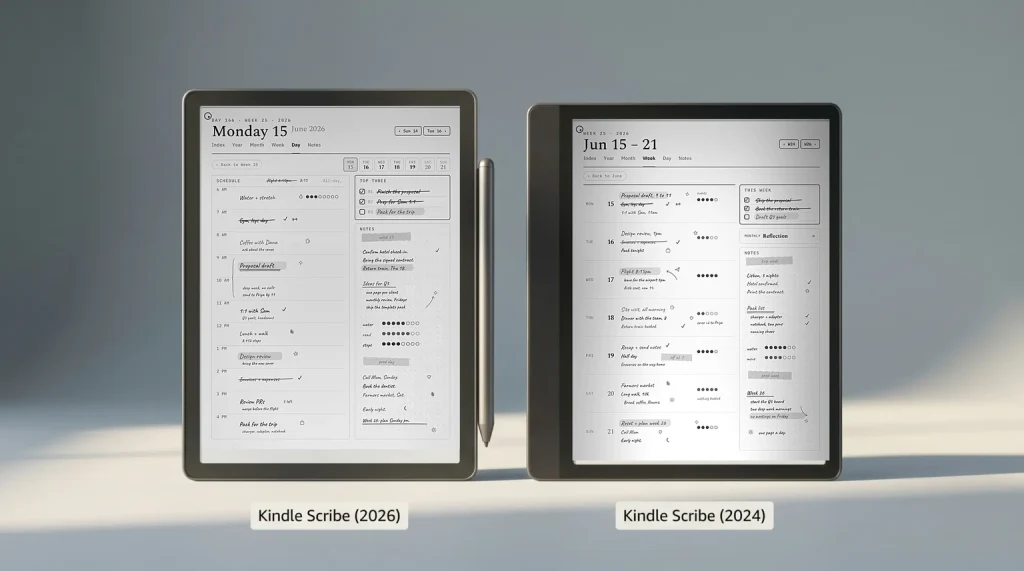
The current Kindle Scribe and Kindle Scribe Colorsoft, released in December 2025, are both 11 inches and about 400 grams, which is heavier than a base Kindle but lighter than a full iPad. The earlier Scribe from 2022 and 2024 is 10.2 inches, and a case fits one generation or the other, never both. Cases that work for iPads (rigid, heavy hard-shells) feel overbuilt for the Scribe; cases that work for base Kindles (small wraps) don’t cover the larger device. The shapes below apply to both generations; what changes is the listing you buy, which has to say 11-inch or 2025 for the current models and 10.2-inch for the older one.
Picks
Five Kindle Scribe case shapes worth picking
| Shape | Best for | Price (Amazon, Oct 2026) | Key features to look for |
|---|---|---|---|
| Folio (magnetic flip) | Daily commuters, mixed carry | About $17 to $45 third-party; $89.99 to $139.99 from Amazon | Magnetic auto-wake, pen loop, slim profile |
| Origami (folds to stand) | Desk users, video-call notes | About $20 to $24 | Multiple viewing angles, pen loop, no bulk |
| Sleeve (slip-in) | Minimalists carrying bare device | Varies by maker | Felt or leather, pen pocket, padding on corners |
| Hard-shell | Drop-prone carry, backpack-tossers | Varies by maker | Rigid back, raised bezel edges, screen-cover flap |
| Bookcover (fabric) | Reading-first, paperback feel | Varies by maker | Soft fabric wrap, magnetic close, no stand |
Read the table as a self-filter. Most users land on exactly one of these shapes; trying to find a case that does all five jobs at once usually means buying a case that does none of them well. The folio is the most-bought shape because it covers the broadest carry pattern, but for users whose Scribe never leaves the desk, the origami stand earns its place faster than the folio’s transit protection.
Folio
Folio Kindle Scribe case: the daily-commuter default
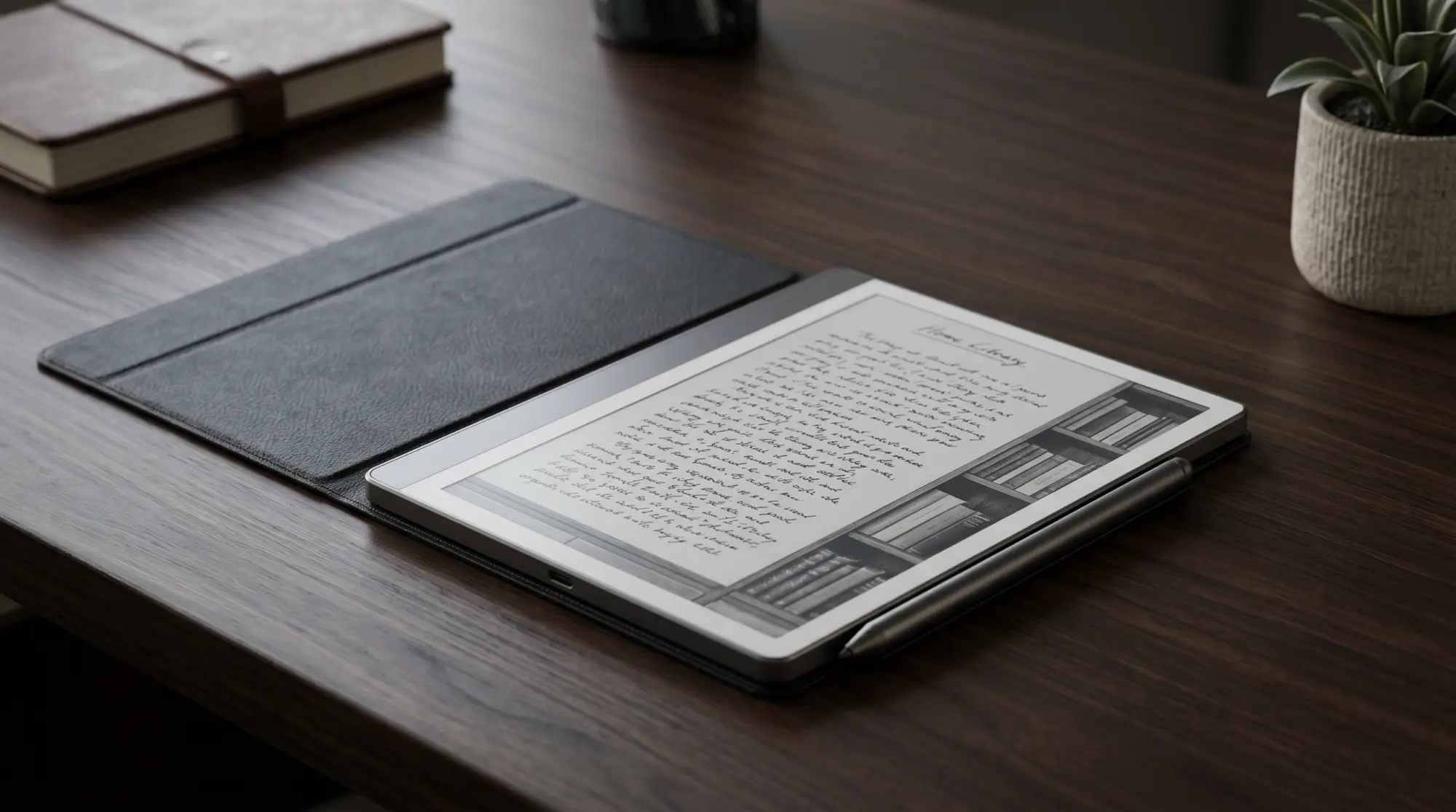
The folio is the Kindle Scribe case shape Amazon ships officially and the one most third-party makers prioritise. Magnetic flip cover, full back wrap, pen loop on the inside spine or outside edge. The auto-wake feature (opening the cover wakes the device, closing it puts it to sleep) is the practical benefit most folio buyers eventually rely on. Amazon’s official folio for the 11-inch models comes in plant-based leather at $89.99, leather at $119.99 and an Executive version at $139.99; all three share the magnetic attach, and the dearer ones add material feel rather than protection. The fabric folio at $59.99 is the older 10.2-inch cover.
Third-party folios cost less and vary more in quality. The features worth checking before buying: pen loop placement (inside-spine loops survive falls; outside loops can catch and pull the pen), magnetic strength (weak magnets let the cover flap open in a bag), and corner padding (the Scribe’s corners are the most-damaged area in drops). Skip folios that hide the rear speaker (the Scribe has audiobook playback) or block the USB-C port. Third-party 11-inch folios from CoBak and MoKo list at about $17 to $45, which is where most buyers land.
Origami
Origami Kindle Scribe case: the desk pick
The origami case is the right pick for desk-bound Scribe use. The cover folds into a triangular stand, propping the device up at one of two or three viewing angles (typically 30 and 60 degrees). For users who read long articles at the desk, take notes during video calls, or use the Scribe as a secondary screen for documents, the propping function earns its keep daily. The trade-off is bulk; origami cases are slightly thicker than folios because the folding panels add material. For carry-heavy users, the bulk isn’t worth it.
Features worth checking on an origami: which viewing angles the fold supports (30 degree for typing-style writing, 60 degree for reading), how stable the stand is (cheap origami cases collapse if you tap the screen firmly), and the pen-loop position (origami cases sometimes route the pen loop along an outside edge that fouls the folding mechanism). The good origami cases hold the Scribe rock-solid at the chosen angle; the bad ones wobble when you write.
The Kindle Scribe case decision is mostly about how you carry the device. Folio for commuters, origami for desk, sleeve for minimalists, hard-shell for drops, bookcover for readers. Match the shape to the carry pattern.Premise section
Sleeve
Sleeve Kindle Scribe case: the minimalist pick
The sleeve is for users who want the bare device in hand and a thin layer of protection between the Scribe and the bag. Slip the device in for transit, pull it out for use; the case never adds bulk during writing or reading. Felt sleeves are common and fine; leather sleeves cost more and add wear character. Most sleeves include a pen pocket on the outside or inside edge; check the pen-pocket strength because a loose pocket loses the pen.
The sleeve’s main limitation is what it doesn’t do: no protection during use, no propping, no auto-wake. Users who set the Scribe down on a coffee table between writing sessions can scratch the screen against rough surfaces. The sleeve is the right pick if you write while holding the device and put it back in the sleeve when not actively using it; it’s the wrong pick if the device spends time loose on a desk between writing sessions.
Hard-shell
Hard-shell Kindle Scribe case: the drop-protection pick
The hard-shell is the right pick for users whose Scribe goes into a backpack with other items, gets handed to kids, or travels in carry-on bags through airport security. Rigid plastic or polycarbonate back, raised bezel edges that lift the screen off flat surfaces (so face-down drops don’t crack the panel), and either a snap-on cover flap or a separate screen protector. The trade-off is the same as iPad hard cases: more bulk, more weight, less hand-feel. For Scribe-as-tool users, the trade-off is worth it; for Scribe-as-paperback users, the bulk kills the experience.
Features to check: bezel-edge lift height (1-2 millimetres is the minimum useful protection), screen-cover flap thickness (thicker flaps survive longer; thin flaps crack and peel), and pen retention (hard-shell cases often have a built-in pen channel rather than a loop, which works better for drops but worse for quick pen access). The pen-channel detail is the deciding factor for users who pull the pen out 20 times a day during meetings; a channel slows that workflow.
Bookcover
Bookcover Kindle Scribe case: the reading-first pick
The bookcover is the fabric-wrapped shape that makes the Scribe feel like a paperback in the hand. Soft woven cover, magnetic close, no rigid stand and no folding panels; the appeal is the texture and the low profile, not the protection or the propping. Readers who use the Scribe mostly for books and the occasional margin note gravitate here because the bookcover keeps the device thin and warm to hold rather than turning it into a tool with a stand. Amazon’s fabric folio sits close to this category; the dedicated bookcovers from third-party makers lean further into the soft paperback feel at $30 to $70.
The trade-off is the same one the sleeve makes, softened. A bookcover covers the screen during transit (which the sleeve does too) but adds no drop protection beyond the fabric layer and offers no stand. The features worth checking are the magnetic close strength (a weak magnet lets the cover gap open in a bag and exposes the screen) and whether the cover supports auto-wake, since some fabric bookcovers skip the magnet array that triggers sleep. Pick a bookcover if the Scribe is a reading device first and a writing tool second; pick a folio instead if you want the same soft feel plus a propping hinge.
If you’ve found a Kindle Scribe case that has held up for a year or more of real use, drop the brand and shape in the comments. The case category churns quickly because manufacturers come and go; specific picks from owners help calibrate the recommendations above.
FAQ
Common questions, answered briefly
What’s the best Kindle Scribe case in 2026?
Does Amazon make an official Kindle Scribe case?
How much should a Kindle Scribe case cost?
Does the Kindle Scribe Colorsoft fit standard Scribe cases?
Do I really need a case for my Kindle Scribe?
If yours isn’t above, drop the question in the comments and we’ll fold it in next refresh.
People also ask