The launch
Boox Picco price, release date and specs
The Boox Picco is on pre-order now on Boox’s own store: $109.99 for the US version and $99.99 for the Hong Kong version, both listed as shipping around October. Boox calls it the first device in BOOX Tiles, a new line of small “lifestyle companions” set apart from its tablets. The box holds the reader, a 16 GB microSD card already installed, three screen protectors and a quick start guide. A magnetic case is $12.99 on its own, in frosted clear or blackcurrant; its built-in magnetic ring snaps the Picco to the back of a phone.
| Screen | 3.97″ monochrome E Ink, 480 x 800, 235 PPI, touch |
|---|---|
| Light | Front light with warm and cold tones, dark mode |
| Storage | 16 GB microSD included, up to 2 TB |
| Controls | Power, page up, page down, a function switch |
| Battery | 920 mAh |
| Size | 105.5 x 62 x 5.5 mm, about 58 g |
| Connections | Wi-Fi, Bluetooth, USB-C with OTG |
| Price | $109.99 US, $99.99 Hong Kong |
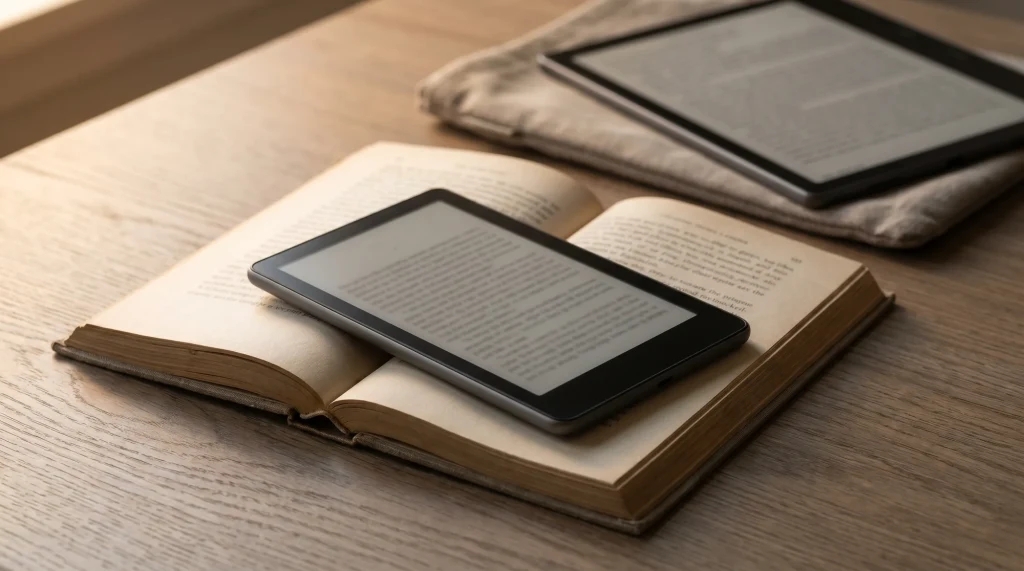
To put the size in hand: Boox describes it as about the size of a playing card, and at 105.5 mm tall and 58 g it weighs about a third of a Palma 2. Boox pitches it for the checkout line and the wait at school pickup, the moments you would otherwise scroll. The screen rotates four ways for portrait, landscape and either hand, and you can turn pages by tapping or by the two side buttons.
What it is
The Picco is not a tiny Palma
Most early coverage assumed the Picco would be a pocket Android reader like the Boox Palma. Good e-Reader’s August preview put it as a condition: as long as the Picco has the Google Play Store, it can run the Kindle, Kobo and Libby apps. The shipping spec sheet answers that condition, and the answer is no store. Boox lists no operating system for the Picco at all, three built-in apps (Pomodoro, Todo and Countdown), and one way to get books on: the Boox Tiles app on your phone, the booxtiles.com website, or a USB cable into the same site.
Compare that with the Palma 2’s own page, which leads with Android 13 and a preinstalled Google Play Store (it showed sold out in both warehouses when we checked on 6 October 2026). That is the real split in Boox’s pocket range now. The Palma is a small Android device that happens to have an E Ink screen; the Picco is a dedicated reader that opens the files you give it and does little else.
The Palma is a small Android device that happens to have an E Ink screen; the Picco is a dedicated reader that opens the files you give it and does little else.On the Boox Picco
Formats
What the Picco opens, and what it does not
The format list is long for a device this size. Books: EPUB, MOBI, AZW3, AZW, AZW5, FB2, FB3, TXT, PDB, PRC, RTF, HTML and CHM. Images: PNG, JPEG, WEBP, BMP and GIF, which is what the custom screensaver uses. You can change the font, spacing and margins, and load your own fonts through the same Tiles app.
PDF is not on the list. That matters more than it sounds. Manuals, papers, comics and every printable or planner sold as a PDF have no place on the Picco, and on a 3.97-inch screen a letter-size page would be unreadable even if it opened. Boox also notes that the formats are supported when transferred through the Tiles app or web, so treat the app as the front door rather than dropping files on the card yourself.
Against the others
Boox Picco vs Palma 2 vs the 6-inch Kindle
Three small readers now sit between $109.99 and $269.99. The 2026 6-inch Kindle went on sale on 1 October at $149.99 with 16 GB, per Amazon’s announcement. Here is how they line up on what each maker publishes.
| Boox Picco$109.99 | Boox Palma 2$269.99, sold out | Kindle (2026)$149.99 | |
|---|---|---|---|
| Screen | 3.97″, 235 PPI | 6.13″, 300 PPI | 6″ |
| Weight | 58 g | 170 g | Not compared |
| Apps | Three built in | Android 13, Play Store | Kindle Store |
| Books from | Your own files | Any reading app | Amazon |
The Palma 2 lists at $160 more and weighs nearly three times as much, and for that it runs anything on Google Play, including Kindle and Libby; while it is sold out, the cheapest in-stock Boox with the same app freedom is the 6-inch Go 6 (Gen II), $199.99 with Android 11 and the Play Store, at 160 g. Boox also lists a Palma 3 at $339.99, not yet orderable. The Kindle is $40 more than the Picco, reads only from Amazon’s store and your sent documents, and gives you a screen with a diagonal half again as long. The Picco wins on one thing, which is being small enough to forget it is in your pocket until you need it.
Who it suits
Should you buy the Boox Picco?
Buy it if you already keep a library of DRM-free EPUBs (Project Gutenberg, Standard Ebooks, publishers that sell files) and want the lightest way to carry it. It is also a fair second device for someone who owns a bigger reader and wants a few pages in the queue without taking a phone out. Skip it if your books live in the Kindle, Kobo or Libby apps, if you read PDFs, or if you want to write on the screen: there is no pen, and nothing on Boox’s page suggests one.
Reading or writing
If you also want a Boox you can write on
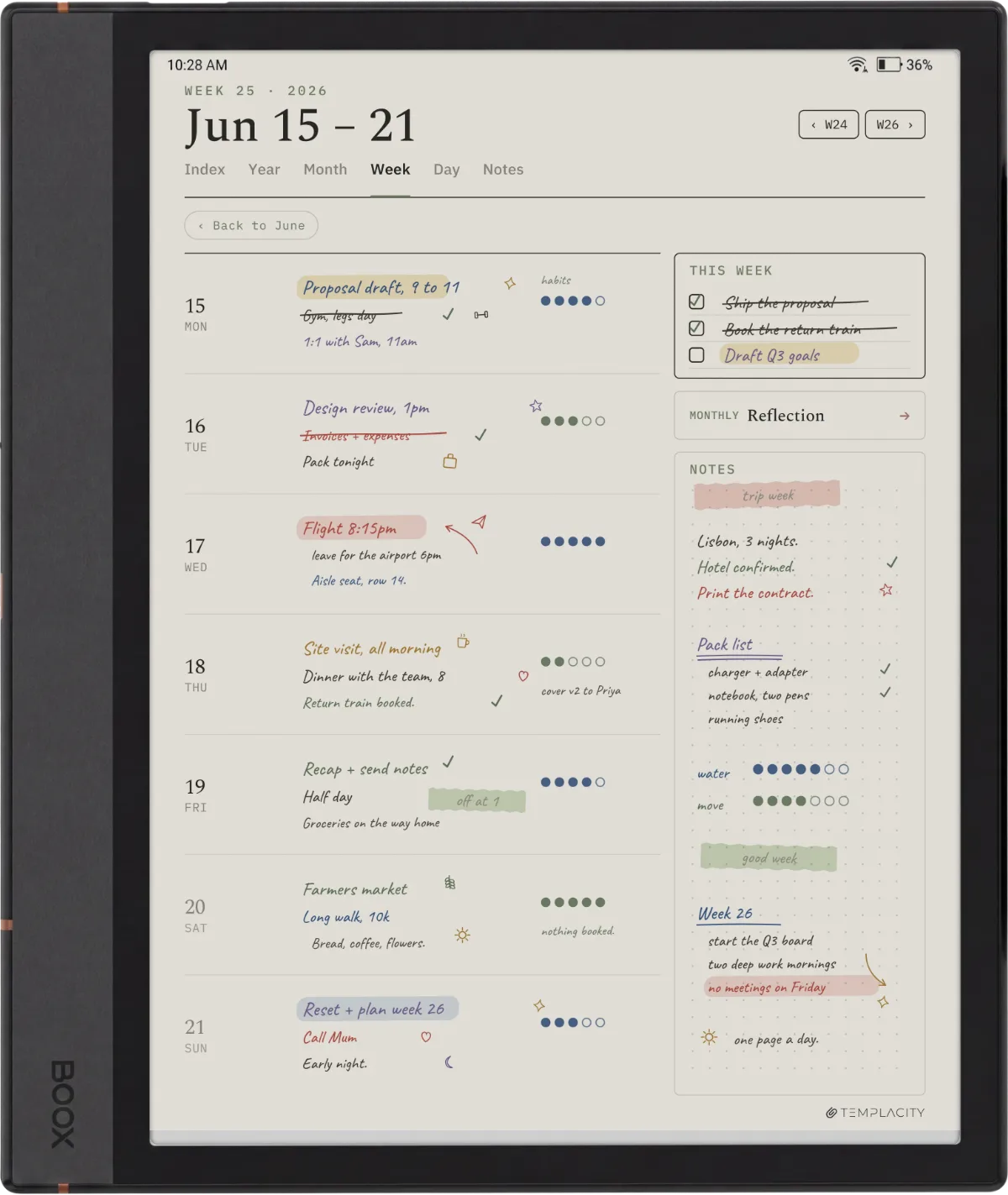
The Picco is for reading. Planning, notes and annotating PDFs happen on Boox’s pen tablets, like the 10.3-inch Note Air line, and that is where our planners live. A writing tablet is only as useful as what is on its pages; see the Boox templates guide for what works on each model.
For the rest of the pocket range, our Boox Palma guide and Palma 2 page cover the Android side, and the best Boox e-reader ranks the whole line. Everything Boox is on the Boox hub.
FAQ
Common questions, answered briefly
How much is the Boox Picco?
When is the Boox Picco released?
Does the Boox Picco have Google Play or the Kindle app?
Can the Boox Picco read PDFs?
Pre-ordered one? Tell us in the comments what you plan to read on it and how it sits in your pocket once it arrives, and we will fold what owners report into this page.
People also ask