
Boox Note Air 2 Refurbished: Where to Buy and What to Check
Buying a Boox Note Air 2 refurbished can save 30 to 40 percent. We mapped the four working channels and the five specs to…
By Templacity · Oct 10
Read
Field notes on planning on screens and on paper, on running a small hosting business, and on the small crafts of paper and ink.
Buying a Boox Note Air 2 refurbished can save 30 to 40 percent. We mapped the four working channels and the five specs to…
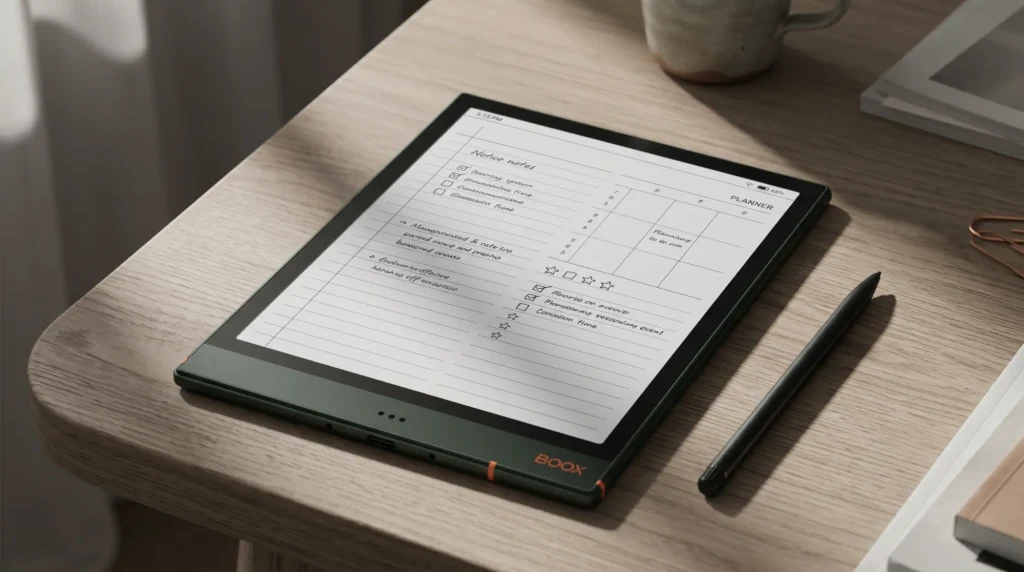
Boox Google Drive binds under Settings, Accounts, not in Notes. How to connect a Note Air 2, export a PDF, and why Drive cannot…

The Boox Go Color 7 Gen 2 is out at $289.99, and the Gen 1 it replaced is sold out at Boox. The extra…
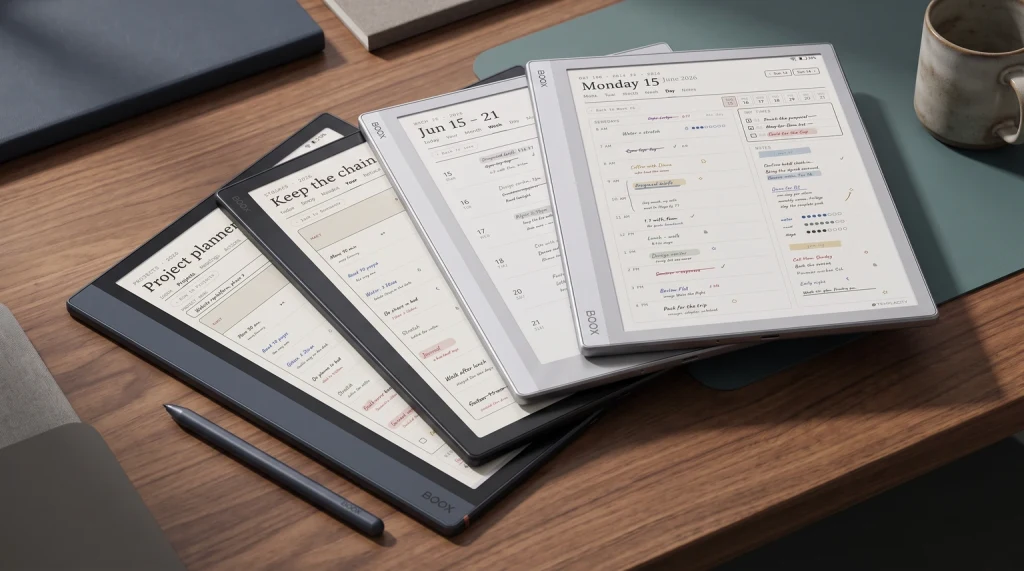
Onyx Boox templates for 2026: planner, daily, project, and reading-log layouts sized for Note Air, Go, Tab Ultra, and Note Max.
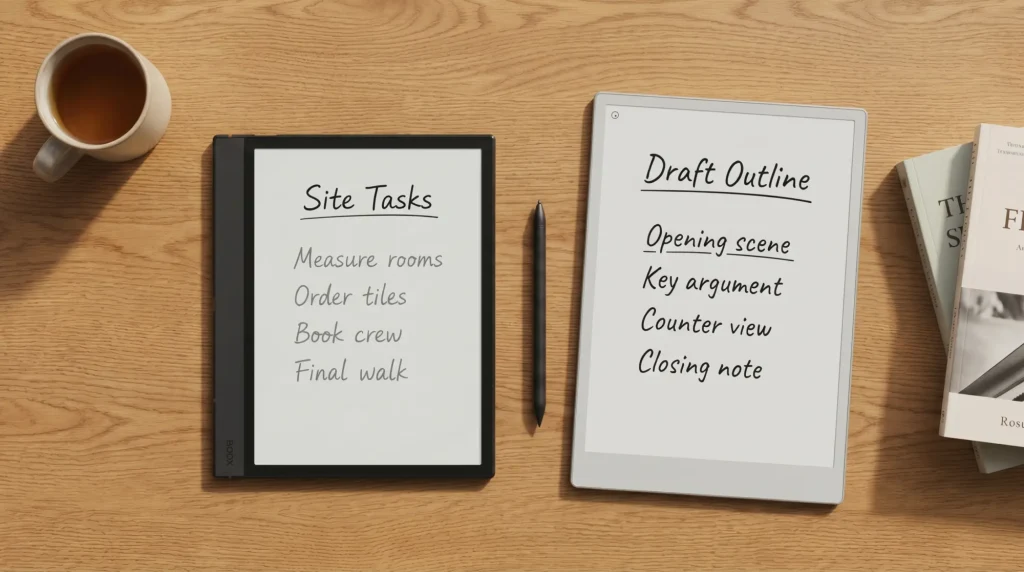
reMarkable Paper Pro is the better writing tool. Boox Note Air 4C is the better e-ink computer for less money. We measured the gap…

Our Boox Note Air 4 review for 2026: the 4C is sold out and the US store never listed a mono Note Air 4.…
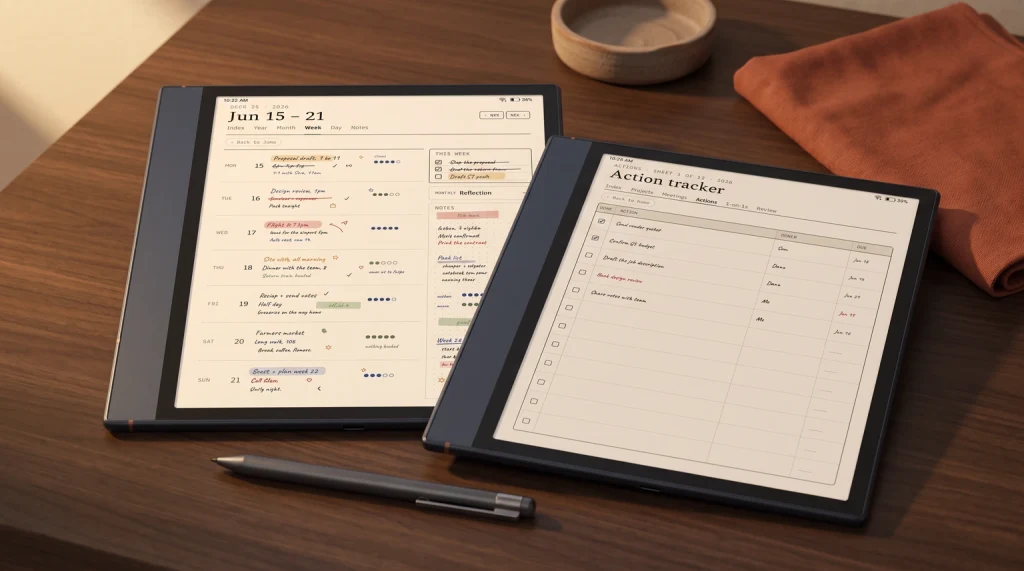
Boox Note Air 4C templates installed: where they live on the device, color-vs-mono layout choices, the panel-resolution match, and template bundles that fit.
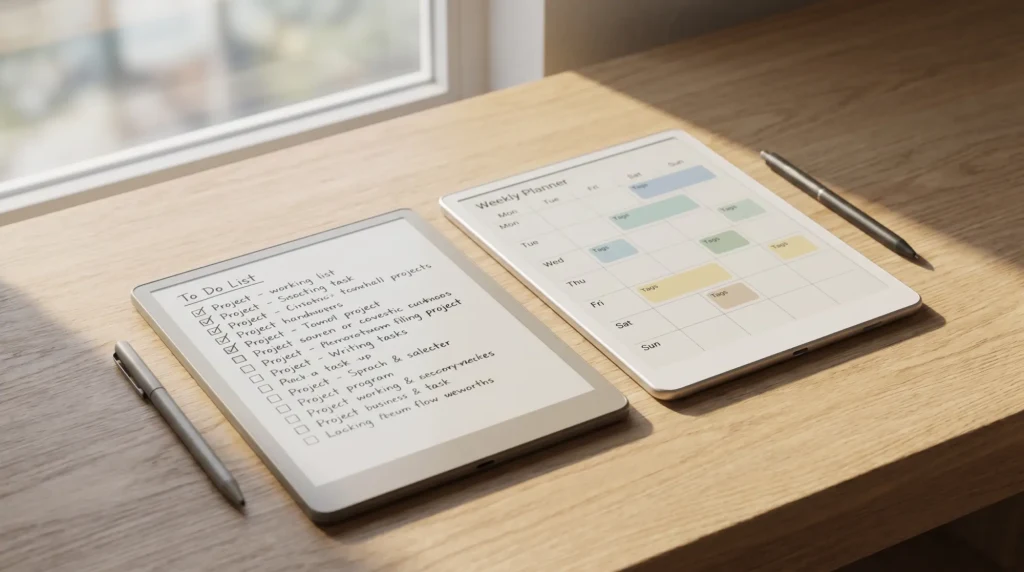
The reMarkable 2 isn't the only good e-ink tablet now. We compared four reMarkable alternatives that each beat it on something the brand hasn't…
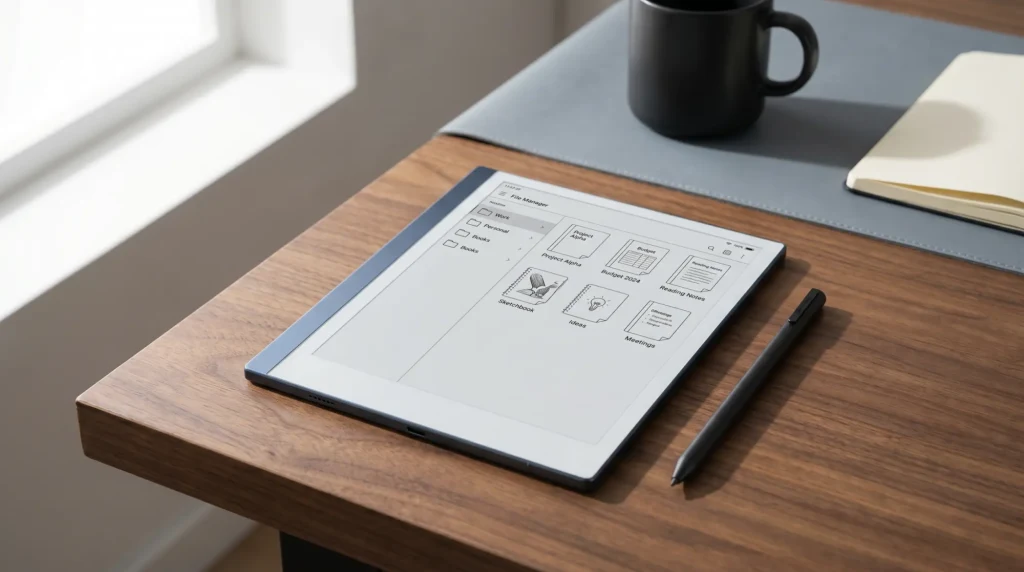
The reMarkable move notebook to folder workflow takes three taps from My Files. Here's the step-by-step plus folder organization tips for 2026.
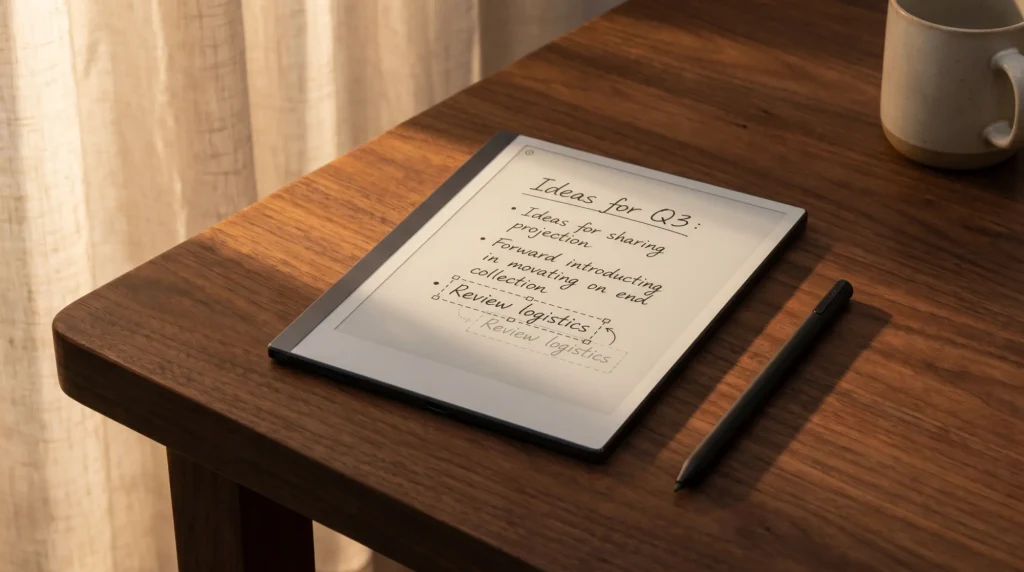
reMarkable move text guide: lasso handwritten ink, reposition typed blocks, copy-paste between pages. The full workflow for rM2 and Paper Pro.
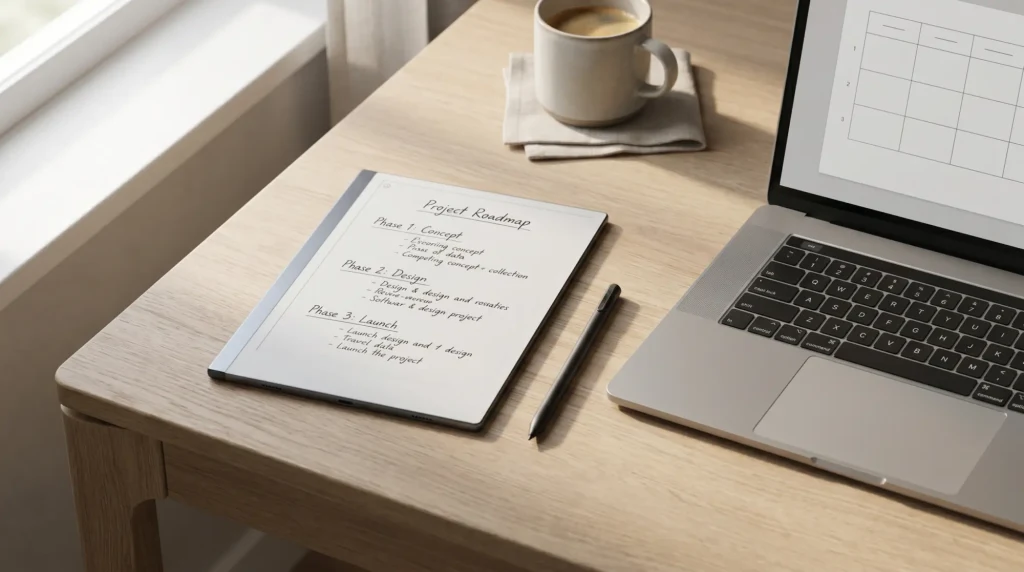
reMarkable template creator workflow 2026: design tools that fit, native pixel sizes, export to PNG, install via RCU. Tools and recipe in one place.
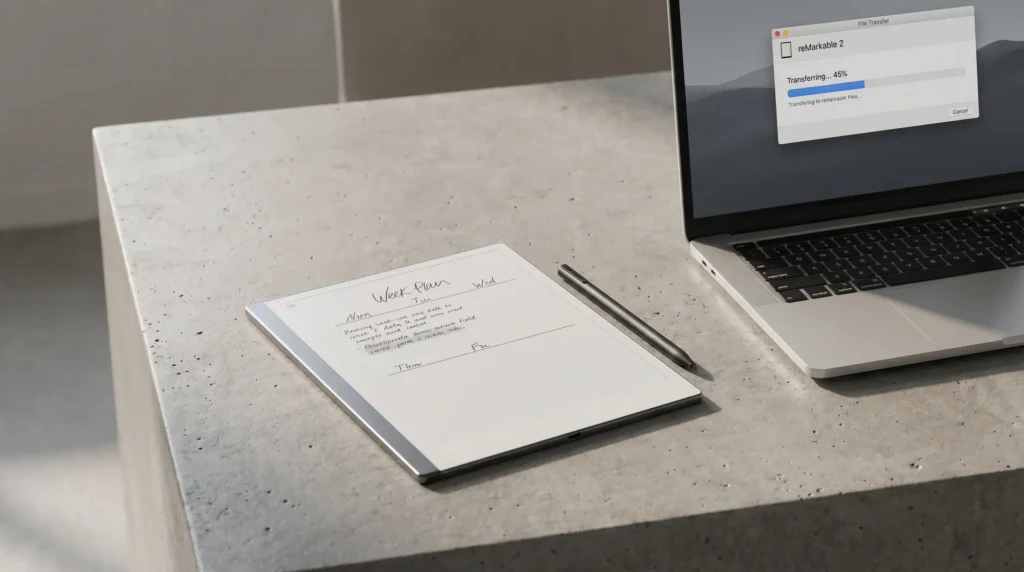
The reMarkable template installer landscape, honestly. RCU is the safe pick. Manual SSH still works. The official app does not install templates yet.


