The advantage
What an ADHD planner app fixes that paper cannot
Two of the criteria the Attention Deficit Disorder Association lists for a planner page are close to impossible to satisfy on paper, and trivial in software. Any honest look at an ADHD planner app should start there, because it is the only part of this that is not a matter of taste.
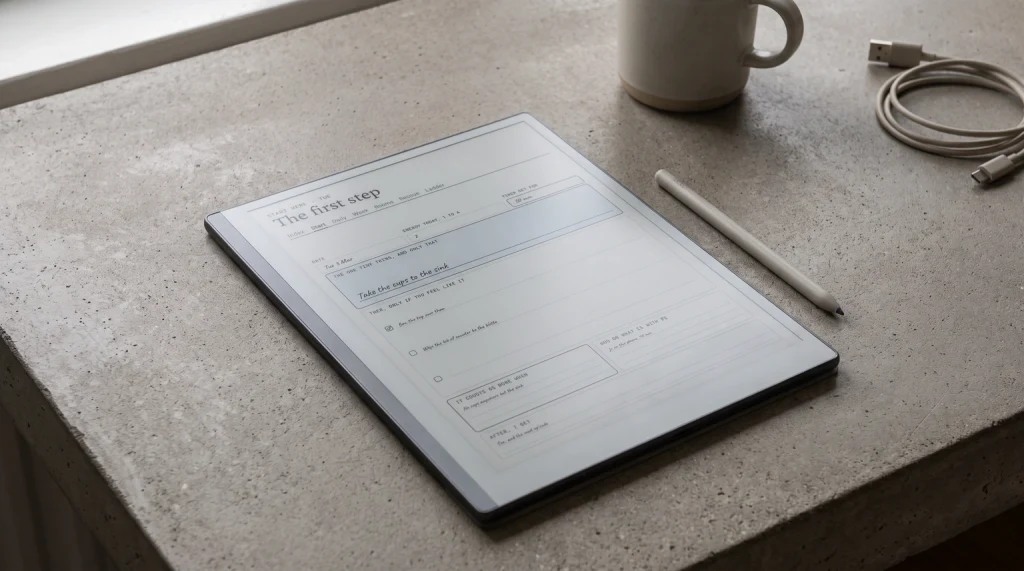
The first is carrying tasks forward. On paper, an unfinished task moves to tomorrow by being written out again, in your handwriting, one more time than yesterday. Three days of that and the act of copying is itself the reason you stop opening the book. In an app the task simply stays there, at no cost, having quietly cost you nothing to keep.
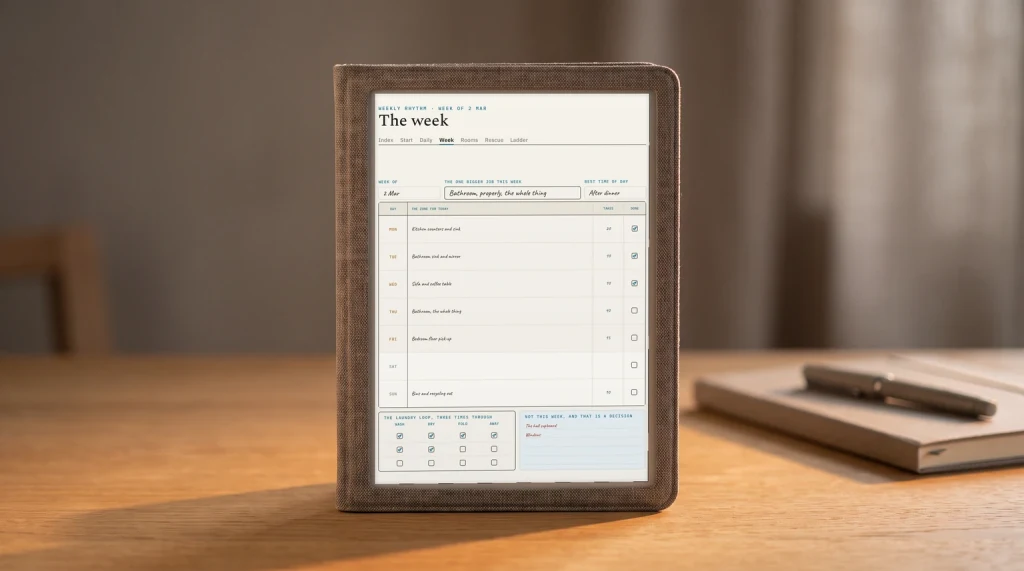
The second is the skipped day. A paper planner with dated pages records a gap permanently, because a printed date cannot be un-printed. We went into what that does to a page in the piece on what an ADHD planner has to do, and again in the one on cleaning schedules, where the same problem shows up a zoom level out. A list in an app has no Thursday to leave blank. Thursday was never a container; it was a filter you can stop applying.
So the software starts ahead. Which makes it worth being precise about where it gives the advantage back.
The cost
The two problems an app brings with it
The first is location. A paper planner is a single-purpose object that does nothing else. An app is a rectangle you unlock in order to reach it, and everything else on that rectangle has been engineered by people whose job is to be more interesting than a task list. Opening the planner and opening the thing that ate the next forty minutes are the same physical gesture, distinguished only by intent.
The second is scoring. Most planning software counts. Streaks, completion percentages, a ring that closes or does not, a number that resets to zero. That is the exact mechanism the paper grid was criticised for, rebuilt in a place where it can also send you a push notification about it.
Neither problem is a reason to stay on paper. They are both reasons to pick deliberately rather than by download count, and they are both checkable in the first ten minutes of a trial: can I turn the counting off, and can I reach this thing without passing through everything else.
The field
Four apps and what each one decided
These four are not a ranking. They are four different answers to the same question, chosen because each one is transparent about which answer it picked. Everything in the table below comes from the company’s own site, checked in August 2026.
| Tiimovisual timeline | Structuredvisual timeline | Todoisttask manager | Goblin Toolstask breakdown | |
|---|---|---|---|---|
| Their own words | “a visual daily planner designed to support neurodivergent brains” | tasks and to-dos on a single visual timeline | projects, filters and reporting | “small, simple tools, for when things feel too big or complicated” |
| Free tier | Limited | Yes | Yes, no expiry | Free throughout |
| Published limits | iOS and Android only, not web | None stated | 5 projects, 3 filter views, 1 week of history, 5 MB uploads | “Kept free by our sponsors” |
| Breaks tasks down | Not stated | Not stated | Not stated | Yes, Magic ToDo |
| Price on their site | No | No | No | Not applicable |
Tiimo is the one that markets directly into this search, and the phrase on its own pricing page is “a visual daily planner designed to support neurodivergent brains”. Worth noting that its free version runs in the phone apps but not on the web, which matters if the machine you actually plan on is a work laptop. Its yearly plan carries a seven-day trial; the monthly one charges straight away.
Structured takes the same visual-timeline approach without the neurodivergence framing, and its device list is the longest of the four: phone, desktop, browser, watch and Android all appear on it. Above its free tier sits a paid plan called Structured Pro.
Todoist is the general-purpose one, and the only one of the four whose free tier is documented in numbers rather than adjectives: five personal projects, three filter views, one week of activity history, 5 MB uploads. That specificity is a small mark in its favour. You can tell before installing whether you will hit a wall.
Goblin Tools is the odd one out and the reason the table is worth reading. It is not a planner at all.
The mechanic
The feature that matters more than the layout
ADDA’s cleaning guidance makes a point that generalises well past cleaning: a task written as “clean the kitchen” is unusable, and has to become “put away clean dishes”, “wipe the counter”, “empty the trash” before anything can happen. The size of the written line is the thing that decides whether it gets started.
Almost no planner app helps with that. They give you a text field and assume the hard part was remembering. Goblin Tools exists because for a lot of people the hard part is the opposite: the task is remembered constantly and cannot be started, because it is written at a size no single action can satisfy. Its Magic ToDo does one thing, which is break a todo item into smaller ones, and it is described on its own site as “kept free by our sponsors”.
The size of the written line is the thing that decides whether it gets started.
Which suggests a pairing rather than a search for one app that does everything. Something to hold the list, and something to cut the list up when a line on it has gone inert. Those do not have to be the same product, and insisting that they are is how people end up on their fourth planner app of the year.
The money
Nobody in this category will show you a price
This one surprised us, and it is the most practical finding in the piece. Of the four, not one prints a figure you can read before installing. Tiimo’s pricing page explains the billing options and then says the number is shown at checkout in the App Store, Google Play or Paddle, and that “app prices may vary slightly by location”. Structured points at a subscribe page. Todoist describes its plans in detail and quotes per user per month without the amount appearing in the page text.
That is a deliberate industry norm, not an oversight, and it has one consequence worth carrying: every specific price you have seen quoted for these apps, including in the roundups sitting above this page, was copied from somewhere rather than read from the vendor. Some of those numbers are years old. We are not going to add four more, because a figure with a date on it that nobody checked is worse than no figure at all.
Check the price in the store listing on the device you would actually pay from, and check it on the day you pay.
The test
A one-week test before you commit
Free tiers make this cheap, so use them properly rather than installing four apps on a Sunday and deleting all of them by Wednesday.
Skip a day on purpose.
On day three, do not open it. On day four, look at what the app decided to tell you about day three. If it leads with a broken streak or a red number, it has rebuilt the thing you left paper to escape.
Find the off switch for counting.
Streaks, completion rings, weekly scores. If none of them can be turned off in settings, that is a design position, and you now know what it is.
Put one genuinely stuck task in.
Not a small one. The one that has been on every list for a month. Watch whether the app gives you any help making it smaller, or just stores it more attractively.
Check it runs where you plan.
A free tier that is mobile-only is fine if you plan on your phone and useless if you plan at a desk. This is the limit people hit last and notice first.
A week of that tells you more than any roundup, this one included, because it tests the app against your Thursday rather than against a feature list. If none of them survive it, that is a legitimate result too, and paper in a wipeable sleeve is still sitting there costing nothing. What you are looking for is somewhere reliable to put things down, not a better relationship with software. That balance tips further toward paper for anyone capturing deadlines in a classroom, which we cover in the student planner piece. The same question sits underneath our look at which note-taking app suits a messy thinker.
FAQ
Common questions, answered briefly
Is there a genuinely free ADHD planner app?
Is an app better than a paper planner for ADHD?
What should I look for in an ADHD planner app?
Why is it so hard to find prices for these apps?
Do I need one app or several?
If yours isn’t above, drop the question in the comments and we’ll add it.
People also ask
Other questions, briefly answered
If you have an app that has lasted longer than a season, we would like to know whether you turned the streak off and whether that is why. Tell us in the comments.