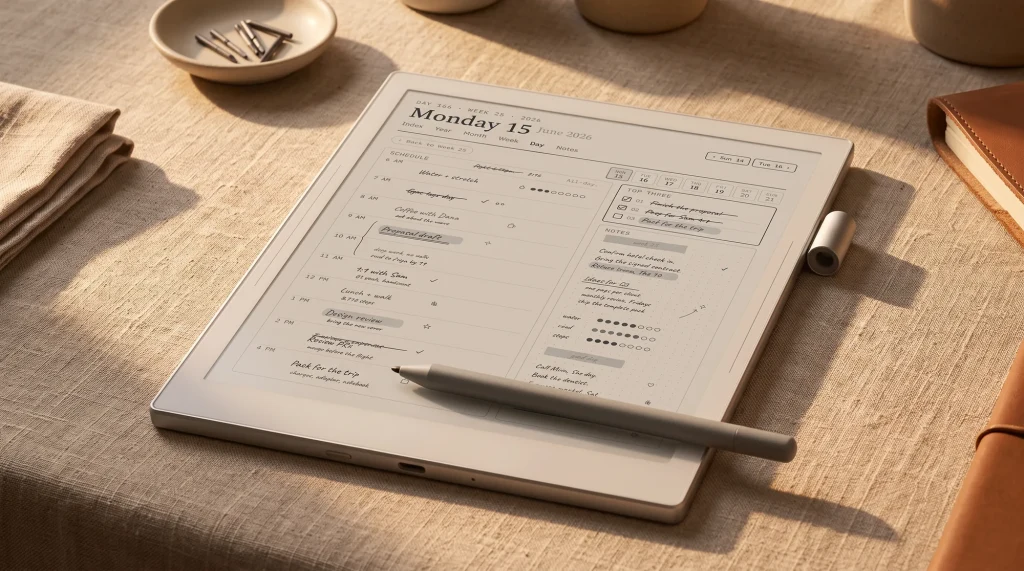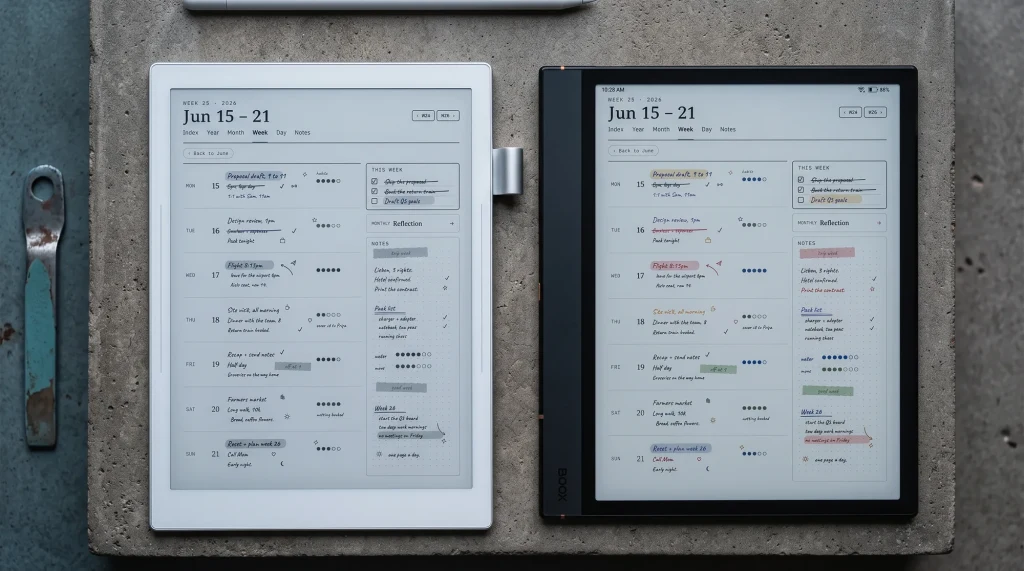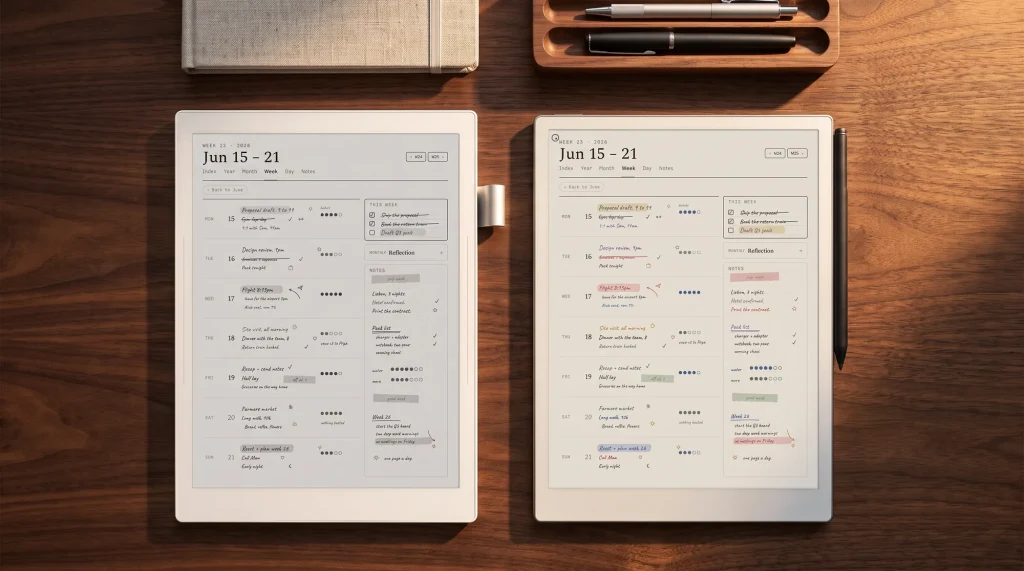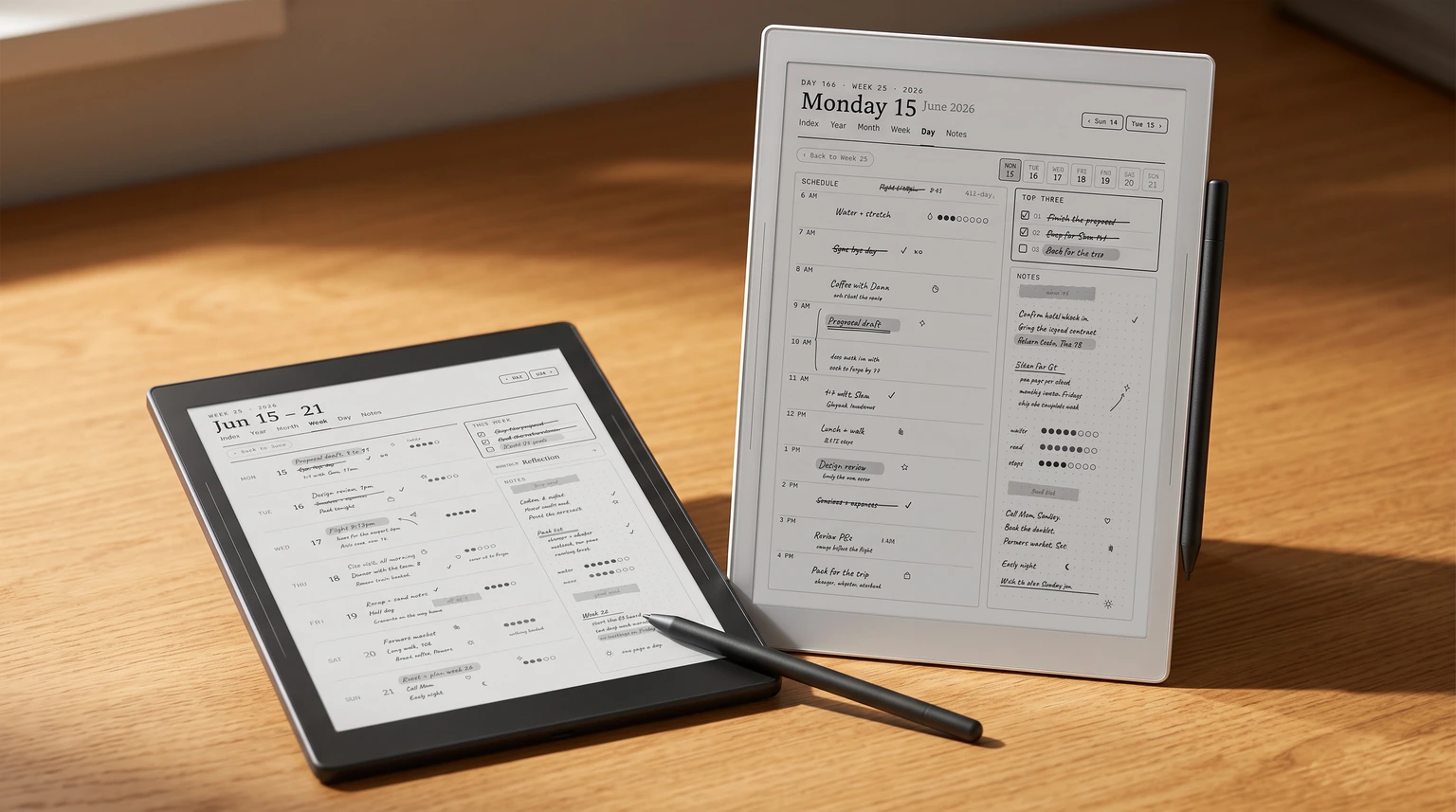
| Job | Our pick | Price | Free alternative |
|---|---|---|---|
| Planning the year | Supernote Digital Planner | $49 | Built-in templates |
| Weekly, daily and daybook pages | Supernote Templates | $39 | InkHub community templates |
| One page a day on the Nomad | Supernote Nomad Daybook Planner | $29 | A lined built-in page |
| A running logbook | The Logbook System | $44 | A plain dotted page |
| Planner plus money, habits, wellness, training and work | The Complete System | $99 | None that covers it all |
This is the hub of our Supernote coverage. New to the hardware? Start with the Supernote Manta review, or see how it compares in Supernote vs reMarkable and the best Supernote alternatives. For sizing, our e-ink PDF size database gives the exact page for the Manta, Nomad, A5 X and A6 X.
The basics
What Supernote templates are, and why they matter
Supernote templates are the page layouts you write on: the ruling, the calendar grid, the tracker boxes, the meeting agenda. On most tablets a planner is an app you install. On a Supernote, made by Ratta, there is no general app store to install one from, so the planner lives in the template instead. That single fact shapes everything in this guide, and it is why Supernote owners search for templates far more than owners of open Android tablets do.
The upside of a closed device is focus; the writing feel and the note software are excellent, which is the whole reason people buy one. The catch is that any structure you want, a weekly spread, a habit grid, a project page, you add yourself as a template. Get that part right and the Supernote becomes a genuine planning tool. Get it wrong and you are stuck with blank ruled pages. This guide covers how the system works, how to add your own layouts, and where good templates come from, whether you write on a Manta, the smaller Nomad, or an older A5 X.
How it works
How Supernote’s template system works
There are four ways to get a layout onto the screen, and they are not interchangeable. The built-in library is instant but limited. MyStyle lets you load your own single-page backgrounds as PNG files. PDF import is how multi-page dated planners with tappable links get onto the device. And InkHub, Supernote’s own community platform, is where owners share templates, stickers, and pages for free. Most people end up using two or three of these together.
| Method | Best for | Format | Notes |
|---|---|---|---|
| Built-in library | Quick blank, lined, grid, dotted, Cornell pages | On-device | Free, always there, but plain and non-dated |
| MyStyle (custom) | Your own single-page backgrounds | PNG at native resolution | Repeats as a page background; no page-to-page links |
| PDF import | Multi-page dated planners with links | Write directly on pages; supports internal links and a table of contents | |
| InkHub | Community templates and stickers | Varies | Free; quality and sizing vary by contributor |
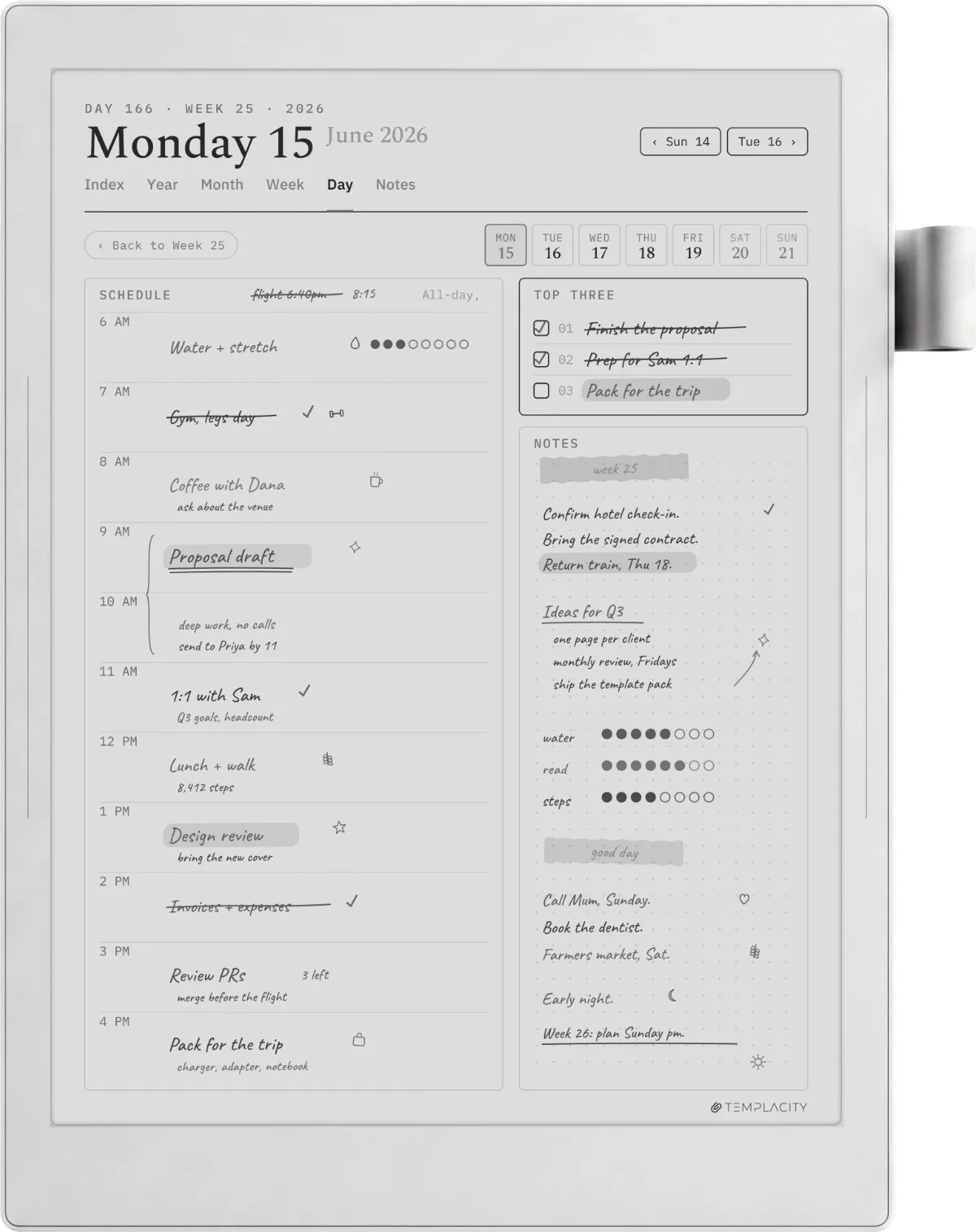
The practical split is this: use MyStyle for a background you want under many pages, like a dot grid with your own header, and use PDF import for anything with a calendar that spans a year and needs links between months and days. A well-built PDF planner is the closest a Supernote gets to a dedicated planner app, which is exactly why the good ones are worth setting up carefully.
Setup
How to add a custom template, step by step
Adding a PNG background through MyStyle is the simpler of the two routes. Connect the device by USB, or use Supernote’s cloud, and drop your PNG into the MyStyle folder inside the Note directory. On the device, open a note, tap the template icon, and your file appears alongside the built-in options. For it to look sharp, the PNG should match your screen’s native resolution; a Manta’s panel is 1920 by 2560, so a template drawn at those dimensions fills it exactly with no scaling.
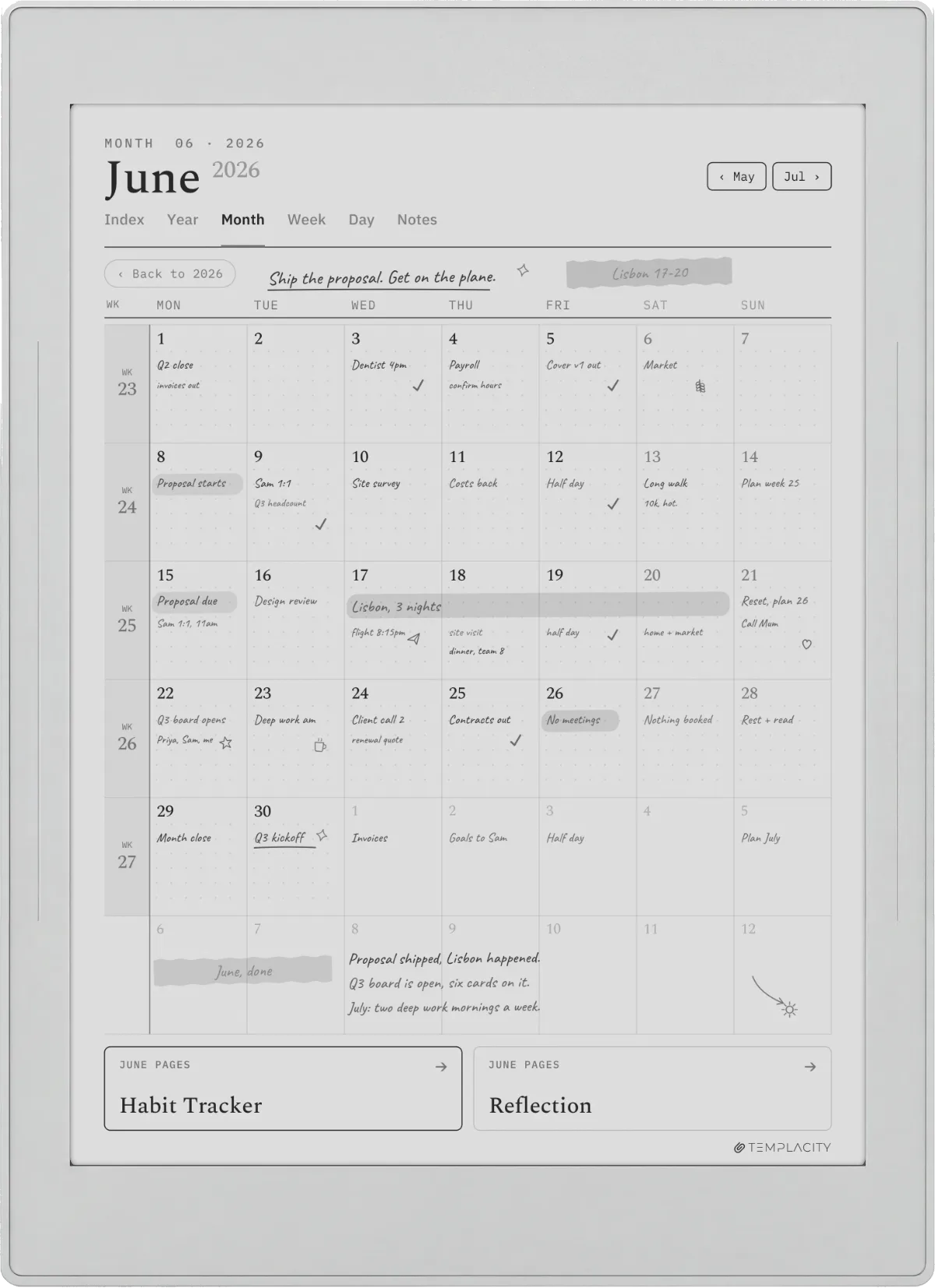
Importing a PDF planner is the route most people actually want, because it keeps a full dated layout together. Copy the PDF onto the device through USB or cloud, open it from the Documents area, and write straight onto the pages with the pen. A planner built for Supernote will include a table of contents and links between its calendar and daily pages, so a tap on a date jumps you to that day. That linking is a Supernote feature, not a PDF trick, and it is the difference between a planner that flows and a stack of loose pages.
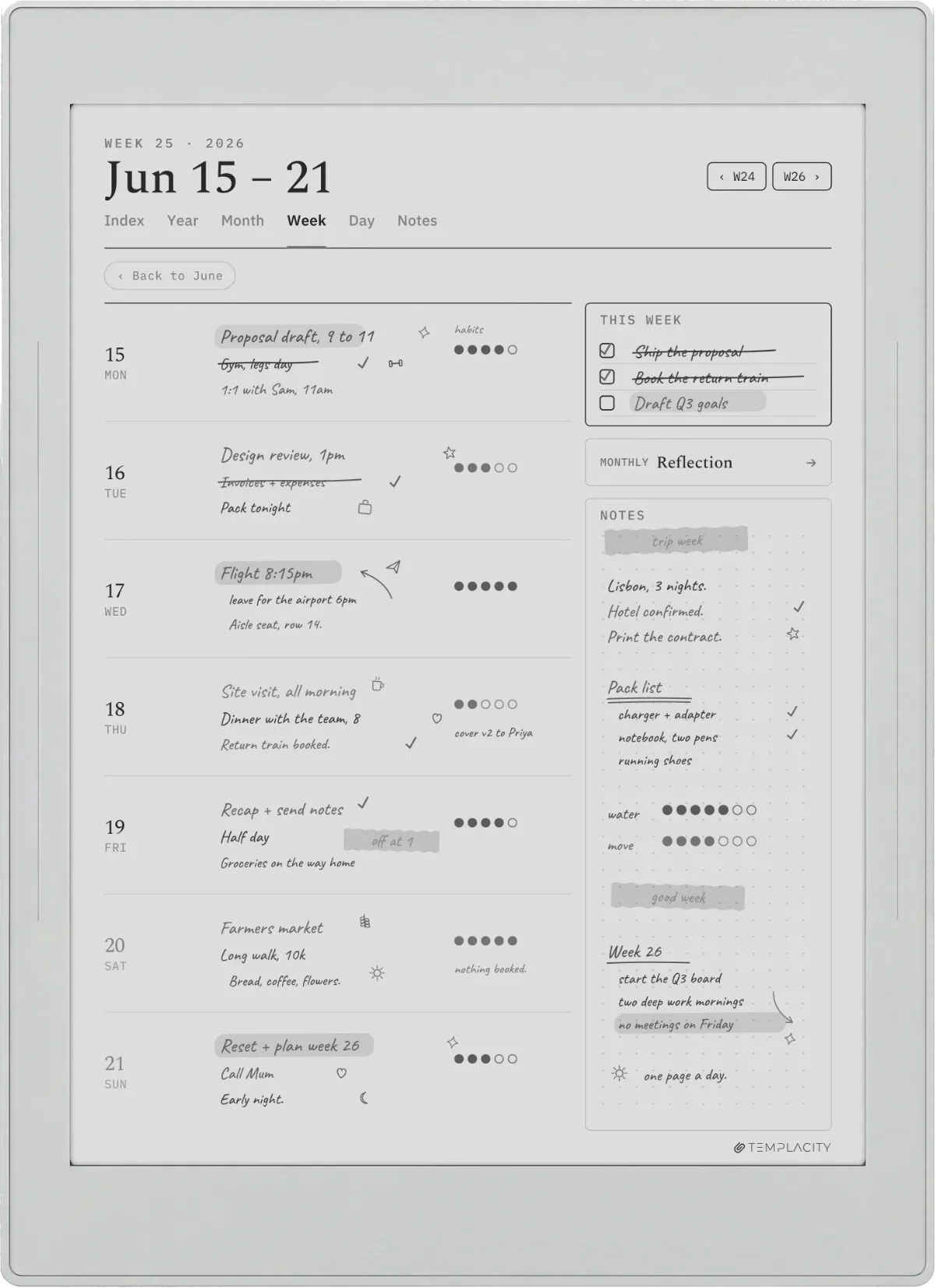
Two habits save trouble later. Keep your imported planners in their own folder so a year’s worth of pages does not scatter through your notes, and check the first page renders crisply before you commit a whole year to writing on it. Sizing problems show up immediately on page one, so a ten-second look saves a lot of re-importing.
Template types
The Supernote templates worth setting up first
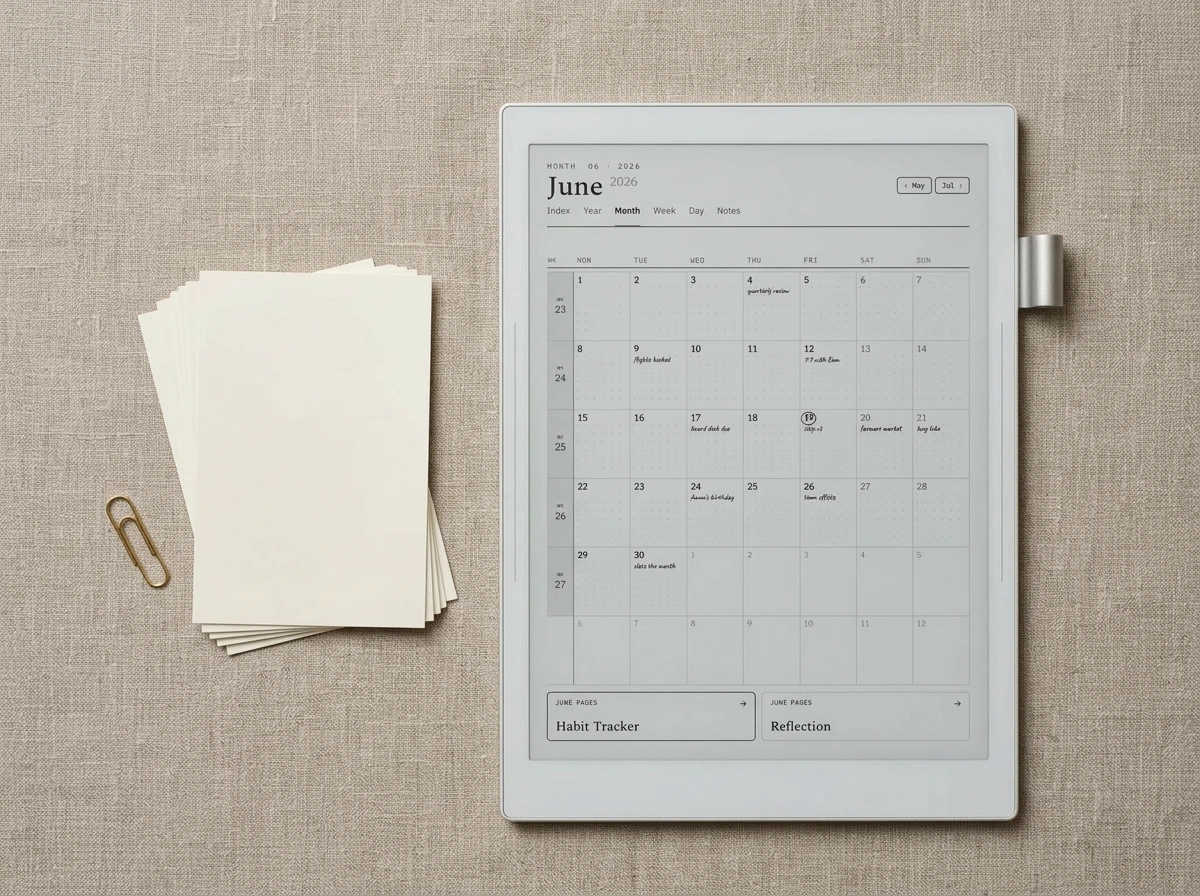
You do not need forty templates. A small set, chosen for how you actually work, covers most people for a year. These are the layouts that earn their place first, and the order roughly tracks how often owners reach for them.
| Template | What it does | Route |
|---|---|---|
| Weekly + daily planner | The backbone: a dated week view linked to daily pages | PDF import |
| Monthly calendar | Month-at-a-glance for deadlines and travel | PDF import |
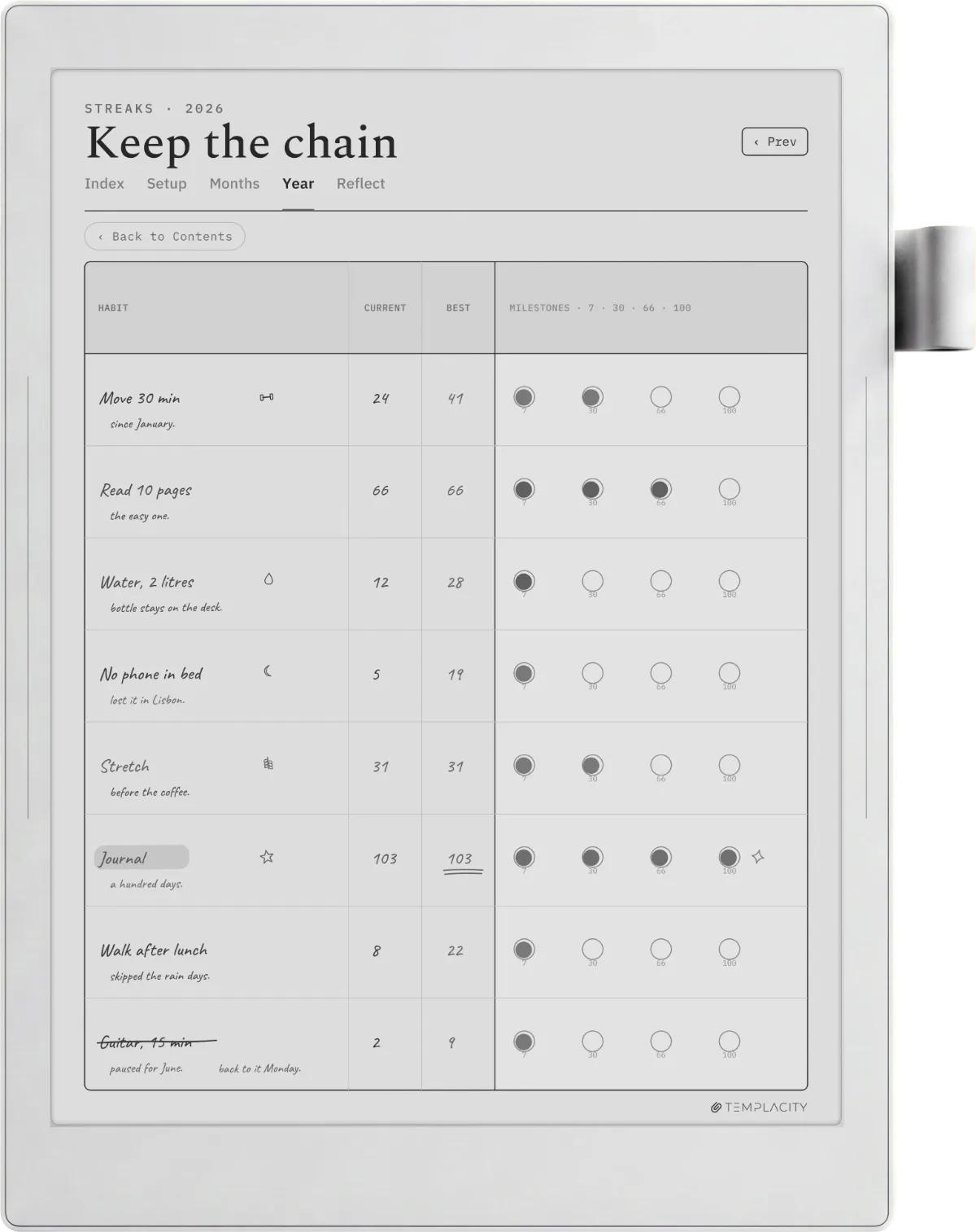
| Habit tracker | A recurring grid you tick daily | MyStyle PNG or PDF |
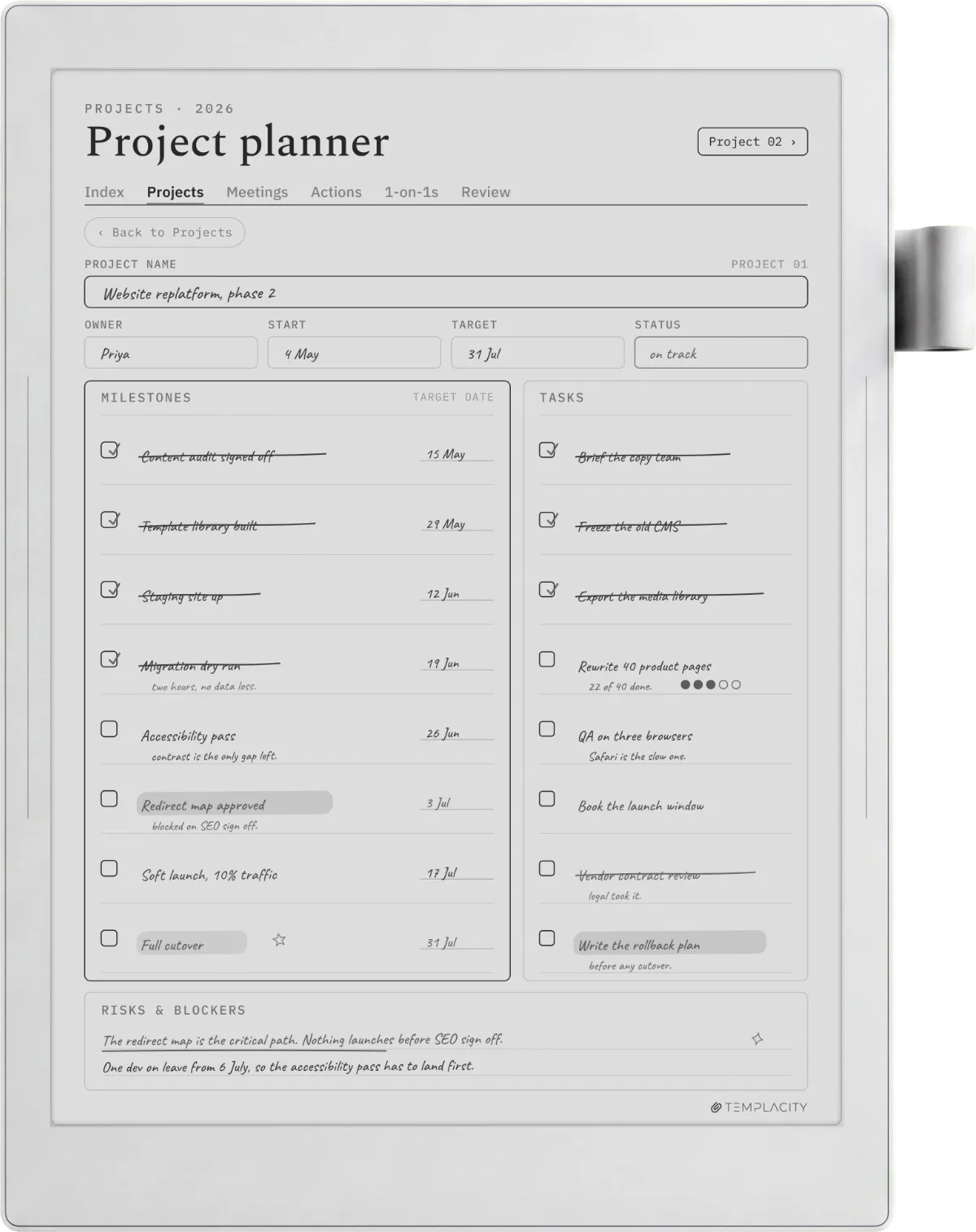
| Project / task page | Actions, owners, and next steps for one project | MyStyle PNG |
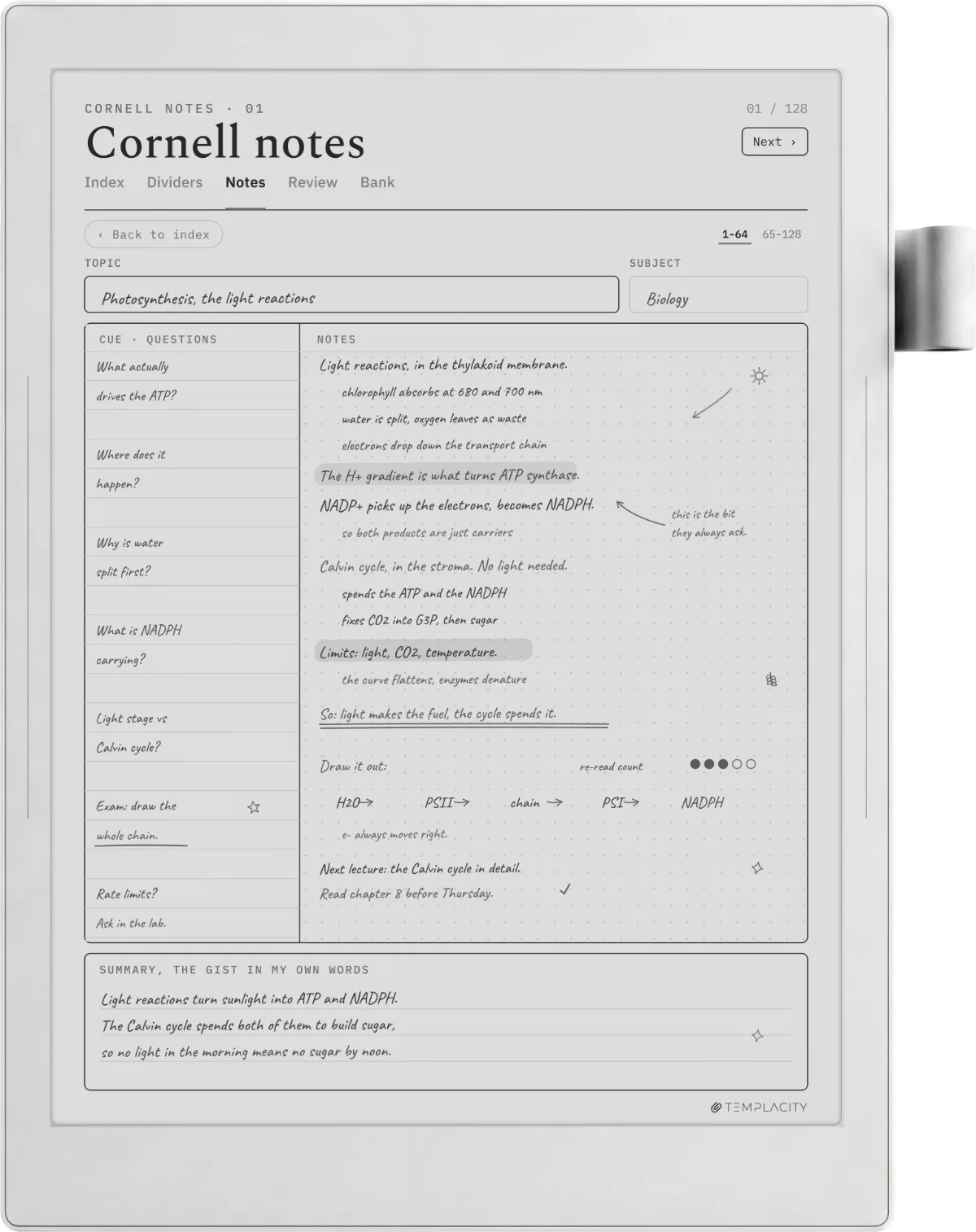
| Meeting notes | Agenda, notes, and action columns in one frame | MyStyle PNG |
| Finance / budget | Monthly income, expenses, and a running balance | PDF import |
Notice how the split falls out on its own: single-purpose grids you reuse endlessly, like a habit tracker or a meeting frame, work fine as a MyStyle background, while anything dated or multi-page wants to be a linked PDF. Build the two or three you touch daily first, and add the rest only when a real need shows up rather than in a burst of setup enthusiasm you never return to.
Fit
Sizing templates to your device
Sizing is the one place a good template and a bad template look completely different, and it comes down to matching your screen. The Manta’s 10.7-inch panel runs at 1920 by 2560, so a template drawn to those pixels fills the display with clean lines and no soft edges. Smaller models in the range, like the Nomad, use a different panel, so a template stretched from the wrong size either leaves a margin of dead space or blurs as the device scales it. This is why a set built specifically for Supernote beats a generic PDF pulled from a search: the dimensions are chosen, not hoped for.
For PDFs there is a little more forgiveness, because a vector-drawn planner scales more gracefully than a fixed-pixel PNG, but the rule still holds: a planner shaped to your device’s aspect ratio uses the whole page and keeps its links aligned. When you download or buy templates, check they name your model or its resolution rather than promising to fit everything, because nothing fits everything cleanly on e-ink.
Where to find them
Free vs paid Supernote templates
Plenty of Supernote templates are genuinely free, and you should exhaust those before paying for anything. The built-in library costs nothing and covers basic ruling. InkHub is free and community-run, so you will find weekly spreads, trackers, and sticker sets shared by other owners; the trade-off is that quality and sizing vary, and you may test a few before one fits your device and taste. Free is a fine place to start, and for a lot of people it is where they stay.
Paid Supernote templates earn their price in two ways: design and fit. A paid set is usually drawn to one device’s exact resolution, linked properly so navigation is quick, and consistent across every page, so your week, month, and daily views feel like one system rather than a patchwork. If you plan lightly, free templates are plenty. If your Supernote is your main planner and you live in it daily, a coherent paid set that is sized and linked correctly saves the fiddling, and that is the honest case for buying one.
Systems
Building a planner system that lasts the year
A pile of templates is not a system. What makes a Supernote hold up over a year is the way the pages connect and how easily you find things later. Lean on the features Chauvet actually gives you: keyword search reads your handwriting, so a note tagged with a project name is findable in seconds; page links let a monthly calendar jump to any day; and the digest and table of contents keep a long notebook navigable instead of endless. Set those up once and the whole thing stays usable in month eleven, not just week one.
Practically, that means picking dated planners over undated where you can, so the structure carries the year for you, and keeping one master notebook per area of life rather than scattering pages. If you are still choosing hardware for this kind of workflow, our best e-ink tablet guide weighs the Supernote against the wider field, and the best Supernote alternatives covers who should look at a Boox or reMarkable instead. If you have already chosen Supernote, the templates above are what turn it into the planner you bought it to be. For the rest of our coverage, see how the models compare in Nomad vs Manta and Supernote vs Kindle Scribe, pick the right stylus in our Supernote pen guide, and keep everything backed up with cloud sync.
FAQ
Common questions, answered briefly
How do I add templates to my Supernote?
Are there free Supernote templates?
What size should a Supernote template be?
Can I use PDF planners on a Supernote?
Does the Supernote have a template store or app?
People also ask
Other questions, briefly answered
If you have found a template setup that makes your Supernote sing, share it in the comments: which planner you settled on, whether you went PDF or MyStyle, and the one layout you could not live without. We keep this guide current as Chauvet updates and new devices land, and your setups help other owners get there faster.