This is part of our iFLYTEK hub. For the AINOTE 2 alone, see our full review; for the other Android matchup, AINOTE 2 vs Boox Note Air 4C.
The matchup
What the iFLYTEK AINOTE 2 vs Supernote Manta question is
On paper these two look alike: both are roughly 10.7-inch monochrome e-ink writers at 300 ppi. In philosophy they could not be further apart. The iFLYTEK AINOTE 2 vs Supernote Manta decision is really a decision about what an e-ink tablet is for. iFLYTEK built the AINOTE 2 as an AI computer that happens to use e-ink, with recording, transcription, and full Android. Ratta built the Manta as the opposite: a focused, repairable writing tool with a famous pen feel and almost nothing to distract you.
The AINOTE 2 lists at $649 with a Wacom pen and an eraser in the box. The Supernote Manta is $505, with its pen sold separately from $65, so it is the cheaper device even once you add a stylus. Price, AI, apps, writing feel, and repairability are where this comparison is decided, and they do not all point the same way.
Side by side
Hardware, head to head
The panels are near-twins: both monochrome e-ink around 10.7 inches at 300 ppi, neither in color. The AINOTE 2 is the thinner and lighter of the two overall, at 4.2mm and 295g against the Manta’s 6mm body (tapering to 3.6mm at the edge) and 375g. But the Manta answers with something no thin slab offers: a modular, repairable build with a battery and motherboard you can replace, which is the whole reason a Supernote tends to outlast its rivals.
The AI gap
AI and transcription: only one device has it
This is the cleanest split in the comparison. The AINOTE 2 has four microphones and turns a meeting or lecture into searchable text on the device, with transcription quoted across 16 languages, translation across 11, and handwriting conversion across 133. The Supernote Manta has none of this. There is no recording built for transcription, no translation, and no on-device AI assistant of the kind iFLYTEK leads with.
That is not an oversight; it is Supernote’s whole stance. The Manta is built to be a quiet notebook, and adding a listening, summarising AI layer would work against that. So if your work is meetings, lectures, fieldwork, or multilingual conversation, the AINOTE 2 does something the Manta will not, and the comparison is effectively over on that axis alone.
The reMarkable Paper Pro takes the same quiet-notebook stance, with color and a frontlight added; our AINOTE 2 vs reMarkable Paper Pro comparison runs that matchup.
Writing feel
Writing feel: the Supernote’s home turf
If the AINOTE 2 owns AI, the Manta owns writing. Supernote’s reputation is built on it: a ceramic-nib pen on a lightly textured film that reviewers routinely describe in superlatives, with one calling the Manta the pinnacle of writing pleasure among e-ink tablets. The ceramic nib barely wears and needs no replacement tips, which is a quiet long-term saving over devices that eat felt nibs. We have not tested either unit ourselves, so treat writing-feel notes as third-party impressions, but the Manta’s standing here is unusually consistent across reviews.
The AINOTE 2 is no slouch on writing: hands-on coverage praises its low latency, and its 300 ppi mono panel keeps handwriting crisp. But writing is one of several things the AINOTE 2 does, while it is the thing the Manta was designed to do best. For a buyer whose main use is longhand notes, journaling, or drafting, that focus is the Manta’s strongest argument.
Open vs closed
Open Android versus the closed Chauvet OS
The software split is as wide as the AI one. The AINOTE 2 runs Android 14 with full Google Play, so Kindle, Kobo, Notion, email, and a browser all install. The Manta runs Chauvet, Supernote’s own Android-based system, which is deliberately locked down: there is no Google Play by default, and while you can sideload a handful of apps through stores like F-Droid or Aurora, it is far less permissive than a Boox or the AINOTE 2. Supernote’s bet is that a notebook with no app store is a notebook you actually use to think.
| Axis | iFLYTEK AINOTE 2 | Supernote A5 X2 Manta |
|---|---|---|
| Price | $649 (pen included) | $505 (pen from $65) |
| Screen | 10.65″ mono, 300 ppi | 10.7″ mono, 300 ppi |
| Thin / light | 4.2 mm, 295 g | 6 mm, 375 g |
| Operating system | Android 14 + full Play | Chauvet, locked, no Play |
| On-device transcription | Yes, mic array | No |
| Repairability | Sealed | Modular, replaceable battery |
| Writing feel | Very good | Class-leading, ceramic nib |
Read the table by temperament. If a home screen full of apps is how you work, the AINOTE 2’s openness is a gift. If apps are how your focus leaks away, the Manta’s walls are the feature, not the limitation. Neither answer is wrong; they suit different people.
Repairability and price
Repairability, longevity, and price
This is where the Manta lands a punch the AINOTE 2 cannot answer. The Manta is modular: the battery and the motherboard can be replaced, so the device is built to be repaired and upgraded rather than thrown away when the battery ages. For a tool you plan to keep for years, that is real money and less e-waste. The record-thin AINOTE 2 is, by contrast, a sealed slab; thinness and repairability pull against each other, and iFLYTEK chose thinness.
Price stacks the same way. The Manta is $505, and even with its cheapest pen it lands near $570, comfortably under the AINOTE 2’s $649. So the Manta is cheaper up front, cheaper to keep running, and cheaper to maintain over years. What the extra $130 on the AINOTE 2 buys is the AI layer, full Android, and the thinnest body in the category. Whether that is worth it is the whole decision.
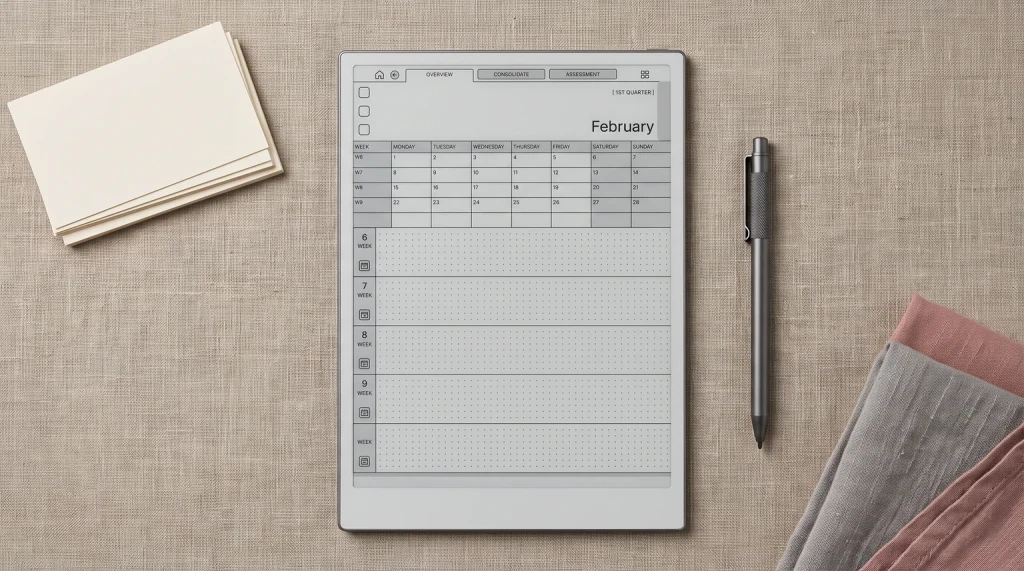
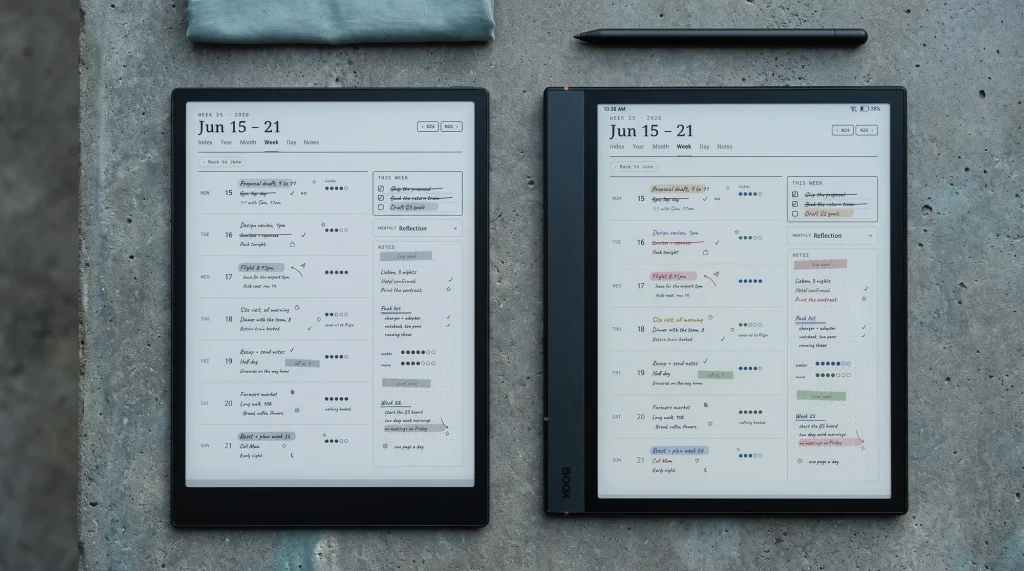
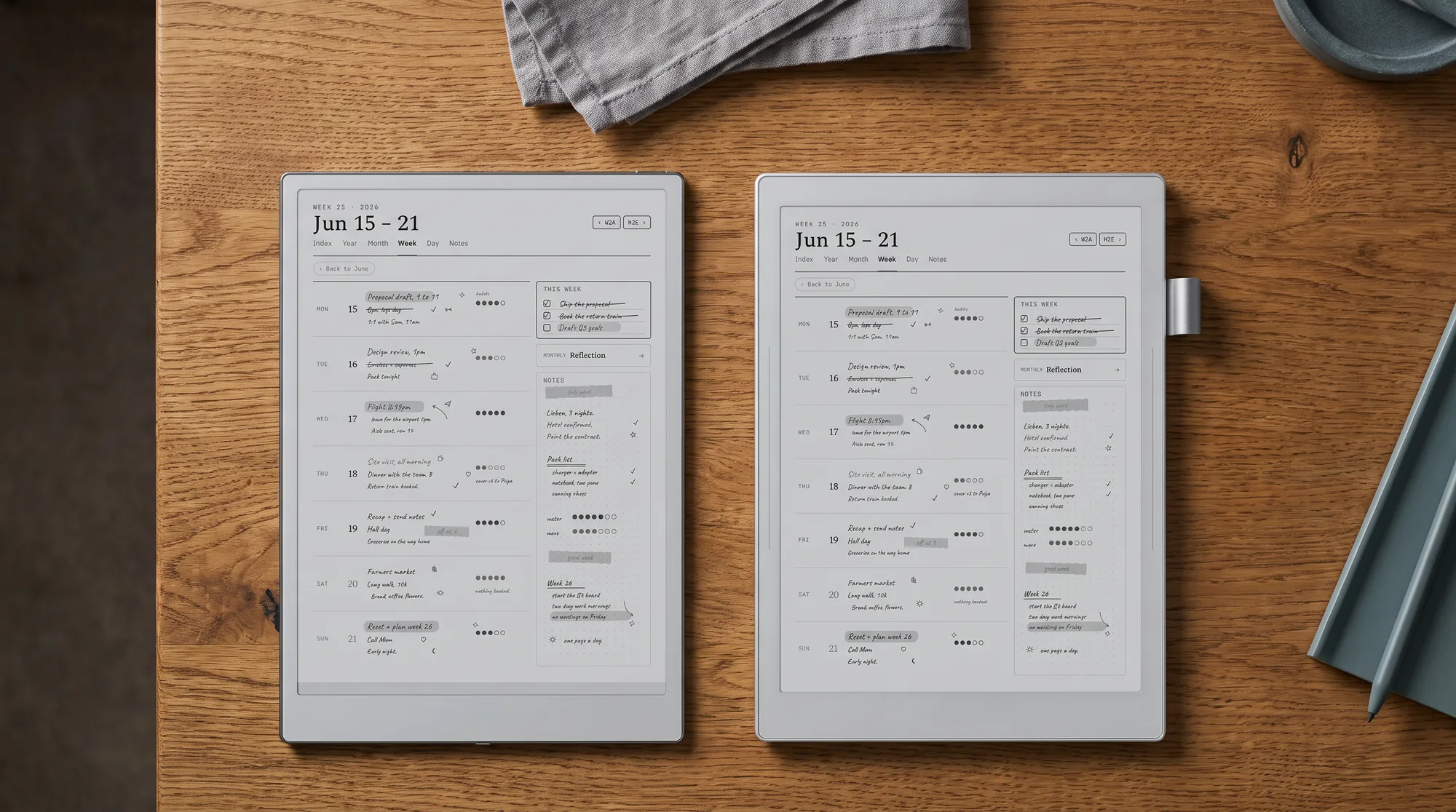
Both take custom templates, so whichever you choose, a planner setup carries over. The Manta imports PNG templates and PDF planners and has its own InkHub library; the AINOTE 2 takes custom template images in its own notes app and opens PDF planners as documents, which our AINOTE 2 templates guide walks through. We ship a dedicated set for each, so you are not stuck with the basic built-in pages on either device.
Verdict
The call on iFLYTEK AINOTE 2 vs Supernote Manta
FAQ
Common questions, answered briefly
Is the iFLYTEK AINOTE 2 or the Supernote Manta better?
Which is cheaper, the AINOTE 2 or the Supernote Manta?
Does the Supernote Manta have AI transcription like the AINOTE 2?
Can the Supernote Manta run Android apps?
Which has the better writing feel?
People also ask
Other questions, briefly answered
If you have written on both an AINOTE 2 and a Supernote Manta, tell us in the comments which one you kept, and why. First-hand accounts of writing feel and real transcription accuracy are worth more than any spec sheet, and we update this comparison as more of them come in.