The verdict first: buy the AINOTE 2 if you record meetings or lectures and want the transcript and translation on the tablet itself. Skip it if your week is quiet handwriting and planning, where a focused writer does the same job for less. The rest of this review is the evidence for both halves, and it anchors our iFLYTEK hub. Already down to two devices? Jump to AINOTE 2 vs reMarkable Paper Pro, vs Kindle Scribe, vs Boox Note Air 4C, or vs Supernote Manta.
If the 10.65-inch AINOTE 2 is more tablet than you want to carry, our iFLYTEK AINOTE Air 2 guide covers the smaller model and what changes between the two.
The device
What the iFLYTEK AINOTE 2 is
iFLYTEK is a Chinese AI company known for speech recognition, and the AINOTE 2 is what happens when a speech-AI firm builds an e-ink tablet. It was introduced at MWC26 in Barcelona in March 2026 and certified by Guinness World Records as the world’s thinnest e-ink tablet, at 4.2mm and 295g. The point of this iFLYTEK AINOTE 2 review is to separate that record-thin novelty from what the device actually does for the way you work.
At its core it is a 10.65-inch monochrome e-ink slab running Android 14 with full Google Play, so it installs the same apps your phone does. But the reason to look at it over a reMarkable or a Boox is the AI layer: one-tap audio recording with on-device transcription, live translation, and handwriting turned into searchable text. It lists at $649 with a Wacom electromagnetic pen, eraser included, in the box. That is the frame; the rest of this review is whether the AI justifies the price and the compromises.
The AI
The AI features that set it apart
This is the whole reason the AINOTE 2 exists, and it is genuinely ahead of the e-ink field. The tablet carries four microphones and turns a meeting, lecture, or interview into searchable text with one tap, processing the audio on the device itself so a sensitive conversation never has to leave it. iFLYTEK quotes recording and transcription in 16 languages, real-time translation in 11, and handwriting converted to searchable text across 133. A paid tier layers large-model support on top, including Gemini 3, for summarising notes and answering questions over them.
For anyone whose work is meetings, fieldwork, study, or multilingual conversation, that combination is the buy. No reMarkable and no standard Boox does on-device transcription and translation this way; it is the axis where the AINOTE 2 is not just ahead but in a different category. The honest caveat is that transcription quality on any device depends on accents, crosstalk, and room noise, and iFLYTEK’s own quality claims are exactly that, claims. Treat the language counts as the ceiling, not a guarantee for your specific meeting room.
| Spec | iFLYTEK AINOTE 2 |
|---|---|
| Price | $649, Wacom pen with eraser included |
| Display | 10.65″ monochrome e-ink, 1920×2560, 300 ppi |
| Thickness / weight | 4.2 mm / 295 g (Guinness record thinnest) |
| Operating system | Android 14 with full Google Play |
| AI | On-device transcription (16 langs), translation (11), OCR (133); paid large-model tier |
| Chip / memory | RK3576, 4 GB RAM, 64 GB storage |
| Battery | 4000 mAh, days of mixed use |
| Connectivity | Wi-Fi 6, Bluetooth 5.4 |
Hardware
Hardware: the world’s thinnest e-ink tablet
The 4.2mm profile is not just a headline. At 295g the AINOTE 2 is the kind of device you forget is in your bag, closer to a thick sheet of card than a tablet, and lighter than almost every 10-inch e-ink competitor. For a device you carry between meetings all day, that weight difference is felt, not just measured. The screen is a sharp 300 ppi at 1920 by 2560, which puts dense handwriting and small text a notch crisper than the 227 to 229 ppi panels on several color e-ink rivals.
Physical profile (lower is thinner and lighter)
The obvious cost of that thinness and price is color: the AINOTE 2 is monochrome only. If you highlight in color, sketch diagrams, or mark up in more than grey, this is the wrong device, and a color panel like the reMarkable Paper Pro’s or a Boox is the fork to take. The RK3576 chip with 4GB of RAM is mid-range rather than flagship, which is fine for e-ink note-taking and reading but will feel its limits if you push heavy Android apps. The 4000mAh battery lasts days rather than the two weeks a locked writing-only tablet manages, because an Android device with live microphones and radios simply asks more of the cell.
Writing and reading
Writing and reading on the AINOTE 2
The pen is a Wacom electromagnetic stylus that needs no charging and no pairing, with an eraser end, and it ships in the box rather than as a paid add-on. That matters: several rivals charge $70 to $80 extra for the eraser pen. Independent hands-on coverage of the AINOTE 2 has praised its low writing latency, with one reviewer reporting that strokes appear almost instantly, and the sharp 300 ppi panel keeps small handwriting legible. We have not tested a unit ourselves, so treat writing-feel notes as third-party impressions rather than our own verdict.
Reading is where Android quietly pays off. Because the AINOTE 2 runs full Google Play, Kindle, Kobo, Libby, and a browser all install directly, so one device reads your whole library rather than only the files you sideload. On a locked e-ink writer you would be limited to PDFs and EPUBs you added by hand; here you are not. The catch is that a monochrome panel is still monochrome, so comics, magazines, and illustrated books look flat compared with a color e-reader.
The Android question
Android 14, apps, and the catch
Full Android 14 with Google Play is the AINOTE 2’s biggest strength and its biggest risk in the same breath. The strength is obvious: install Notion, an email client, a translation app, a to-do app, whatever your workflow needs, and the tablet bends to you instead of the other way around. The risk is just as real. An open Android tablet is a small computer, and small computers fill up with notifications, updates, and half-open tabs. The whole appeal of e-ink for many people is escaping exactly that, and the AINOTE 2 hands it back to you.
Whether that is a feature or a bug depends entirely on you. If you have the discipline to keep a device lean, the flexibility is a gift. If a home screen full of apps is how your focus leaks away, a locked writing tablet protects you in a way the AINOTE 2 will not. It is worth being honest with yourself about which kind of user you are before spending $649, because no amount of AI fixes a device you keep getting distracted on.
Templates
Templates and the young ecosystem
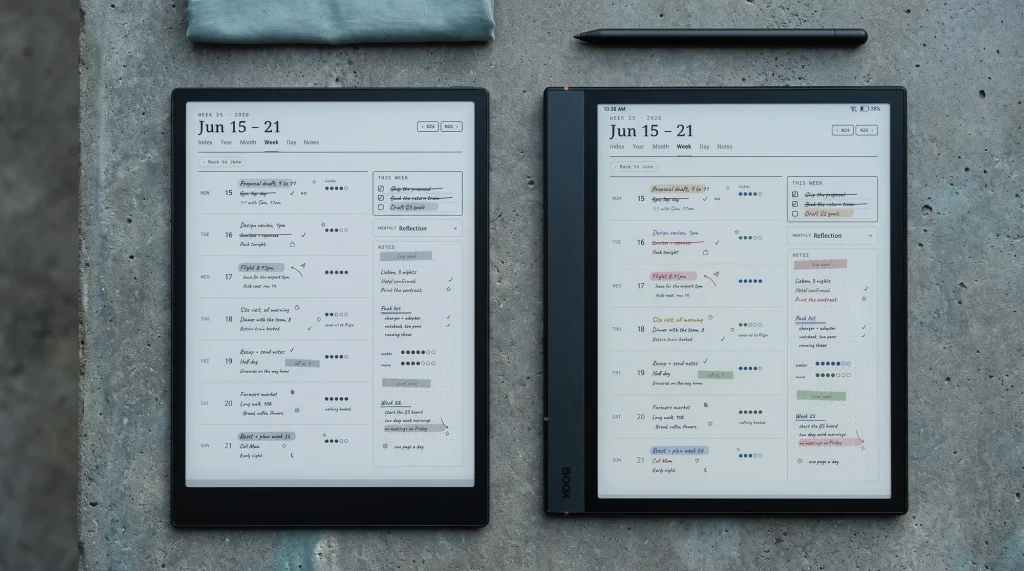
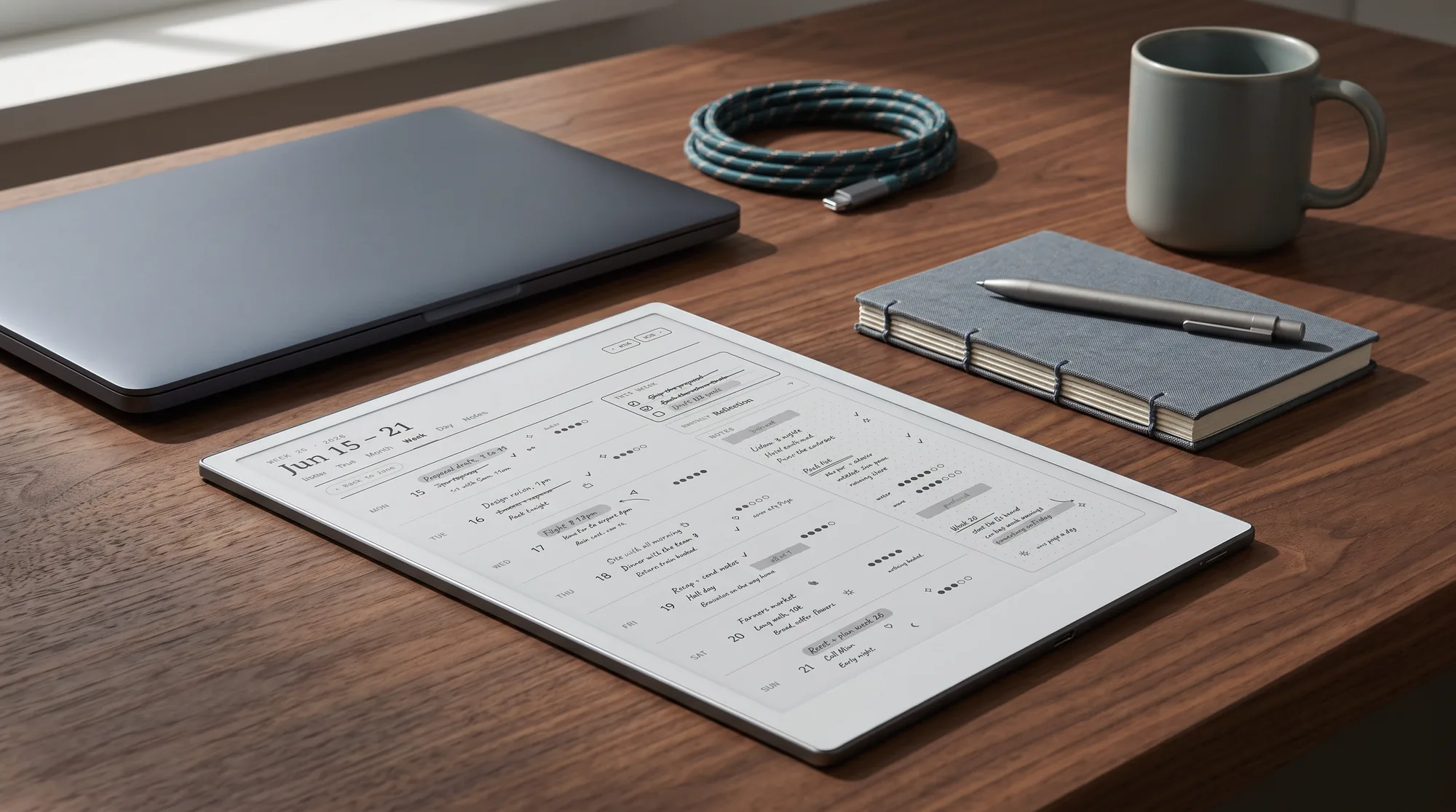
The one area where the AINOTE 2’s newness shows most is the template and workflow ecosystem around it. A tablet this young has a built-in template set that is fine but basic, and because it runs Android you can bolt on a note app with its own planner pages, but the deep, settled library that surrounds a device like reMarkable after three generations is not there yet. For planner-led workflows, that gap is the quiet deciding factor, and it is exactly the space we work in.
Verdict
The verdict on this iFLYTEK AINOTE 2 review
FAQ
Common questions, answered briefly
How much does the iFLYTEK AINOTE 2 cost?
Does the iFLYTEK AINOTE 2 really transcribe meetings?
Is the iFLYTEK AINOTE 2 in color?
Can the iFLYTEK AINOTE 2 run Android apps like Kindle?
Is the iFLYTEK AINOTE 2 good for planners and templates?
People also ask
Other questions, briefly answered
If you have spent real time with an AINOTE 2, tell us how the transcription holds up in your actual meetings, that is the one thing a spec sheet cannot answer. We update this review as more hands-on accounts come in and as iFLYTEK ships software changes.