The short answer
Is the Kindle Scribe worth it in 2026?
For the right person, yes, the Kindle Scribe is worth it. It is the only large-screen e-reader Amazon makes that you can also write on, and for anyone who reads a lot and wants to mark up documents or keep handwritten notes on the same device, that combination is genuinely useful. The question of whether the Kindle Scribe is worth it really turns on whether you want those two jobs in one greyscale, distraction-free slab.
Where people regret the purchase is when they expected a tablet. The Scribe is not an iPad. It runs Amazon’s deliberately narrow software, the base screen is black and white, and it is large enough that it is not a one-hand reader. Judged as what it is, a reading-plus-writing e-ink device, it holds up well. Judged as a general tablet, it disappoints.
Strengths
What the Kindle Scribe does well
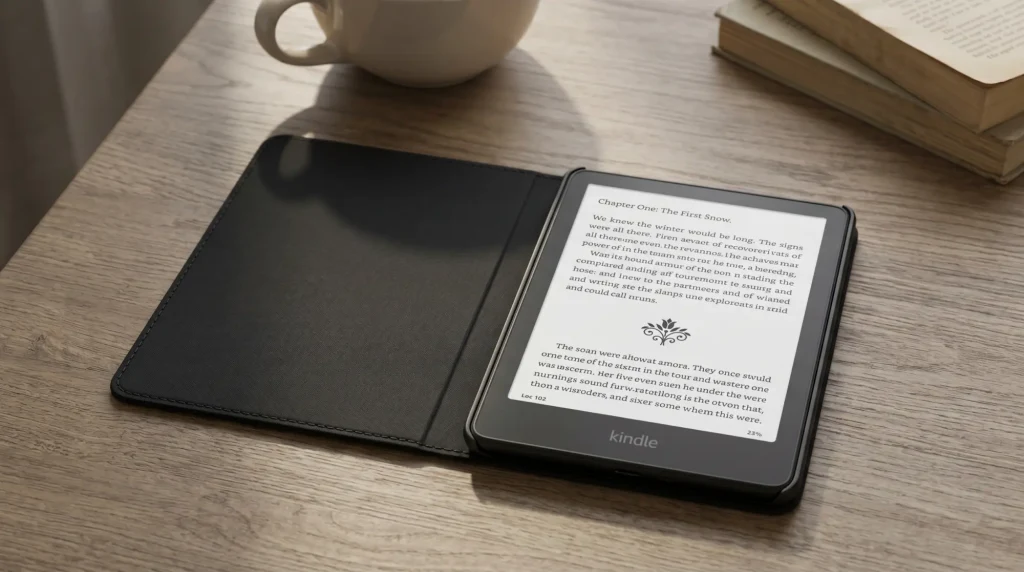
The reading experience is the core, and it is excellent. A 10.2-inch e-ink display is roomy for PDFs, textbooks, and anything with diagrams that a smaller Kindle cramps. Battery life is measured in weeks, the front light is even, and there is no backlit-screen fatigue. For long sessions, e-ink still beats any tablet.
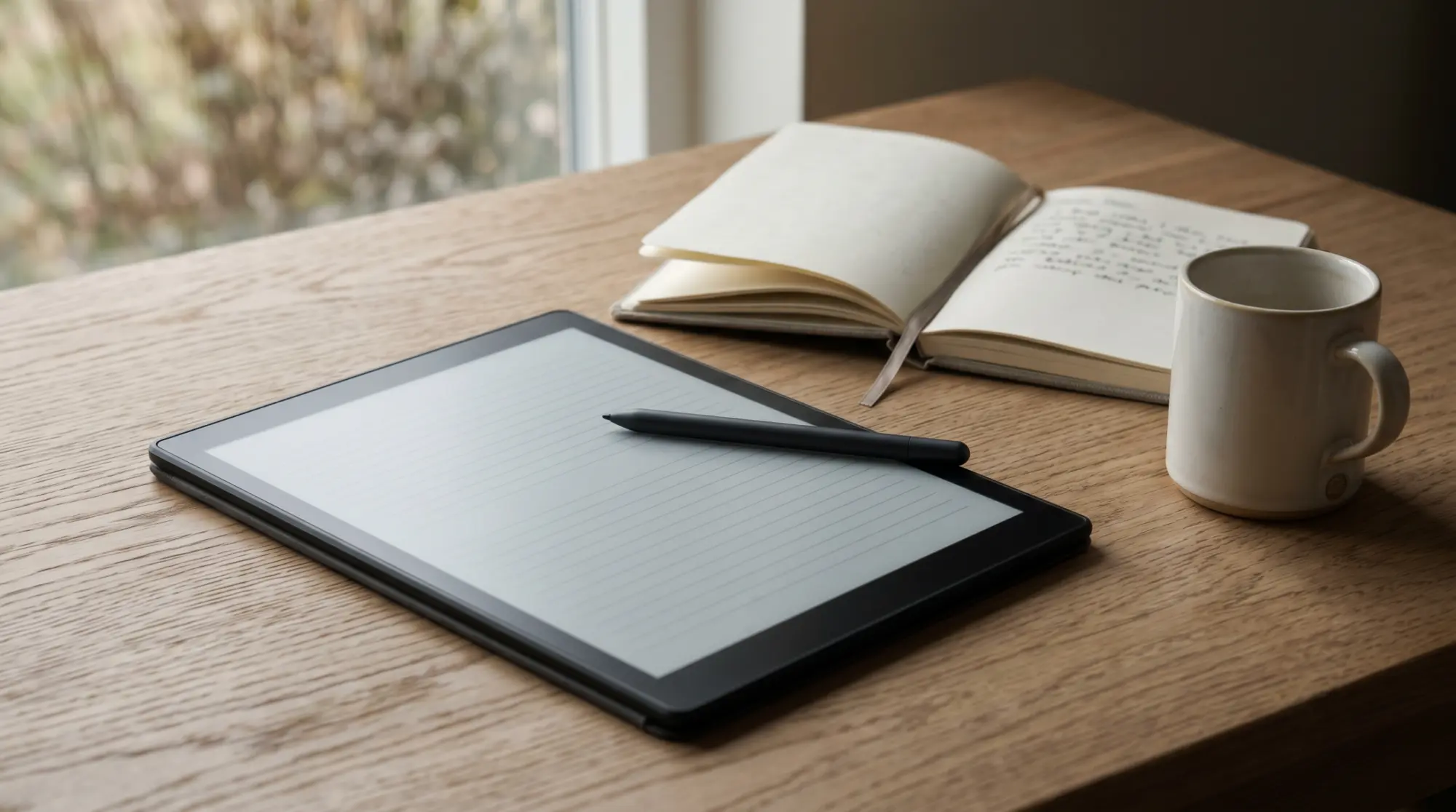
Writing is the other half. The included pen has no battery and writes with low latency, so notes, margin annotations, and signatures feel natural. You can keep notebooks, mark up documents, and export notes by email. Paired with the deep Kindle store and library support, it is a tidy single device for people whose day is mostly reading and jotting rather than apps and color.
Weaknesses
Where the Kindle Scribe falls short
The honest limits matter for the worth-it question. The base Scribe is greyscale; if you read comics, illustrated books, or color-coded notes, the standard model will frustrate you, and the Colorsoft variant is the one to weigh instead. The software is locked to Amazon’s apps, so there is no third-party note app, no browser to speak of, and no sideloading the way an Android e-ink tablet allows.
It is also a large device, which is the price of the screen. One-handed reading in bed is awkward, and it needs a case to travel well. None of these are dealbreakers for the target user, but they are exactly why the Scribe is not for everyone. If app flexibility matters, our guide to Kindle Scribe alternatives covers the Android e-ink options.
Who it suits
Who the Kindle Scribe is worth it for
| Worth it if you | Skip it if you |
|---|---|
| Read long-form and want to annotate on the same device | Mainly read in color or want illustrated books |
| Already buy books in the Kindle ecosystem | Need third-party note apps or a browser |
| Want handwriting that feels like paper, distraction-free | Want a do-everything tablet for media and email |
| Value weeks of battery and no screen glare | Want something pocketable for one-handed reading |
If your row sits mostly on the left, the Scribe earns its price. If it sits on the right, a tablet or a smaller Kindle is the better spend. For the in-between reader weighing color, the Scribe versus Colorsoft comparison is the next thing to read.
Getting more from it
How to get more out of a Kindle Scribe
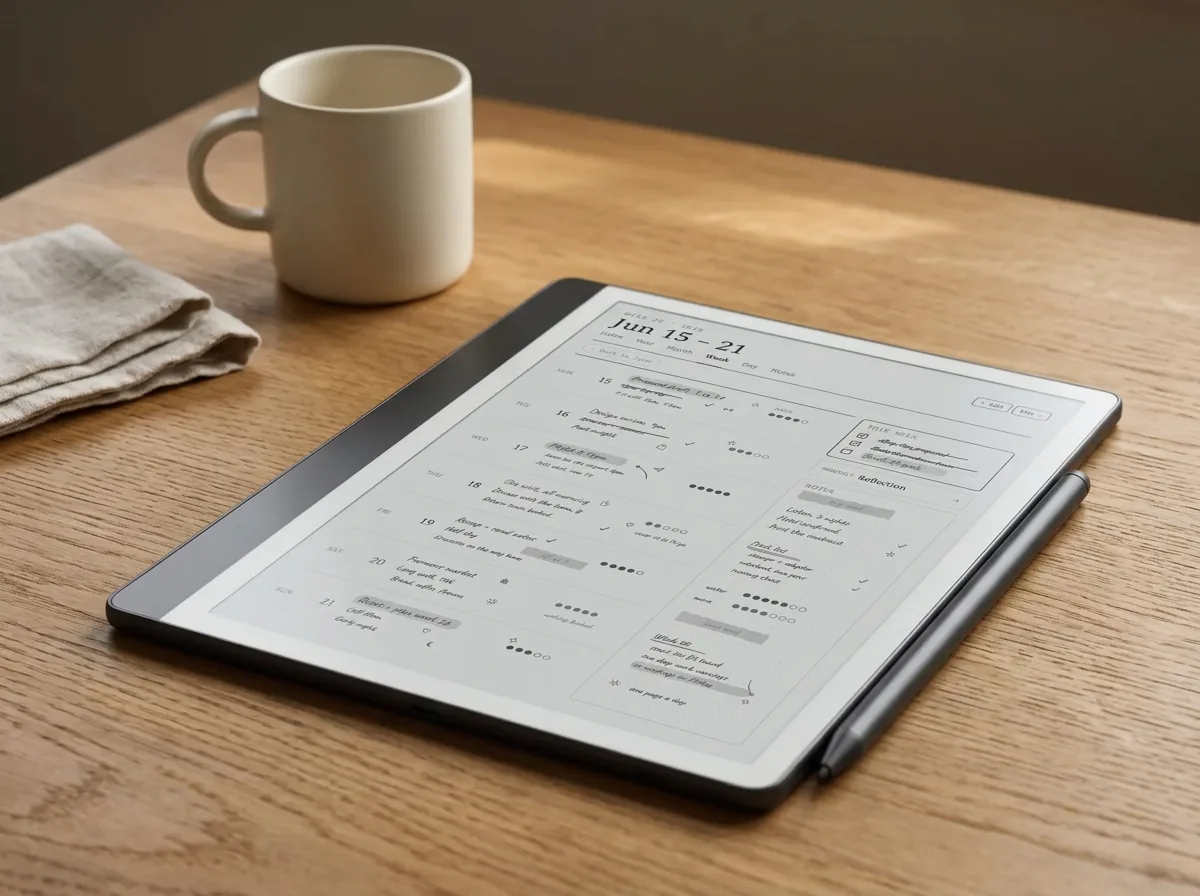
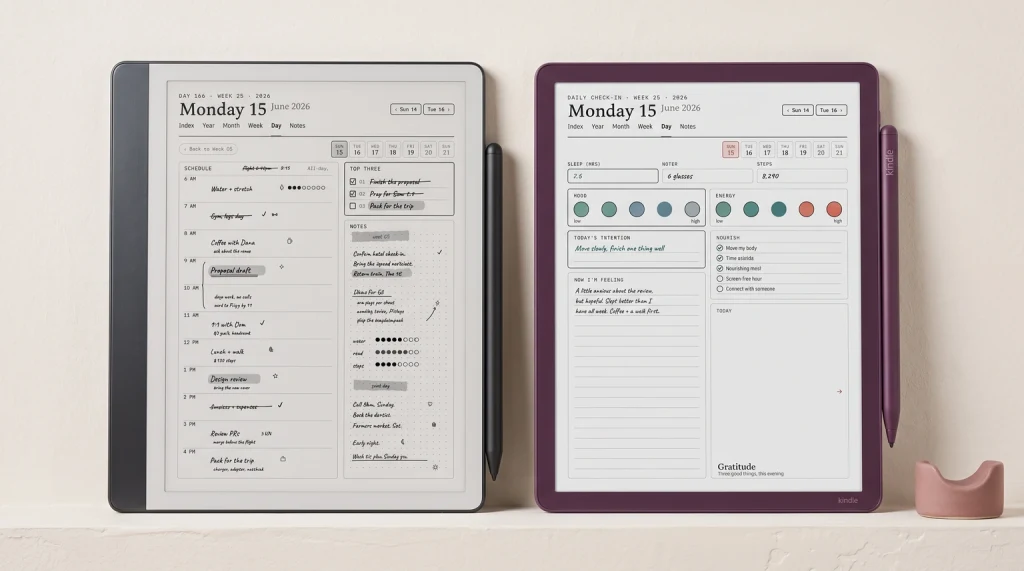
The upgrade most owners miss is the cheapest one. Out of the box the Scribe gives you blank pages and a few basic templates, which sells the writing side short. Loading proper planners, habit trackers, and structured notebooks turns it from a digital legal pad into a real planning device, and it costs a fraction of the hardware. We cover the how in making Kindle Scribe templates, and the best templates roundup shows what is possible.
Buy it for what e-ink does best, and it rarely disappoints; buy it expecting color and apps, and it always will.What we found
So, is the Kindle Scribe worth it? For the reader who wants one calm device to read and write on, comfortably yes. For anyone chasing a tablet, comfortably no. Match it to how you actually read, set it up properly, and it is one of the few gadgets that earns its keep for years. If “set it up properly” is the half you want spelled out, our Kindle Scribe Device Guide covers it across 45 pages, in one edition for the monochrome Scribe and one for the Colorsoft.
FAQ
Common questions, answered briefly
Is the Kindle Scribe worth it for note taking?
Is the Kindle Scribe worth it just for reading?
Kindle Scribe or Colorsoft: which is worth it?
Does the Kindle Scribe come with a pen?
Is the Kindle Scribe good value compared to a tablet?
If your question is not above, drop it in the comments and we will answer it.
People also ask
Other questions, briefly answered
Sources: Amazon Kindle Scribe product page, The Verge e-reader coverage.