What it is
What the Boox Go 6 Gen II is
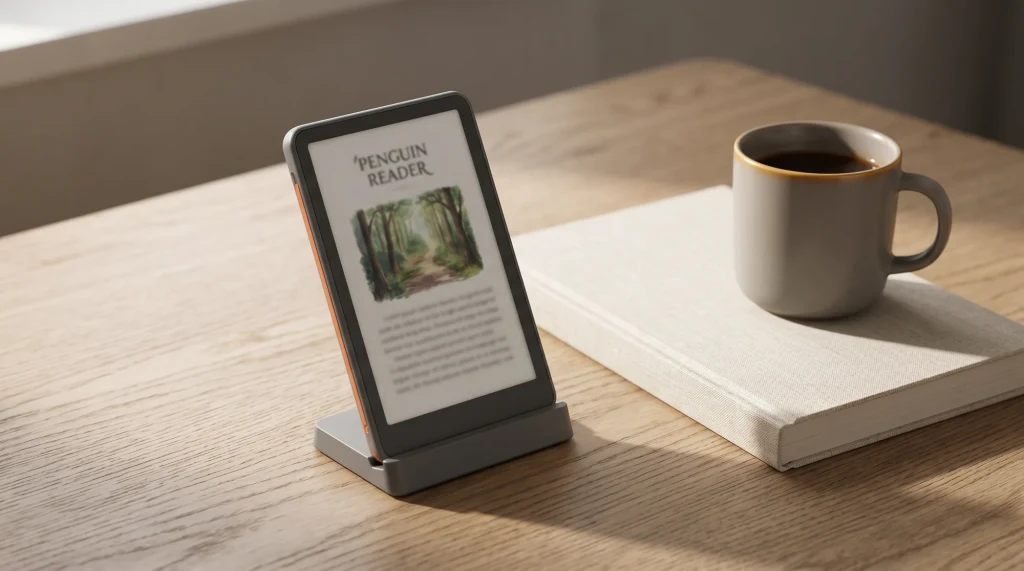
The Boox Go 6 (Gen II) is the current 6-inch pocket reader in Onyx’s Go line, and since the original Go 6 sold out on Boox’s store it is the Go 6 you can actually buy. It keeps the format that made the first one appealing: a 6-inch monochrome screen at 1448 by 1072 (300 pixels per inch) under a flat anti-glare glass cover, a warm-and-cool front light, and full Android with the Google Play Store, so you install your own reading apps rather than living inside one bookstore. What changes is inside and in your hand. Memory goes from 2GB to 3GB, and the Gen II works with Boox’s InkSense Plus stylus, which turns a pure reader into one that can also take quick notes. It costs $199.99 in the US, or $232.99 bundled with the pen.
- Screen: 6-inch mono ePaper, 1448 x 1072, 300 ppi, flat anti-glare glass, warm and cool front light
- Software: Android 11 with the Google Play Store (install your own apps)
- Handwriting: InkSense Plus stylus only, 4096 pressure levels, sold separately or in the $232.99 bundle
- Inside: 2.0GHz octa-core, 3GB memory, 32GB storage plus microSD, 1,500mAh battery, microphone
- Size and weight: 149 x 109 x 6.8 mm, about 160 grams
Who it is for
Who the Go 6 Gen II is for
The Go 6 Gen II is for the reader who wants out of a closed ecosystem and wants the device small enough to disappear into a jacket pocket. If you borrow through a library app, buy from more than one store, or want your reading app and your saved articles on one small screen, it does that on e-ink, which a closed reader at any price will not. The front light means it works in a dark room or on a night flight, and at about 160 grams it is light enough to hold one-handed for a long stretch. The pen support is the new reason to pick it: a grocery list, a reading note or a phone number written straight onto the page, without reaching for a phone.
It is not the right buy if handwriting is the main job, because a 6-inch page is a notepad, not a notebook. It is also not the pick if you want the most current software: Boox’s own spec sheet lists Android 11 for the Gen II, the same as the original, while the Go 7 runs Android 13. And if you do not care about installing your own apps at all, a mainstream closed reader will feel a little slicker for the same money, so you would be paying for a freedom you never use.
Reading and writing
Reading and writing on the Go 6 Gen II

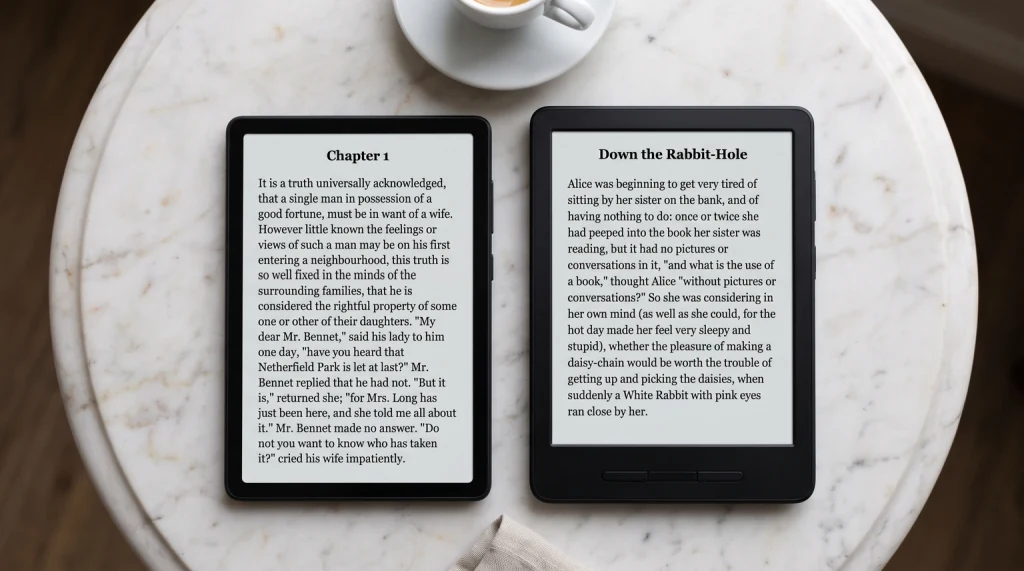
For reading, the Gen II covers the basics the way the original did: a 300 ppi mono screen renders text crisply at paperback size, the adjustable front light shifts from cool to warm for evening reading, and Boox lists 26 supported formats, from EPUB and MOBI to PDF, DJVU and comic archives. The jump from 2GB to 3GB of memory matters most when you run apps rather than the built-in reader, since a library app or a read-it-later app on e-ink is where the original’s headroom ran out first. Any app built for a colour phone screen will still need a few minutes of contrast and refresh tuning, as on every open e-ink reader.
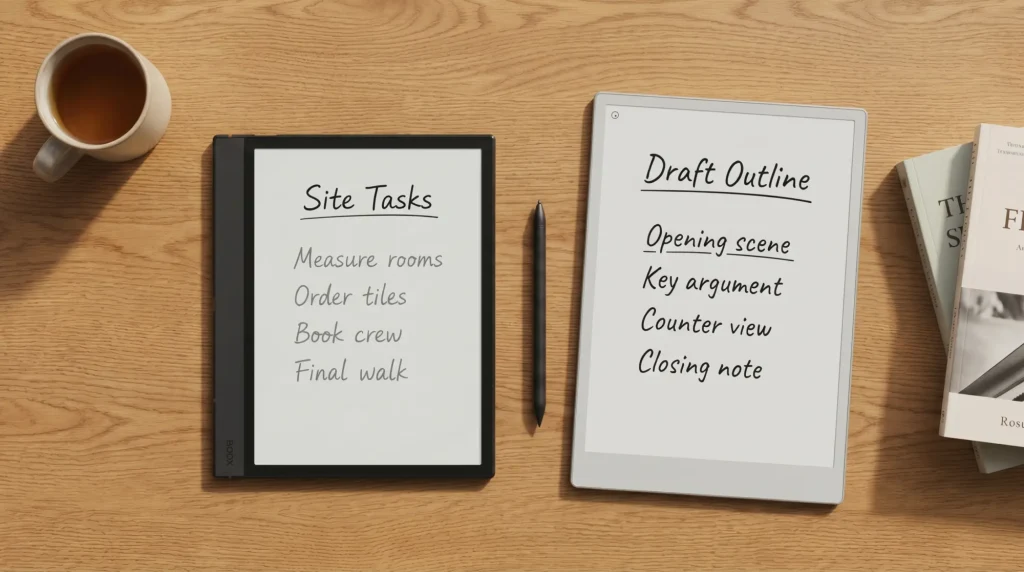
Writing is the new part, and it is worth being clear about its size. The InkSense Plus is an active pen that charges over USB-C, and Boox says it is the only stylus the Gen II supports. On a 6-inch page it suits margin notes, lists and short thoughts on the move, which is exactly how Boox pitches it. If you want the same openness with a bigger page for longer notes, a larger battery and Android 13, the Go 7 is the step up, which our Boox Go 7 review covers in full.
On a 6-inch page it suits margin notes, lists and short thoughts on the move.Reading and writing
Which version
Go 6 Gen II vs the original Go 6
If you are looking at the original Go 6 on a second-hand listing, these are the differences Boox’s own comparison chart lists. The screen, front light, battery, storage and Android version are the same on both; the Gen II adds memory and pen support for about 14 grams more.
| Version | Memory | Stylus | Weight | Boox store, Oct 2026 |
|---|---|---|---|---|
| Go 6 (Gen II) | 3GB | InkSense Plus | About 160 g | In stock, $199.99 |
| Go 6 (original) | 2GB | None | About 146 g | Sold out (was $159.99) |
So the choice is simpler than it was at launch. New from Boox, the Gen II is the only Go 6 on sale. A used original is still a perfectly good open pocket reader if it comes well under the Gen II’s price and you never want to write; pay close to $199.99 for one and you are giving up the pen and the extra memory for nothing.
Versus the alternatives
Go 6 Gen II vs the Go 7 or a basic Kindle
Against the $269.99 Go 7, the Gen II trades screen and battery for size. The Go 7 has a 7-inch screen, 4GB of memory with 64GB of storage, a 2,300mAh battery, Android 13 and auto-rotation, and it takes the same InkSense Plus pen; the Gen II is smaller, lighter and $70 cheaper.
Against a basic Kindle or Kobo, the case is openness. A closed reader is smoother and tied mostly to one store; the Gen II runs your library app, more than one bookstore and your saved articles on one small device, at the cost of a less polished experience. If you live happily inside one store, a closed reader wins. If being tied to one ecosystem is what you want to escape, the Gen II is a pocket way to do it, and our Boox versus Kindle comparison covers the wider tradeoff across the range.
Verdict
Verdict
A reader like the Go 6 Gen II rewards knowing exactly what you want: a small, open, lit page for words, with a pen for the odd note. If you have picked one up, or chosen a Go 7 or a closed reader instead, tell us what decided it in the comments. The real reasons people buy or skip it help the next reader more than any spec sheet can.
FAQ
Common questions, answered briefly
Is the Boox Go 6 Gen II worth it?
Does the Boox Go 6 support a pen?
What is the battery life of the Boox Go 6 Gen II?
What Android version does the Boox Go 6 Gen II run?
Is the original Boox Go 6 still available?
Boox Go 6 Gen II or a basic Kindle?
If yours isn’t above, drop the question in the comments and we’ll add it.
People also ask