Headline
The reMarkable 2 template size answer in one paragraph
The reMarkable 2 template size that matches the device’s native pixel grid is 1404 x 1872 pixels at 226 PPI for portrait orientation, 1872 x 1404 for landscape. Templates designed at this exact pixel resolution render with pixel-exact line sharpness; templates designed at any other size get scaled by the device, which softens edges and breaks thin strokes. The PNG file format is standard for installable templates; PDF is standard for templates you import as documents. If you are exporting a PDF rather than a PNG, the page size is the number that matters and the pixel count is not, so our e-ink PDF size database lists the exact page for the rM2 alongside 28 other devices.
If you are designing for a single workflow on a single device, the answer above is the whole answer. The rest of this post covers the related questions readers usually have next: the display spec context behind those numbers, how the Paper Pro and Move differ, the landscape and orientation variants, and the design pitfalls that break templates regardless of the size you set.
Specs
The reMarkable 2 display specs behind the template size
The reMarkable 2 ships with a 10.3-inch monochrome e-ink display rendering at 1872 x 1404 pixels (the native size in landscape, which becomes 1404 x 1872 in portrait). The pixel density is 226 PPI; that puts it close to the iPad Pro’s 264 PPI for reading text but well below the 300 PPI Kindle Scribe. For e-ink writing the 226 figure is genuinely sufficient; the difference between 226 and 300 PPI on a hand-written stroke is visible in close inspection but not in normal use.
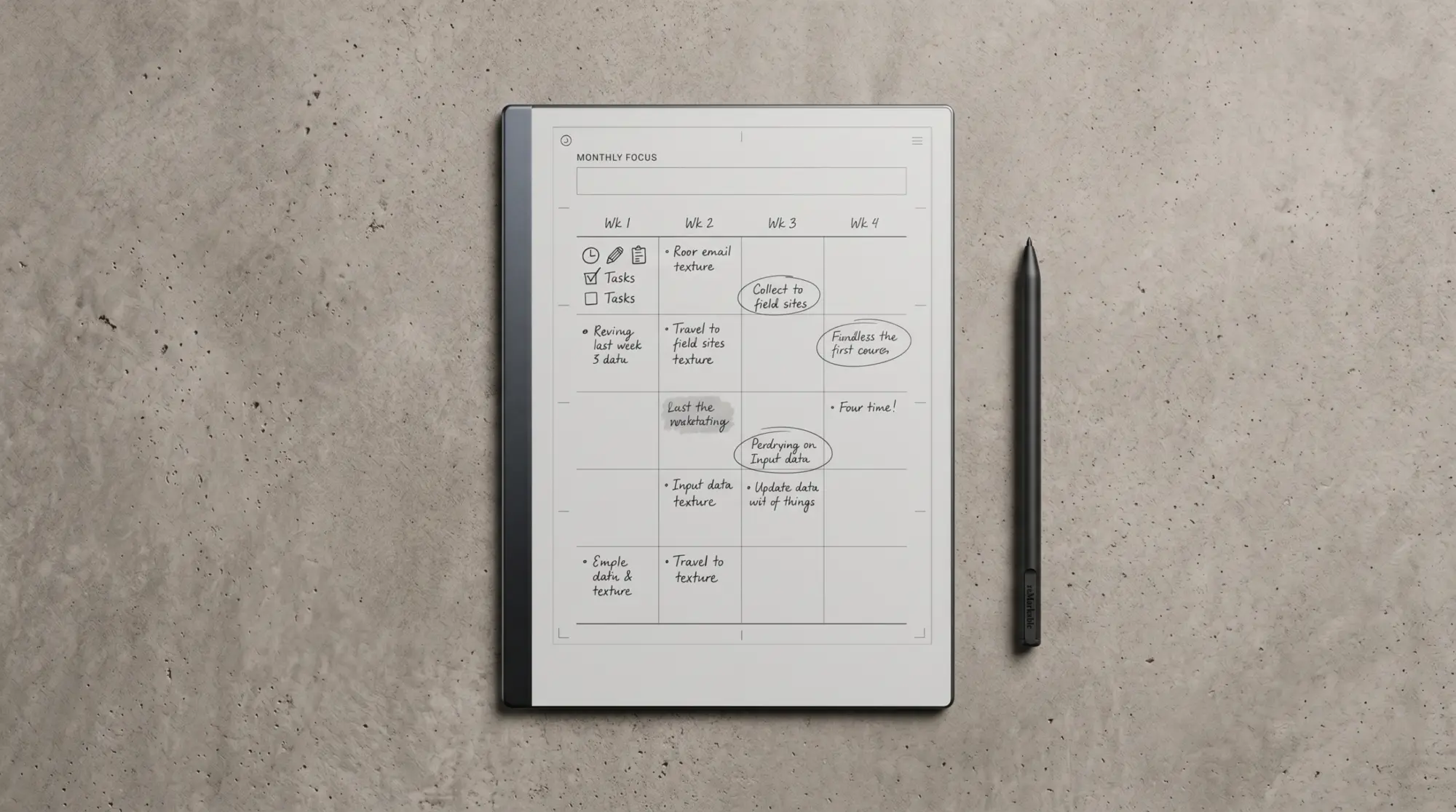
What this means for templates: design at 1404 x 1872 pixels for portrait and the file maps one-to-one to the device’s pixel grid. Stroke weights of 2 to 3 pixels at this resolution render as visible-but-not-dominant lines, which is the right weight for form lines on a planner or notebook template. Designing at a higher resolution and downscaling is the common alternative; it works, but the math is unnecessary if the source tool can output at native pixels.
| Device | Display | Native portrait pixels | PPI |
|---|---|---|---|
| reMarkable 2 | 10.3″ mono | 1404 x 1872 | 226 |
| Paper Pro | 11.8″ colour | 1620 x 2160 | 229 |
| Paper Pro Move | 7.3″ colour | 954 x 1696 | 264 |
Reading the table: the reMarkable 2 template size sits between the smaller Paper Pro Move and the larger Paper Pro on every dimension. A template designed at rM2 native renders correctly on the rM2 only; on the Paper Pro it gets padded with empty space (the Paper Pro screen is larger), and on the Move it gets cropped (the Move screen is smaller). For multi-device support, design separate files at each native size.
Variants
Landscape, orientation, and edge margin specifics
Landscape templates on the reMarkable 2 use the same pixel count, just transposed: 1872 x 1404 pixels. The device handles orientation at the notebook level, not the template level; you select portrait or landscape when creating a notebook with the template. A template designed at portrait will render rotated if you select landscape orientation, which usually fails because text and form lines are no longer where you expect them.
Edge margins matter regardless of orientation. The reMarkable 2 trims a small amount when it renders a template, and the bottom toolbar covers about 60 pixels when active. Designing with at least 80 pixels of safe-zone margin on every edge keeps your form lines visible and the navigation toolbar from clipping content. For a planner spread, that means the actual usable area is around 1244 x 1712 pixels rather than the full 1404 x 1872. Worth knowing before you cram content to the edges.
The actual usable area is around 1244 x 1712 pixels rather than the full 1404 x 1872. Worth knowing before you cram content to the edges.Variants section
Pitfalls
Common reMarkable 2 template size design pitfalls
Three issues account for most reMarkable 2 template size questions in the community forum. First, designing at letter or A4 size and assuming the device will scale cleanly. It does scale, but the result loses pixel-level sharpness because the rM2’s display does not use a clean integer ratio of either format. Native pixel design is the only path to maximum sharpness. Second, exporting at 72 DPI from a slide tool (PowerPoint, Keynote, Google Slides). Slide tools default to screen resolution; the rM2’s 226 PPI is closer to print resolution. Override the export to 226 DPI explicitly.
Third, using pure black for form lines. The reMarkable’s e-ink screen renders pure black as competing with handwriting; 30 to 40 percent grey (or 102-128 on the 0-255 scale) recedes and lets the ink read as the foreground. The same template at the same pixel size with grey lines vs black lines reads completely differently when filled in. We cover the design tool side in reMarkable template creator, and the install side in reMarkable template installer.
If you have hit a reMarkable 2 template size edge case we did not cover (specific design tool quirks, multi-device pipeline questions, edge-margin variations on different firmware versions), drop it in the comments. The dimension specifics get small but matter; reader-flagged edge cases are how this post stays accurate as firmware updates change behaviour.
FAQ
Common questions, answered briefly
What is the reMarkable 2 template size in pixels?
What is the reMarkable 2 screen size and resolution?
Can a reMarkable 2 template work on the Paper Pro?
What stroke weight should reMarkable 2 template form lines use?
Should reMarkable 2 templates be PNG or PDF?
If yours isn’t above, drop the question in the comments and we’ll fold it in next refresh.
People also ask