For the broader buyer’s guide on running a remarkable planner across the lineup (which device fits, native templates vs PDF imports vs paid apps, free vs paid tradeoffs, and the Kindle Scribe comparison), see the pillar.
Filter
How to filter the best reMarkable 2 planner templates
Searches for reMarkable 2 planner templates land on dozens of roundups that read the same: a screenshot grid, a sentence per pick, a download button. The honest filter that matters more is whether a planner template survives a real month of daily use without being abandoned. The picks below are filtered by that test, not by visual polish.
Three filters narrow the field fast for reMarkable 2 specifically. Native pixel resolution (1404 x 1872 at 226 PPI) over scaled letter-size designs that softens line work. Light grey form lines (30 to 40 percent black) over pure black grids that compete with handwriting. A clear single-format focus (weekly OR daily OR monthly) over generic “planner library” packs that try to cover everything in one zip file. Templates that pass all three almost always end up in the daily rotation.
Picks
Best reMarkable 2 planner templates by format
| Format | Best paid | Best free | Best for |
|---|---|---|---|
| Weekly spread | Templacity weekly | Templacity free pack | Most planners; the default pick. |
| Daily log | Studio bundles | Community PDFs | Heavy daily writers. |
| Monthly calendar | Multiple options | Free abundant | Date reference, not primary planning. |
| Year-at-a-glance | Bundled in studio sets | Limited free options | Long-range visibility. |
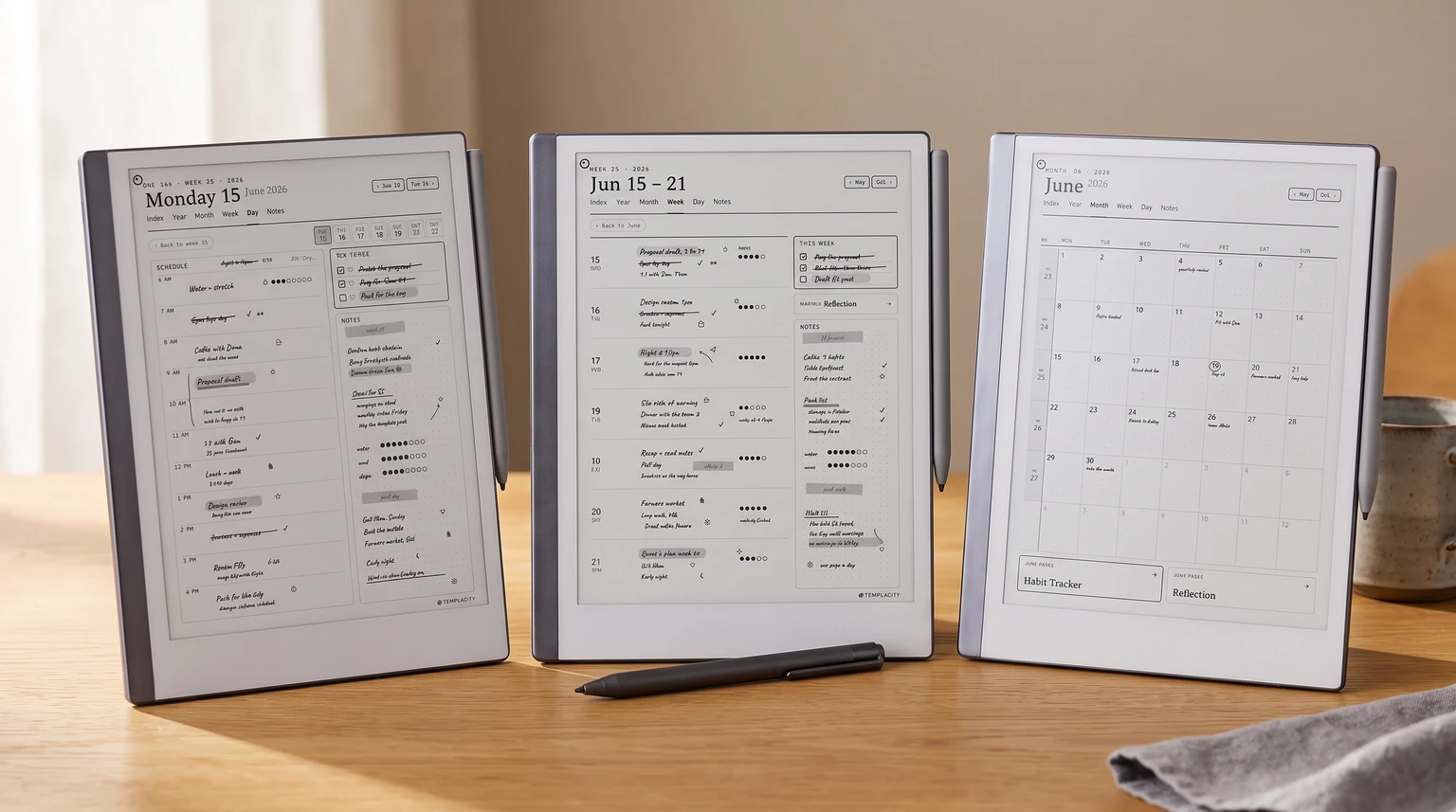
Read the table by which format fits how you already plan. For most people the weekly two-page spread does the daily work. The daily log earns its place if you write a lot each day, the monthly calendar works as a date reference rather than the main plan, and the year-at-a-glance is somewhere to look things up rather than somewhere to plan.
Weekly
Weekly reMarkable 2 planner templates worth installing
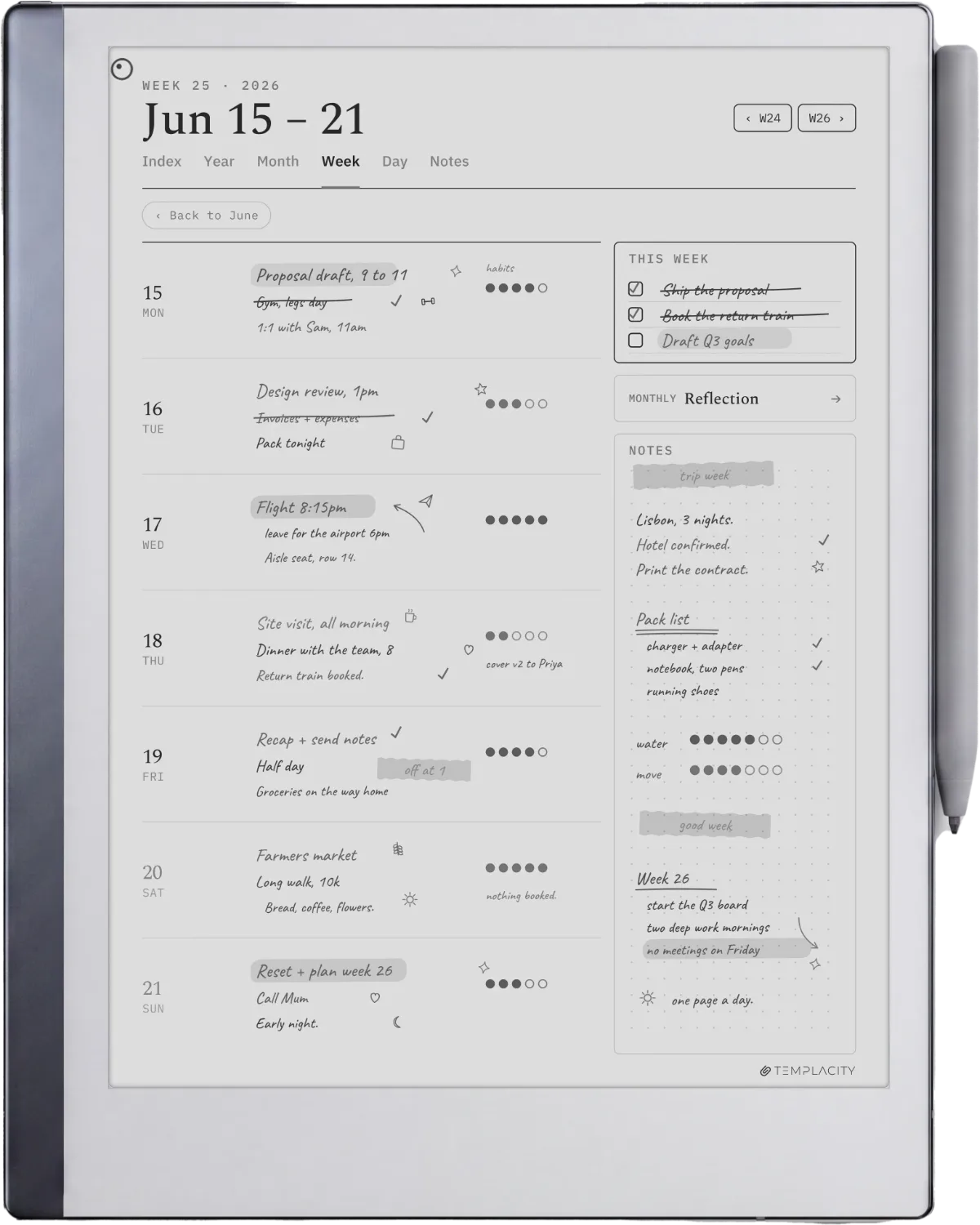
The weekly two-page spread is the most common reMarkable 2 planner template format because it is the shape most planners think in. The standard pattern: one page for the week’s outline (priorities, themes, big tasks) and one page for daily blocks (Monday through Sunday in seven horizontal lanes). The reMarkable 2’s 10.3-inch portrait screen handles this layout cleanly when sized at 1404 x 1872 native pixels.
What separates the best weekly templates from the merely pretty ones: explicit day labelling (so you do not write the day name every week), a small notes zone outside the daily lanes (catch-all for week-spanning items), and a layout that survives being half-filled. Designs that look balanced empty often look cramped when actually used; weekly templates that survive daily use are the ones that work at any fill level.
Daily
Daily log reMarkable 2 planner templates
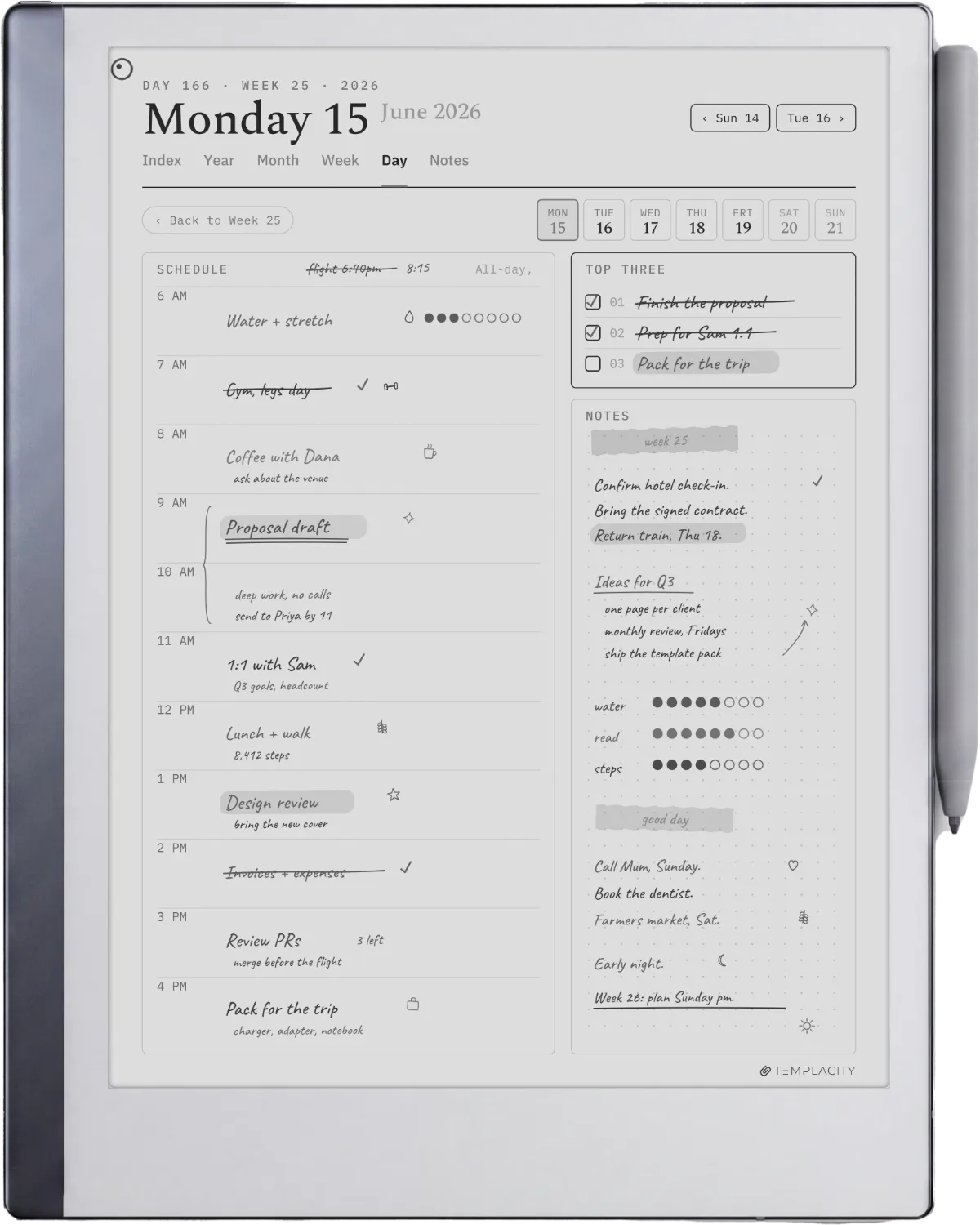
Daily logs are the second-most-common reMarkable 2 planner template format. The standard pattern: a date header at the top, a priorities or top-three section near the top, a wide notes area filling the middle, and a small reflection zone at the bottom. The whole page is one day. Format suits people who write more than two short bullet points per day and want the space without the structure of a weekly spread.
The honest trade-off: a daily template ships as a single template file, which means you either reuse the same file every day (writing on a fresh page each time) or generate 365 pages a year. The reMarkable handles both elegantly because the device treats every page as its own writable surface. Multi-page PDFs work as refillable planners; single-page templates work as Notebook entries. Most readers pick whichever fits the install method they prefer.
For most people the weekly two-page spread does the daily work.Picks section
Monthly
Monthly calendar reMarkable 2 planner templates
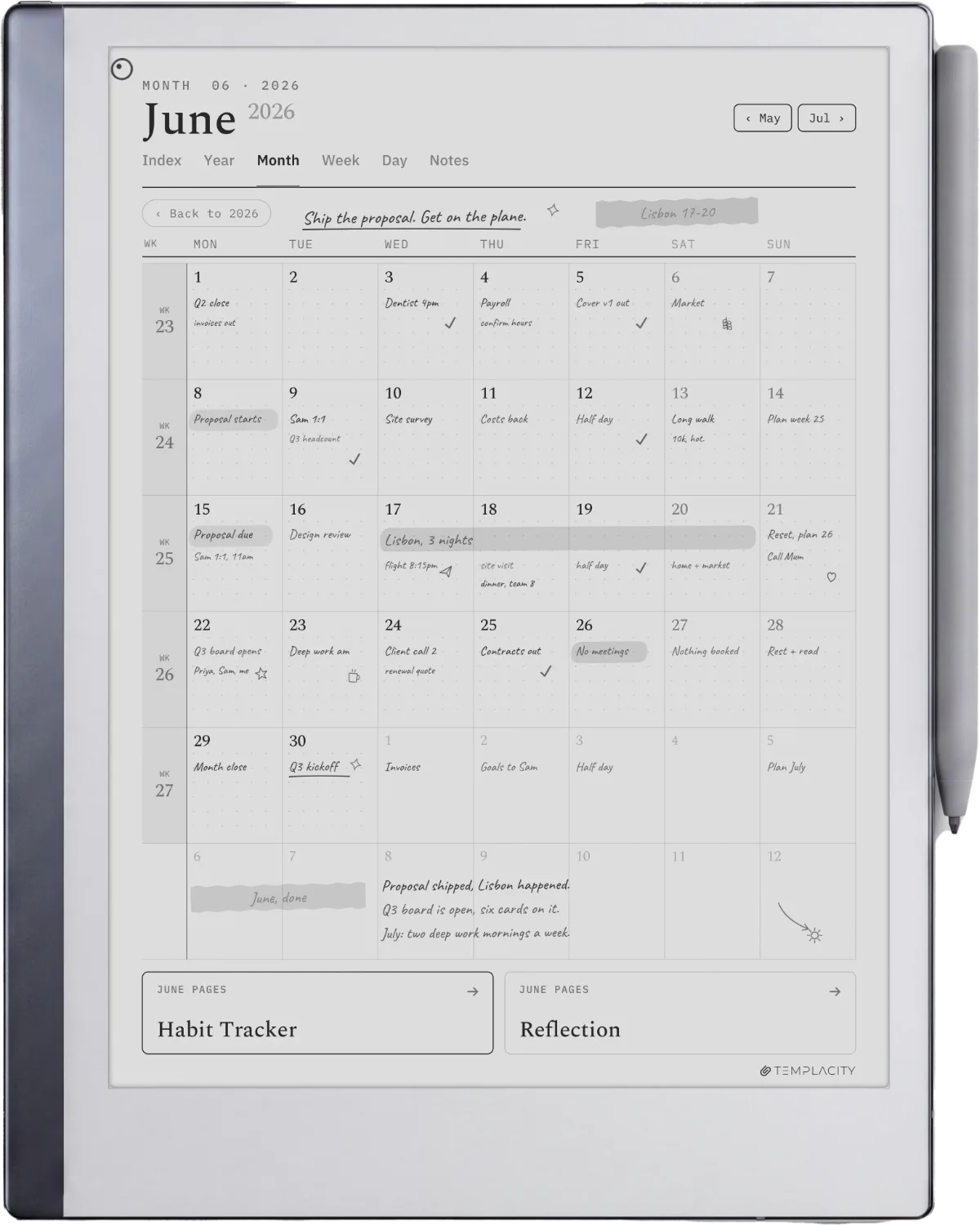
The monthly calendar is the third reMarkable 2 planner template format with reliable free options. The standard layout: a 5 by 7 grid (week rows, day columns), the month name at the top, small note zones at the edges. The format usually stays close to the standard wall-calendar shape because that layout is universally readable and the writing space is small enough to glance at, large enough to write a short event in.
The honest use case: monthly calendars on the rM2 work as date reference more than primary planning. The boxes are small (about 1.5 by 1.5 inches each), which fits short event labels and not much else. For actual planning, the weekly spread is the right tool; for “what date is the third Tuesday of November,” the monthly calendar wins. Keep both installed if you plan in mixed timeframes.
Free
Where to get free reMarkable 2 planner templates
Nearly every search for reMarkable 2 planner templates carries the word free, and that word covers three different things: what reMarkable publishes itself, what the community shares, and what your device already shipped with. Only the first of those has an address you can check, so start there.
reMarkable’s own library is the part most roundups skip. Methods publishes templates and workbooks from named creators, reMarkable itself among them. A handful are free to take, Meeting minutes and Daily to-dos among them, and the rest of the catalogue sits inside Connect, which runs a free trial and then costs $3.99 a month (checked July 2026). If you already pay for Connect to get the cloud sync, you are also paying for a template library you may never have opened.
The community route is much larger and far less consistent. Files circulate on GitHub and in the reMarkable subreddit, and the quality runs from careful vector PDFs to screenshots exported at the wrong size and quietly rotated. The filter test higher up this page is the fastest way to sort them, and it costs you one minute: open a single page at full zoom before you trust the whole set.
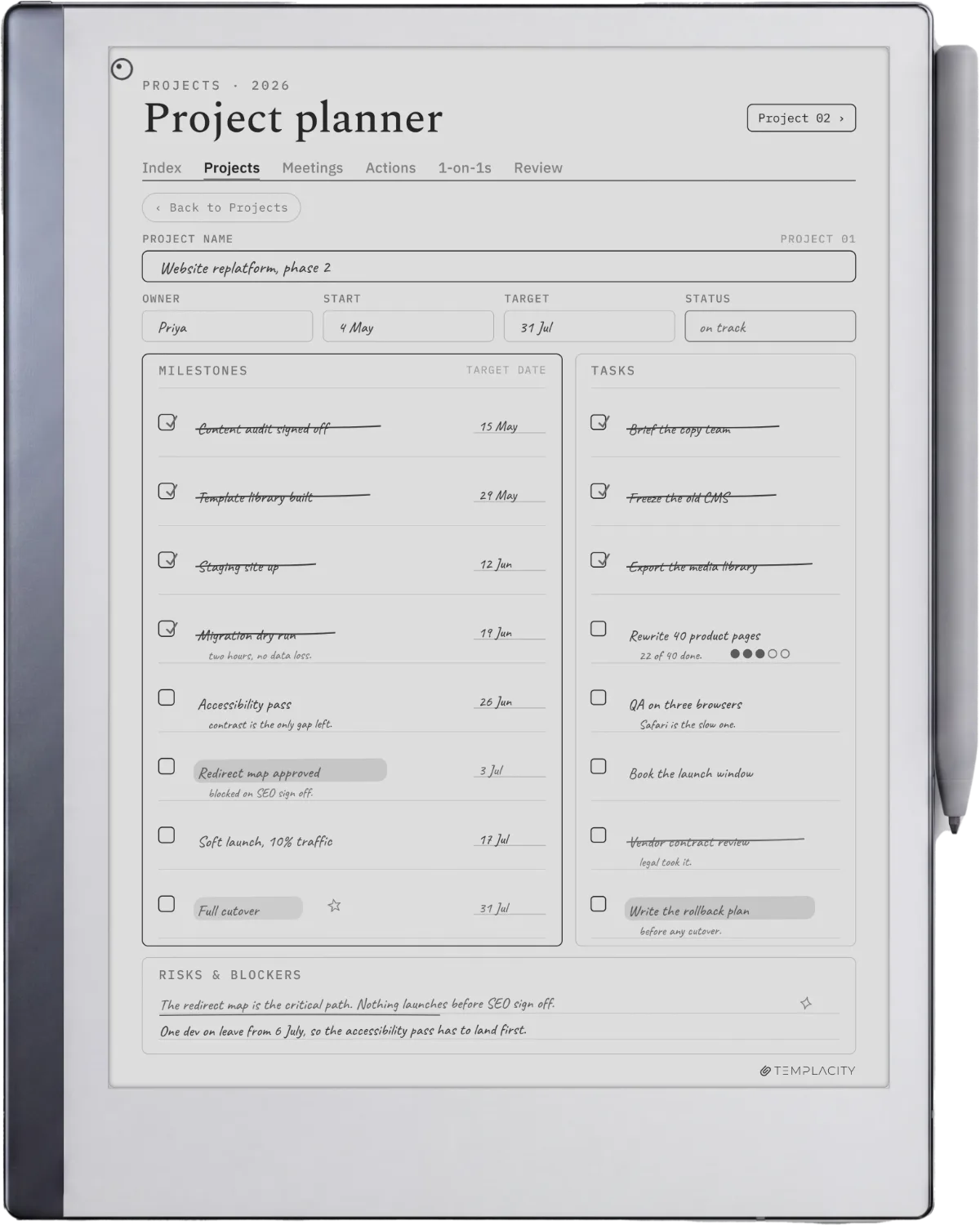
What free rarely includes is the part that makes a planner a planner. A single weekly page is quick to draw and quick to give away. The hyperlinked navigation between year, month, week and day, and the dated pages sitting behind it, is the slow part, and it is why free sets usually stop at one or two formats. That is a fair trade if you plan in one format and never leave it. It stops being fair the day you want to jump from a month view to the week inside it.
One last thing worth checking before a free file goes anywhere near work: the licence. Personal-use-only terms are common on community templates and easy to miss, because the download is usually a bare PDF with no terms attached to it at all.
Decide
Pick the reMarkable 2 template for how you plan
Three formats, three planning rhythms. Read across the row that matches yours.
| How you plan | The template | Why |
|---|---|---|
| You think in weeks, plan on Sunday | Weekly two-page spread | The most-used layout here; one spread per week, tasks beside the days |
| You run a daily list and time-block | Daily log page | One page per day, an hourly column next to a task and notes zone |
| You track dates across months | Monthly calendar | A month grid for short event labels; pair it with the weekly for real planning |
| You want all three, cross-linked | A full planner bundle | Weekly, daily, and monthly hyperlinked together in one file |
Install
How to install reMarkable 2 planner templates
Two install paths work for reMarkable 2 planner templates. RCU (reMarkable Connection Utility) is the recommended GUI: connect over USB, drop PNGs into the Templates panel, save. The templates appear in the Notebook Templates menu within seconds. Manual SSH is the alternative: edit templates.json, drop PNGs into the templates folder, restart xochitl. We unpack both paths in reMarkable template installer.
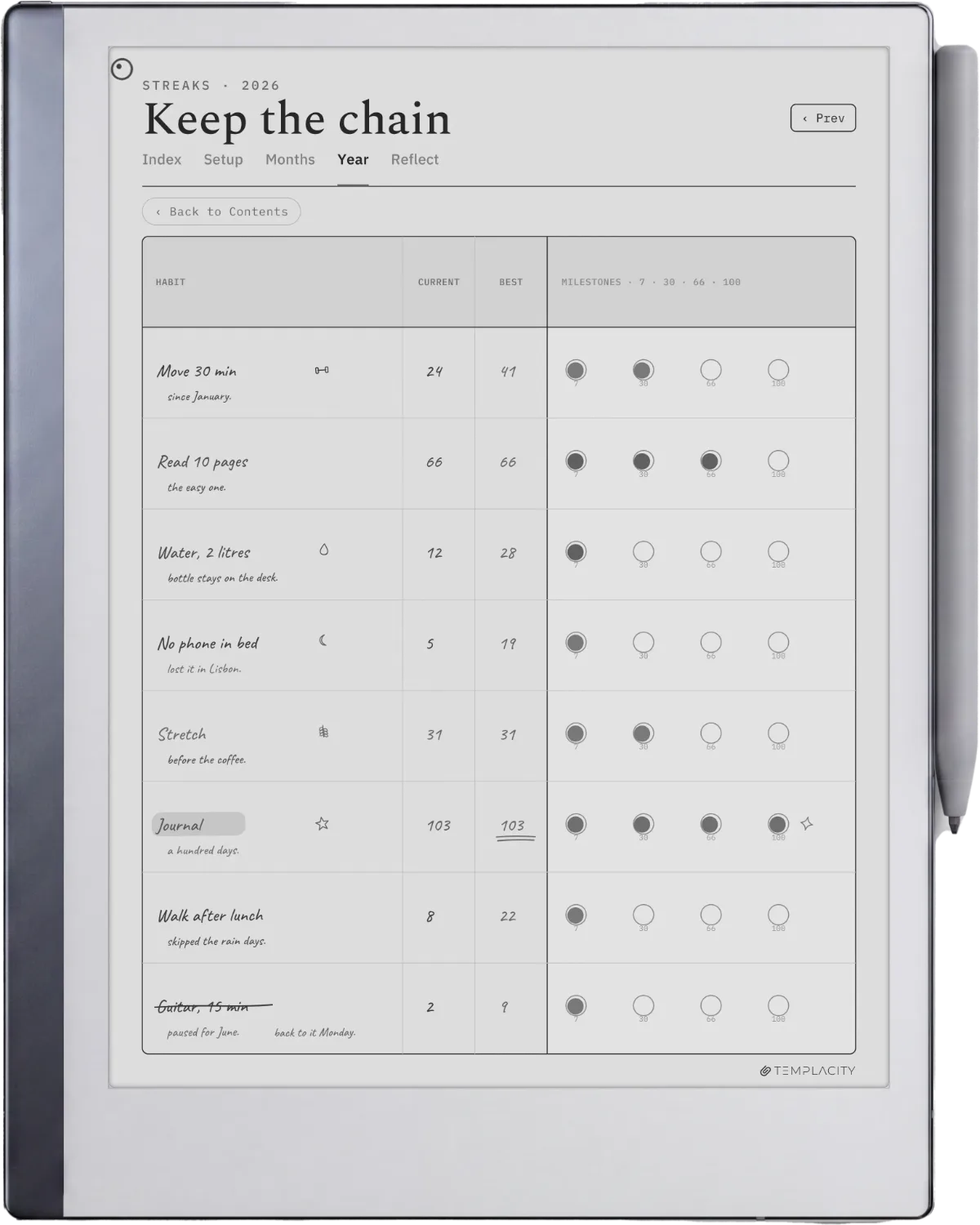
What does not work as of firmware 3.20: installing reMarkable 2 planner templates through the official desktop or web app. The official app uploads PDFs and EPUBs to your library but cannot add custom entries to the Notebook Templates menu. PDF-format templates work as imported documents you write on; PNG-format templates need RCU or SSH to land in the Templates menu proper. Both paths produce the same writing experience once installed.
If you have reMarkable 2 planner templates that survived your own monthly use test (especially community ones from outside the obvious subreddit threads), drop them in the comments. The roundup gets refreshed monthly and reader-suggested sources are how the post stays current.
FAQ
Common questions, answered briefly
What are the best reMarkable 2 planner templates in 2026?
Are there free reMarkable 2 planner templates that are actually good?
What pixel size should reMarkable 2 planner templates be?
How do you install reMarkable 2 planner templates?
Do reMarkable 2 planner templates work on the Paper Pro?
Are the free templates on reMarkable Methods enough on their own?
If yours isn’t above, drop the question in the comments and we’ll fold it in next refresh.
People also ask