The current version
What the 5.19.6 Kindle Scribe software update actually changed
The current Kindle Scribe software update is 5.19.6, and Amazon dates it July 2026. Most of the coverage that followed it reported that Amazon had published nothing about the release, so nobody could say what it did. That is not true. Amazon publishes per-device release notes and links them straight from its software updates page, and for 5.19.6 the entry reads, in full: “Performance improvements, bug fixes, and other general enhancements.”
That is the whole entry. No new writing tools, no new reading features, nothing to hunt for in Settings after it installs. If you updated in the last week and went looking for what changed, the honest answer is that you were not meant to notice anything, and you are not missing a menu.
This matters more than a boring changelog usually would, because a Kindle Scribe software update is the first thing people reach for when a feature they read about is not on their device. It is almost never the answer, and the version table below is why.
The version table
Every Kindle Scribe is running the same version
Amazon keeps a public table of the current version for every Kindle it still supports. Checked on 11 August 2026, every Scribe on it sits on the same build, and so do the newest reading Kindles. The devices that have fallen behind are the older non-Scribe models.
| Current versionAug 2026 | Cloud connectionsOneNote, OneDrive, Drive | |
|---|---|---|
| Kindle Scribe, 3rd Generation | 5.19.6 | Yes |
| Kindle Scribe without Front Light | 5.19.6 | Yes |
| Kindle Scribe Colorsoft, 1st Generation | 5.19.6 | Yes |
| Kindle Scribe, 2024 release | 5.19.6 | No |
| Kindle Scribe, 2022 release | 5.19.6 | No |
| Kindle Colorsoft, 1st Generation | 5.19.6 | Not a Scribe |
| Kindle Paperwhite, 12th Generation | 5.19.6 | Not a Scribe |
| Kindle, 11th Generation, 2022 release | 5.19.2 | Not a Scribe |
| Kindle Oasis, 10th Generation | 5.18.2 | Not a Scribe |
Read the first two columns together and the shape of the problem appears. A Scribe bought in 2022 is on exactly the same build as one bought in 2026. Whatever separates them, it is not the Kindle Scribe software update either of them is running.
That last point is worth stating plainly, because it is the source of a lot of confusion. Amazon hosts a separate release-notes URL for the 2022 Scribe, the 2024 Scribe, the 3rd Generation and the Colorsoft. We fetched all four on 11 August 2026 and compared them. They are the same file. The notes describe what the software release contains, not what your particular device is capable of running.
The release before this one
The features you are probably hunting for shipped in 5.19.5
If you are looking for the release that actually added something, it is 5.19.5, which Amazon dates June 2026. Four items, described here the way Amazon describes them:
- Story So Far. Spoiler-free recaps that take you up to the point you have read, so you can return to a book without backtracking through chapters. Amazon limits it to thousands of best-selling English language Kindle books you have bought or borrowed.
- Moving sticky notes. Tap and hold the icon, then drag it around the page. There is also a “Move note” action in the three-dot menu.
- Structured outlines. Draw a circle and it snaps to neatened annotations, in eBooks with enhanced typesetting and in Word documents.
- Bookmarks in Page Flip View. Tap the bookmark icon on a page thumbnail instead of hunting for the top right corner while reading.
If none of those are on your device and you are on 5.19.6, the update is not the missing piece. Something else is, and it is usually one of two things: the feature is limited by book or file type, as Story So Far is, or your device is on the wrong side of a hardware line.
The hardware line
Why a Kindle Scribe software update will not unlock cloud sync
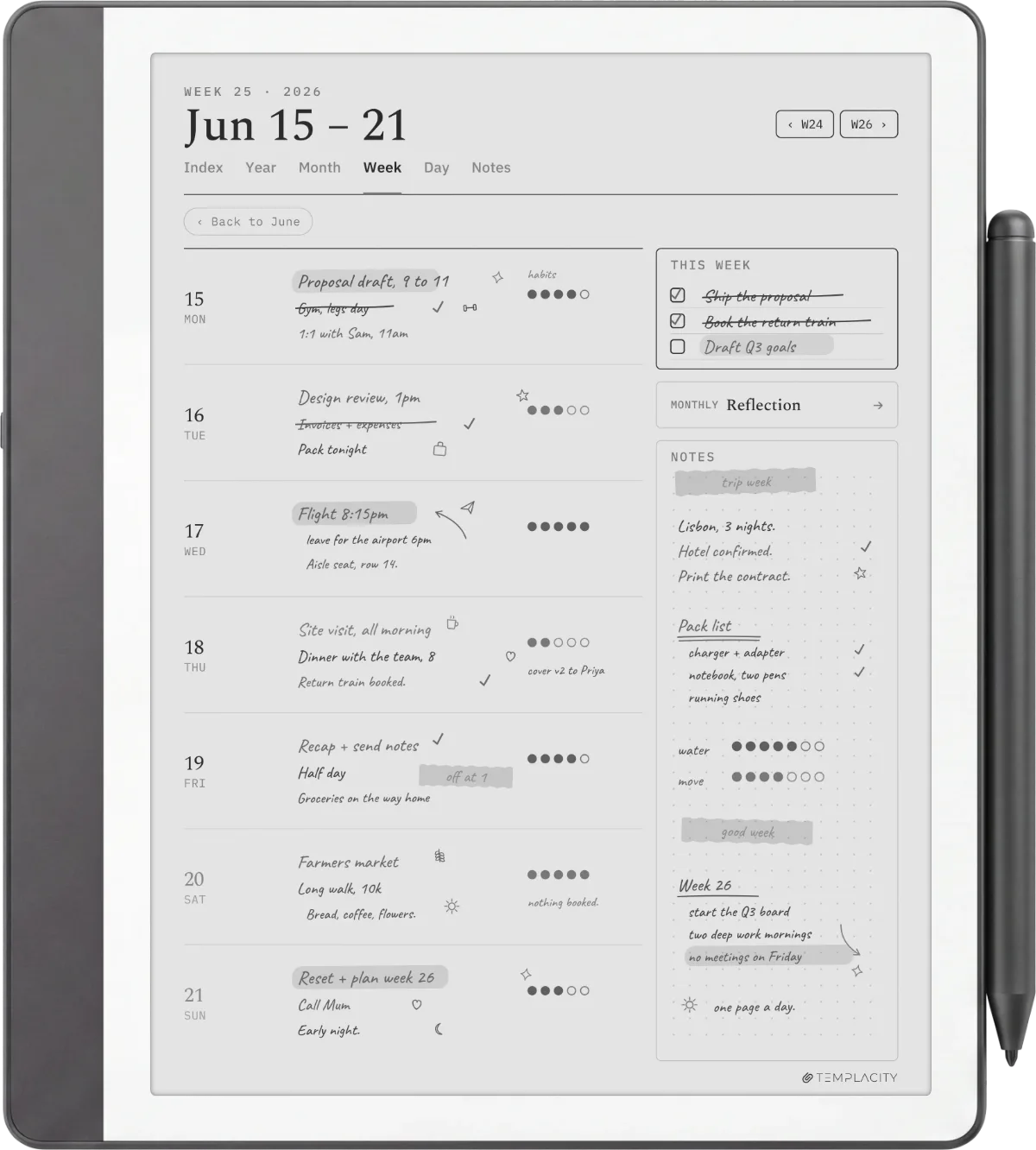
The Google Drive, Microsoft OneDrive and Microsoft OneNote connections are the features people most often chase with a firmware install, and they are the clearest case of an update not being the answer. Amazon’s requirement is one sentence on its own help pages: you need a Kindle Scribe released in 2025 or later.
A Scribe bought in 2022 is on exactly the same build as one bought in 2026, so whatever separates them, it is not the update either of them is running.On the version table
Registration and an internet connection are also required, along with a Google or Microsoft account, but those are the easy half. The device year is the half that no Kindle Scribe software update can move. A 2022 or 2024 Scribe will not show the option however many times you reinstall, sign out, or reset. If that is the feature you bought the device for, the answer is a newer Scribe, and our Kindle Scribe OneNote integration walkthrough covers what the connection does once you have the hardware for it.
When it will not install
How to force the update when it will not arrive on its own
Updates normally download and install by themselves over wifi. When one stalls, Amazon documents a manual route, and it is worth following exactly, because the folk version of these instructions that circulates in forums sends people to a Settings path that does not exist on a Scribe.
-
1
Download the update file
On a computer, download the file for your exact model from Amazon’s software updates page. Model names matter here; a 2024 Scribe and a 3rd Generation Scribe take different files.
-
2
Connect the Kindle
Turn the Kindle on and connect it to the computer with the charging cable.
-
3
Copy the file across
Drag the downloaded file onto the “Kindle” drive.
-
4
Eject the drive
On a Scribe, use the Disconnect option shown on the device screen.
-
5
Open Settings
Unplug the cable, then on the home screen tap the Menu icon, then Settings.
-
6
Run the update
Tap the Menu icon again, then Update Your Kindle, then OK.
The device restarts on its own when it finishes. Amazon’s advice after that is to leave it plugged in overnight so the library can index, which is sensible on a Scribe carrying a few hundred documents. One Mac-specific note that catches people out: macOS 10.7 and above needs extra software installed before it can transfer files to a Scribe at all.
Checking for yourself
How to read Amazon’s release notes yourself
The reason so much reporting says Amazon publishes nothing is that the notes are not on the product page or in a newsroom post. They sit behind a “View Release Notes” link next to each device on the software updates page, and each link resolves to a plain document with the last two releases on it. Nothing is gated and nothing needs an account.
It is worth bookmarking the one for your model rather than waiting for coverage. Third-party write-ups of a Kindle Scribe software update tend to appear a day or two after the file does, and when the entry is a single line about bug fixes, the write-up has to fill the space with speculation. The primary document takes ten seconds to read and settles it.
We are keeping this page current as each build lands, so if your Scribe shows a version that is not in the table above, leave it in the comments with the model and we will check it against Amazon’s own listing. The releases that change nothing are worth recording too, if only so the next person searching at midnight can stop looking.
FAQ
Common questions, answered briefly
What is the latest Kindle Scribe software update?
How do I check which version my Kindle Scribe is on?
Why does my Kindle Scribe not have the features in the release notes?
Can I install a Kindle Scribe software update manually?
Does updating fix a Scribe that will not connect to OneNote?
People also ask