What it is
What the Viwoods AiPaper is
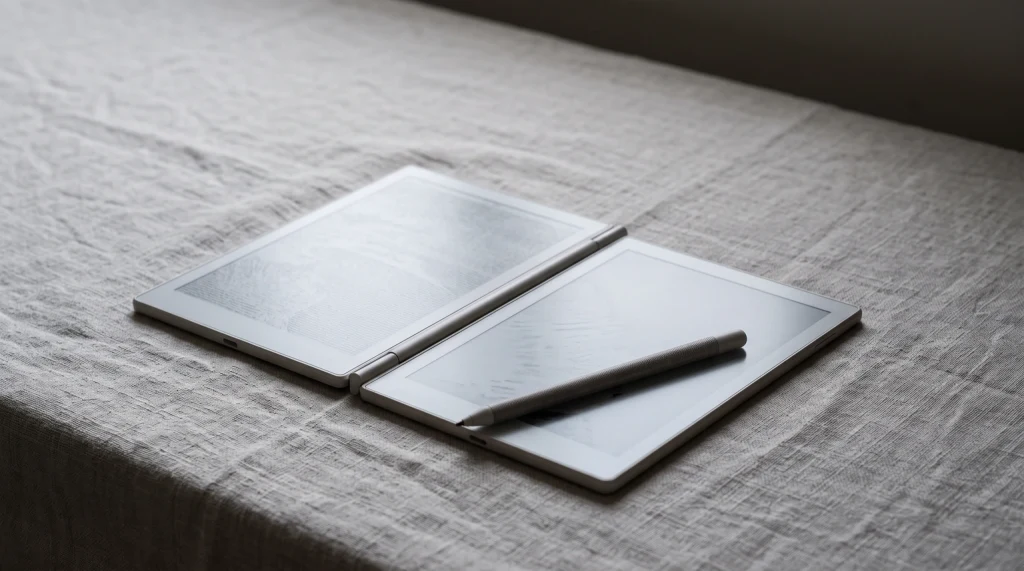
The Viwoods AiPaper is the full-size tablet from a brand that did not exist in this category two years ago. Viwoods listed it on its own store in September 2024, and in October 2026 the AiPaper product page sells one configuration: the tablet with the W2 Stylus Pro, a folio and spare tips for $549. It is an Android device built around handwriting, which puts it in the same aisle as a Boox Note Air rather than beside a closed system like reMarkable, and that is the first thing to settle before you read any further. If you want a tablet that can only ever be a notebook, this is not it. If you want a notebook that can also run your own apps, keep going.
These are the figures Viwoods puts on its own page, checked on 19 October 2026. We quote nothing it does not publish, and the section near the end lists what is missing.
- Screen: 10.65-inch E Ink Carta 1300 Mobius, 1920 x 2560, 300 ppi, no front light
- Software: Android 13
- Inside: octa-core 2.0 GHz, 4 GB memory, 128 GB storage, Wi-Fi and Bluetooth 5.0
- Body: 4.5 mm thin
- Writing: W2 Stylus Pro in the box; the same pen sells alone for $79, a C1 ceramic-tip stylus for $99, and a tip set for $19
- Price: $549 with pen, folio and tips, in stock on viwoods.com on 19 October 2026
The lineup
The four Viwoods devices, side by side
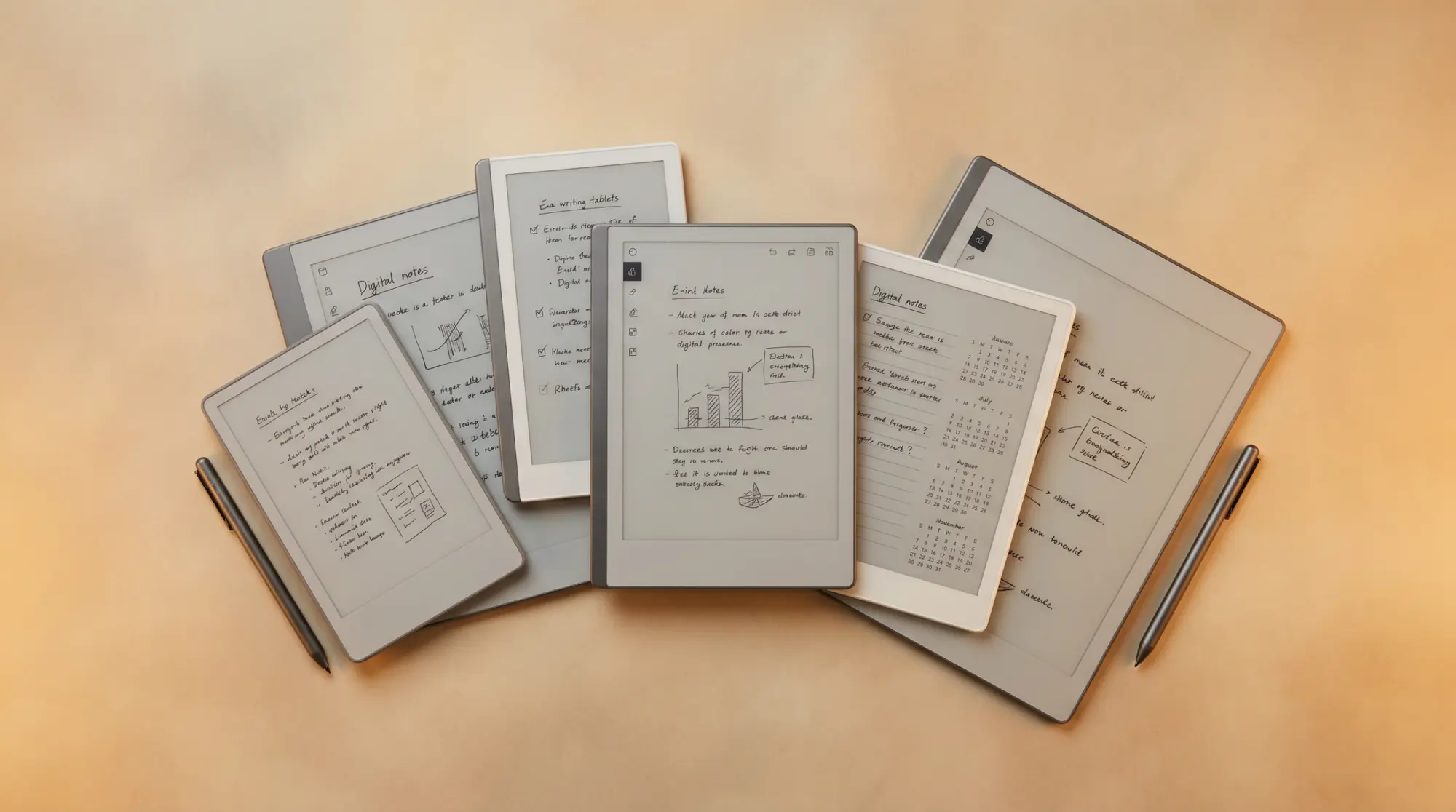
Viwoods has grown from one tablet into a four-device range in about a year, and the names overlap enough to trip people up. The AiPaper and the AiPaper Mini are writing tablets with a pen. The AiPaper Reader and the Reader C are phone-sized e-readers with no pen, added in late 2025. Only the first two belong in a reMarkable comparison.
| Device | Screen | Android | Pen | Light | viwoods.com, Oct 2026 |
|---|---|---|---|---|---|
| AiPaper | 10.65-inch Carta 1300, 300 ppi | 13 | W2 Stylus Pro included | None | $549, in stock |
| AiPaper Mini | 8.2-inch Carta 1000, 292 ppi | Not stated on the page | W2 Stylus Pro included | Adjustable | $429, in stock |
| AiPaper Reader | 6.13-inch Carta 1300 | 16 | None | Cool only | $279, in stock |
| AiPaper Reader C | 6.13-inch Kaleido 3 colour | 16 | None | Warm and cool | $289, sold out |
Two details from that table matter more than they look. The Mini is the only writing tablet in the range with a front light, which Viwoods’ own FAQ confirms by pointing anyone who wants a built-in light to the Mini. And the two Readers run Android 16 while the AiPaper, the flagship, is still on Android 13, so the newest software in the range is on the devices without a pen. Viwoods also lists a certified refurbished page for the AiPaper, the Mini and the Reader, but every variant on it showed sold out when we checked.
Who it is for
Who the Viwoods AiPaper is for
The AiPaper is for the person who keeps shopping for a reMarkable alternative because of one specific wall: no third-party apps, or no way to read in the cloud service they already use, or simply the price of a Paper Pro. It gives you a 300 ppi page that is bigger than a reMarkable 2’s and thinner than anything reMarkable sells, with Android underneath so you can decide for yourself what runs on it. The pen and folio come in the box, which is worth remembering when you compare prices, since reMarkable sells its folios separately.
It is not for someone who wants a front light, because there is none and Viwoods does not pretend otherwise. It is not for someone who writes and reads in low light most evenings; the Mini or a Paper Pro covers that. And it is not for the buyer who wants a long-lived ecosystem with years of firmware history behind it. Viwoods’ first tablet shipped in 2024, so every promise about updates is a promise from a young company, and the warranty is 14 months on the AiPaper and the Mini, functional defects only, with cost-based repairs after that.
Writing and files
Writing, templates and PDFs on the AiPaper
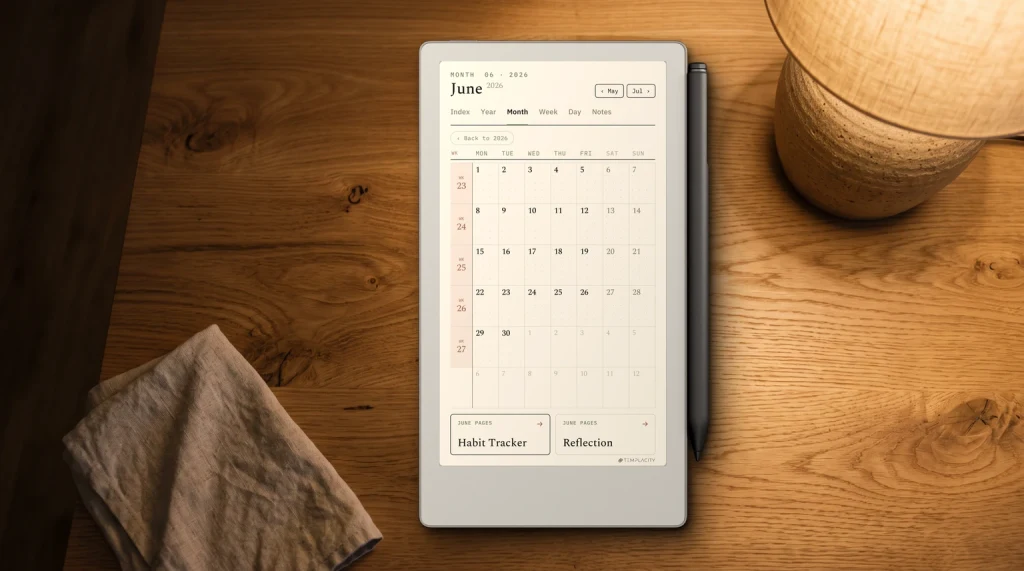
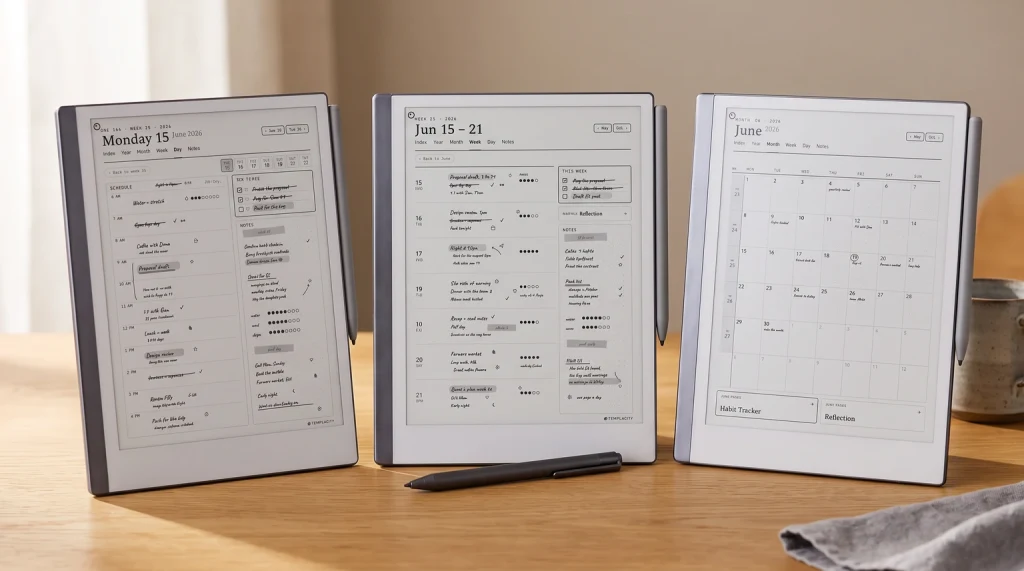
Viwoods describes the AiPaper’s note app in terms that will sound familiar to anyone who has used a Boox or a Supernote: handwriting conversion, note layers, custom templates, tags, and a set of AI tools layered on top. The product page lists custom templates as a feature of the Notes app, which is the part that matters if you buy planners as PDFs the way our readers do. What Viwoods does not publish, on the product page or in the user manuals we read, is the page size or file format a custom template needs. Until it does, treat template support as real but unspecified, and expect to test a file before you build a system on it.
PDFs are better documented. The Mini manual, revised 25 November 2025, says the Learning app imports PDF, EPUB, MOBI, AZW, PNG and JPG, and that notes export as PNG or PDF. That means a hyperlinked planner PDF opens as a document you can mark up, which is how most people use third-party planners on an Android e-ink tablet anyway, template support or not. The 1920 x 2560 page is close to a 3:4 ratio, so a planner laid out for a 10.3-inch reMarkable will show narrow margins rather than fill the screen edge to edge.
Treat template support as real but unspecified, and expect to test a file before you build a system on it.Writing, templates and PDFs
Versus reMarkable
Viwoods AiPaper vs reMarkable Paper Pro, Paper Pure and Paper Pro Move
reMarkable now sells three writing tablets new, and none of them is the reMarkable 2, which has moved to the refurbished shop. The AiPaper lands in the middle of that range on price and at the top on thinness. Prices below are reMarkable’s US starting prices with the standard Marker, read on remarkable.com on 19 October 2026.
| Tablet | Screen | Colour | Light | Apps | From (USD) |
|---|---|---|---|---|---|
| Viwoods AiPaper | 10.65-inch, 300 ppi | No | No | Android 13, your own | $549 with folio |
| reMarkable Paper Pro | 11.8-inch | Yes | Yes | Closed | $629 |
| reMarkable Paper Pure | 10.3-inch, 226 ppi | No | No | Closed | $399 |
| reMarkable Paper Pro Move | 7.3-inch | Yes | Yes | Closed | $449 |
Against the Paper Pure, the closest reMarkable on paper, the AiPaper costs $150 more and gives you a sharper screen (300 ppi against 226), a slightly bigger page, open Android and a folio in the box. Neither has a light. Against the Paper Pro you save $80 and lose colour, the reading light and reMarkable’s software, which is the real product there. The Paper Pro versus reMarkable 2 comparison explains what that software buys you. Against the Pro Move the question is page size, not price: a 7.3-inch screen is a pocket notebook and a 10.65-inch one is a desk notebook, and most people know which they are before they look at a spec sheet.
What is missing
What Viwoods does not publish, and what that means
This is the section most Viwoods AiPaper reviews skip, and it is the one we would read first. The AiPaper product page does not state a battery capacity, a weight, a pen pressure figure, or whether the Google Play Store is installed out of the box. The Mini page does not state its Android version at all. You will find numbers for all of these in forum threads and in reviews that copy each other, and some of them are probably right, but none of them is on a page Viwoods stands behind, so we do not print them. A spec a brand will not publish is a spec it does not want to be held to, or one it expects to change.
What that means for a buyer is simple. Treat the AiPaper’s hardware figures that are published (the 300 ppi Carta 1300 screen, 4.5 mm, 4 GB and 128 GB, Android 13) as the deal, and treat everything else as something to confirm with the device in your hands inside the return window. The same caution applies to the AI tools Viwoods leads its marketing with: handwriting summaries and on-page questions are features that depend on a cloud service staying up, and a two-year-old company’s cloud is a different bet from Amazon’s or reMarkable’s. The Android e-ink tablet guide covers the same trade-off for Boox and Bigme, where the brands are older but the question is identical.
Verdict
Verdict
Viwoods is new enough that the people who own an AiPaper know things no spec sheet does: how the battery holds up over a month, whether a custom template needs a particular size, what the firmware updates have changed. If you have one, or you looked at one and bought something else, tell us what decided it in the comments. We will fold the answers back into this review as the brand publishes more.
FAQ
Common questions, answered briefly
Is the Viwoods AiPaper worth it?
How much does the Viwoods AiPaper cost?
Does the Viwoods AiPaper have a front light?
What Android version does the Viwoods AiPaper run?
Viwoods AiPaper or reMarkable Paper Pro?
Can you use custom templates on the Viwoods AiPaper?
If yours isn’t above, drop the question in the comments and we’ll add it.
People also ask