The short answer
The latest reMarkable software update is 3.29
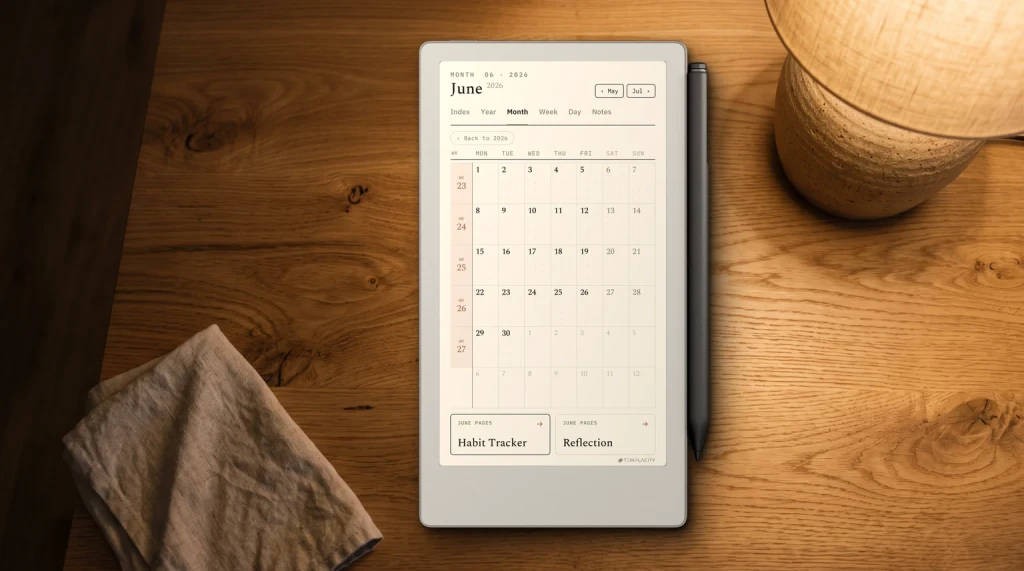
Every reMarkable software update arrives with a short release note on reMarkable’s support site, and those notes are the only source for this page. The newest, 3.29, was posted on 22 October 2026. It is a quiet release on the tablet itself and a bigger one in the apps: you can now select text inside PDFs and EPUBs in the mobile and desktop apps and copy it into slides, documents or an email. Connect subscribers can also paste that text into a reMarkable notebook.
The rest of 3.29 is housekeeping. The web app at app.remarkable.com gains search, with multi-select, filtering and sorting described as on the way. Files in the trash are now deleted automatically after 30 days, which is worth knowing before you treat the trash as an archive. The Meeting Notes Tool now shows three days (72 hours) of calendar events, up from a shorter window, and reMarkable says it changed how orientation works so the tablet rotates by accident less often. For the wider tour of what the device does, start at the reMarkable guide.
September
What 3.28 added: the Capture Tool and more pen colours
3.28, posted on 3 September 2026, is the release with the feature people search for by name. The Capture Tool lets you draw a loop of any shape around part of a page and turns what is inside into an image on your clipboard. It is built for reference material: a diagram from a PDF, a chart from a report, a block of a planner page, or your own handwriting, pasted into a notebook where you are working. reMarkable’s support page states plainly that it does not need a Connect subscription.
The same release brought four more things. The EPUB reading view was redesigned, with easier font and layout choices, new fonts, better formatting and nicer ebook thumbnails. The share button moved into the main toolbar. Convert to Notebook can now pull JPG and PNG files from Dropbox, Google Drive or OneDrive, each into its own new notebook. And the black-and-white tablets got green, yellow, cyan and magenta as extra pen colour options, with the grays tuned so they are easier to tell apart. One caution: reMarkable’s own Toolbar page still lists only black, white and gray for the reMarkable 1 and 2, so the release note is the newer word. Our reMarkable 2 colour post covers what the mono screen actually shows.
How it works
Capture Tool versus the selection tool
The Capture Tool lives inside the selection tool, so the two are easy to confuse. The selection tool picks up strokes: you lasso handwriting, then move, scale, rotate, copy, cut, mirror or convert it to typed text, and every stroke stays editable. The Capture Tool flattens whatever you circle into one image. That is why it works on a PDF page, where the content is not your ink, and why it cannot be converted to text afterwards.
Open the foldout
Tap the selection tool in the toolbar to open its foldout menu, then tap Capture.
Draw the loop
Draw around the content in any shape. When the loop closes, the area is copied to the clipboard as an image.
Paste and place
Tap anywhere with the Marker to paste it. The capture can be selected and moved later, in that notebook or another one.
Deselect before writing
While a capture is selected, the Marker moves the image instead of drawing. Tap outside it first, then write.
Pick by what you want to do next. If the content is your own handwriting and you may edit or type it up, use the selection tool; our reMarkable move text guide walks every option. If the content is printed, or you only need it as a visual reminder, use Capture. Pages you annotate this way usually start life as imported files, and the reMarkable 2 PDF guide covers how they get onto the tablet.
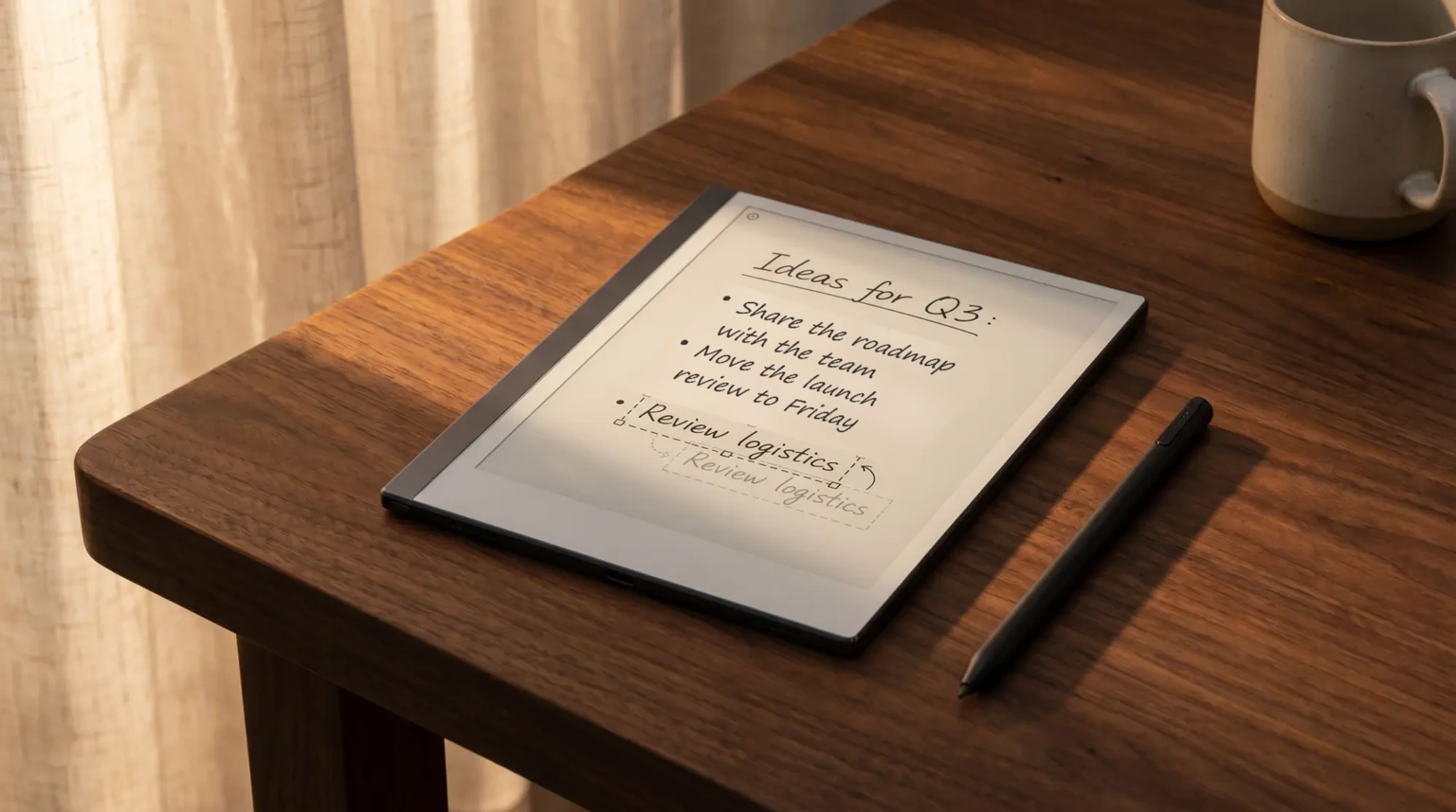
The selection tool picks up strokes; the Capture Tool flattens whatever you circle into one image.From the Capture Tool section
Version history
Every recent reMarkable software update at a glance
Three releases cover 2026 from May onward. Dates are when reMarkable posted each note, which is the date the support site records; updates reach individual tablets over the following days, and reMarkable does not publish a per-device schedule. The Connect column says only what the note or the feature’s own page says, and “not stated” means exactly that.
| Version | Notes posted | Headline changes | Connect needed |
|---|---|---|---|
| 3.29 | 22 Oct 2026 | Copy text from PDFs and EPUBs in the apps; web app search; trash auto-deletes after 30 days; Meeting Notes shows 72 hours | Pasting into notebooks and Meeting Notes, yes; copying text out, not stated |
| 3.28 | 3 Sep 2026 | Capture Tool; EPUB reading refresh; share button in the toolbar; four new pen colours on mono tablets; images from cloud drives; web app drag and drop | Capture Tool, no; image import uses Convert to Notebook, a Connect feature |
| 3.27 | 6 May 2026 | Create meeting note; Convert and share (formerly Create a link); drag images into notebooks; web articles as notebooks; Screen Share in the web app; single pages to Google Drive or OneDrive | Meeting notes, Convert and share and image drops, yes; Screen Share and page sending, not stated |
Read across the three and a pattern shows. The free tablet keeps gaining tools that work on the page in front of you (Capture, pen colours, the reading view), while the features that move content between the tablet, your calendar and your other apps mostly sit behind reMarkable Connect. If a feature from these notes does not appear on your tablet, that split is the first thing to check.
Still the same
What no reMarkable update has changed yet
Two questions come up after every release, and both answers held on 23 October 2026. First, custom templates: reMarkable’s Templates page, last revised on 4 September 2026, still says the way to use your own design is to import it as a PDF and duplicate it before writing on it. Nothing in 3.27, 3.28 or 3.29 adds an official installer, which is why the routes in our reMarkable template installer guide still matter.
Second, Kindle books. reMarkable’s Ebooks page states that Kindle books are not compatible and cannot be read on the tablet, and that DRM-protected files cannot be opened. The 3.28 reading refresh improves EPUBs you already own; it does not open Amazon’s store. Our Kindle books on reMarkable post covers the workarounds that do exist. If you also own a Scribe, Amazon’s side of the same question lives in our Kindle Scribe software update tracker.
Keeping up
How we keep this reMarkable software update page current
We rewrite this page when reMarkable posts the next release note, and every line above is checked against that note and the feature’s own support page rather than against forum reports. Version numbers on forums sometimes run ahead of the published notes; we wait for the note. If an update has changed something on your tablet that is not listed here, or a feature from these notes has not reached you, tell us in the comments on the reMarkable hub. Owner reports are how we spot the gaps between the notes and the device.
FAQ
Common questions, answered briefly
What is the latest reMarkable software update?
What is the reMarkable Capture Tool?
Does the Capture Tool need a Connect subscription?
Can the Capture Tool turn captured text into typed text?
Can you copy text from a PDF on a reMarkable?
People also ask